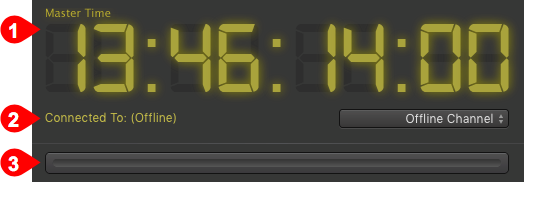
This is how the control area of an offline channel looks like.
| Offline channelIf you are connecting to an offline channel, the: "Master Time" will appear in yellow color Connected To: information shows (Offline) buffer area is empty, which represents the just:out engine state. All other parts of the user interface looks the same, does not matter if it is an Online or Offline channel. |