Type A: Single Source Using Pass-Through Channel
Activate the Live Input in the Configuration window to switch between a Single Live Input Source and the Video Playout without any additional hardware using the built-in “Switch to Live” function (pass-through mode).

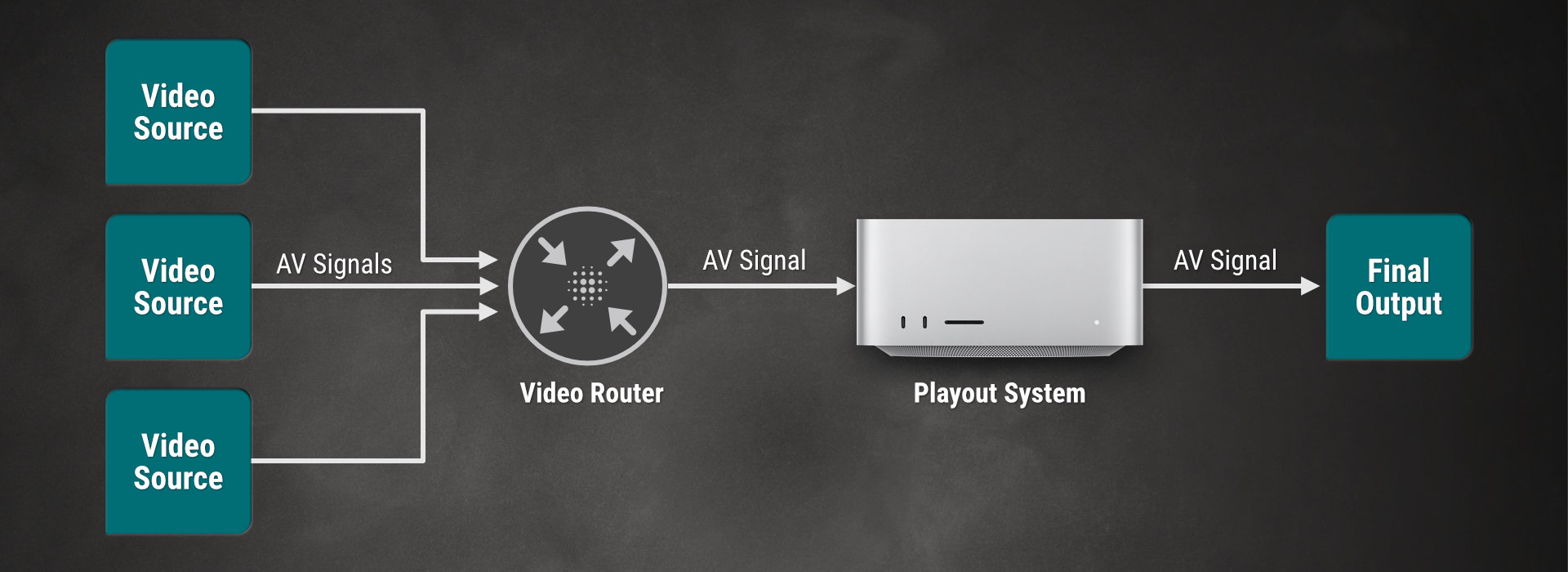
Type B: Multi-Source Using Pass-Through Channel
Activate the Live Input in the Configuration window and use a Router to select the correct Video Source, if you have more than one Live Input Source and you want to use the pass-through mode.