
General Notes
This software runs on macOS Sonoma (14.8.x), macOS Sequoia (15.7.x) and macOS Tahoe (26.4.x). macOS Sequoia and macOS Tahoe are recommended.
Installation Notes
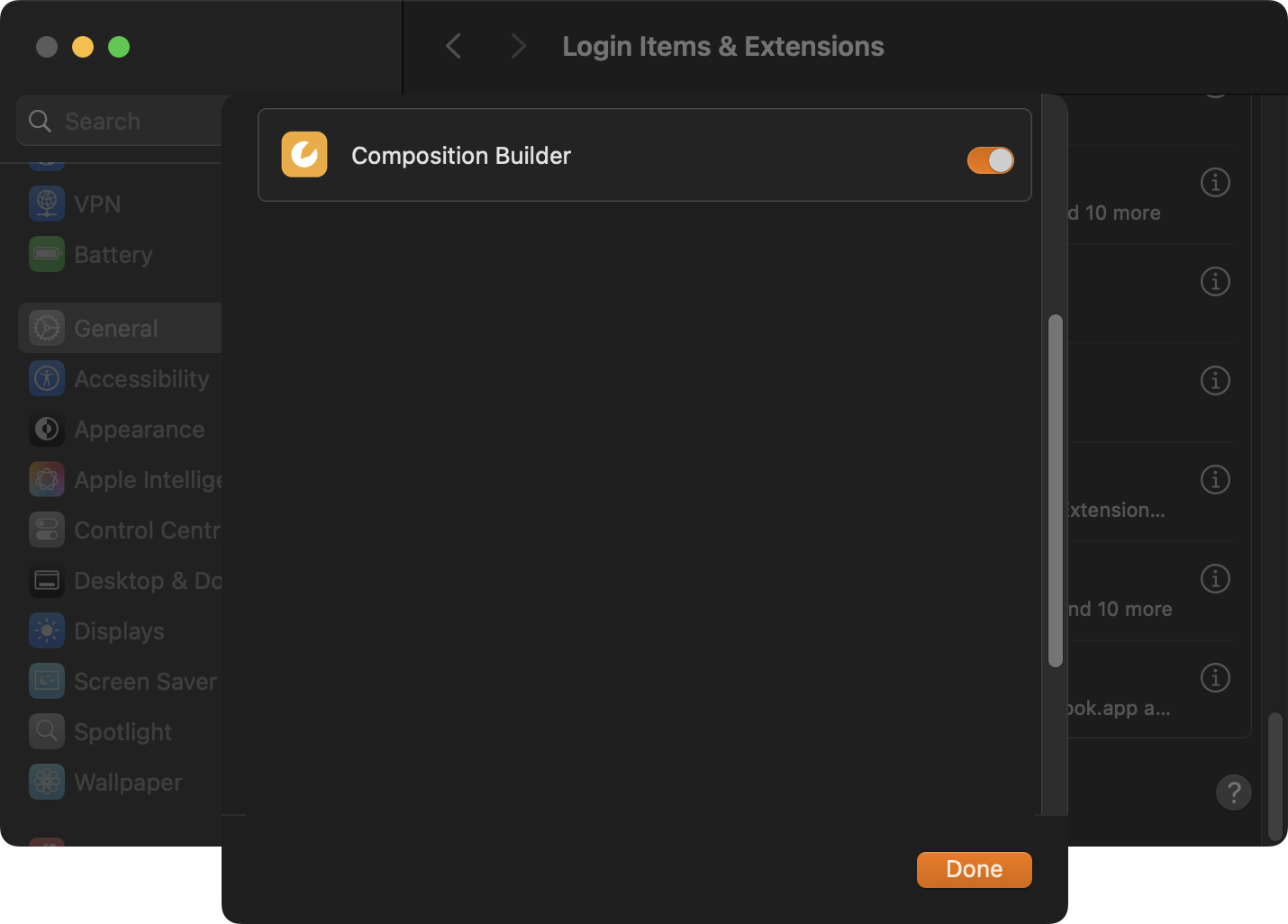
After the installation of the Composition Builder application (part of the Just Playout bundle), please run it once to ensure that macOS has properly registered the application under “System Settings → General → Login Items & Extensions”. This will grant that all Template Thumbnails will be shown while working in Composition Builder of selecting a real-time graphics template in either Just Live Pro 202x or Just Play Pro 202x.
Version 2025/2026 Changes
The Composition Builder application for macOS is optimized exclusively for Apple silicon hardware (M1-M5) to provide you with the best performance and experience.
If you are planning to use Composition Builder on INTEL-based Macs (MacPro7,1 or Macmini8,1) please consider using version 5.0! Please contact the ToolsOnAir staff (sales@toolsonair.com) for more information. Nevertheless, we will, of course, continue to support our customers who still have certified Intel-based Macs running qualified versions of Composition Builder v.5.0.Apple silicon: macOS Sonoma (14.8.x), macOS Sequoia (15.7.x) and macOS Tahoe (26.4.x).
macOS Sequoia and macOS Tahoe are recommended!
The Composition Builder v.2025/2026 application is a 64-bit application and runs exclusively on Apple silicon chipsets.
New “just out engine output” component which allows repositioning and scale the currently playing video/live event using the new processing pipeline within the Just Out engine application.