
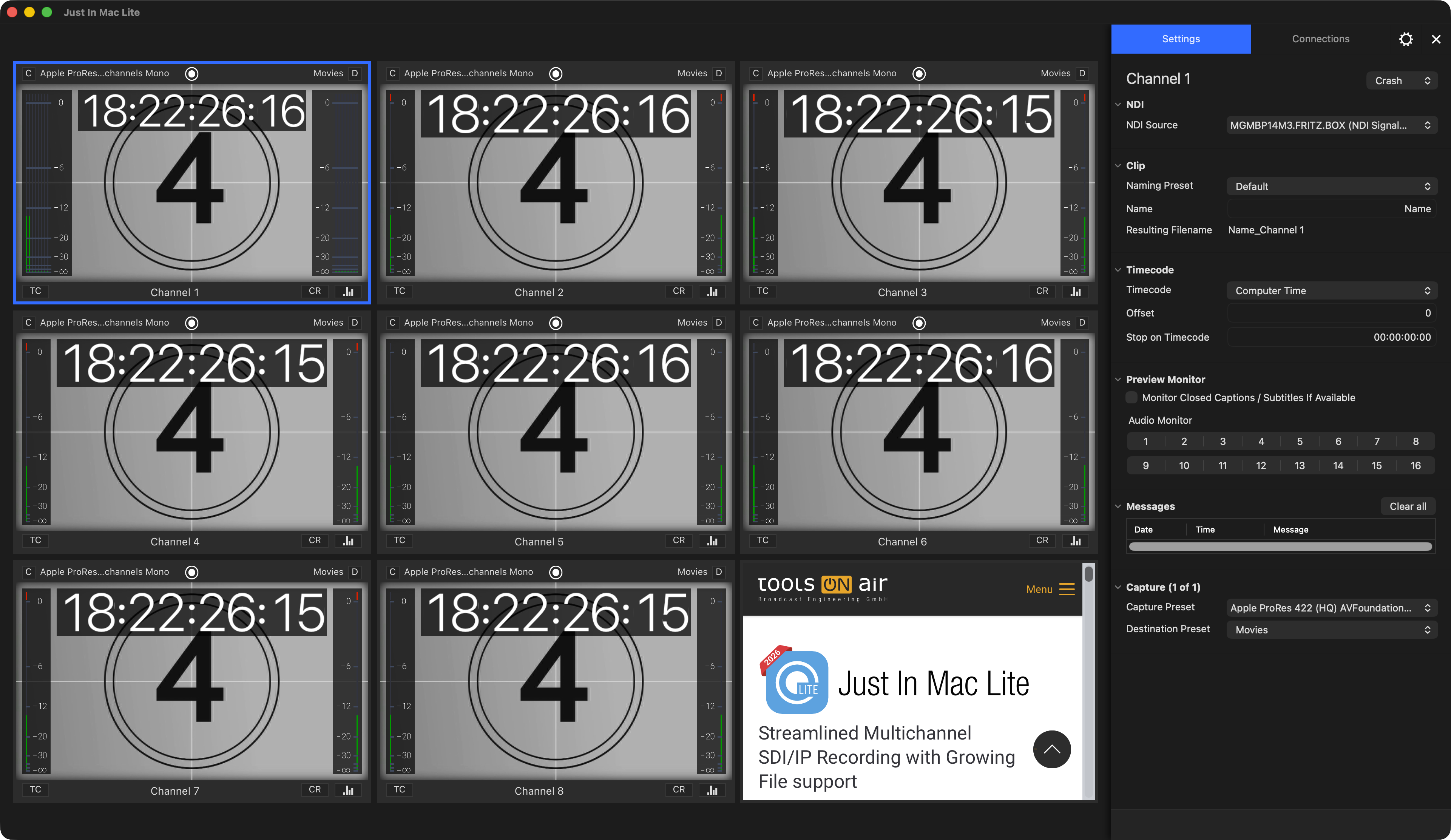
The following chapters explain the user interface of the Just In Mac Lite NDI 2026 application. You will learn how to:
Connect to Channels.
Work with Channels.
Customize the User Interface.
Use the Inspector to adjust Channel Settings and to start/stop Recordings.
Just In Mac Lite NDI User Interface
The User Interface controls and manages Channels
It enables you to you create, modify & manage various device settings, capture & destination presets.
The Just In Mac Lite NDI 2026 user interface provides a Realtime Video, Audio, and Timecode Preview of the Channel and allows selecting Capture- and Destination-Presets for the selected Channel(s).
It is used to execute Recordings, using one of the available Capture Modes (Crash or Schedule).
The application has access (if granted) to the macOS Calendar application and can therefore receive scheduled recording events in Schedule Mode.