
Before proceeding, you must stop the Channel by deactivating the checkbox. Stopping the channel will also stop the Just Live Lite engine output.
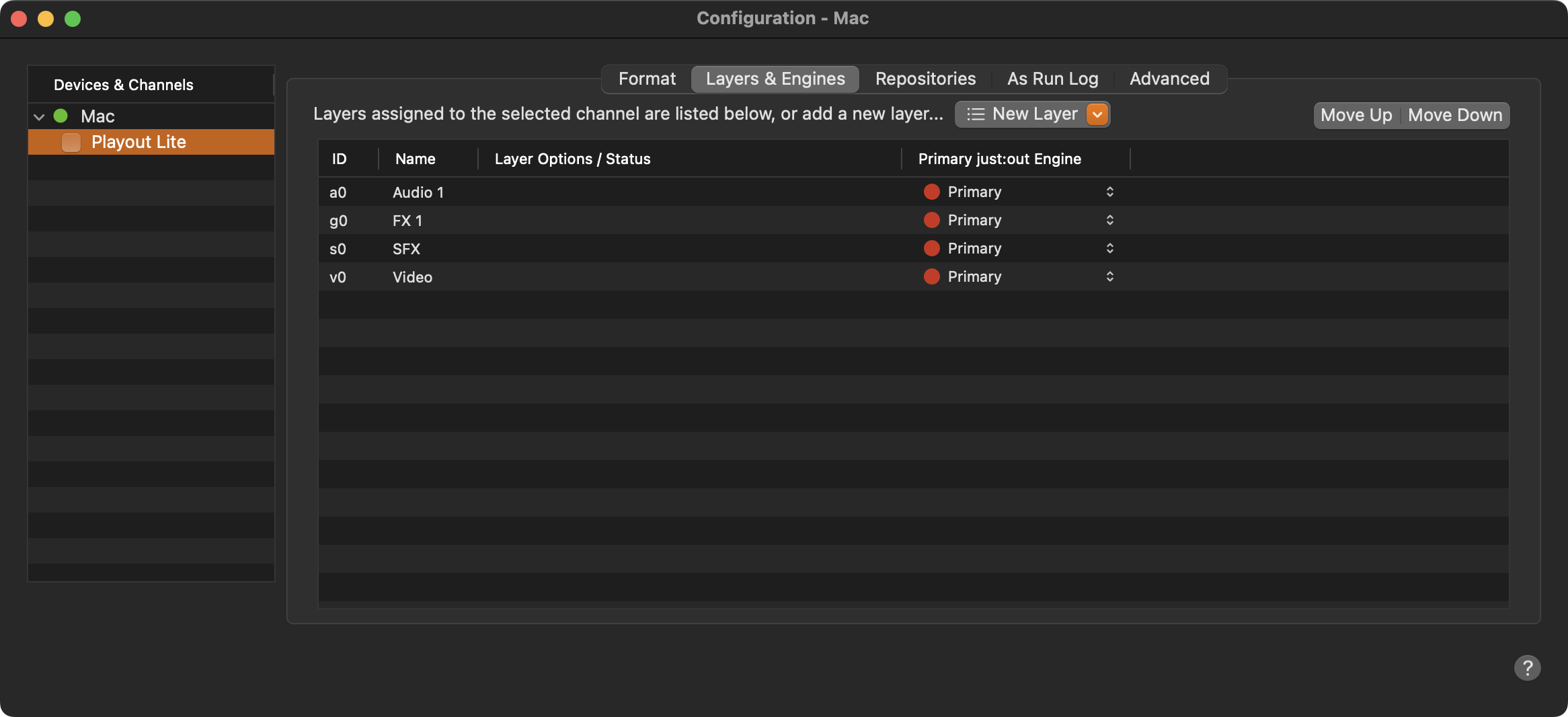
New Layer: Allows to add an available but not activated layer to the channel.
Move Up/Down: Move the selected Layer up or down. The final visual output will be in the order defined here (top to bottom).
ID: Unique ID, used to identify the Layer within the XML Playlists.
Name: Name of a Layer. Double-click to change it. The Layer names will be displayed in the Just Live Lite user interface. Use less than four characters, otherwise the name will be shortened.
Layer Options / Status: Once an Infinite Graphic has been defined in the Inspector of the Just Live Lite user interface, the chosen graphics element is shown here.
Primary Just Live Lite Engine: Shows the name of the Playout Engine.