Just Control provides a single user interface for the Just In (includes Live Cut), Just Live and Just Play solutions, that allows to visualise and control up to 64 channels at the same time. When using Just In Channels, the Multi Viewer interface is the main control and configuration interface for all capture operations.
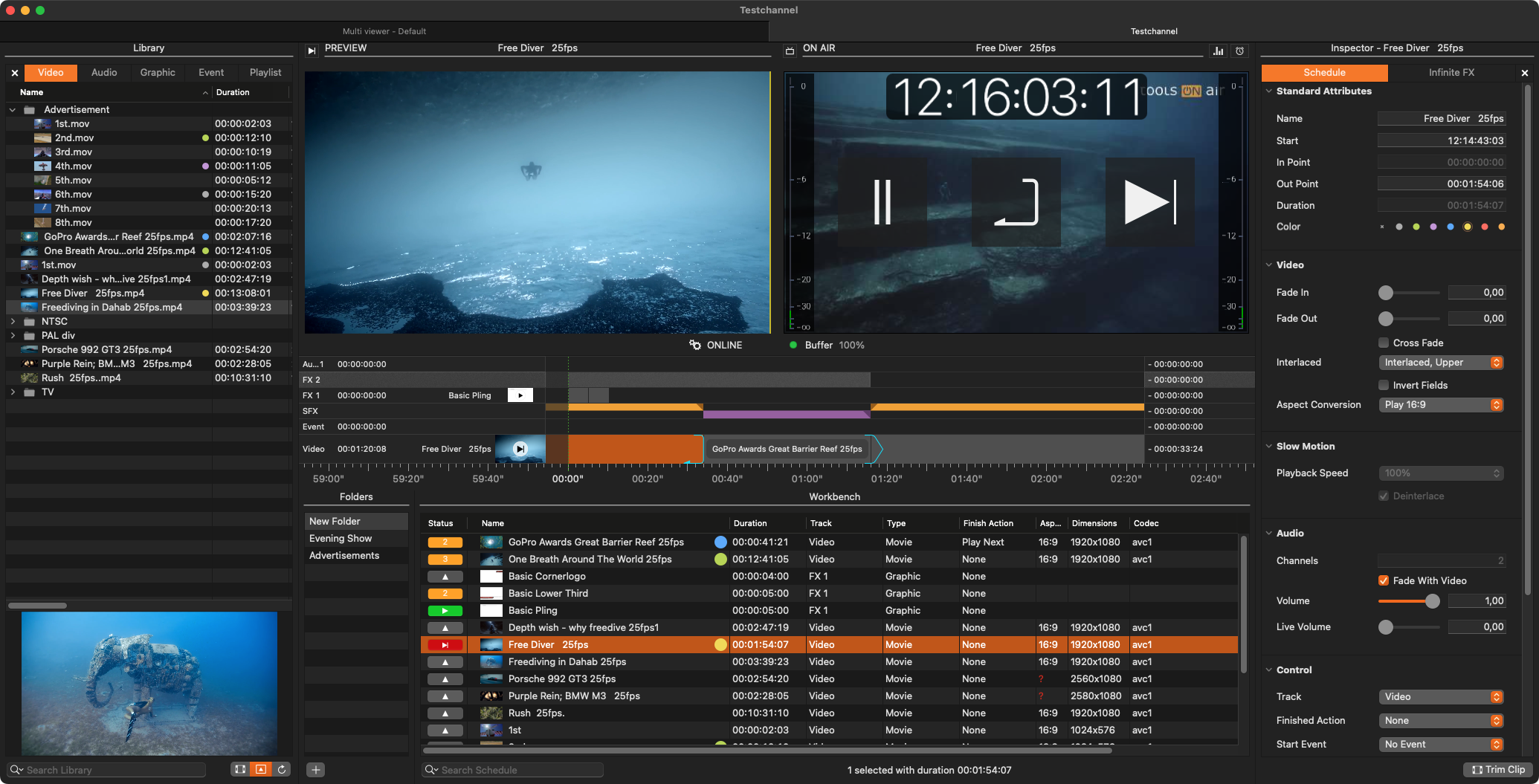
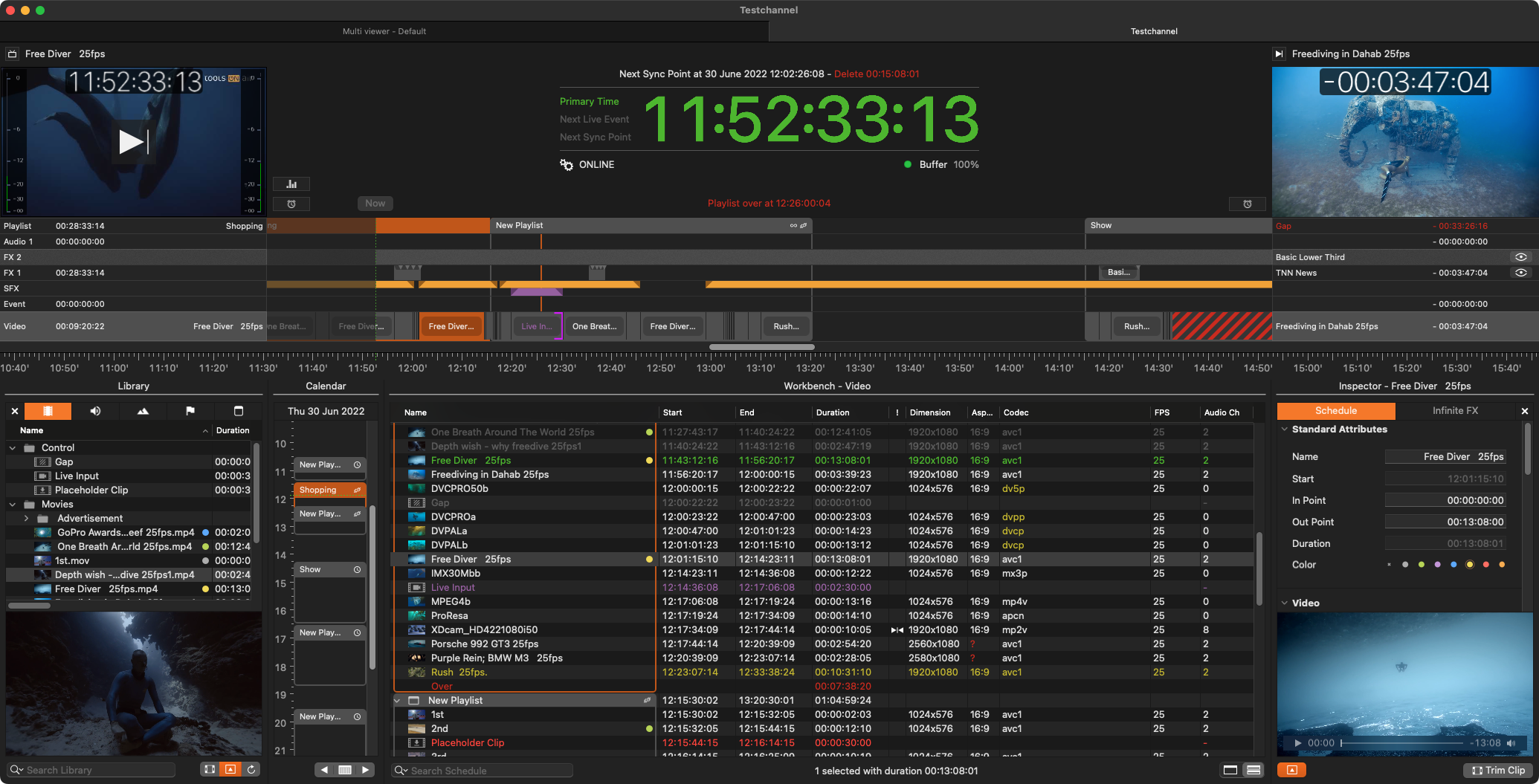
In contrast to the capture solutions, two different interfaces are available for the respective playout scenarios:
Just Live for Live Production Playout
Just Play for Master Control Playout
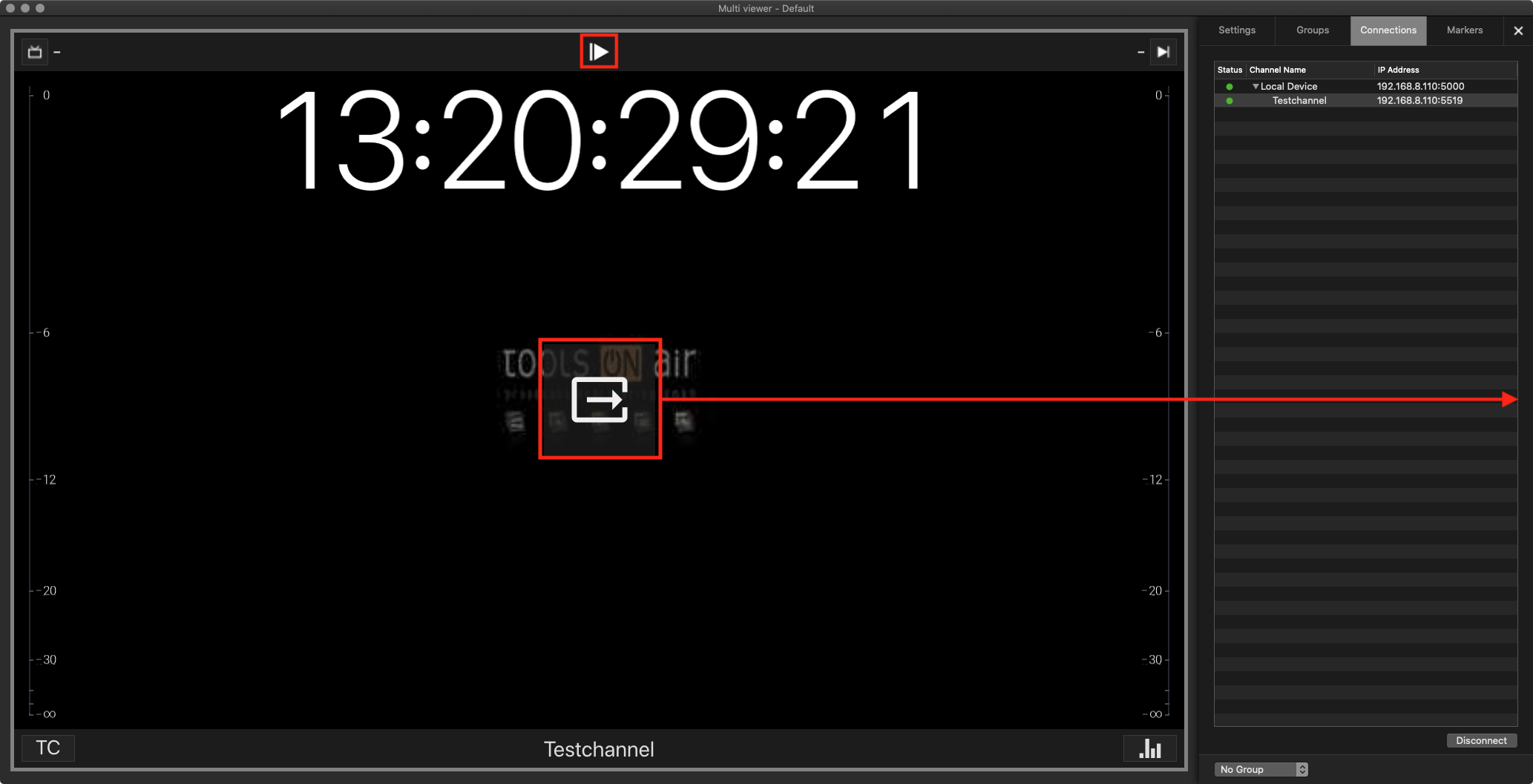
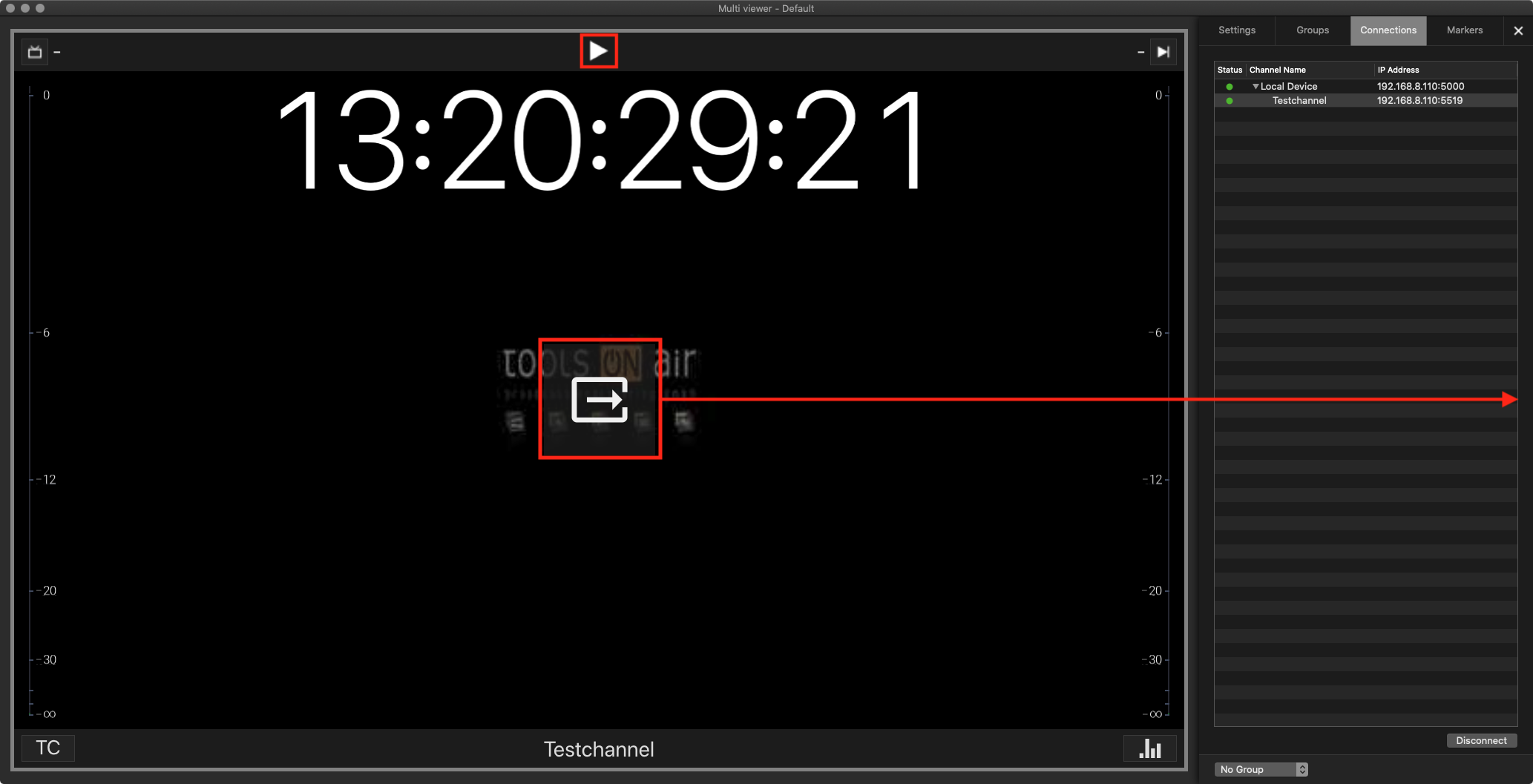
To open the dedicated Just Live or Just Play user interfaces, simply click on the “Open” button in the middle of a Playout Channel Viewer.