
When an error or problem occurs Just In will inform you about that by displaying a message in the appropriate Channel Viewers.
Lost Channel Connection
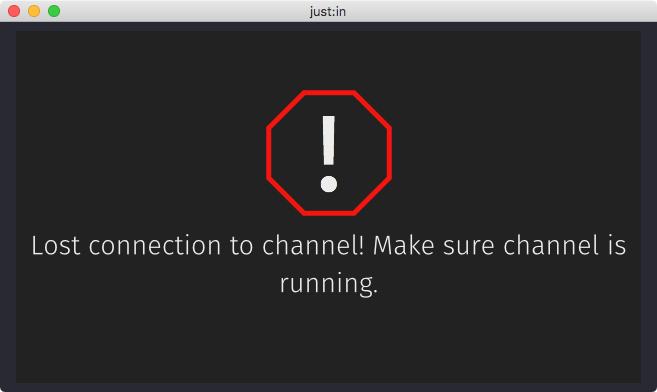
- Can be related to a network connectivity problem.
- Verify the connection between the Just In and Just In Engine.
- As soon as the connection to the Channel can be re-established this message vanishes automatically.
Signal Loss
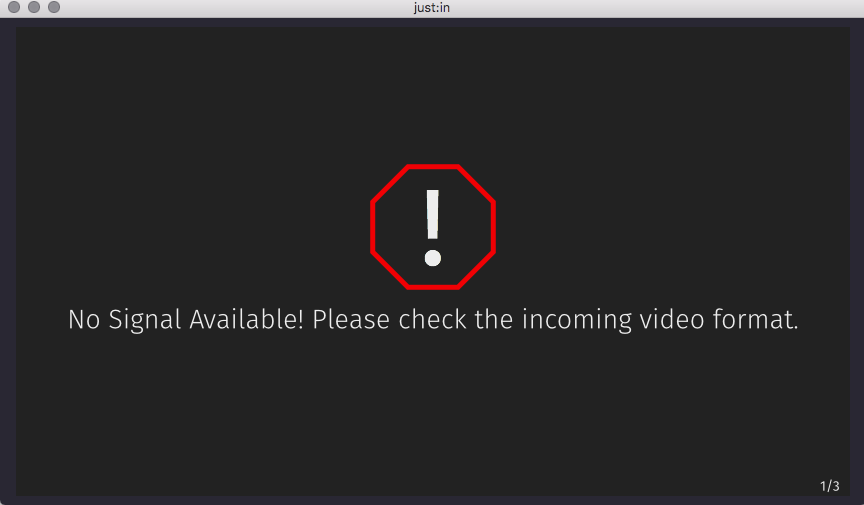
- The Video Signal has been lost and the current Recording will stop in order to safeguard the already recorded clip.
- Once the Signal is back Just In restarts the Recording.
- You can optionally choose to continue writing into the same container by enabling this option in the Just In Engine Preferences.
- We strongly recommend using a frame store on every Channel input in order to prevent signal loss.
Preset Issues
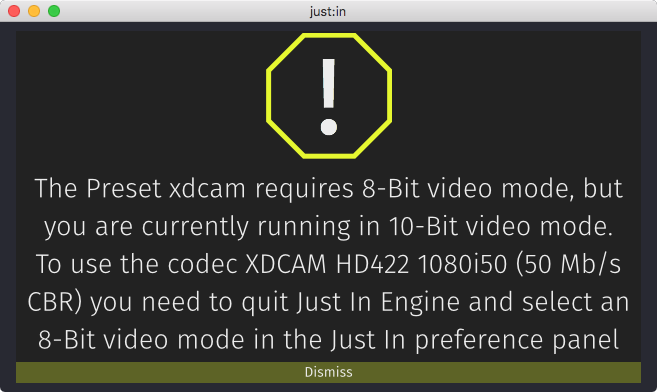
- When there is a problem with a Preset a warning will be displayed.
- You can dismiss the error message and fix the issue.