
Before connecting to a Channel using the Just In user interface it is mandatory that the Channel is configured and running in Just In Engine. Refer to the chapter Just In Engine if you have not yet configured the Channel(s) yet.
Connecting to a Channel
- Open Just In.
- Optional: if there are multiple Viewers, first select the Viewer you want to connect to the Channel. You can still reorder Viewers later by drag & drop.
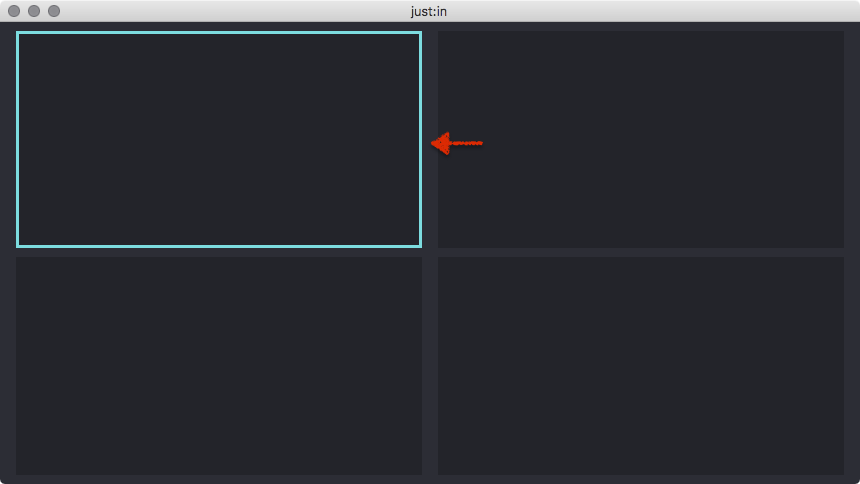
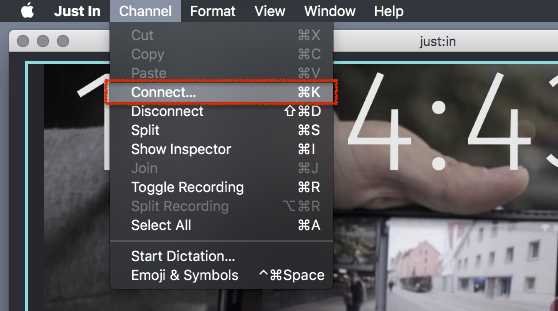
- Go to the menu command Channel → Connect or use the shortcut command + K.
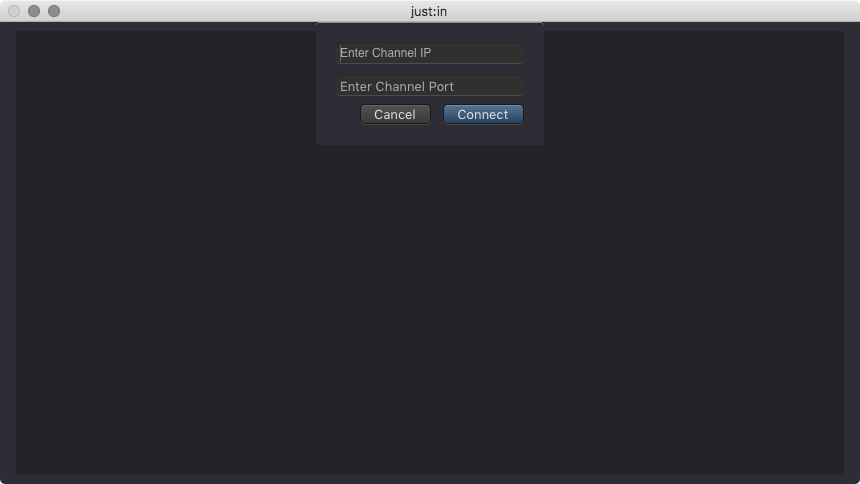
- Enter the IP Address and the Port of the Channel.
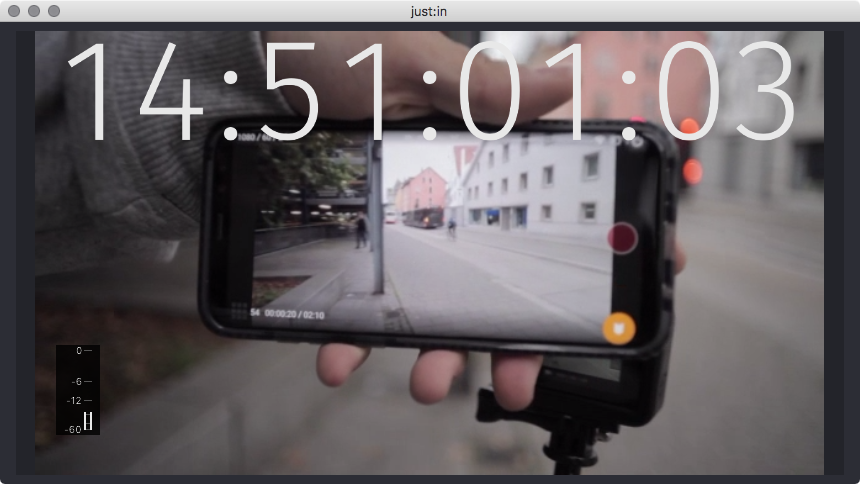
- Press the Connect button. The Channel Preview should now be shown.
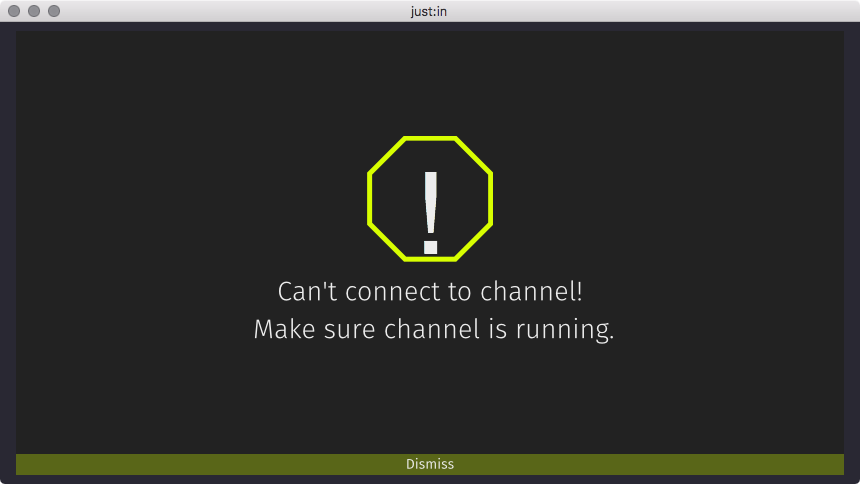
- If you should get this warning, double check your IP-Address and Port as well as the configuration of Just In Engine and the network.
Disconnecting from a Channel
- Open Just In.
- Optional: if there are multiple Viewers, first select the Viewer you want to disconnect from.
- Select the menu command Channel → Disconnect or use the shortcut command + shift + D