
The unique Machine ID is required for temporary activation keys or for the final software activation.
Please beware that the Just In Mac trial version can take use of all available features, there will only be a ToolsOnAir watermark within the recorded files.
When getting asked for the Machine ID of the installation, please follow these steps to gather that ID. First, make sure that the Getting Started instructions are done, and the setup is working. Then open the Just Control Configuration Panel.

Then select the Just In Mac device on the left side and switch to the Activation Tab.
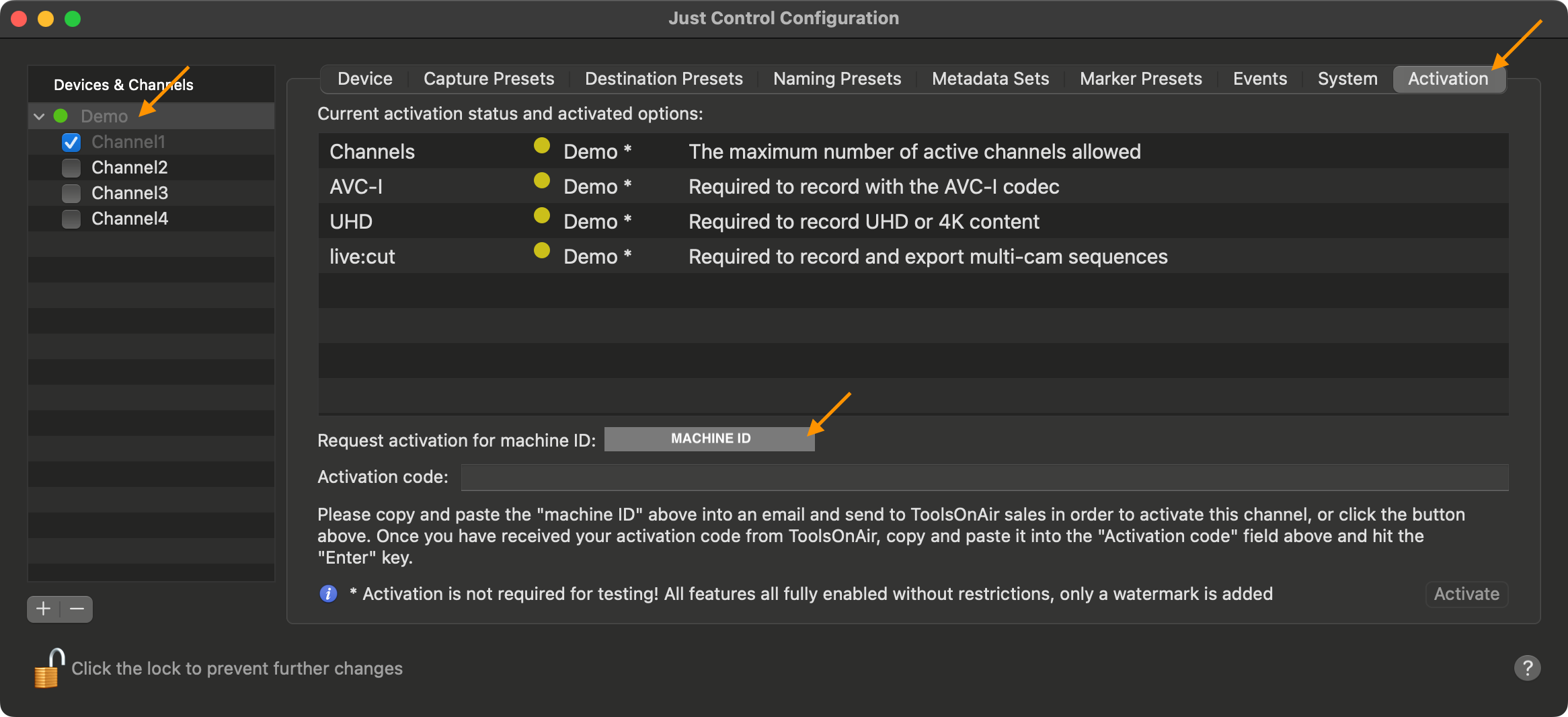
Copy the Machine ID and send it to your ToolsOnAir reseller or to ToolsOnAir directly.