Lorem ipsum dolor sit amet, consectetuer adipiscing elit.
Aenean commodo ligula eget dolor. Aenean massa. Cum sociis natoque penatibus et magnis dis parturient montes, nascetur ridiculus mus. Donec quam felis, ultricies nec.
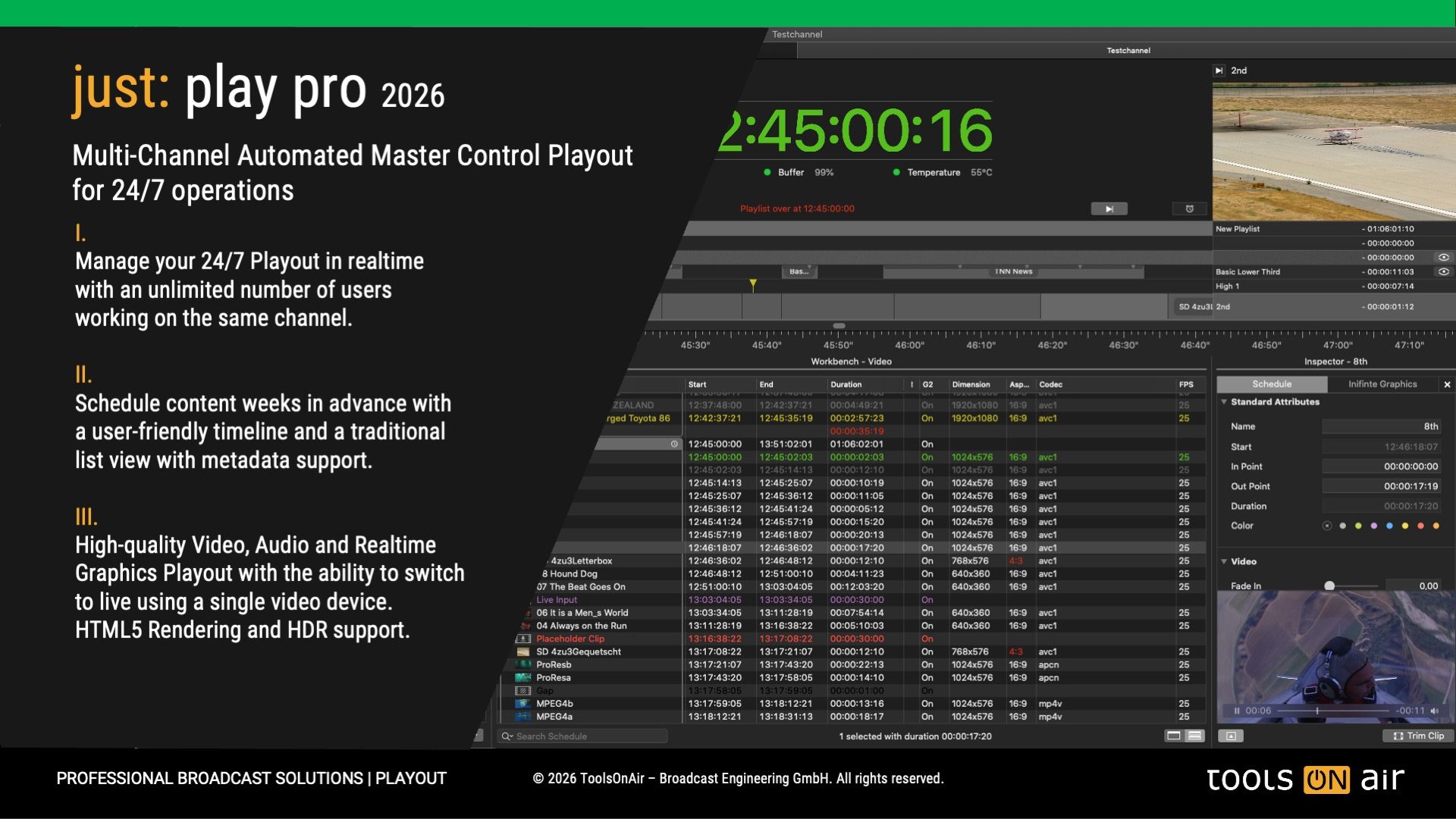
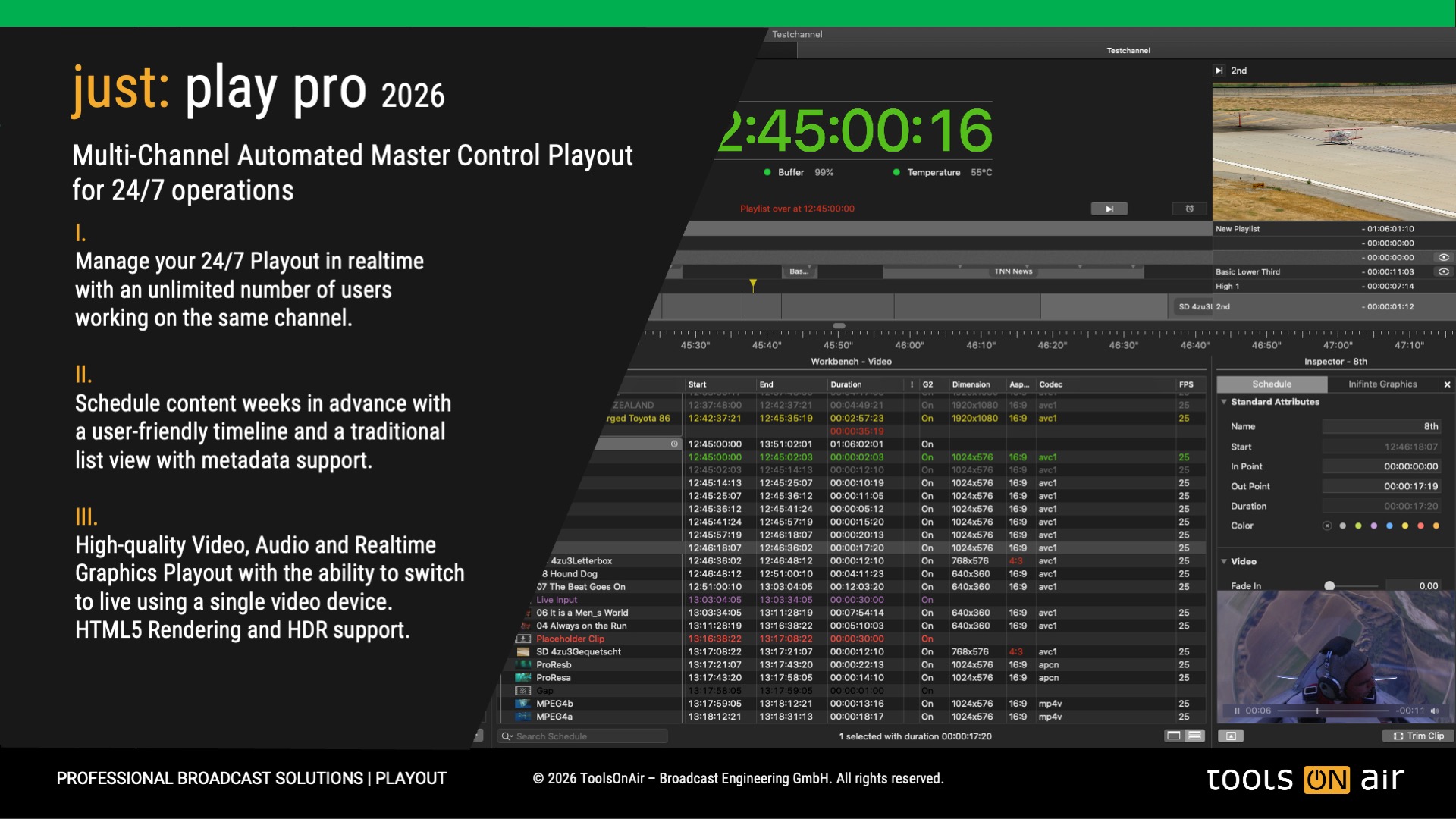
Multi-Channel Automated Master Control Video Playout include Realtime CG for SD, HD or UHD with SDI and IP I/O
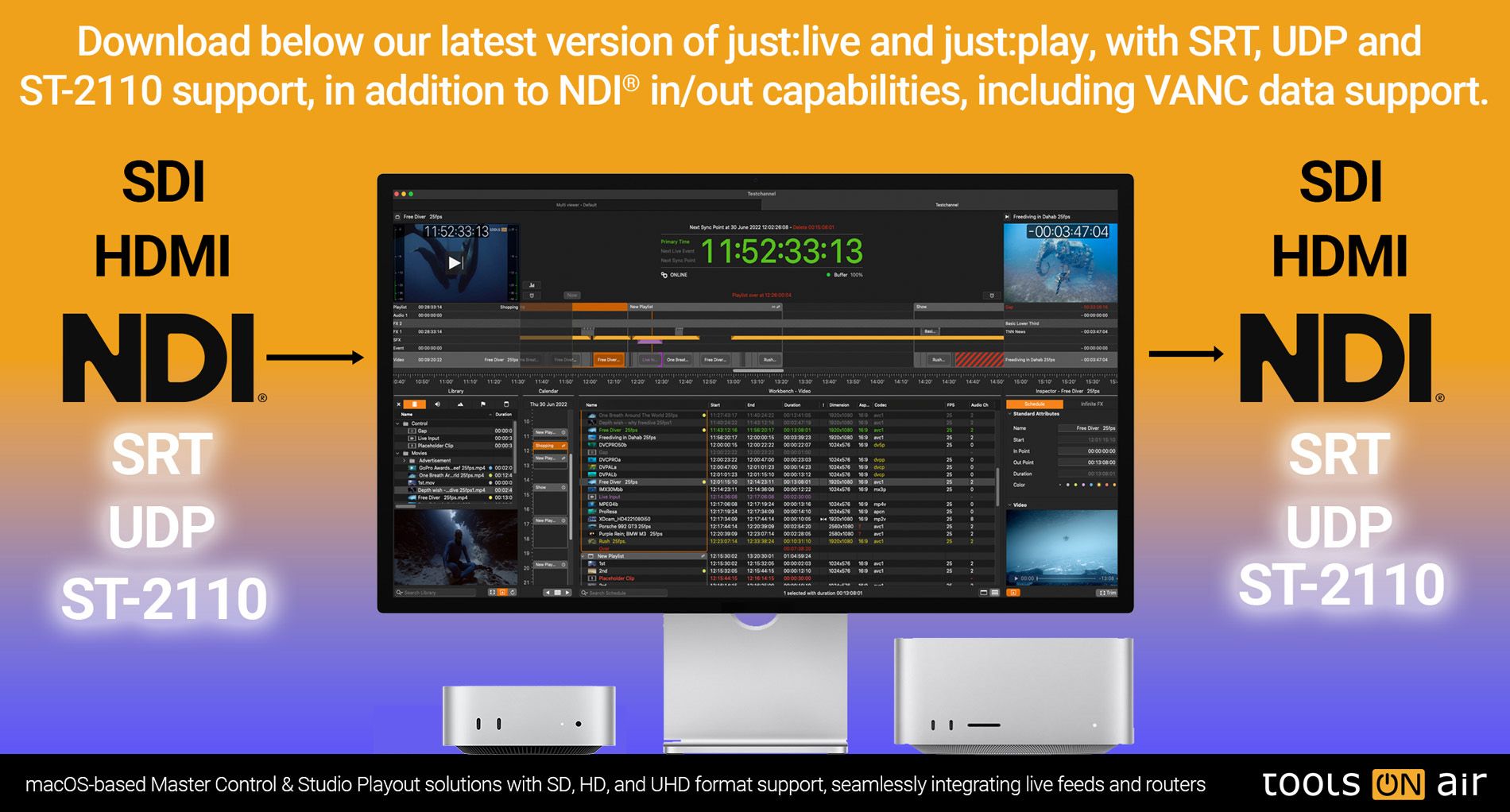
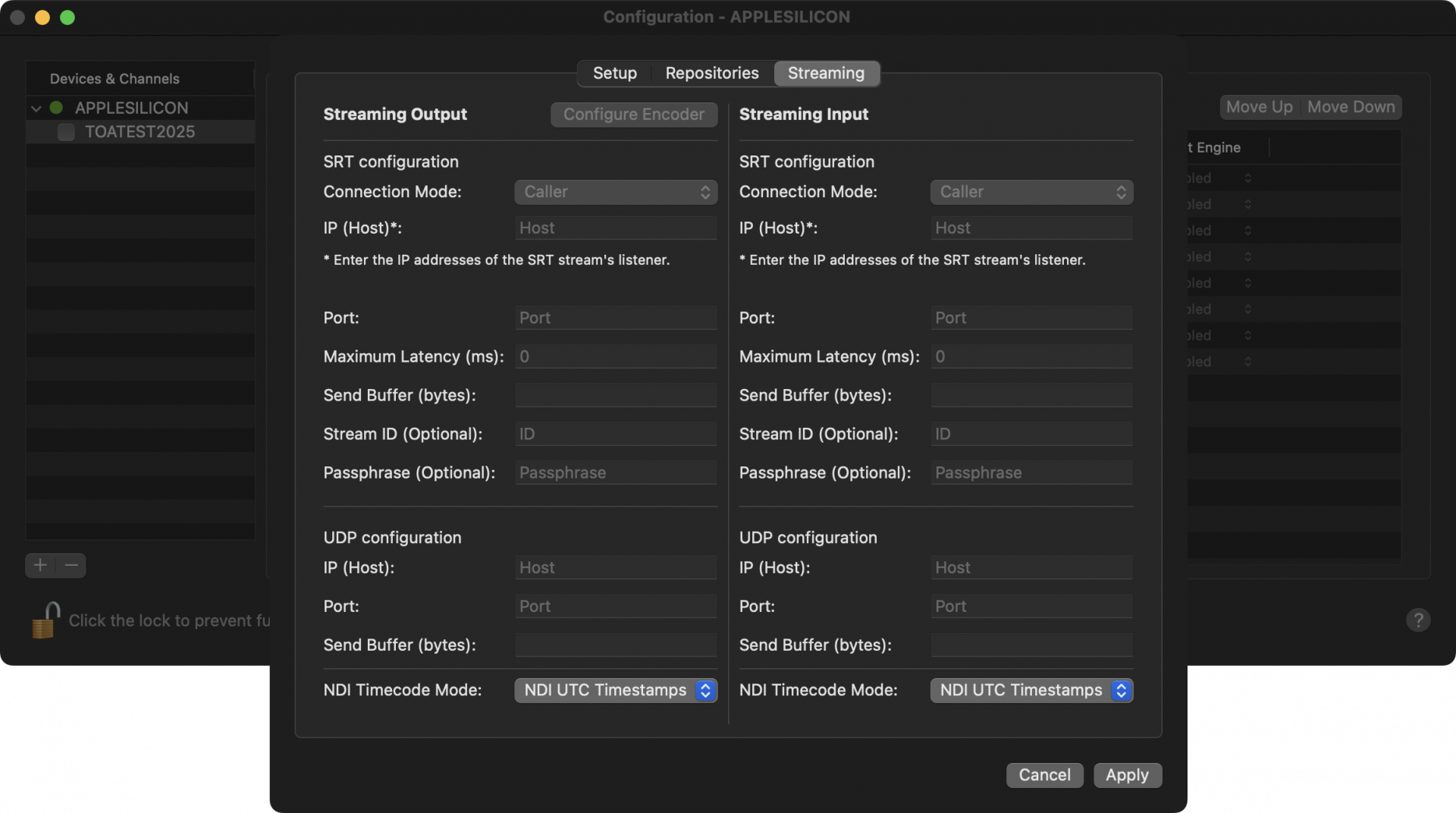
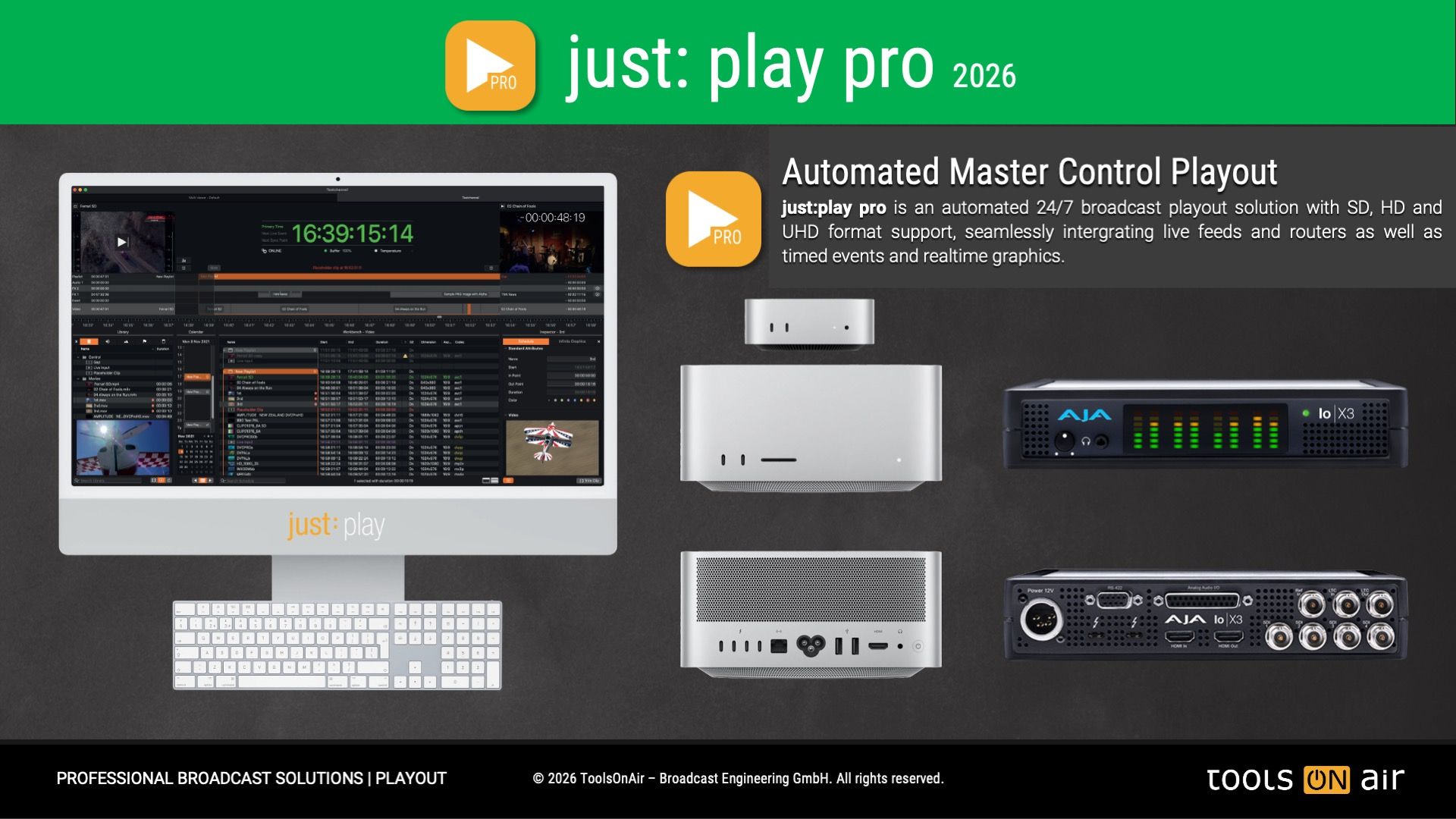
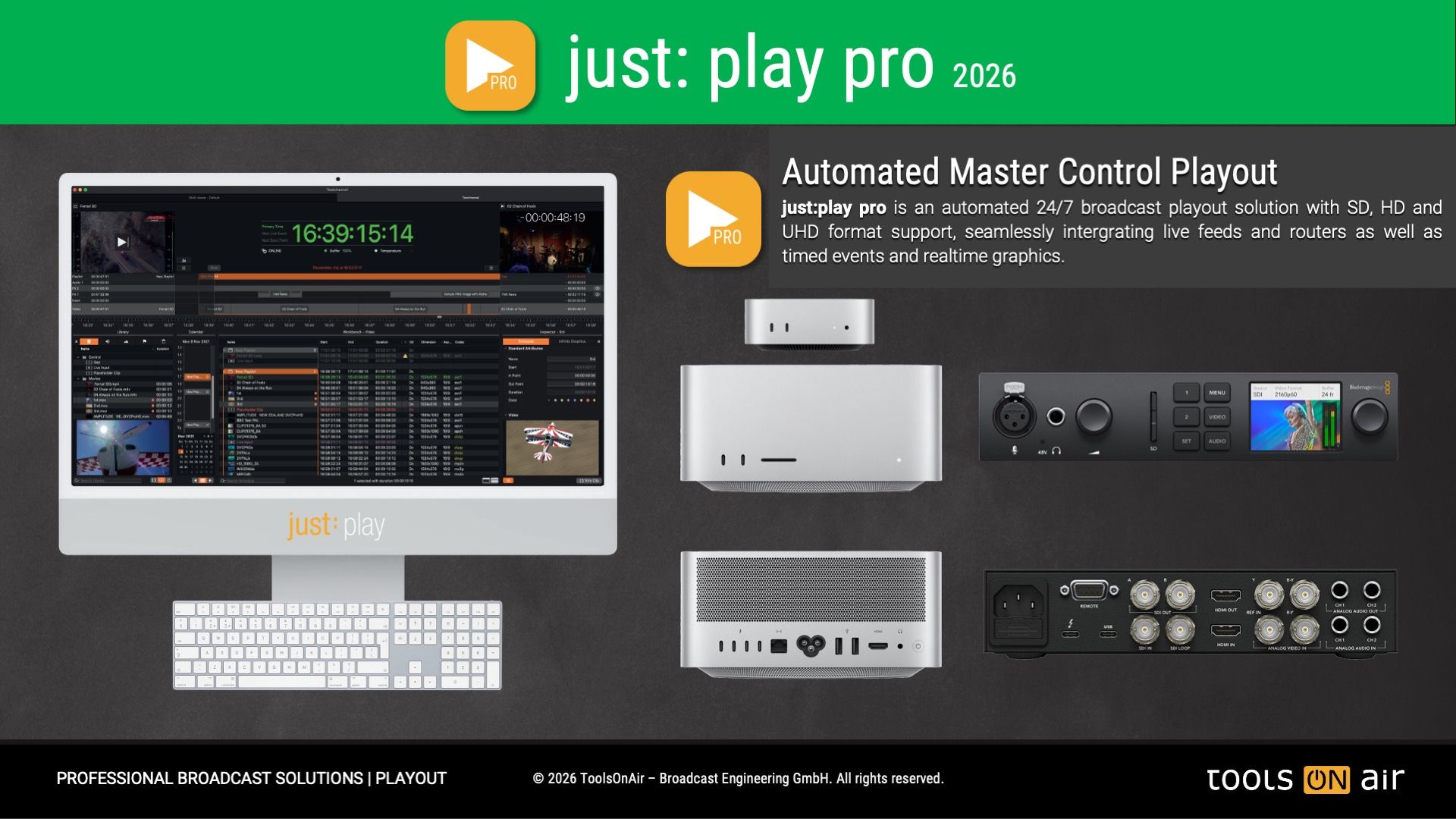
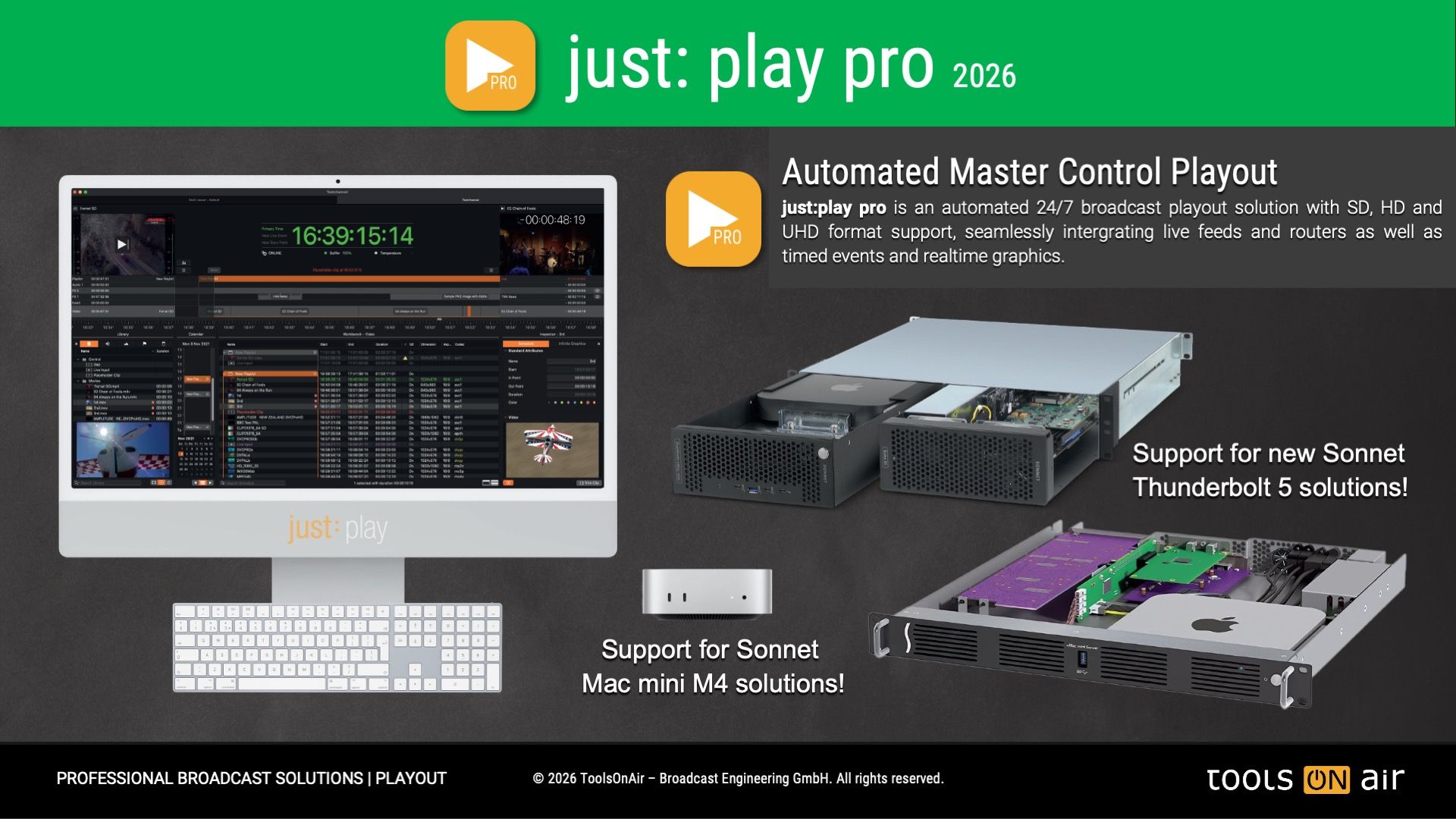
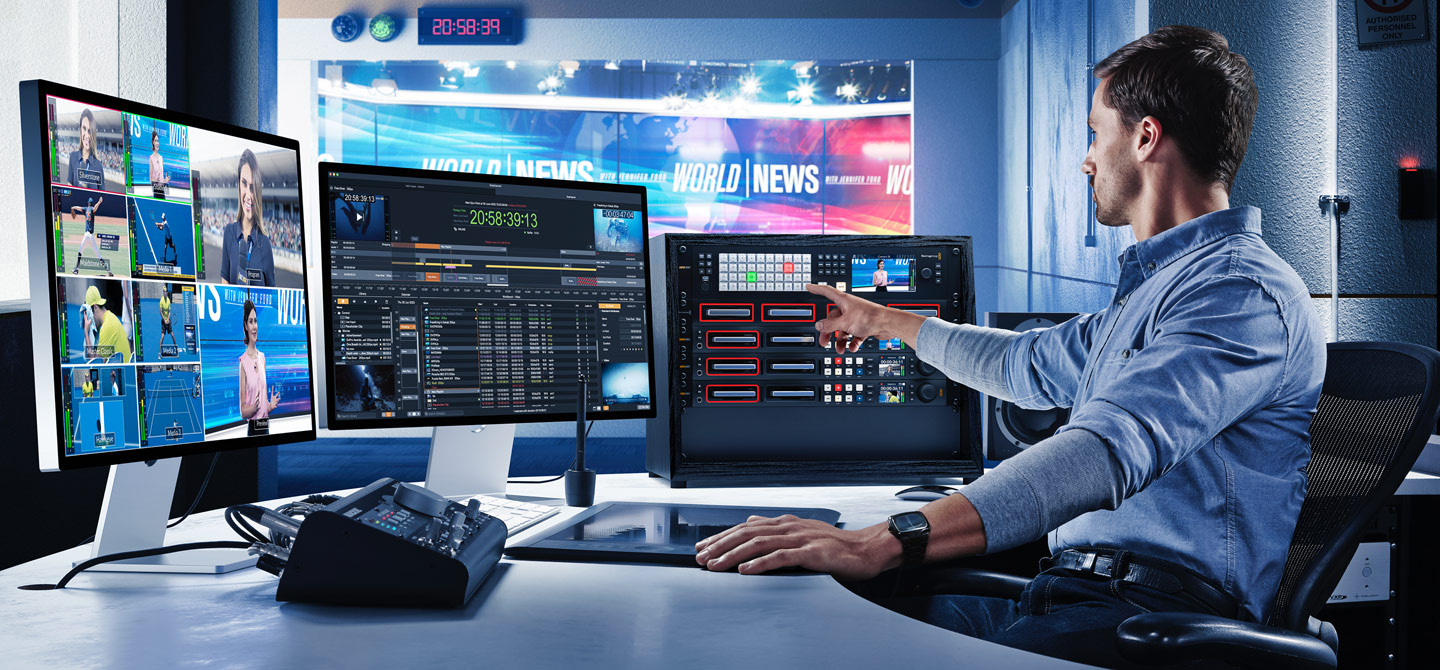
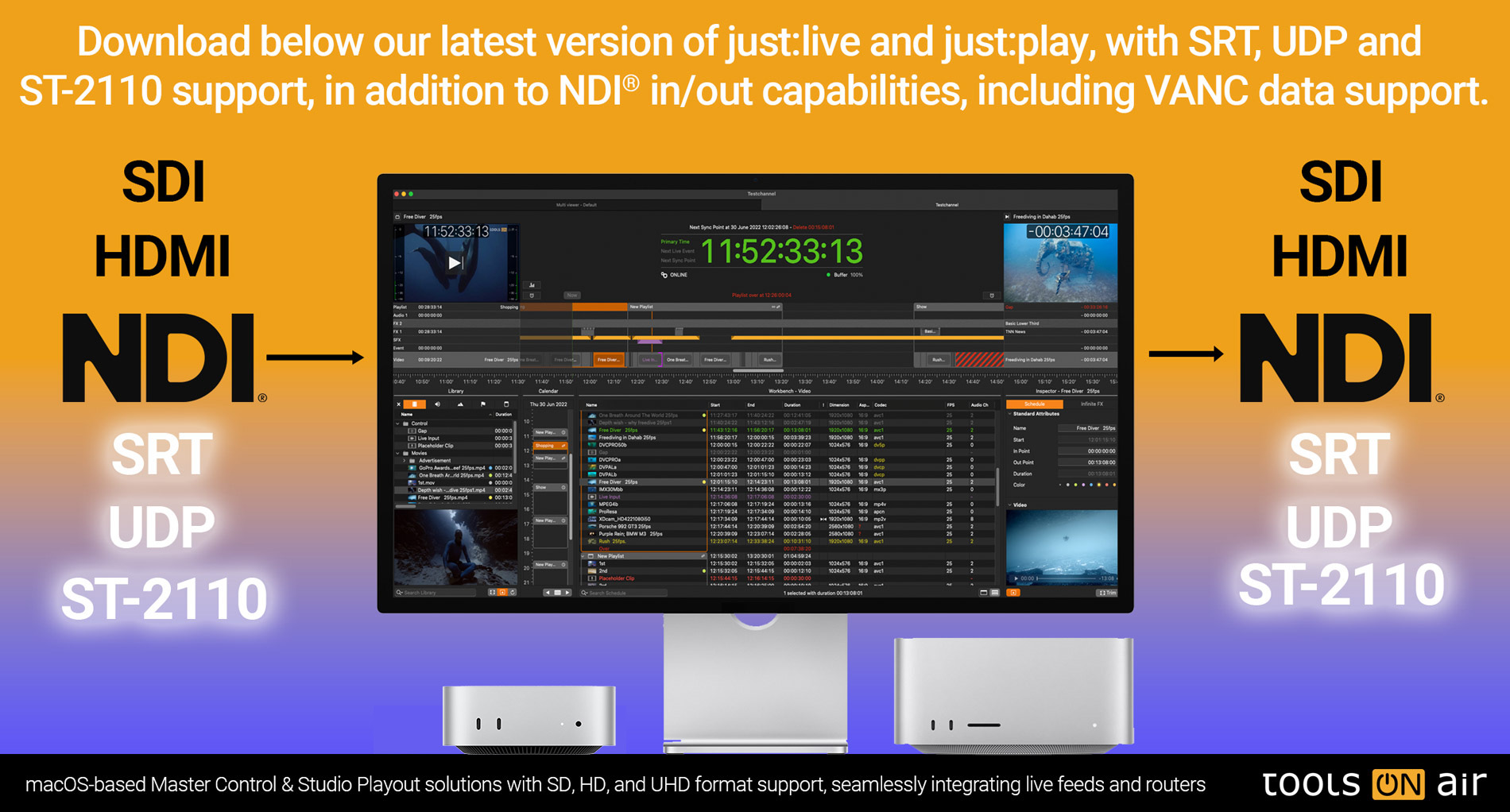
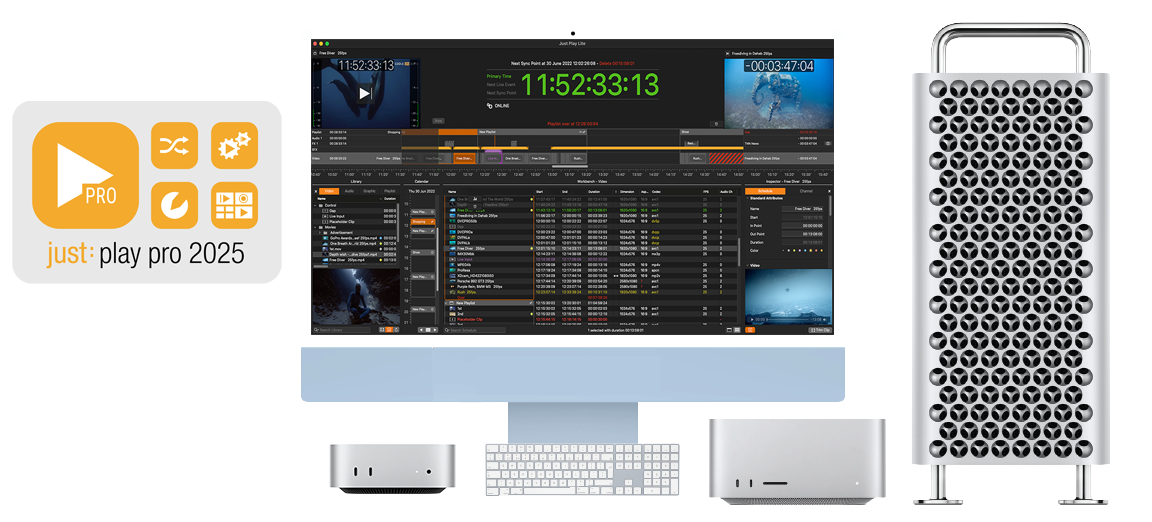
just:play pro 2026 is a multi-channel Client-Server based Master Control Playout solution with SD, HD, UHD format and SDI, NDI® High Bandwidth, SRT, UDP, ST-2110 Live Input/Output support, seamlessly integrating live feeds and routers as well as all kinds of events and static/animated realtime graphics.
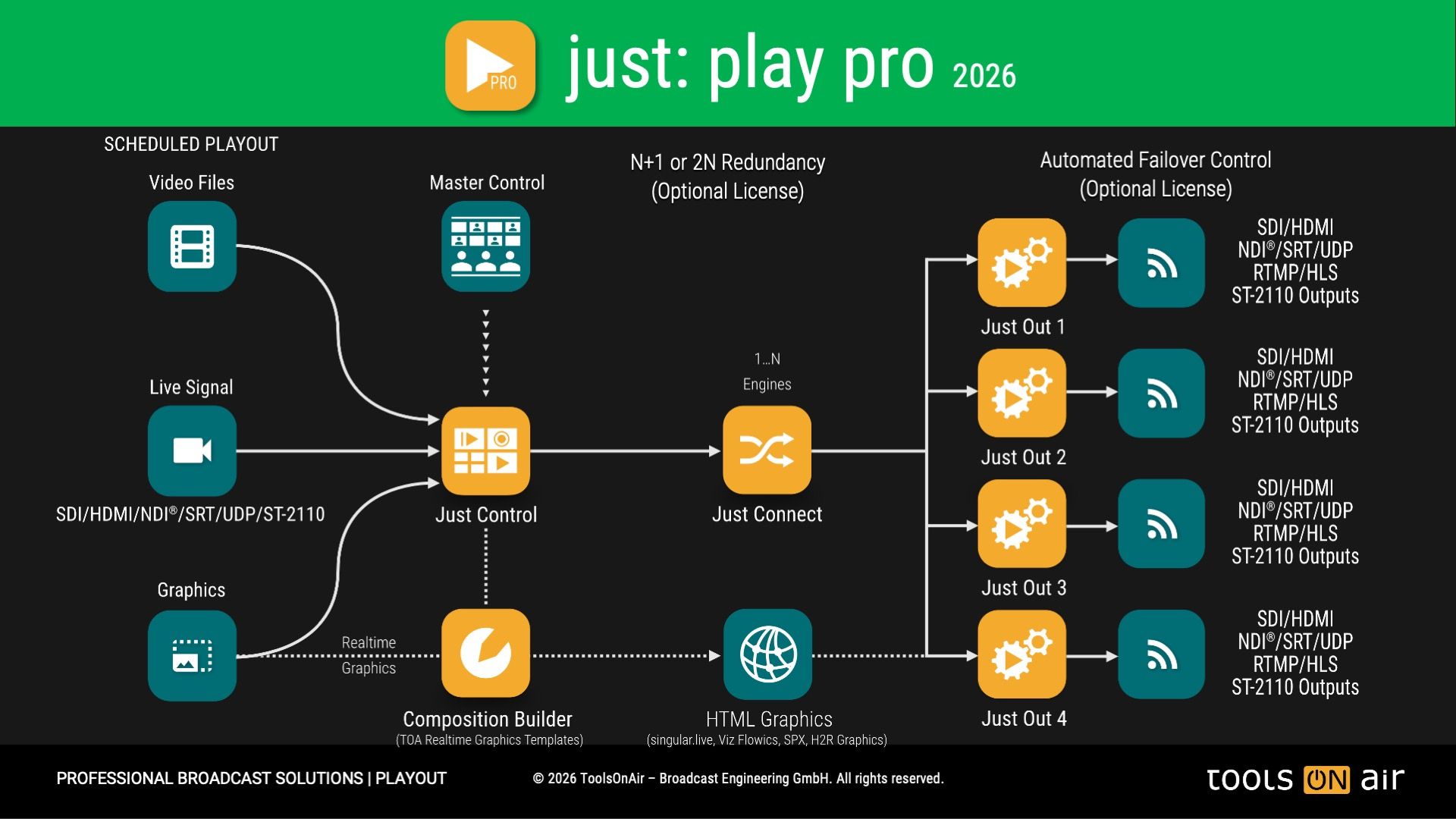
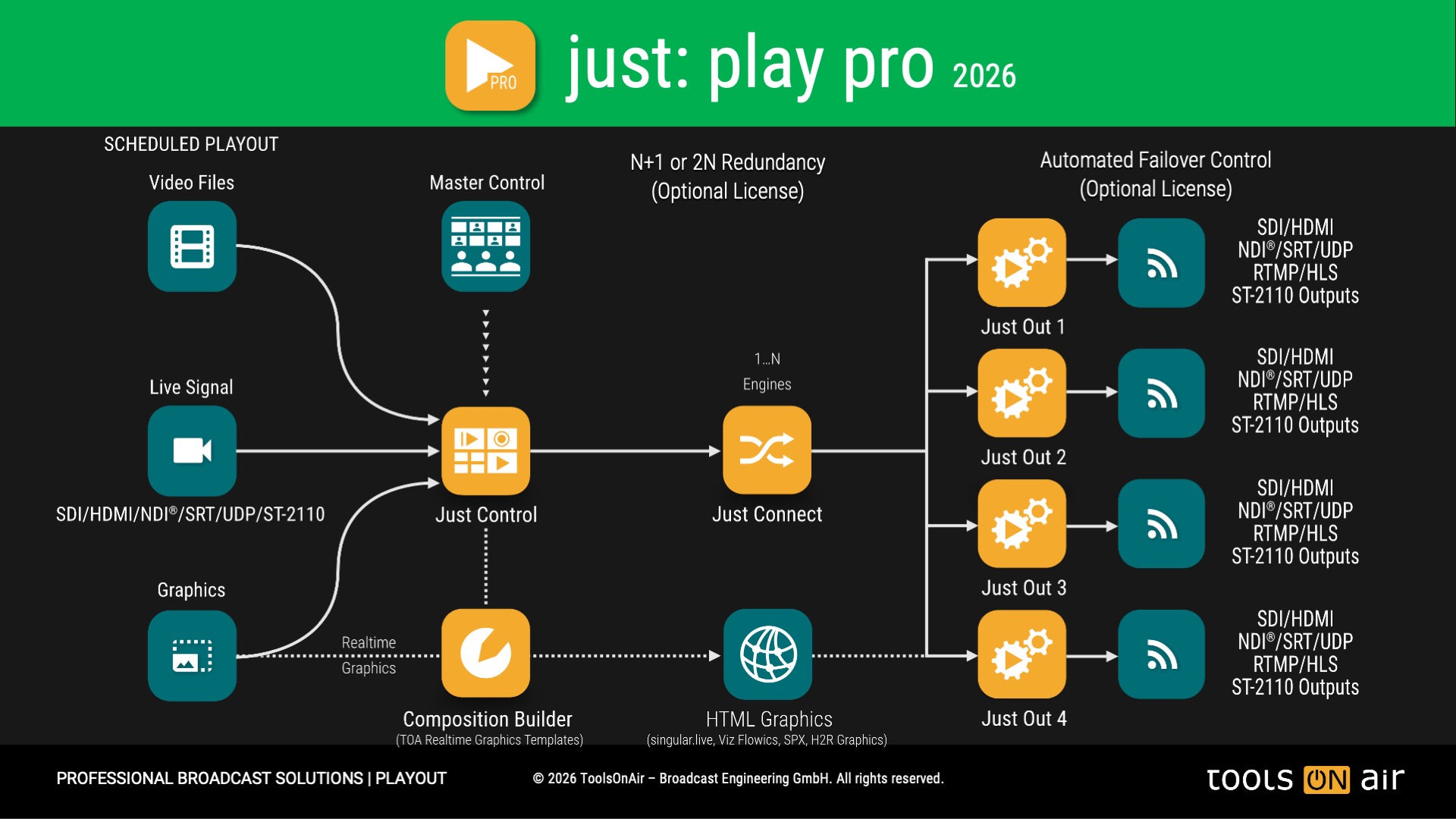
The just:play pro 2026 solution includes four applications:
Just Control User Interface (include the just:play pro 2026 UI)
Just Connect - Stores the Channel Configuration, Schedule and manage the Just Out Engine(s)
Just Out - Video Engine
Composition Builder - Tool to create realtime CG templates that can be scheduled over the just:play pro 2026 UI
just:play pro 2026 can be configured as a standalone installation on a single Mac, or deployed in a distributed client-server architecture. The client-server mode enables centralized control, multi-user access, and enterprise-grade stability to meet demanding broadcast requirements.
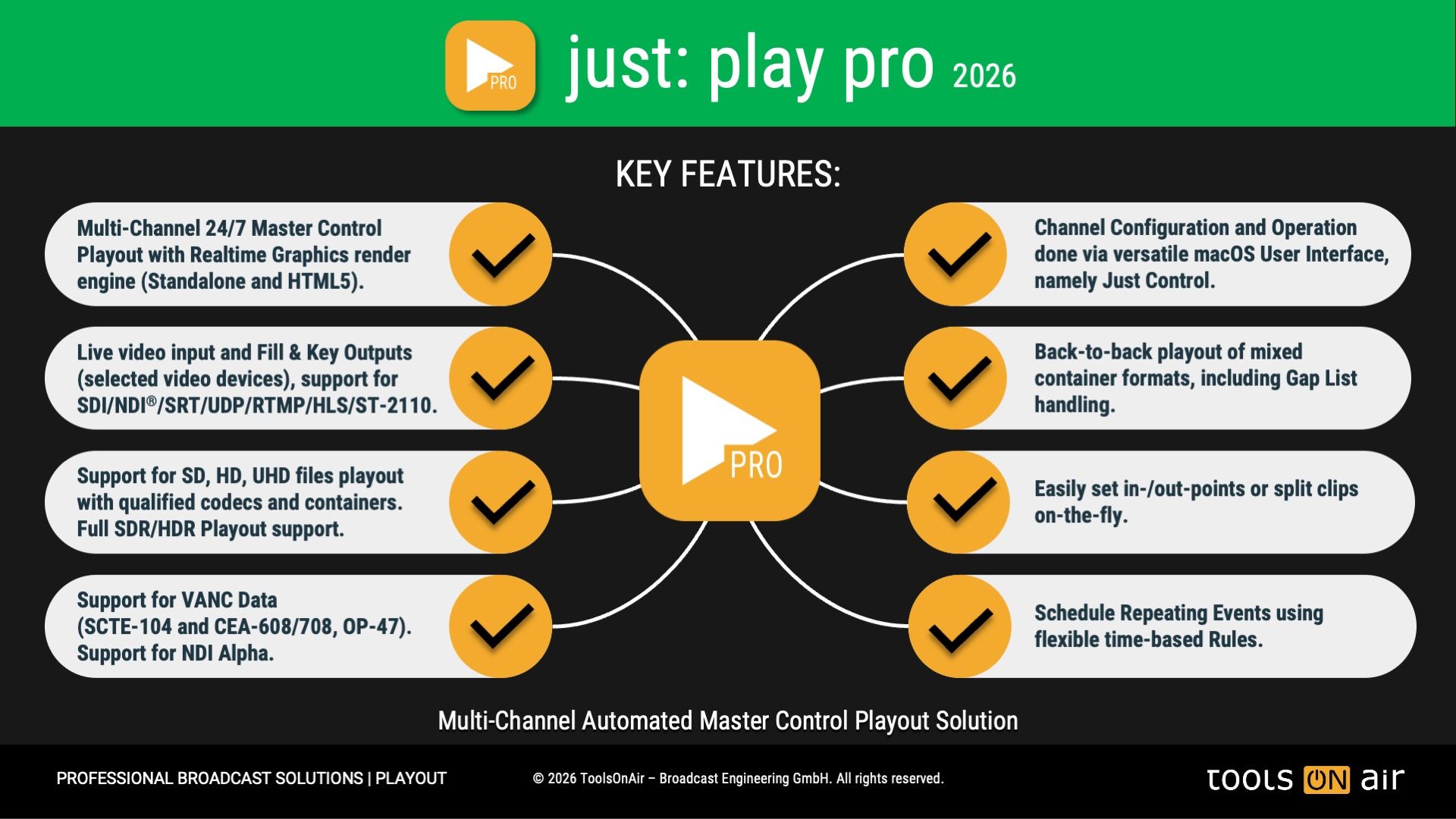
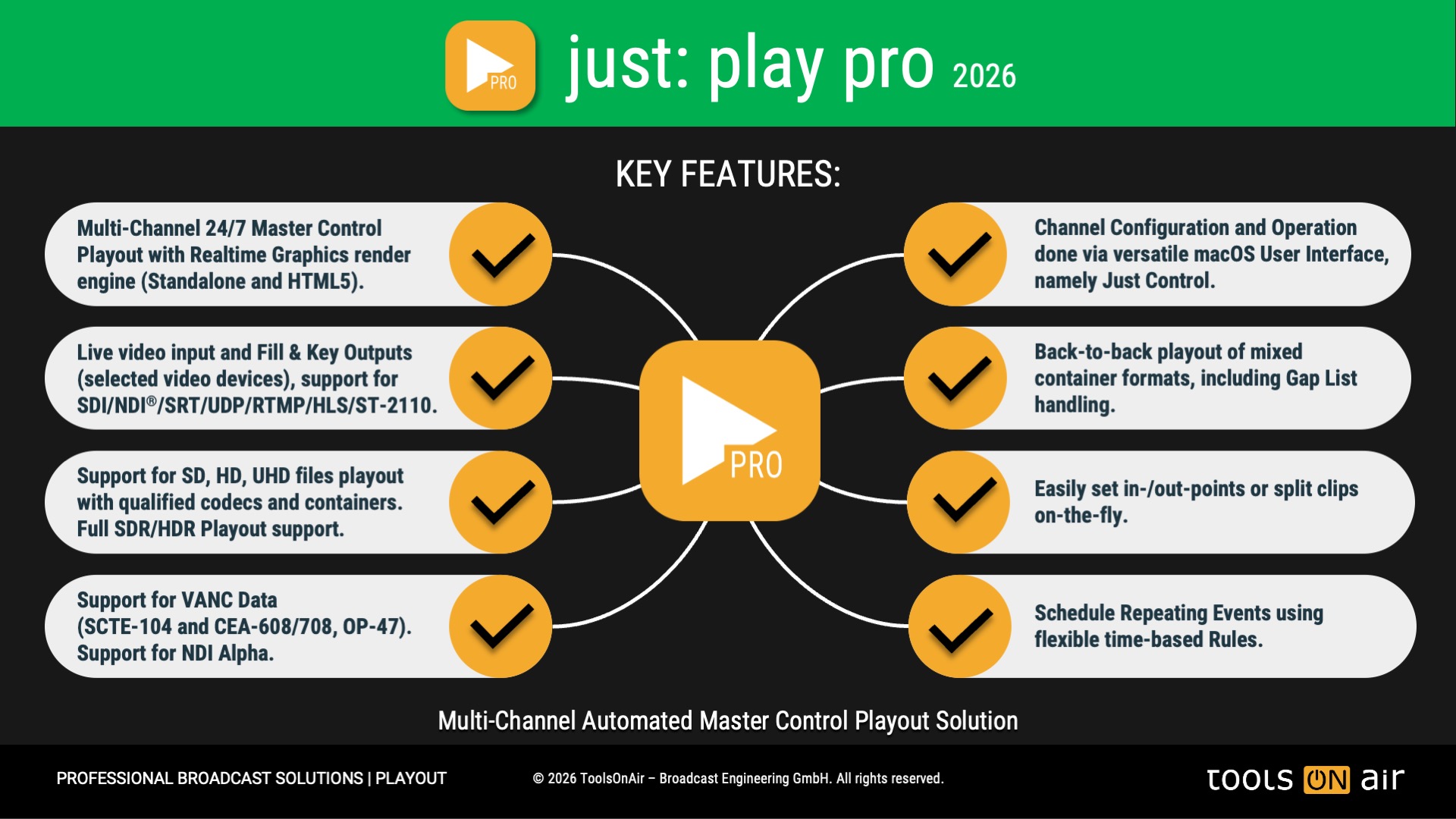
KEY FEATURES:
Software Architecture: Client - Server Architecture, with multi-channel output support.
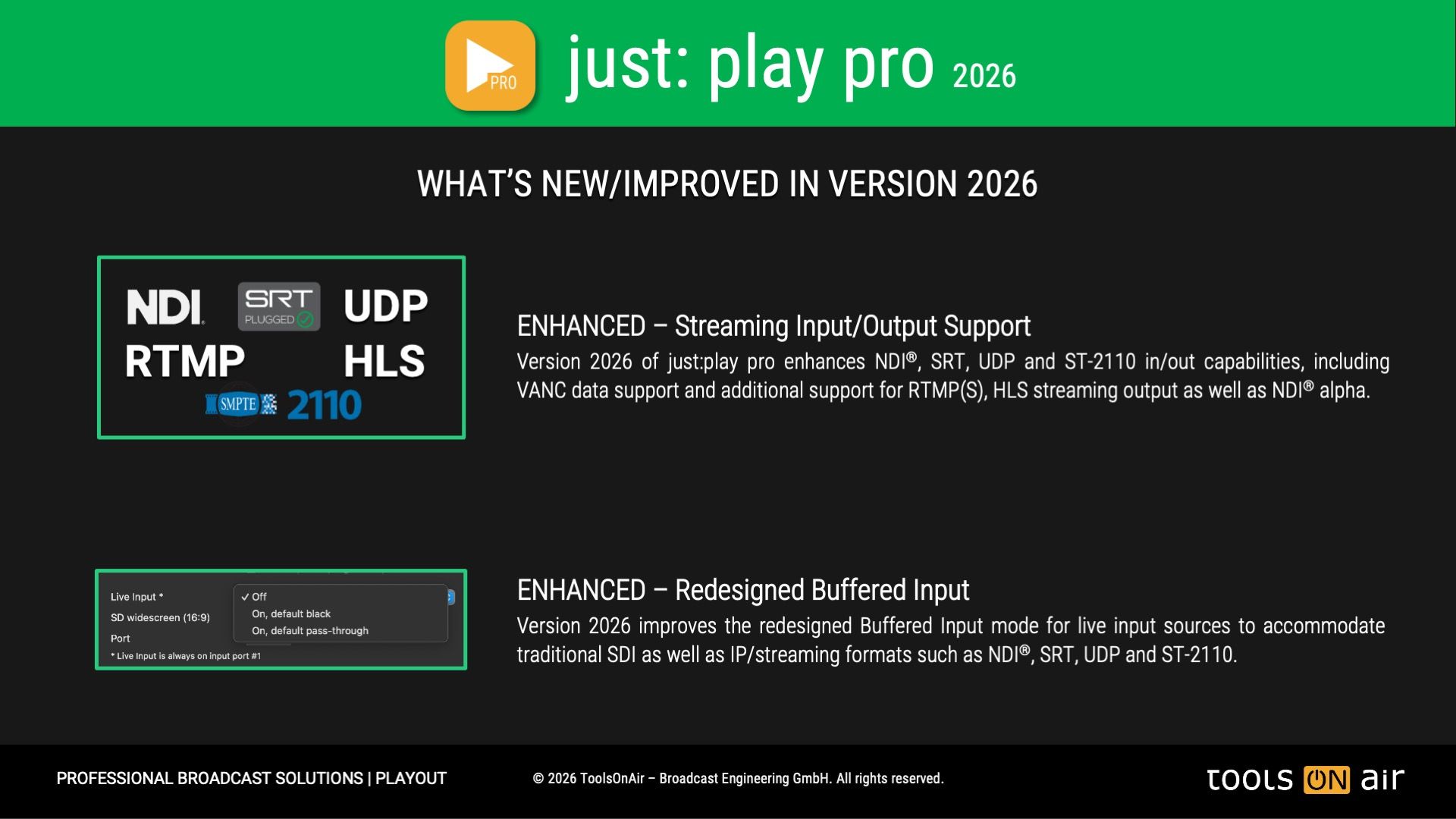
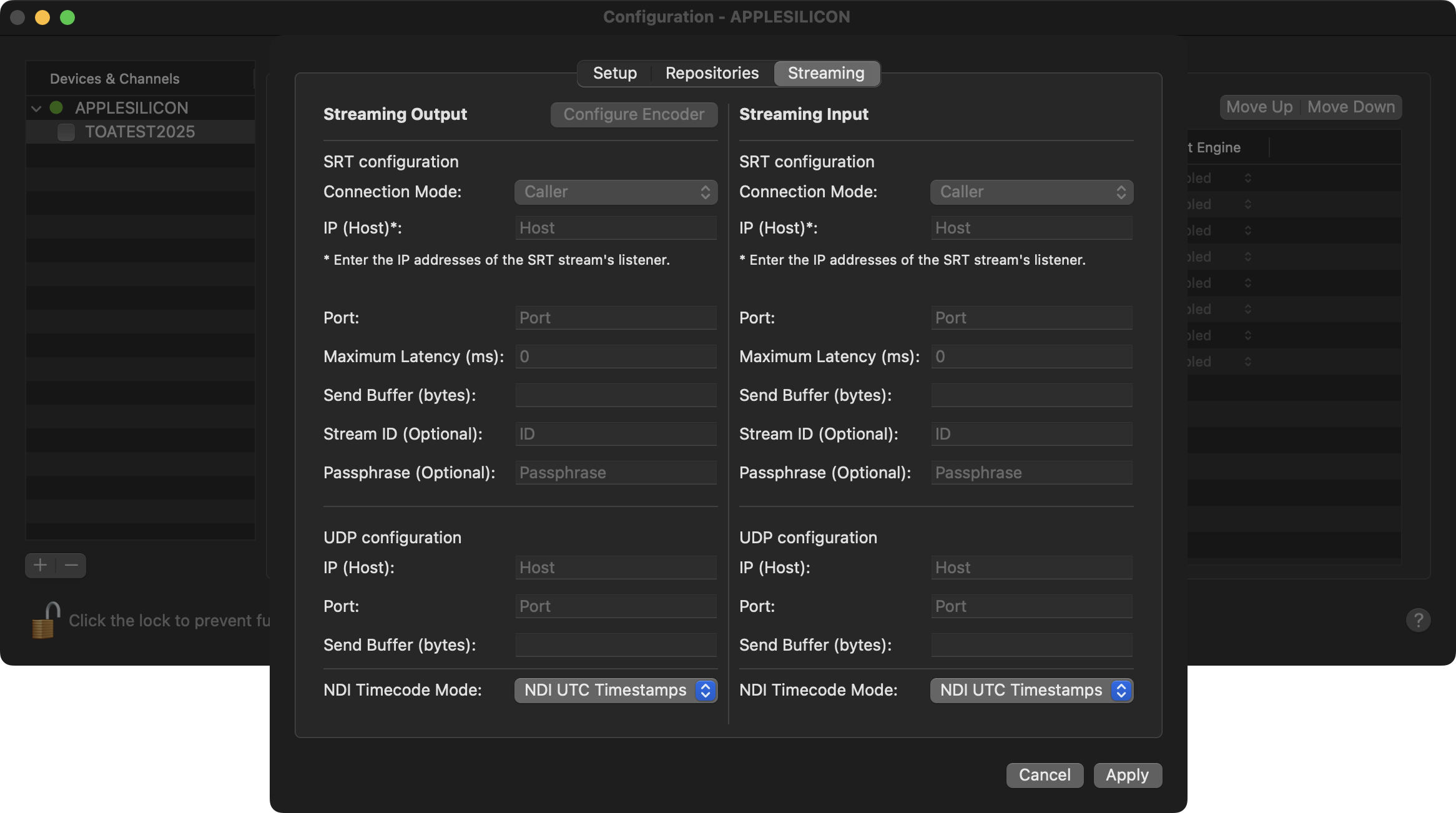
Supported Inputs: SDI, NDI High Bandwidth, SRT, UDP, ST-2110.
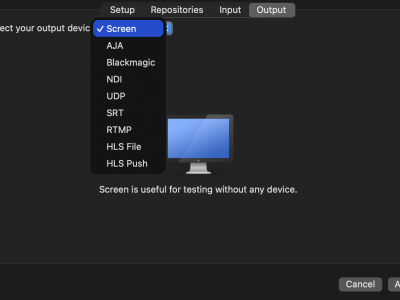
Supported Outputs: SDI, NDI High Bandwidth, SRT, UDP, RTMP(S), HLS, ST-2110.
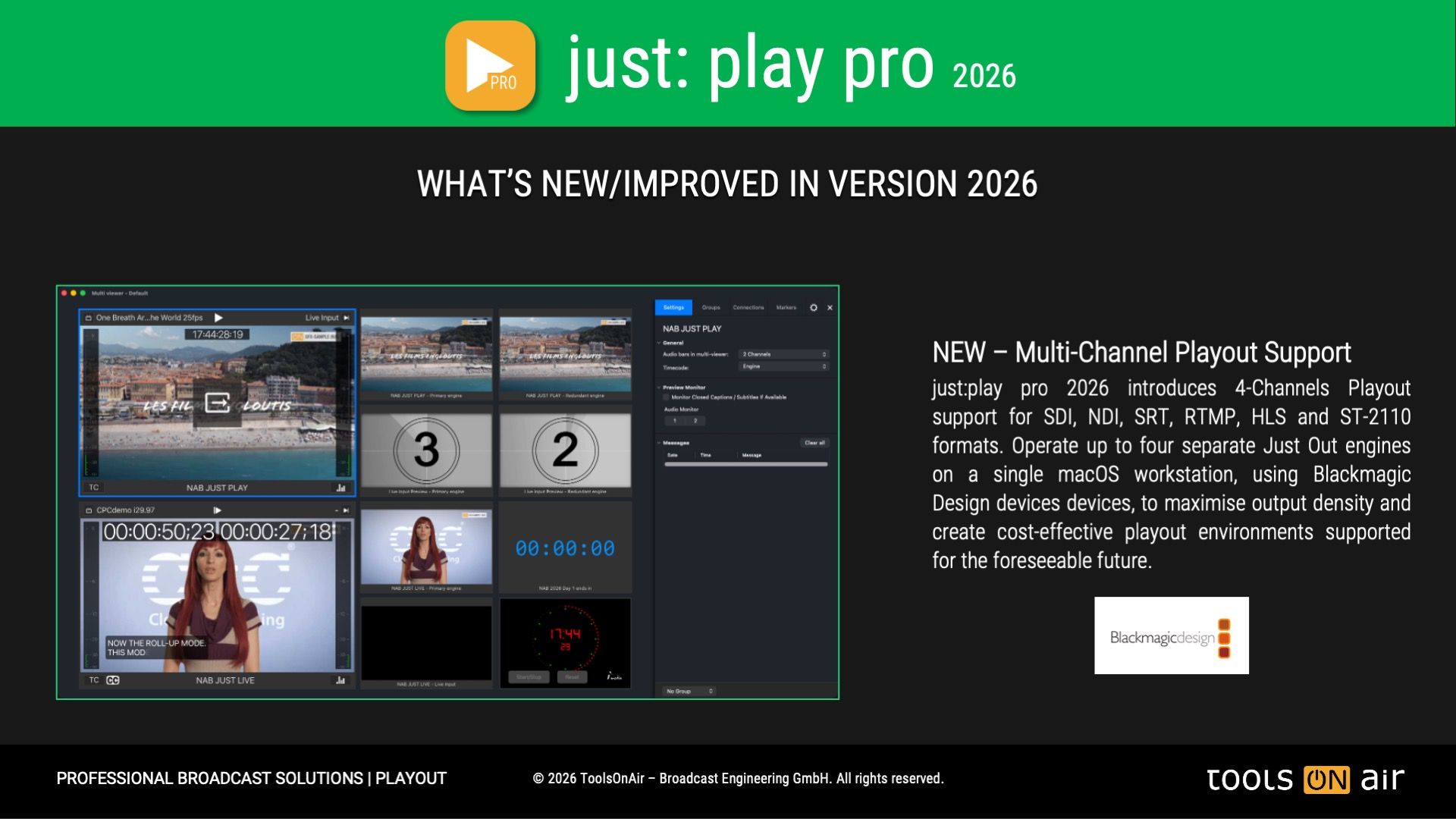
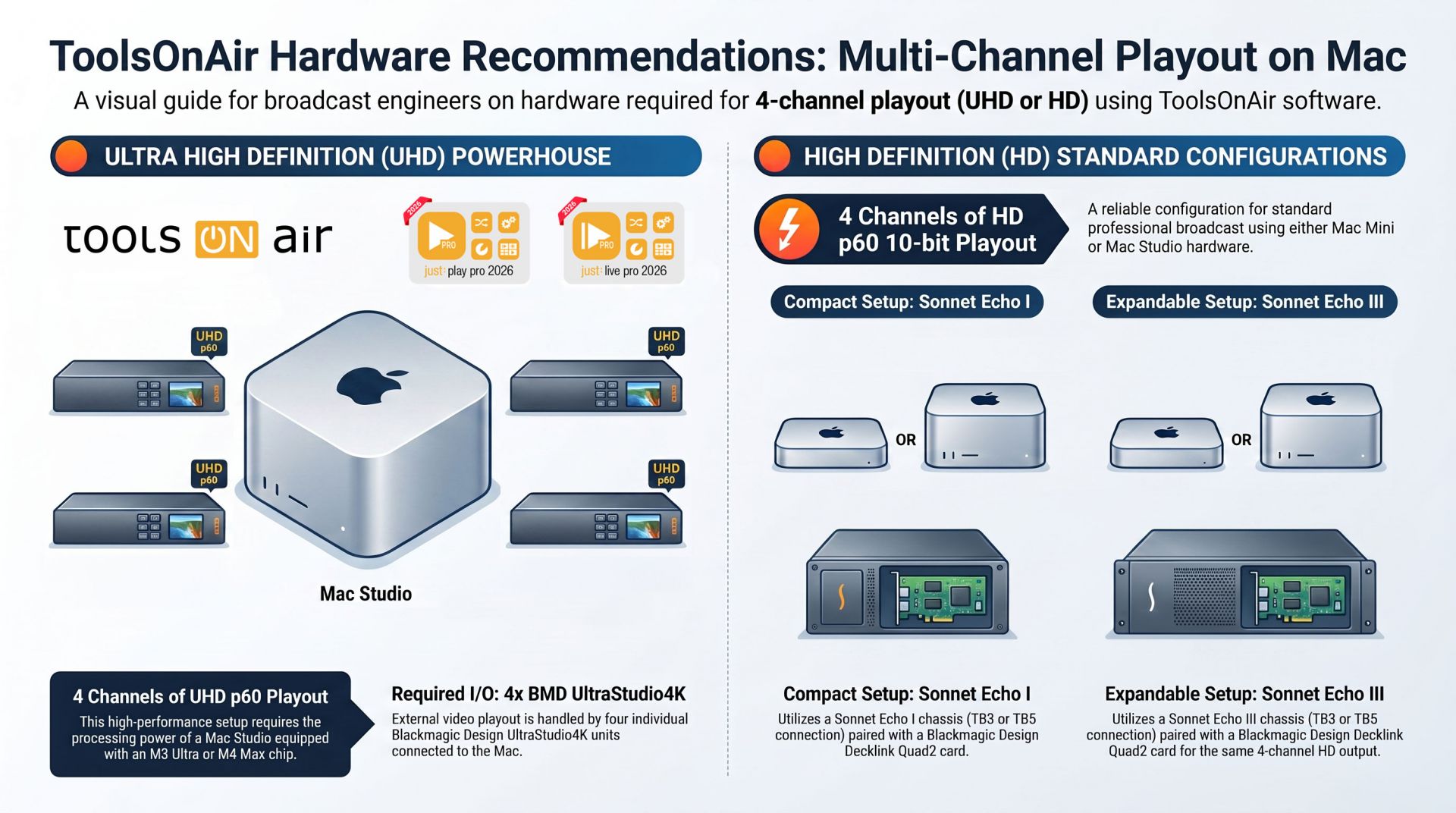
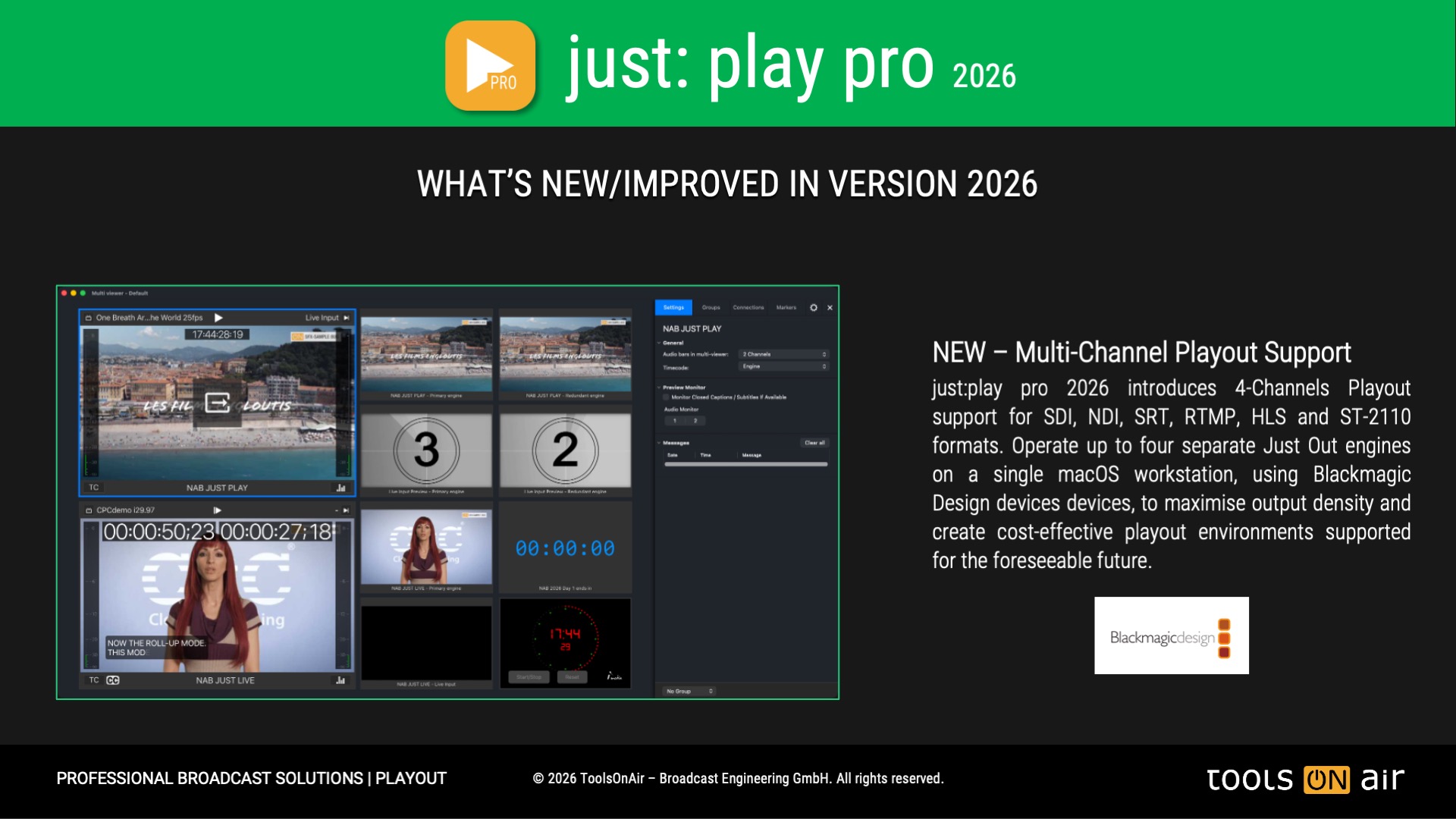
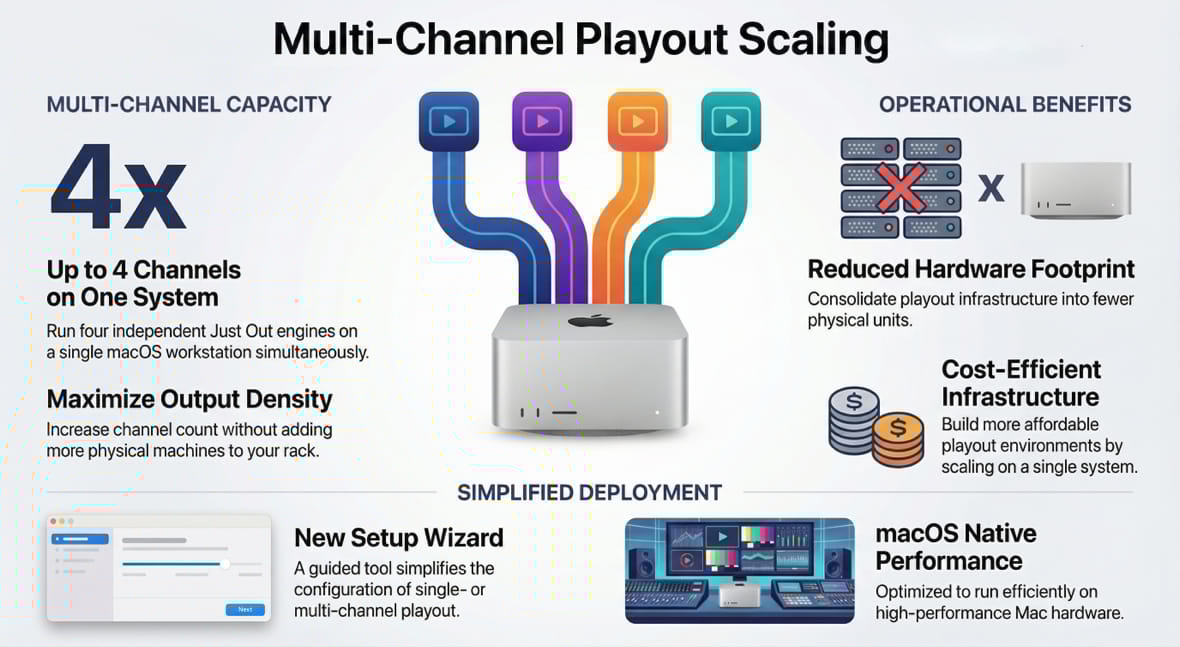
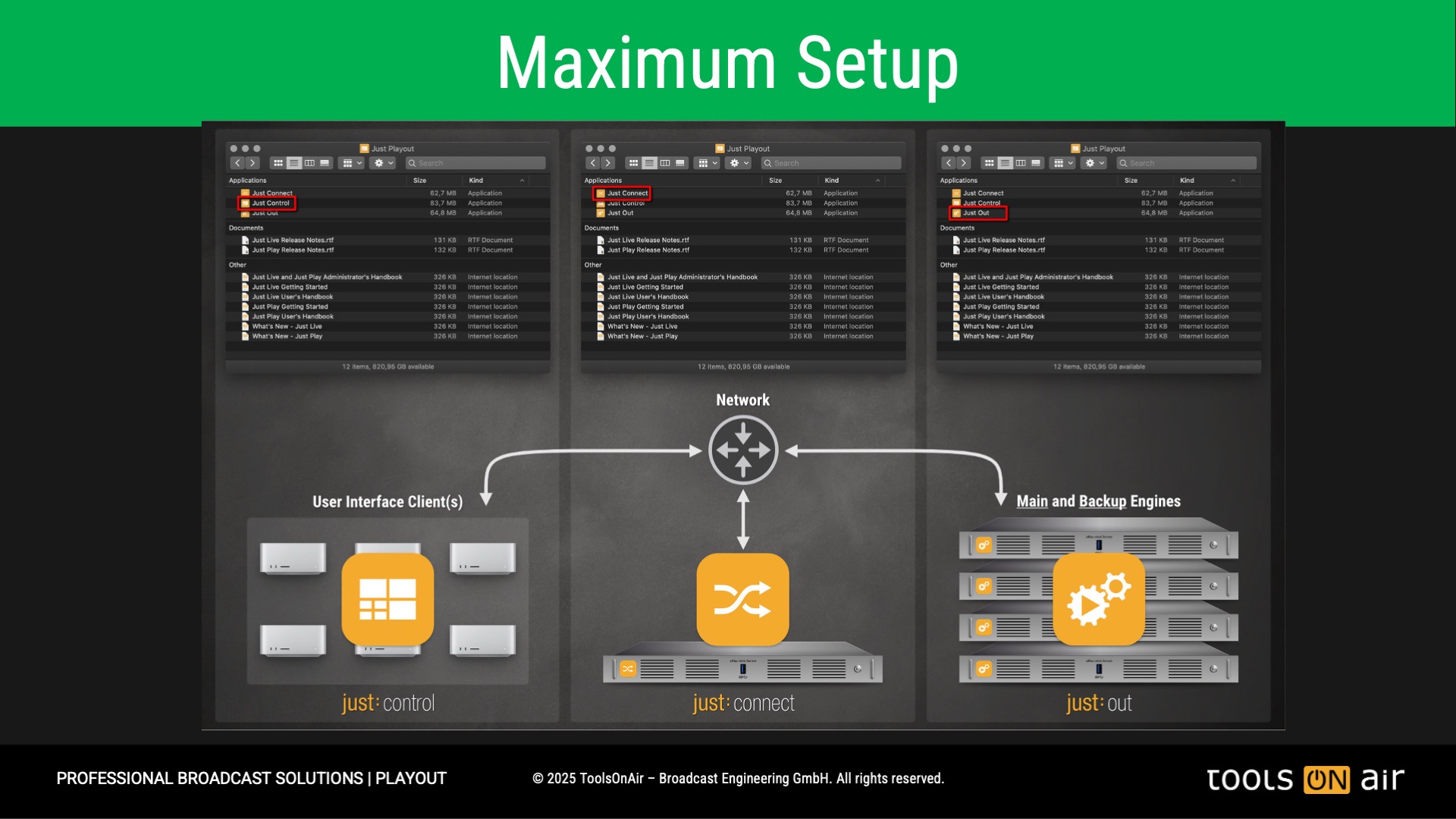
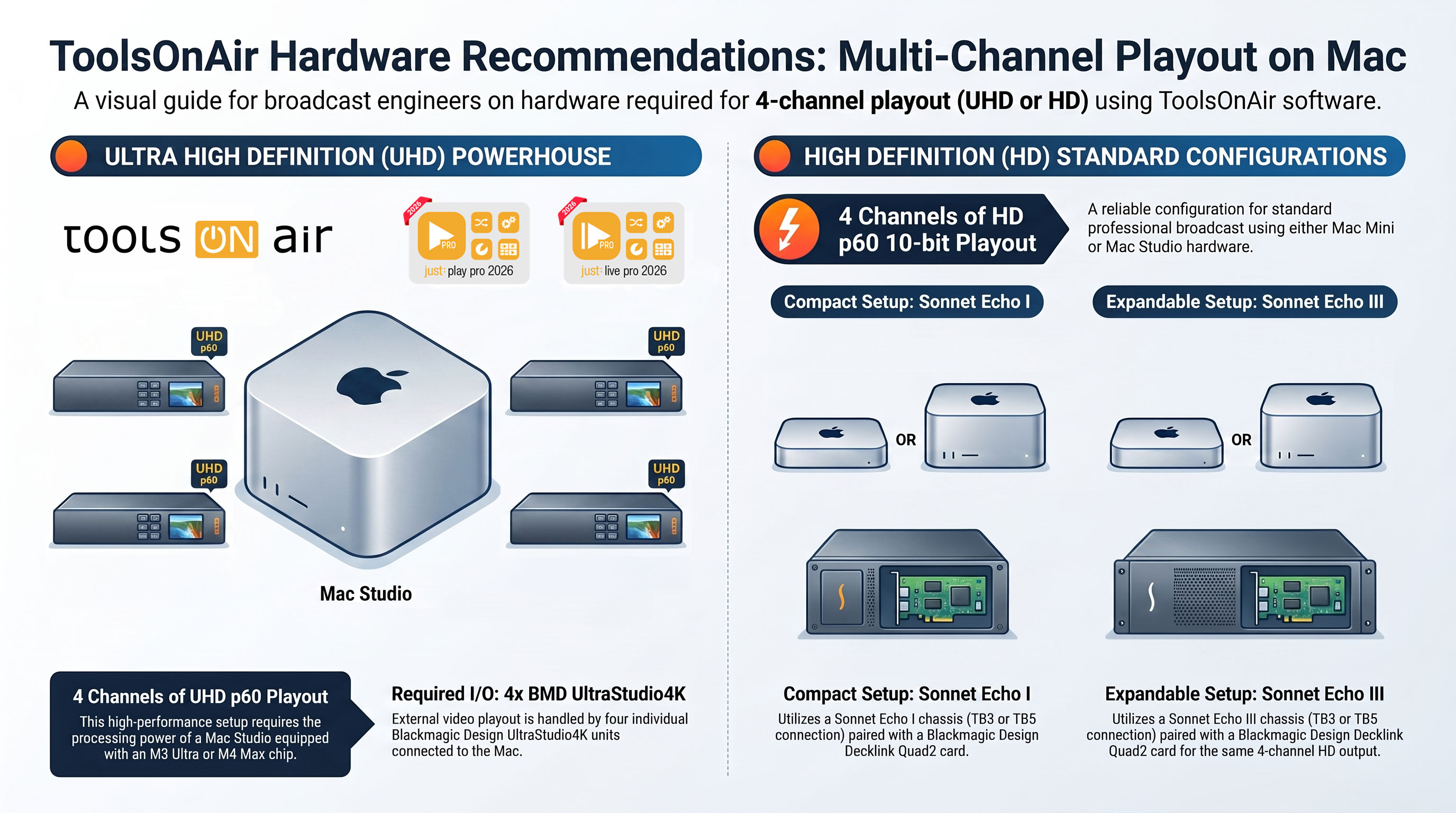
Multi-Channel Playout: Up to 4 Channels on One System
A key highlight in just:play pro 2026 and just:live pro 2026 is the new multi-channel playout capability, supporting up to four channels per system.
Users can now run up to four independent Just Out engine instances on a single system, enabling highly efficient multi-channel playout from one Apple silicon workstation. This approach delivers significant benefits for broadcasters and media facilities seeking to maximize output channel density, reduce hardware footprint, and build more cost-efficient playout infrastructures. A new setup wizard further simplifies configuration by guiding users through single- or multi-channel setups right from the outset.
Enhanced HLS Push Output for Direct Streaming Workflows
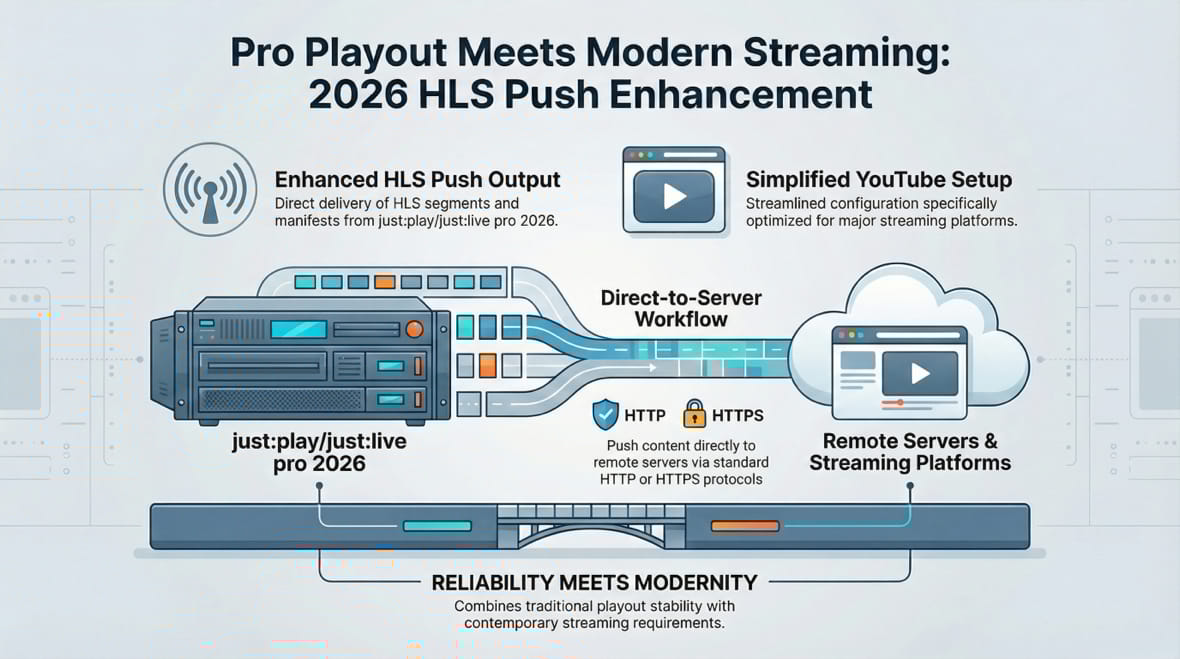
To further support modern streaming operations, just:play pro 2026 and just:live pro 2026 feature an enhanced HLS Push output. Built directly into the Just Out engine, this capability enables HLS segments and manifests to be pushed straight to a remote server via HTTP or HTTPS, with simplified configuration for platforms such as YouTube.
Because the streaming functionality is natively integrated into the ToolsOnAir playout engine, there is no need for any dedicated third-party application to route the signal through an additional software layer. This results in a more streamlined, reliable, and professional workflow, combining the proven stability of traditional broadcast playout with the demands of modern streaming delivery.
Enhanced Input and Output Format Handling
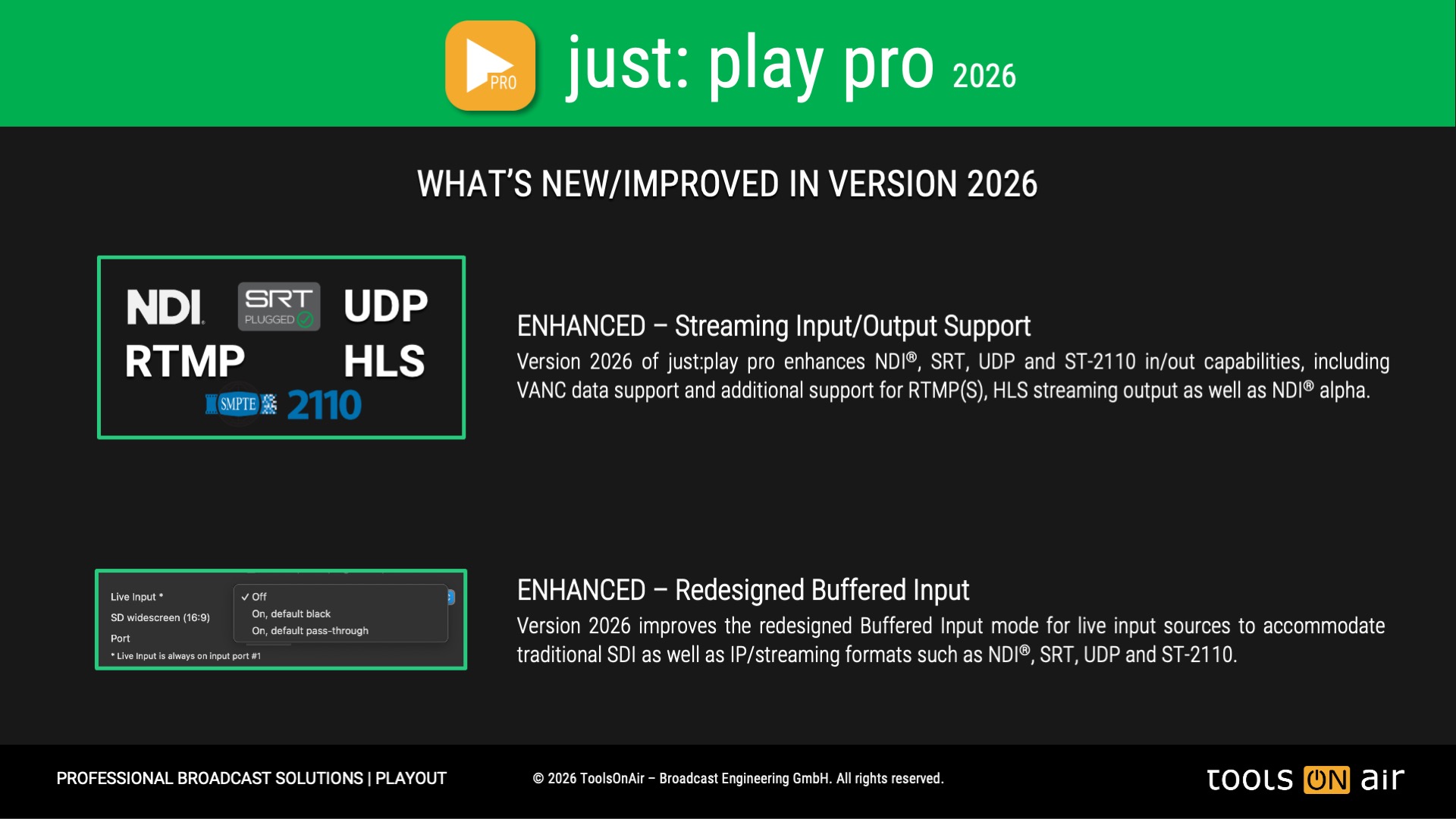
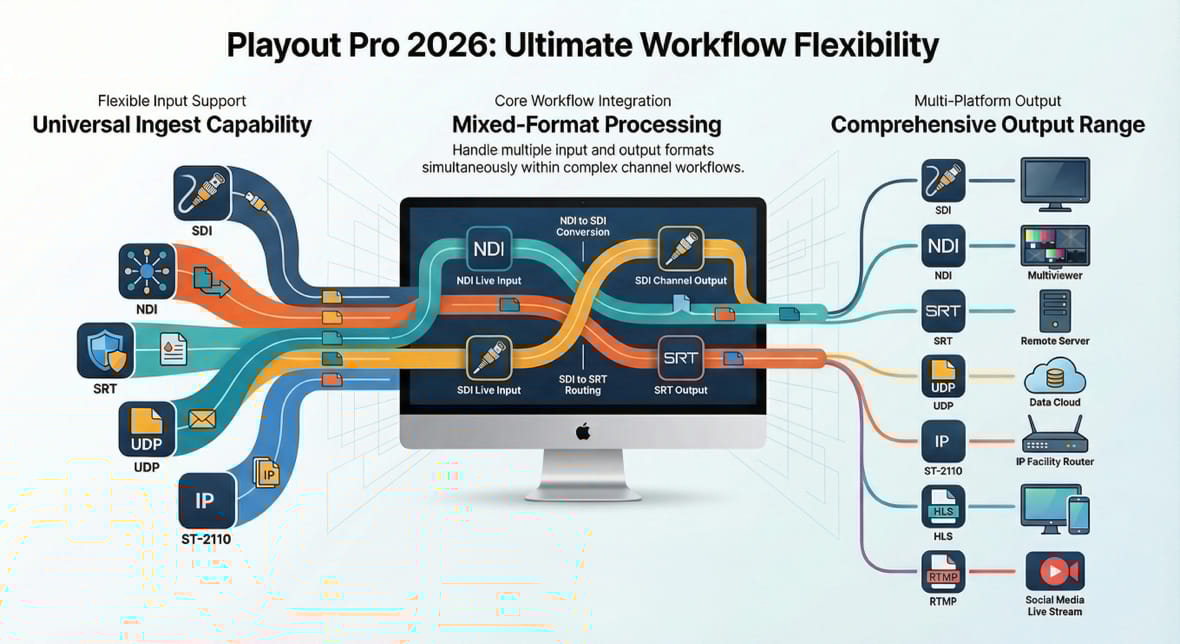
The 2026 release further enhances support for multiple input and output formats, including mixed configurations, providing greater flexibility when designing complex channel workflows. Whether managing diverse source formats, multiple outputs, or a combination of baseband and IP-based workflows, the new version enables users to adapt more easily to evolving operational requirements.
Improved Manual Interaction & Emergency Live Input Switching
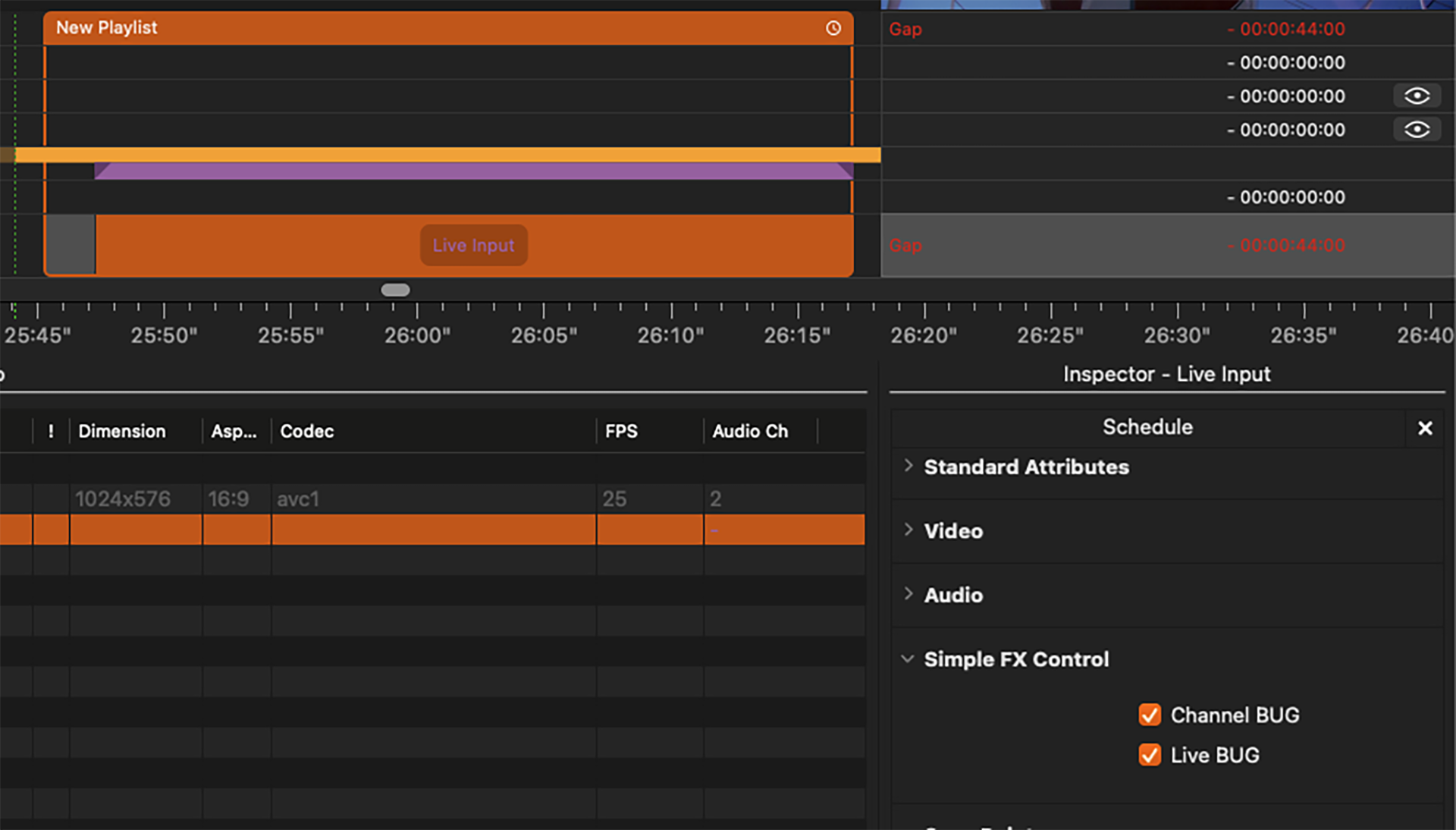
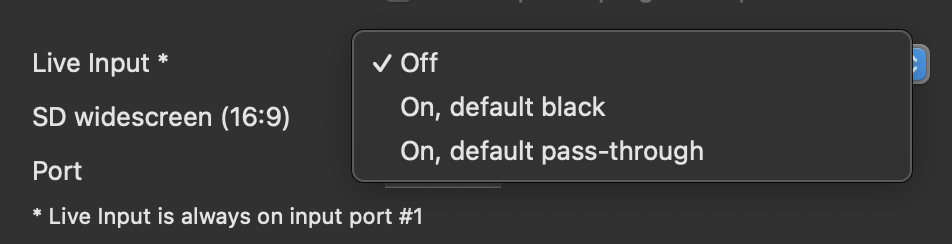
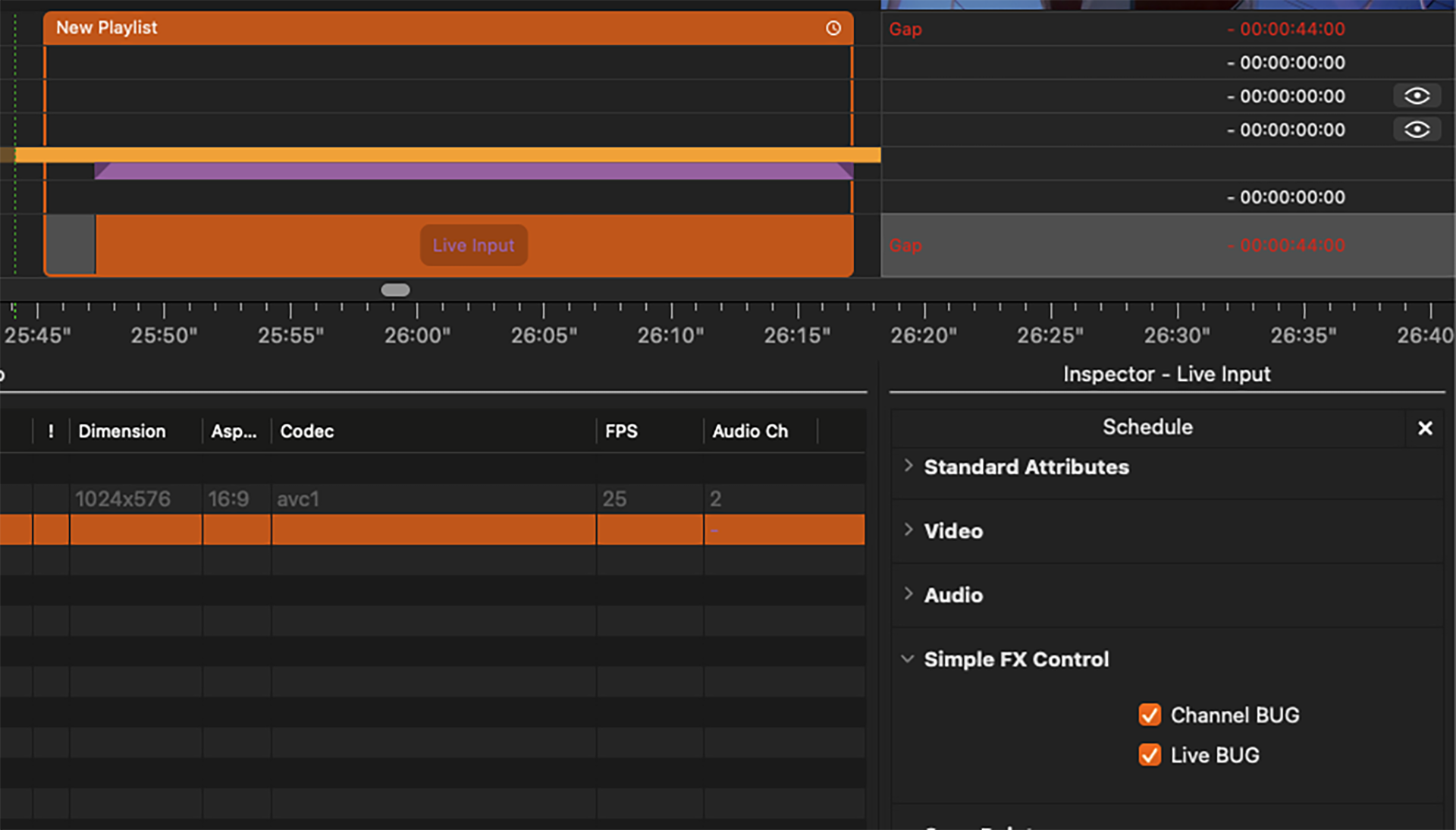
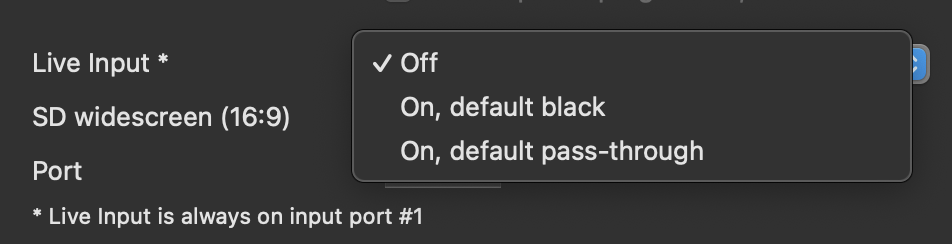
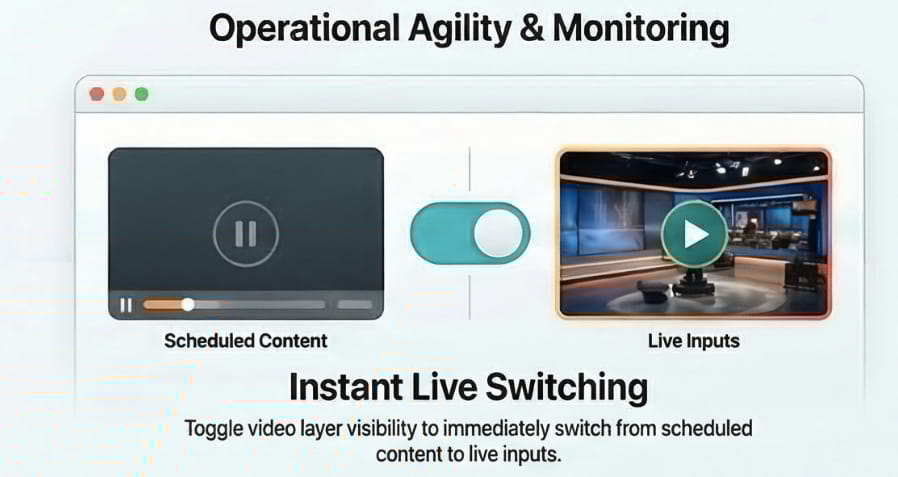
The 2026 release introduces key workflow enhancements designed to increase operational agility. A standout feature is the implementation of video-layer visibility controls, which function as an instantaneous toggle for live inputs. When configured for live operation, hiding the active video layer automatically reveals the underlying live signal, enabling seamless switchover from scheduled content to breaking news coverage - and back again.
This approach establishes a highly efficient emergency broadcast workflow without requiring manual intervention. In addition, just:play pro 2026 now supports direct navigation to selected video files, allowing operators to jump instantly to specific assets. Together, these enhancements significantly improve response times and streamline navigation within complex playout environments.
Enhanced Multi-Viewer Capabilities for Control Room Efficiency
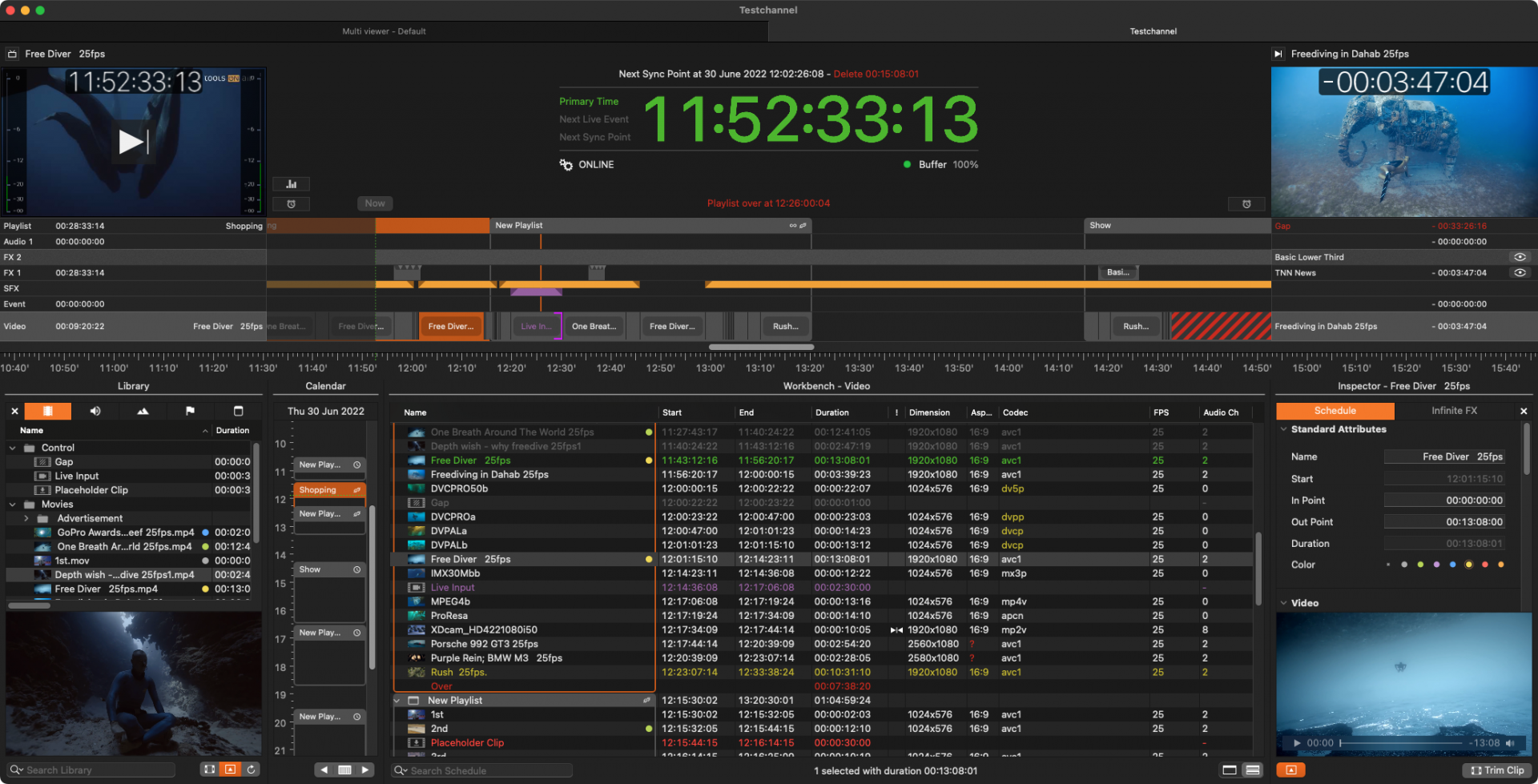
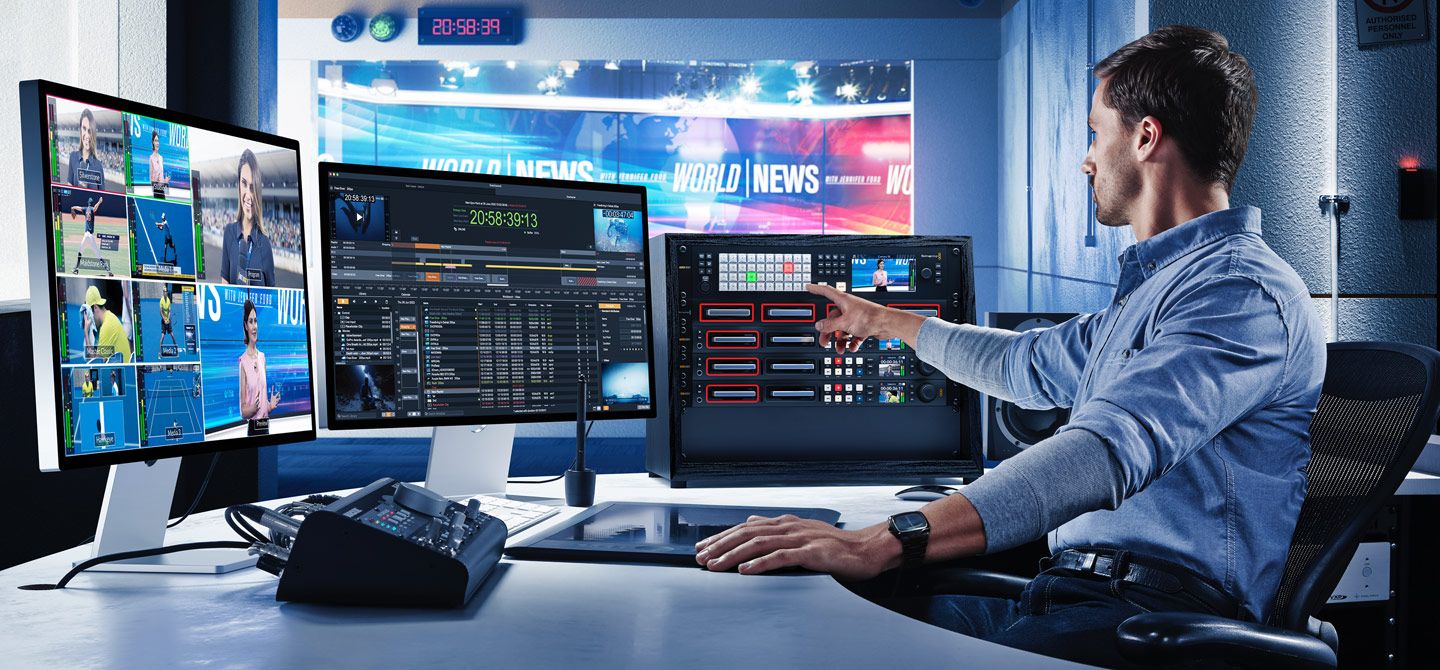
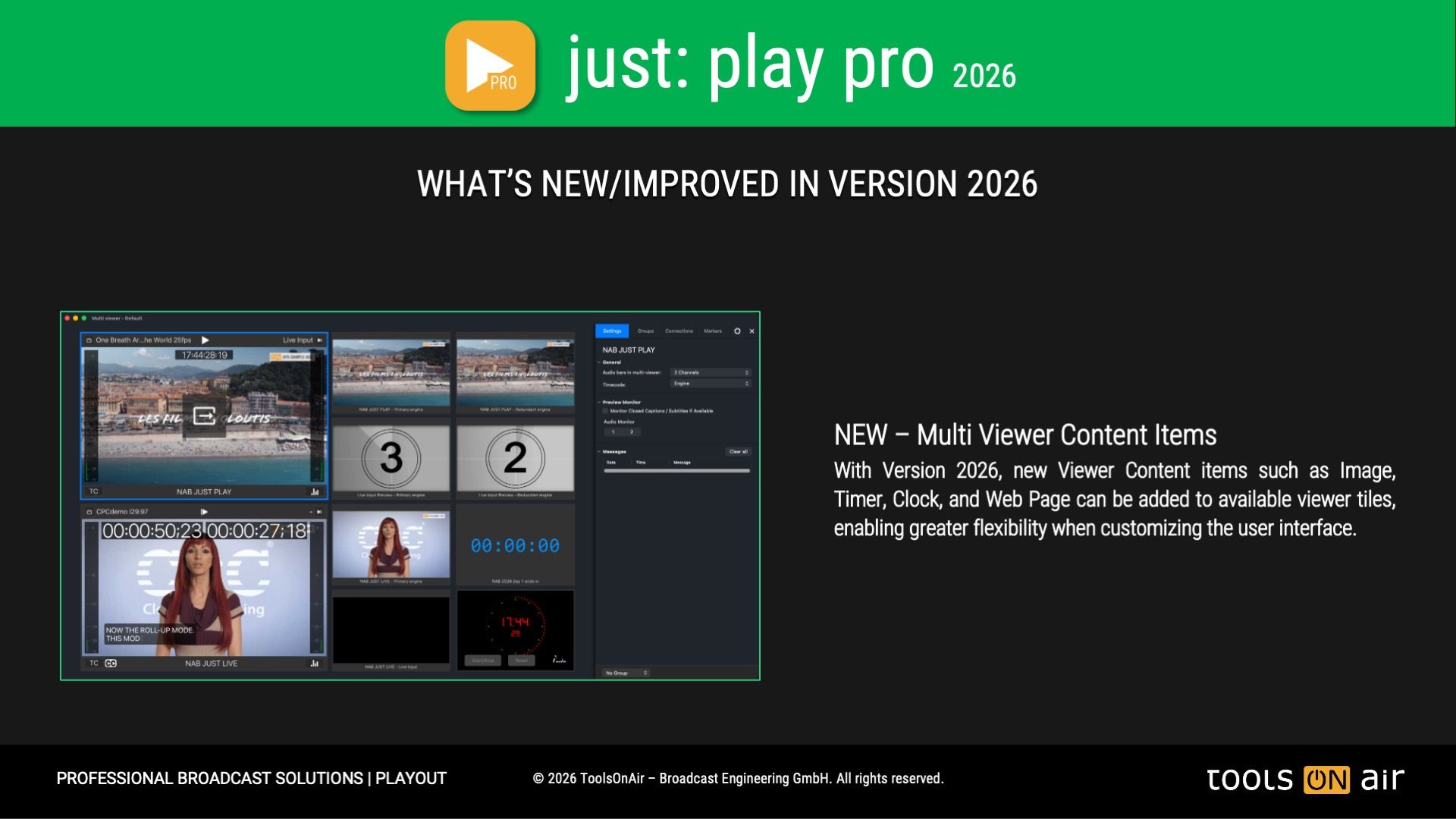
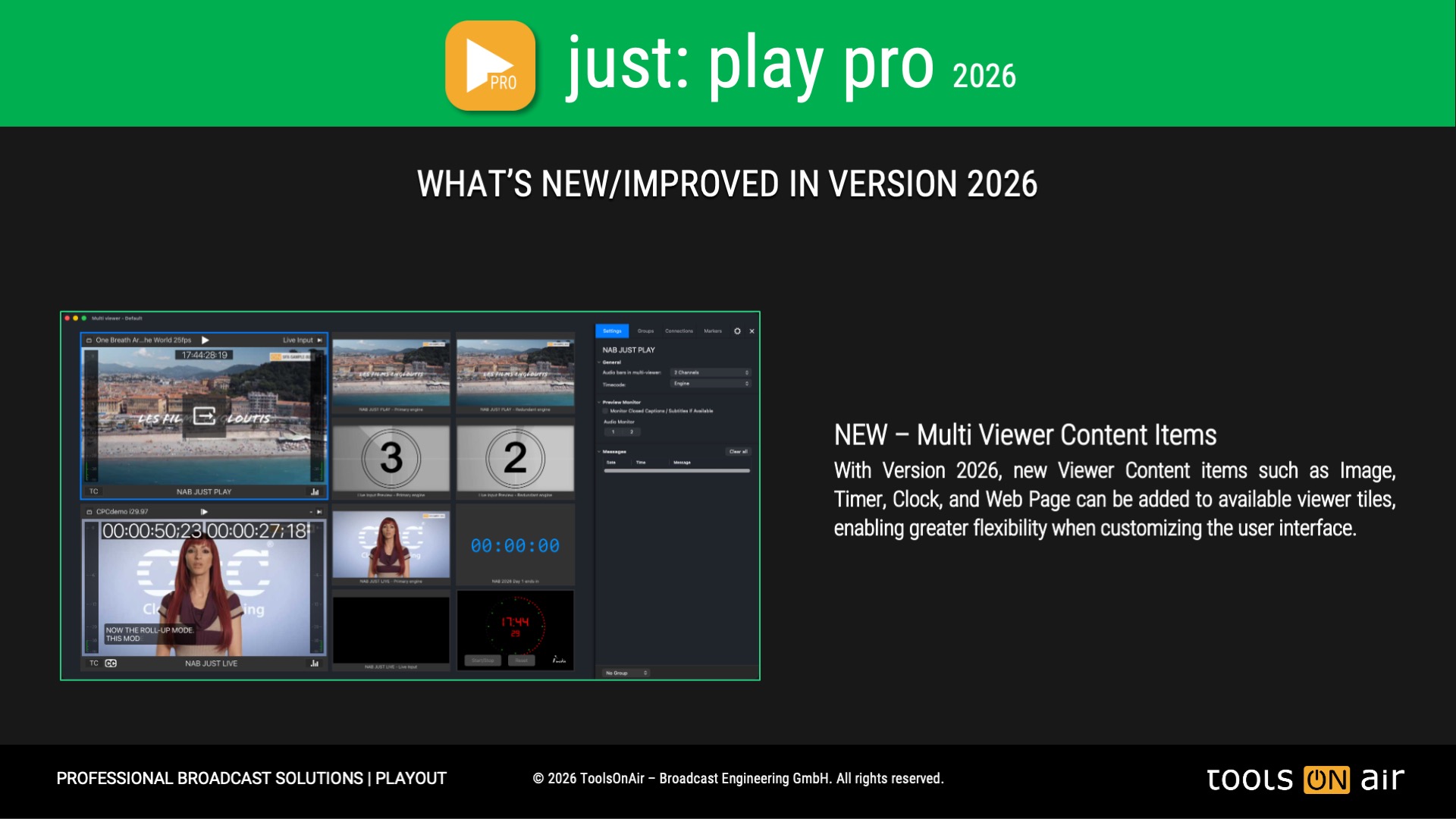
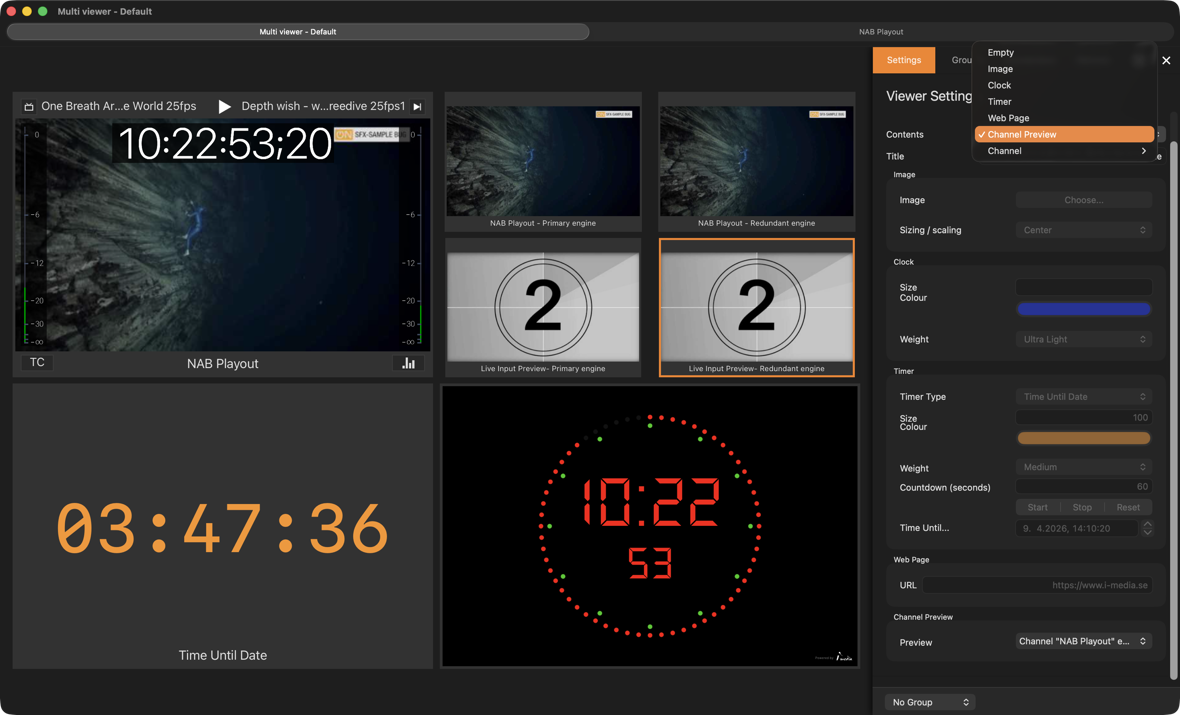
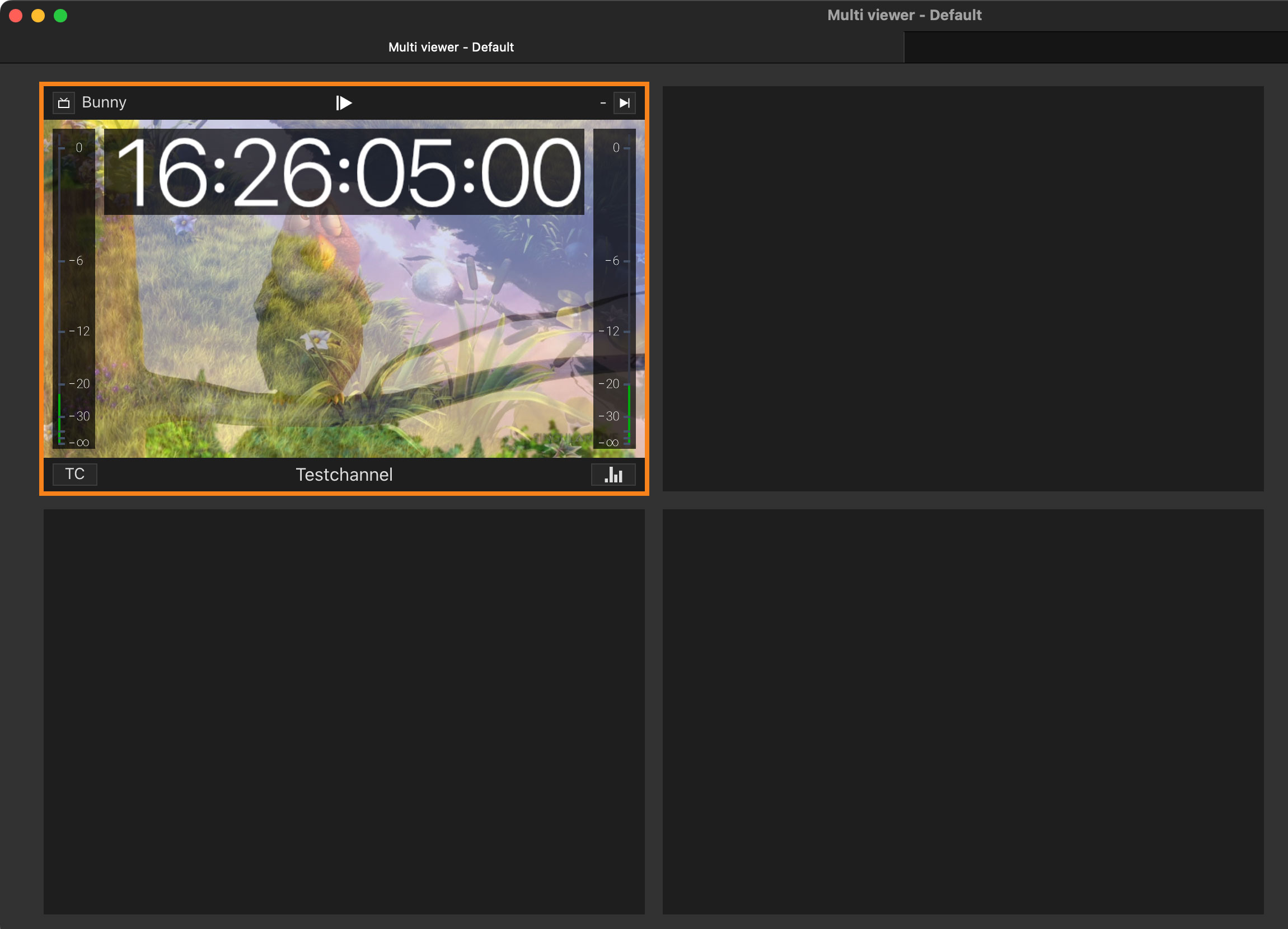
The multi-viewer layout has been significantly enhanced to maximize control room efficiency. Previously unused viewer slots can now be populated with customizable information widgets, including clocks, countdowns, timers, stopwatches, images, web pages, event timelines, and channel status indicators. This evolution transforms the multi-viewer into a versatile operational dashboard - serving not only as a confidence monitor, but also as a centralized hub for channel-related information and real-time situational awareness.
NDI 6.3 and Enhanced IP Workflow Support
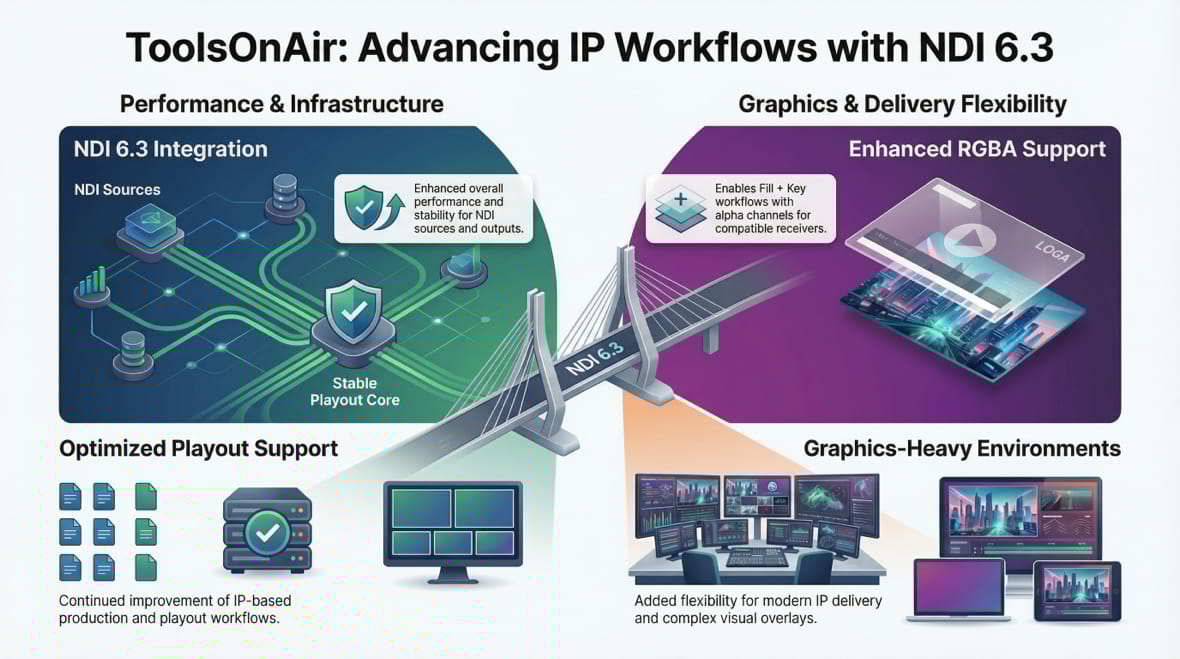
ToolsOnAir continues to advance IP-based production and playout support with the update to NDI 6.3, delivering improved performance and stability for both NDI sources and outputs. Enhanced support for RGBA over NDI enables Fill + Key workflows with alpha channels for compatible receivers, providing flexibility for graphics-intensive environments and modern IP-based delivery.
Client - Server Based Architecture for Highest Playout Standards
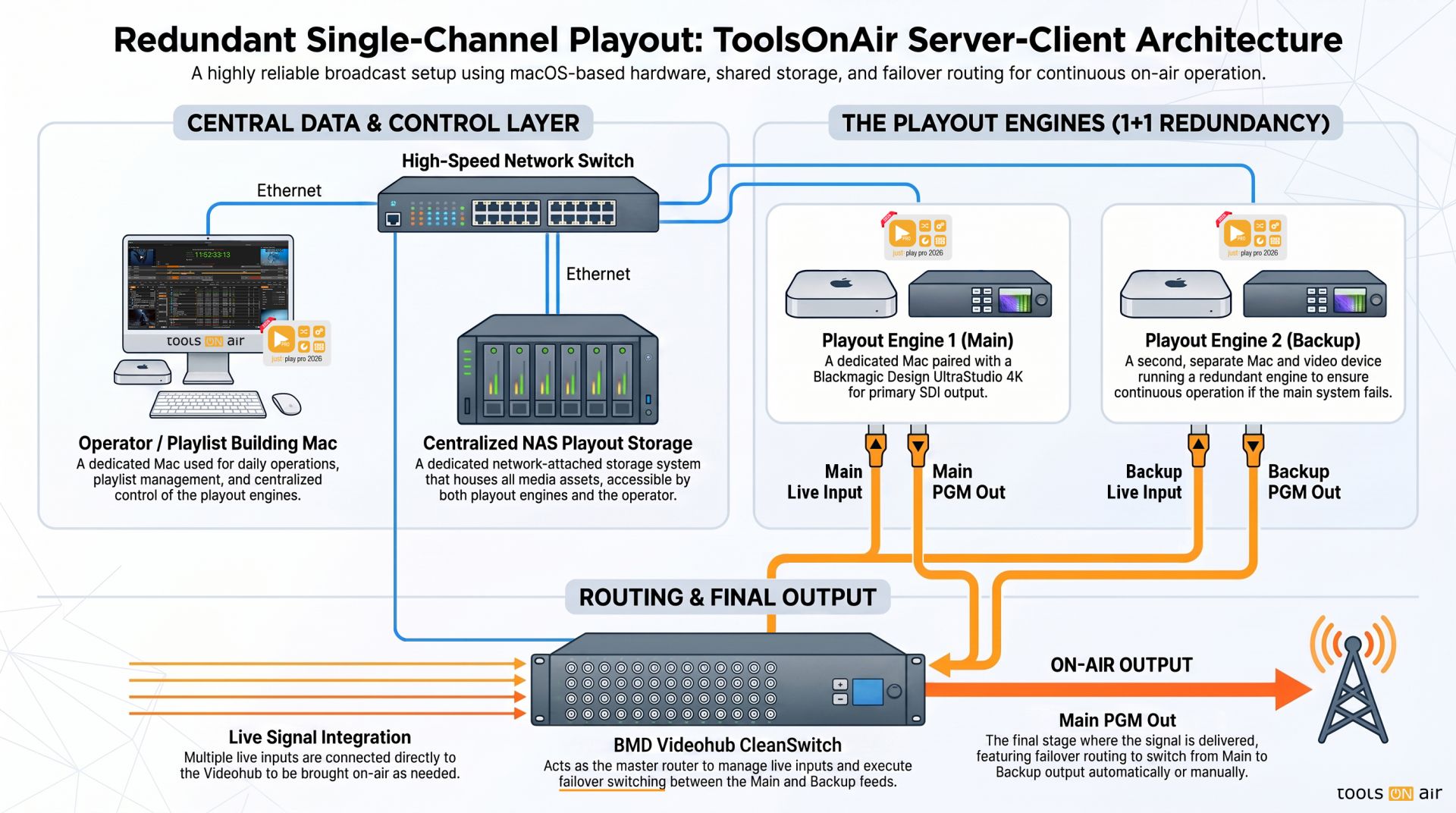
just: play pro 2026.x and live pro 2026.x are designed with a true server-client architecture to meet the highest playout and live production demands.
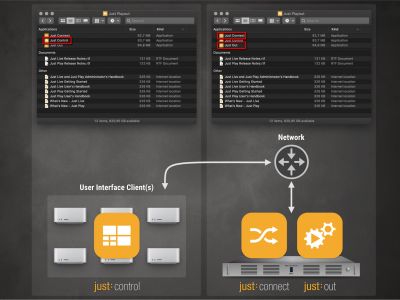
Our Playout Solutions contain three applications that are necessary to run a playout channel: Just Out, Just Connect, and Just Control;
The fourth application, called Composition: Builder, creates real-time graphic templates.
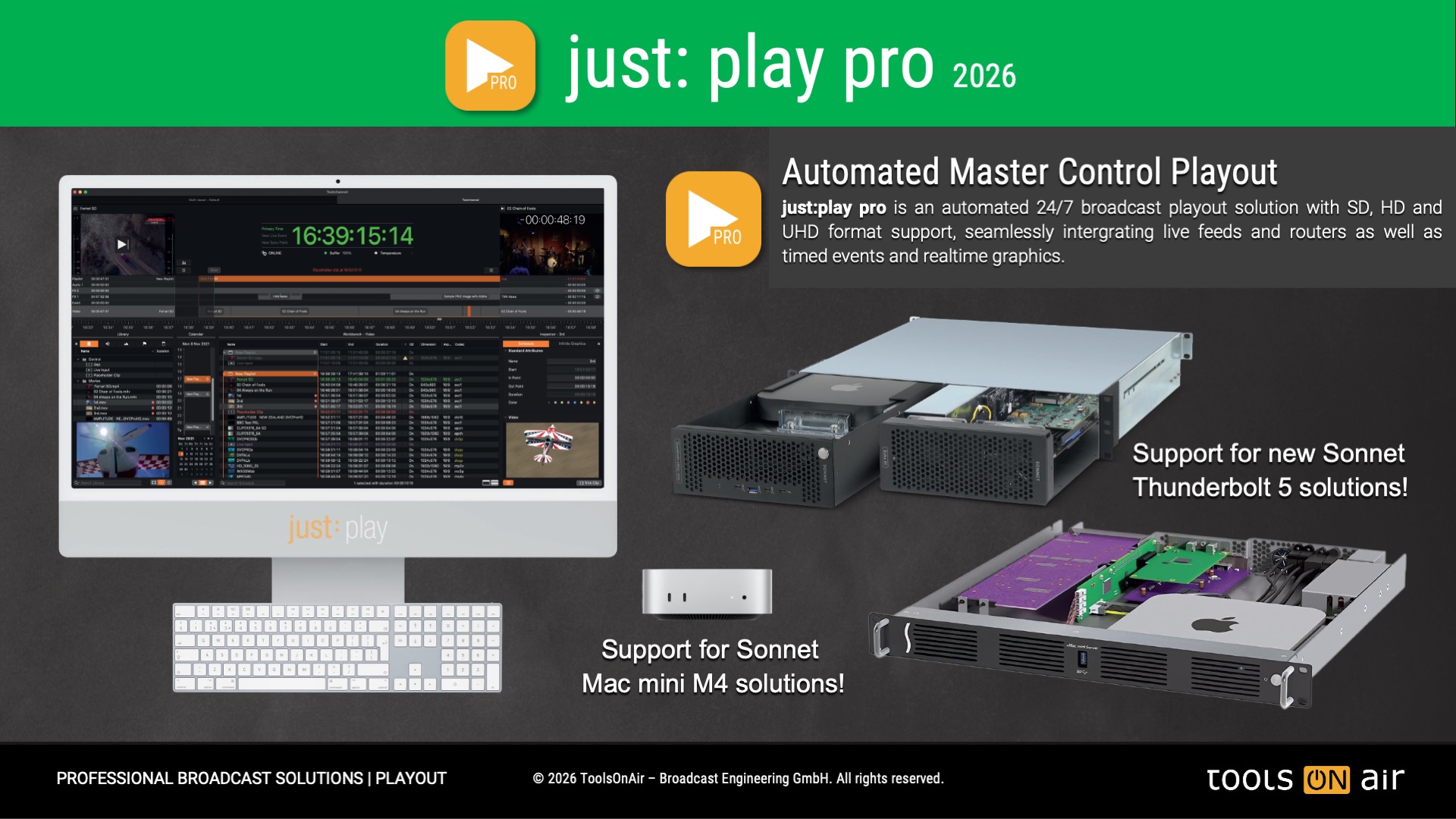
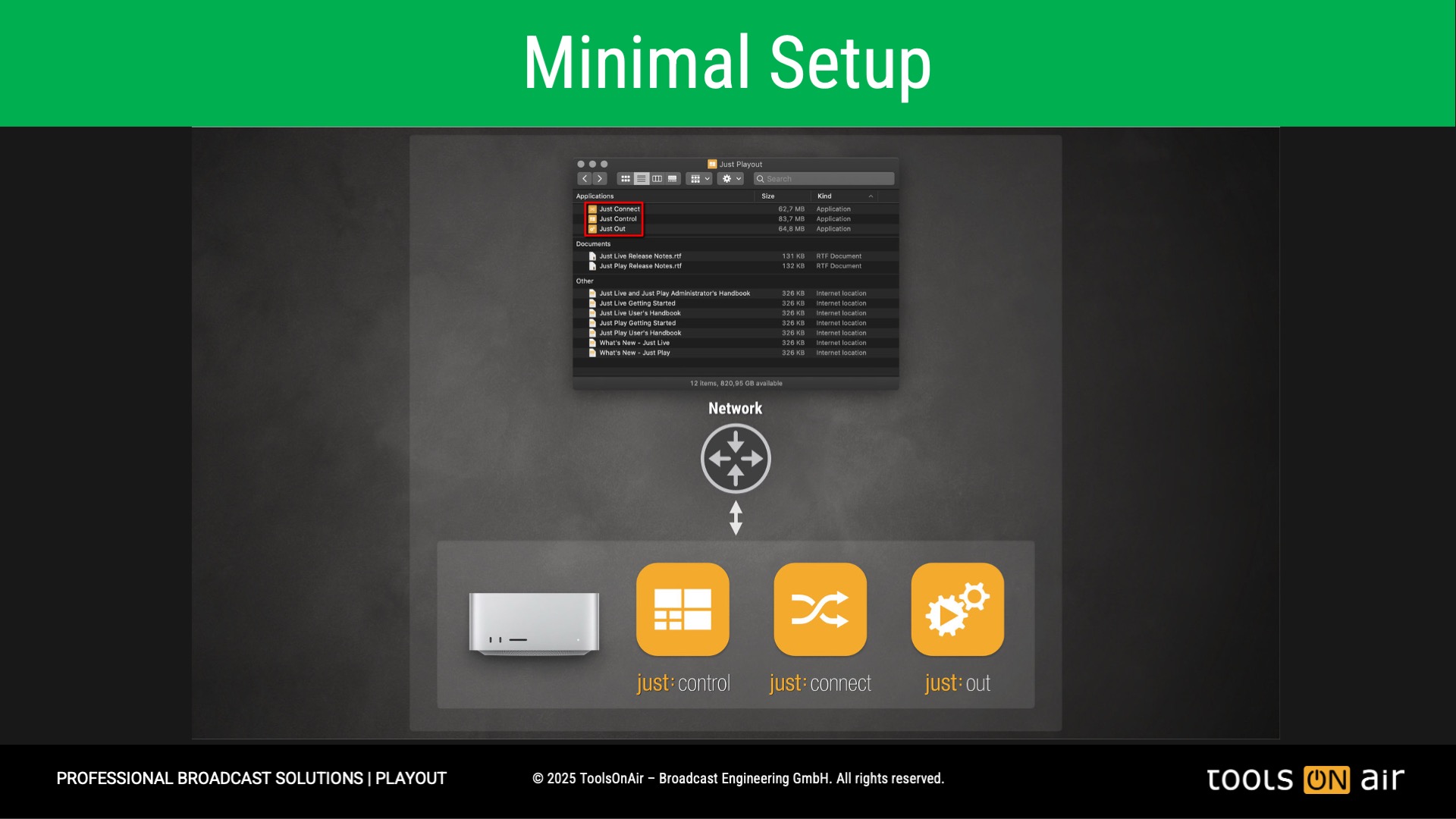
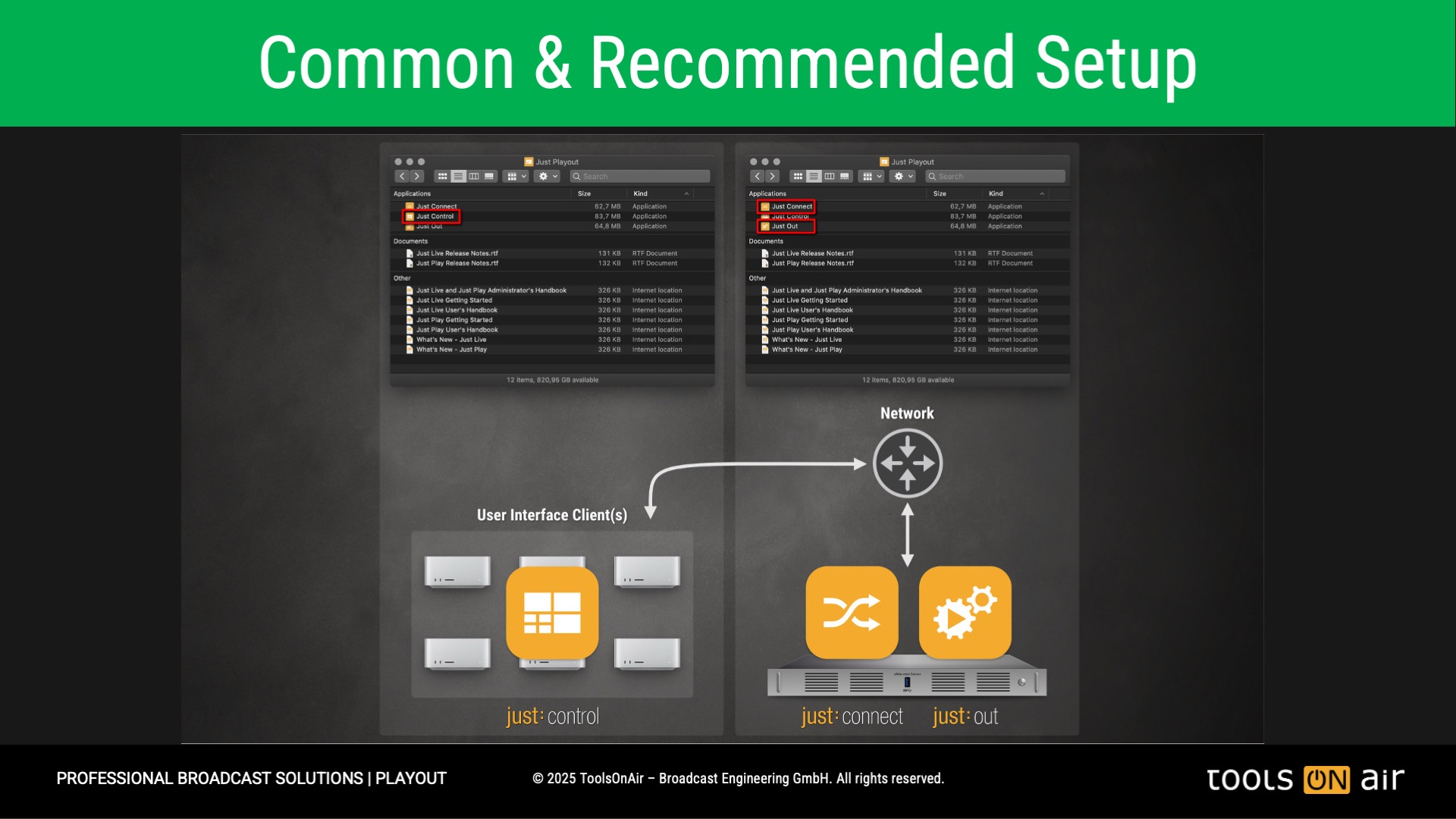
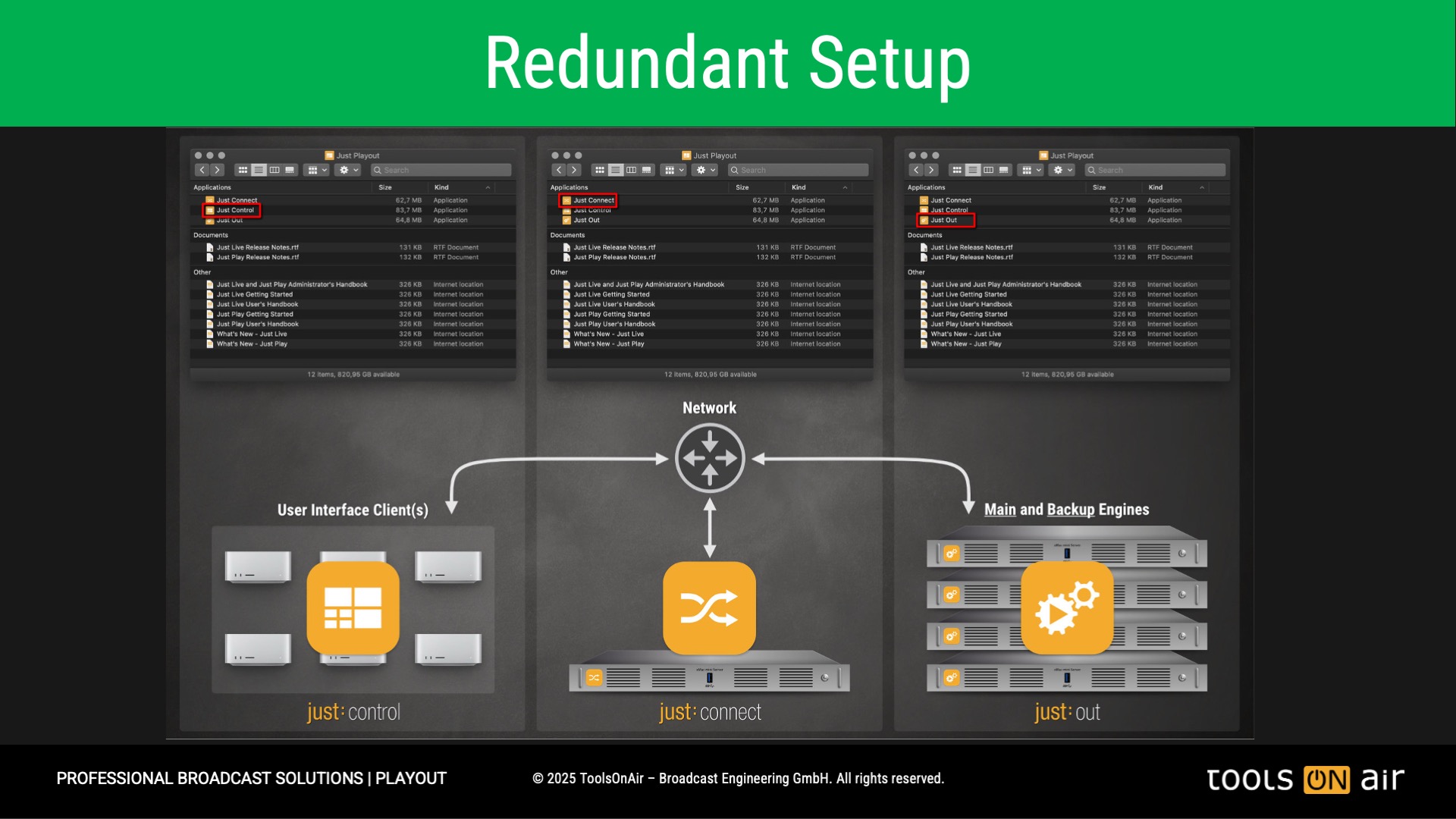
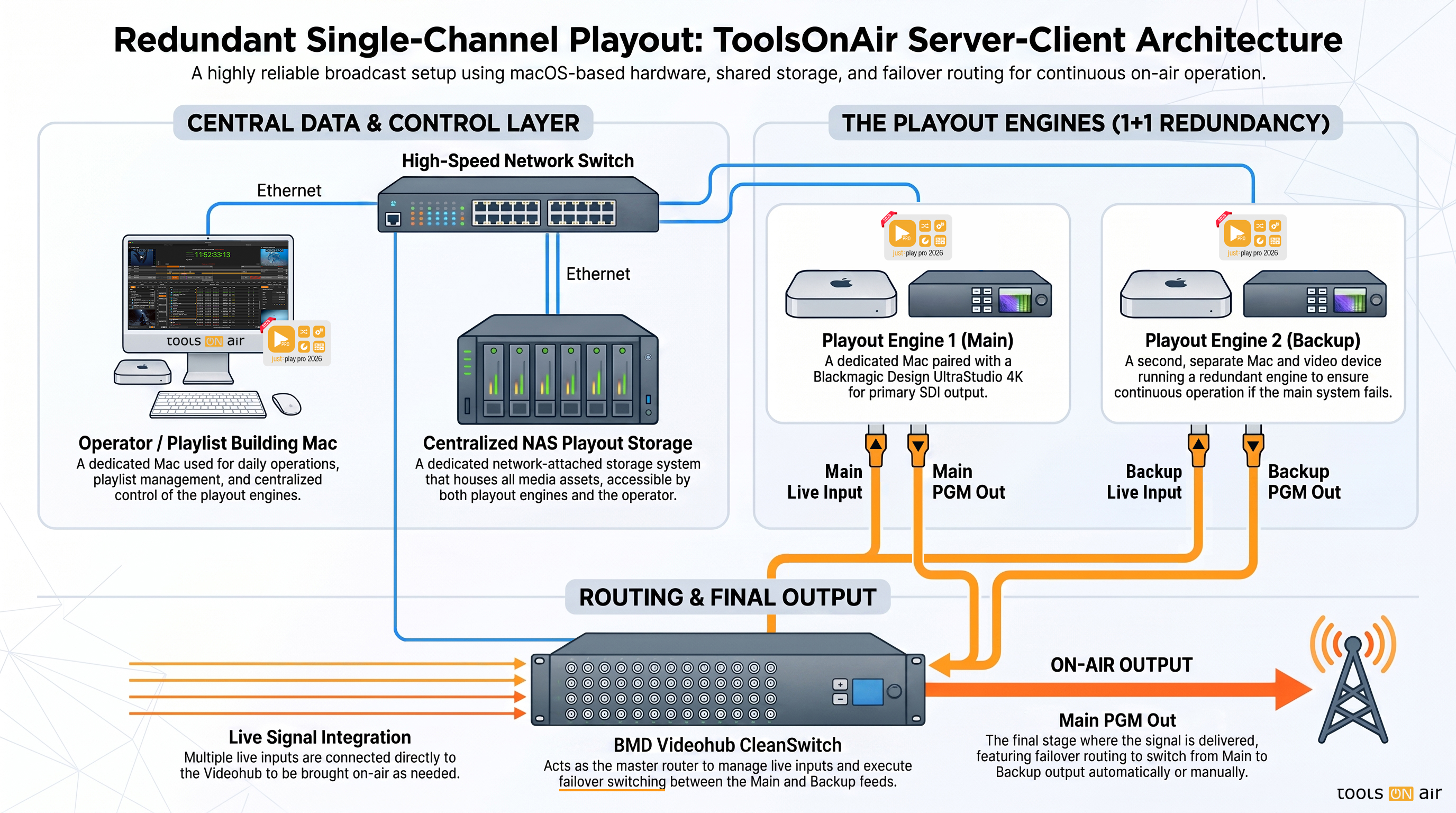
For smaller, simple setups, the server and client applications can be installed on a single macOS machine. However, thanks to the flexible architecture, they can also be distributed across multiple machines. This allows a single Just Control instance to manage multiple playout servers running one or more Just Out engines.
One of the greatest benefits: Just Control requires no license and can be installed on multiple machines, enabling operators to monitor and control all playout channels simultaneously—perfect for multi-control and multi-operator environments.
Just Out Engine
Just Out is the playout engine of the system. It runs in the background and is responsible for playing out video, audio, live inputs, graphics, and the final program output through SDI, NDI, SRT, UDP, ST 2110, or other supported formats.
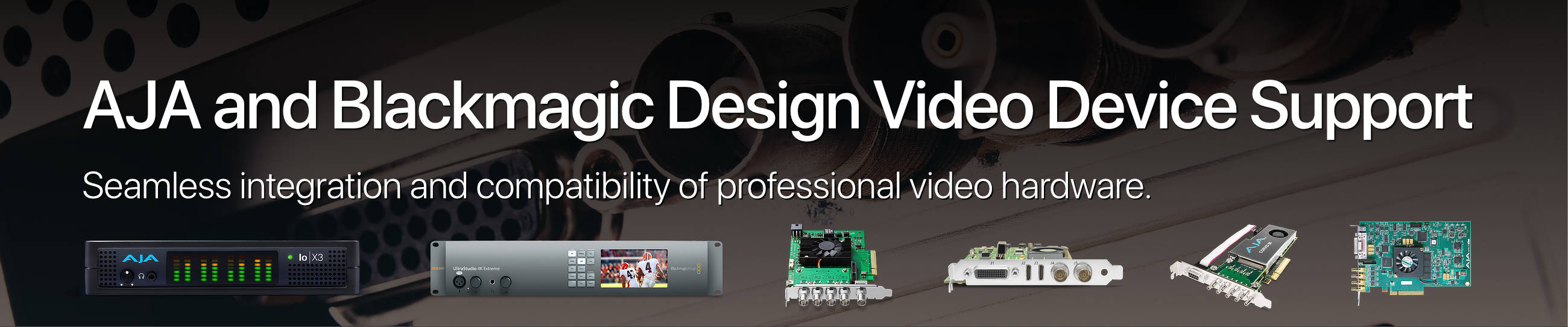
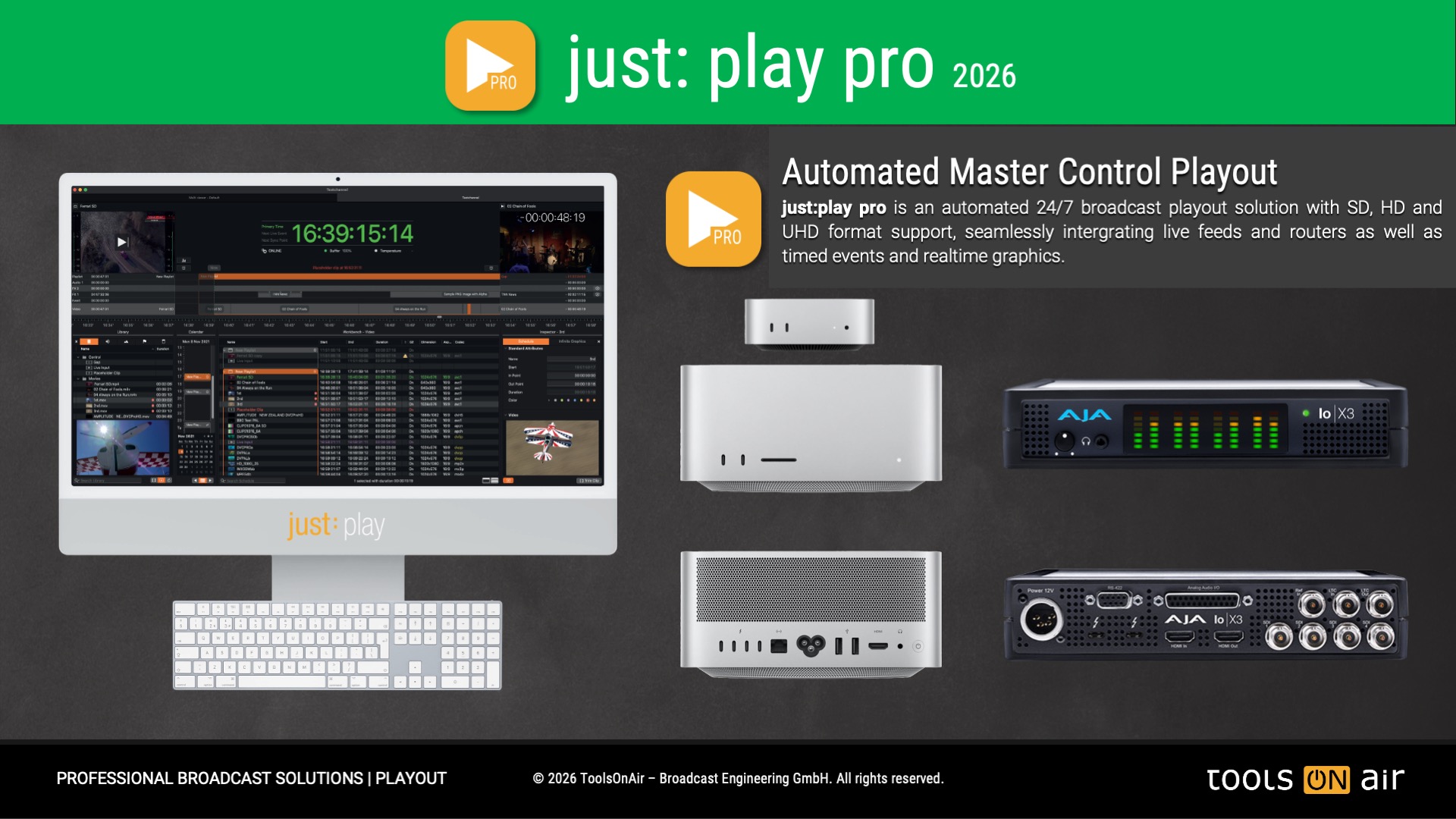
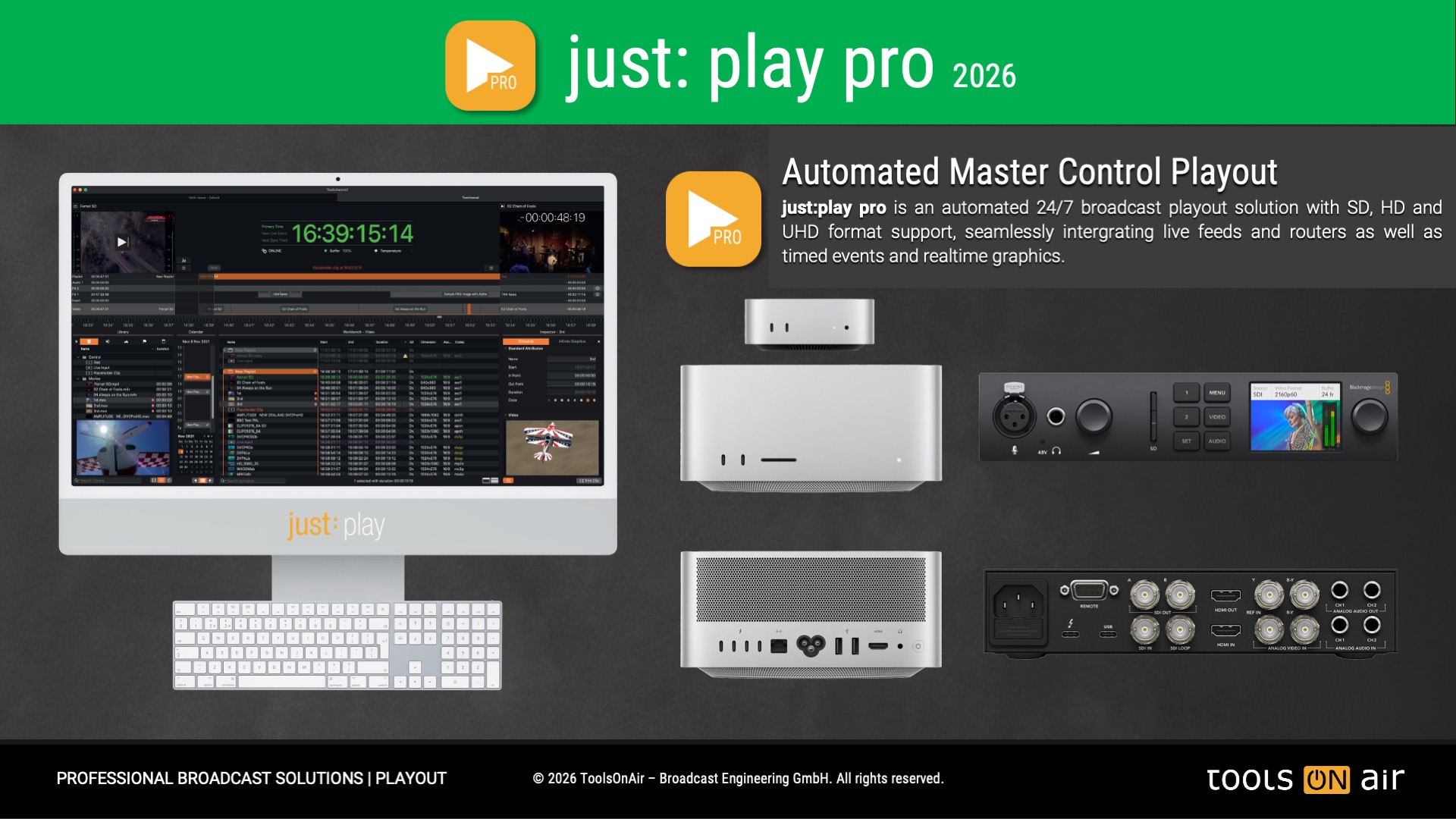
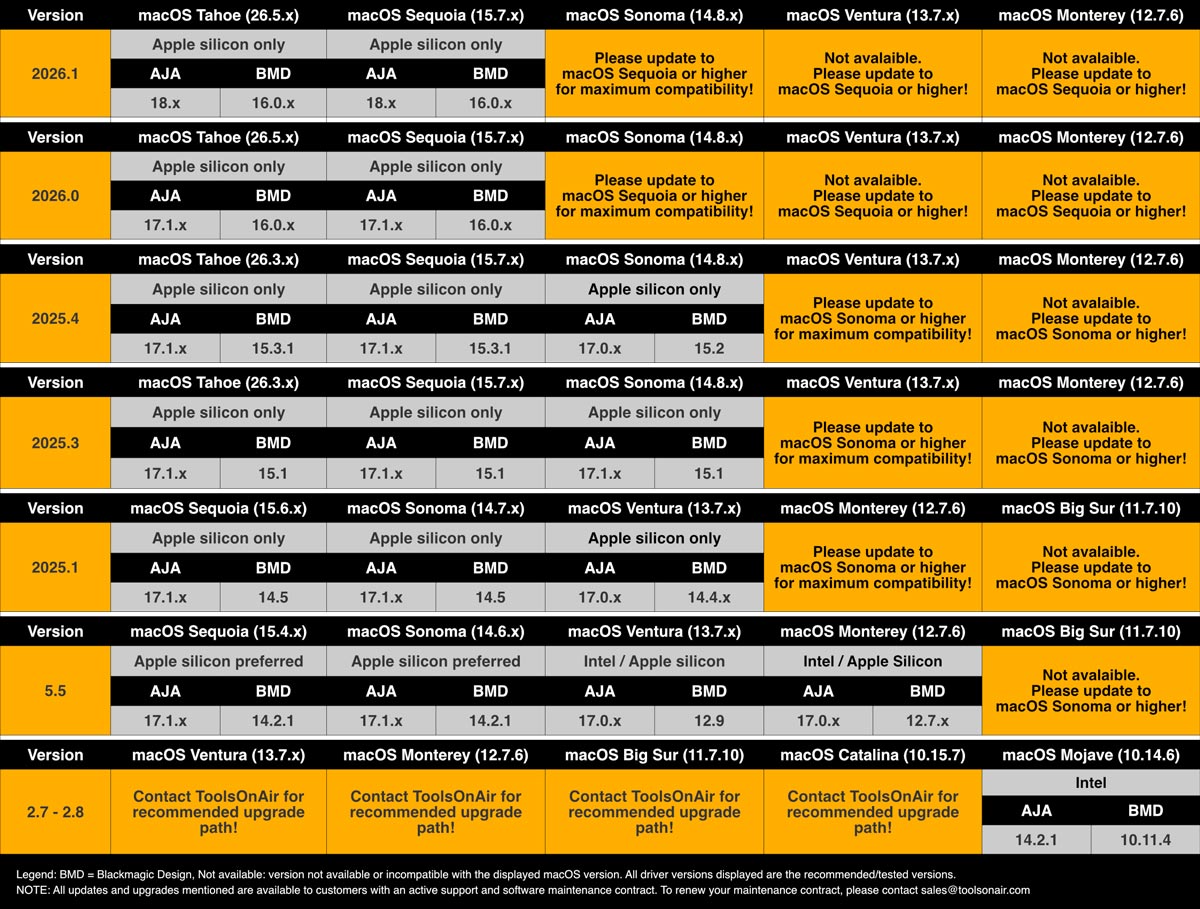
For SDI workflows, Just Out communicates natively with supported AJA and Blackmagic Design video cards via their official SDKs, providing reliable and professional broadcast output.
In most setups, Just Out is installed on the dedicated playout server and controlled by Just Control.
Just Connect
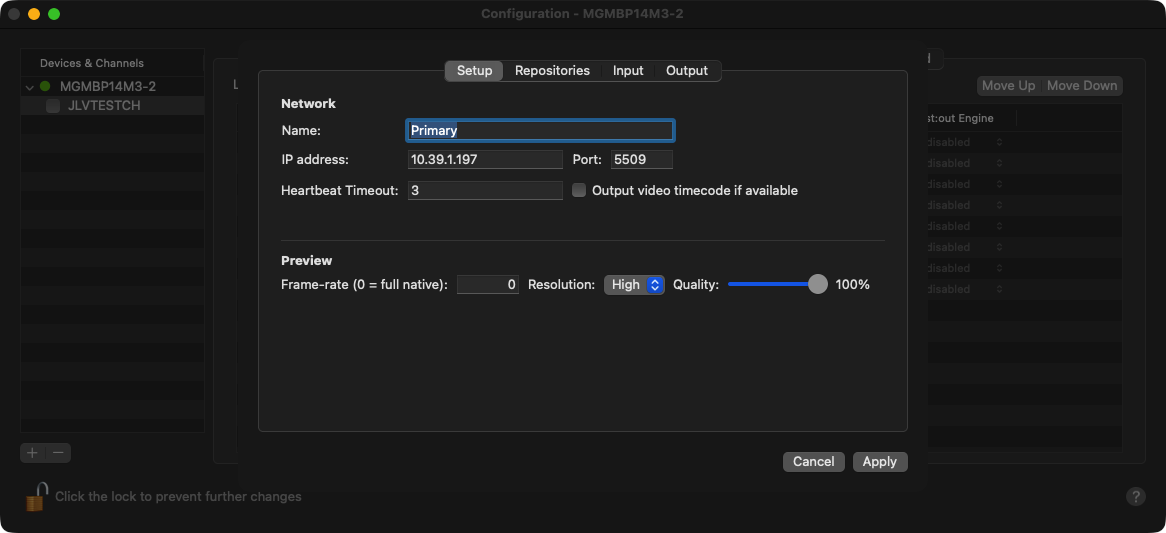
Just Connect is the central communication and management layer between the different applications and services in the system. It connects Just Control with one or more Just Out engines and ensures that all components communicate reliably within the server-client architecture.
Just Connect also stores and manages important system data, including the central configuration file, playlists that have been played out, and other files required for the operation and management of the playout environment. This makes it an important central component for keeping the system consistent, organized, and reliable across all connected machines.
Just Control
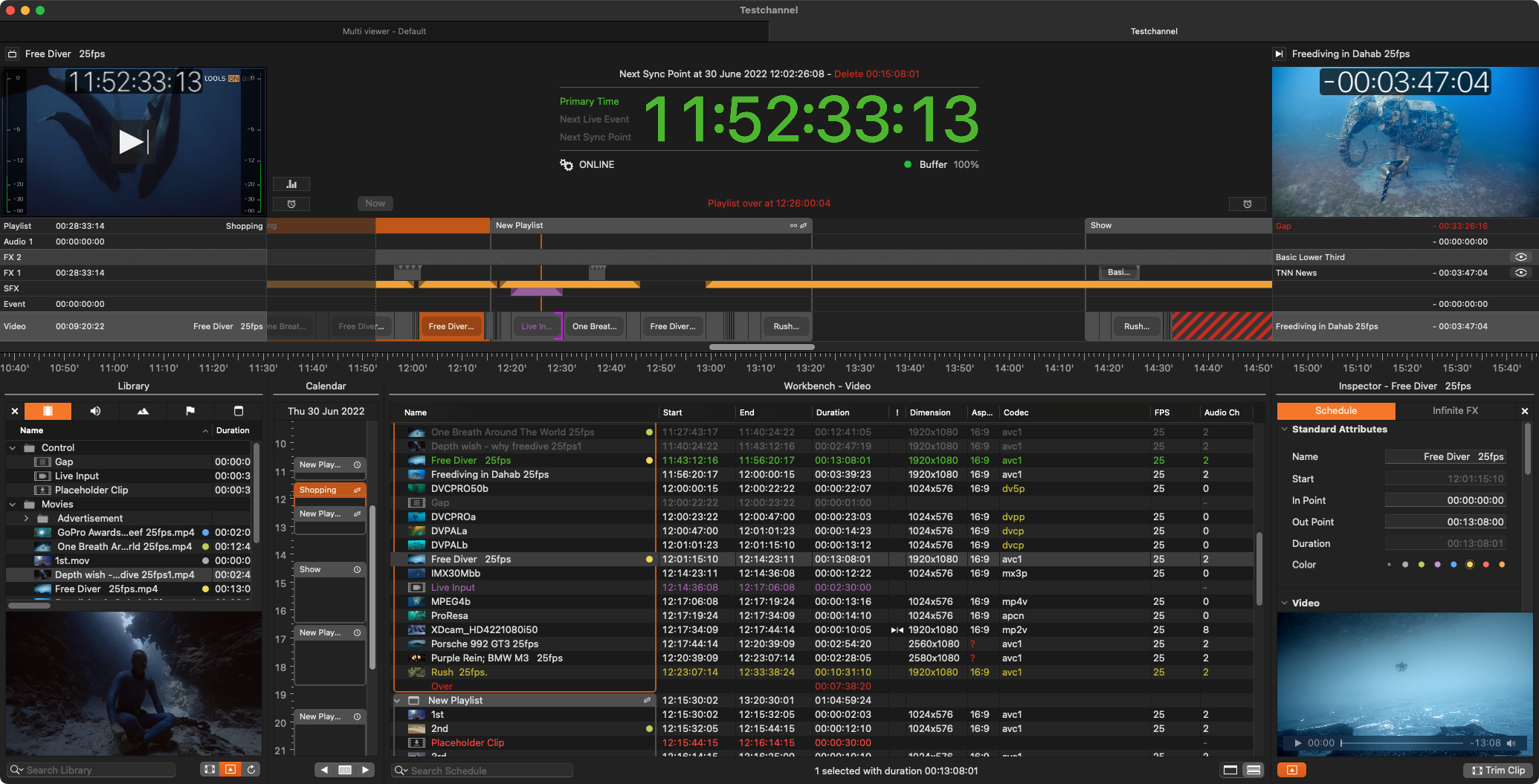
Just Control is the main user interface for operators. It is used to build, manage, monitor, and control playlists, live events, graphics, and playout and recording channels from one central application.
Designed for professional multichannel operations, each Just Control instance can handle up to 64 playout and/or recording channels in a single application. This makes it ideal for larger broadcast environments where multiple channels need to be operated, supervised, and controlled efficiently.
Since Just Control does not require a separate license, it can be installed on multiple workstations, enabling flexible multi-operator workflows across the facility.
just:play pro 2026 – Your Playout, Your Way
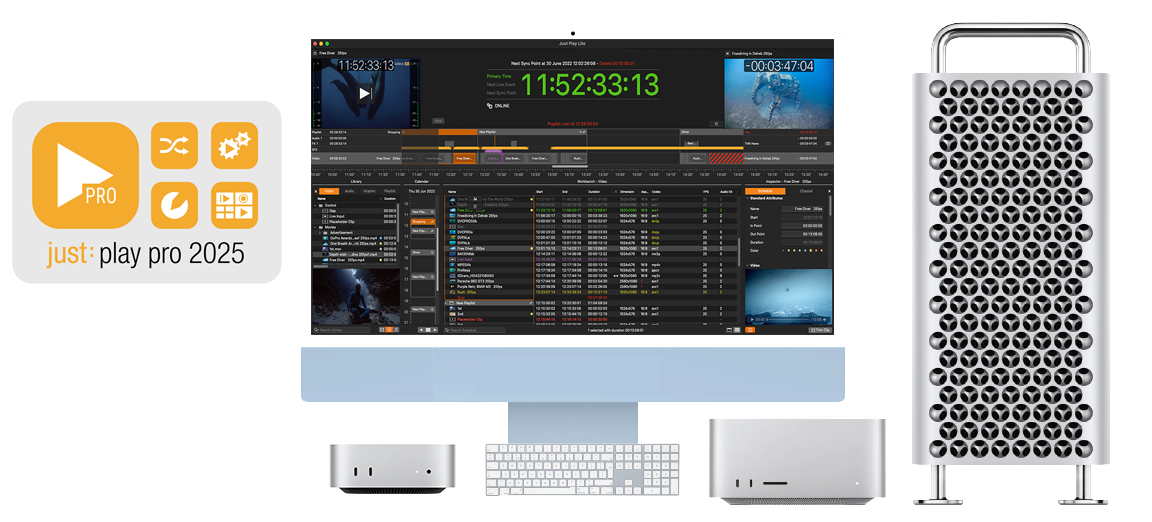
With just:play pro 2026, you decide how your playout environment should look. Thanks to our flexible licensing, the software can run as a compact single-Mac setup or as a scalable server-client architecture with multi-channel output support for the highest professional standards.
All core components—Just Out, Just Connect, and Just Control—can be installed on one machine, or distributed across multiple Macs to meet your exact needs.
This flexibility comes with significant advantages:
Load Balancing: CPU/GPU usage is distributed across machines.
Enhanced Stability: The Just Out engine runs independently from user operations.
Failover Security: Configure redundant engines for uninterrupted playout.
Multiuser Channel Editing: Collaborate in real-time with first-come, first-served access.
And best of all: Just Control requires no license and can be installed on unlimited machines, enabling operators to monitor and manage multiple channels in parallel—ideal for multi-control environments.
With just:play pro 2026, you gain the freedom to scale from simple to enterprise-grade setups—without limitations.
Have a look at our just: play pro 202x Teaser Video
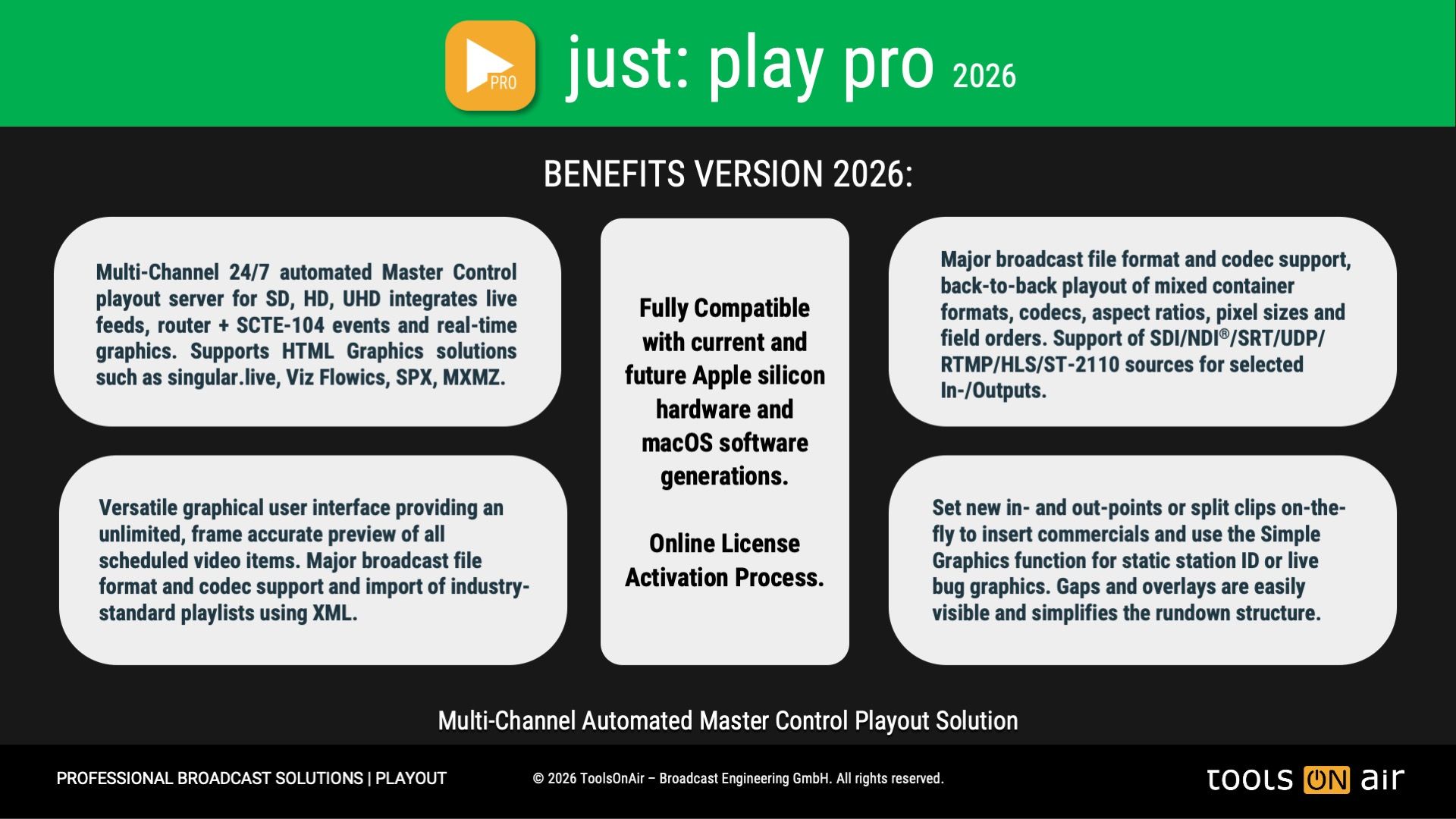
Key Benefits of just:play pro 2026
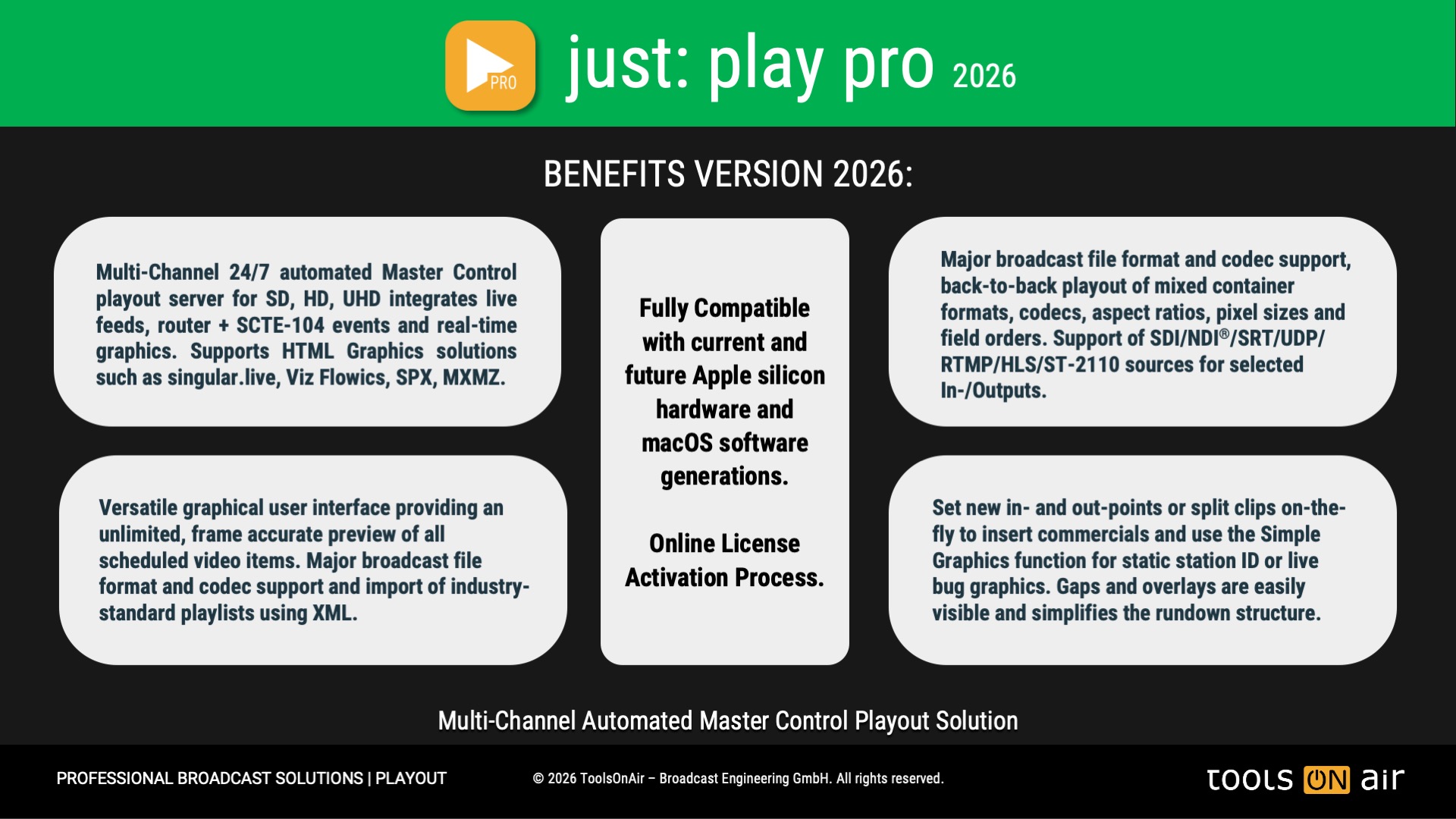
24/7 Master Control Playout with Realtime Graphics render engine and third party event control
just:play pro 2026 is built for continuous, professional-grade operation, providing 24/7 master control playout with uncompromising reliability. Its integrated real-time graphics render engine enables dynamic overlays, tickers, and branding, while seamless third-party event control ensures smooth integration into complex broadcast environments. Designed for automation as well as manual intervention, just:play pro 2026 gives broadcasters the flexibility and confidence to run their channels nonstop, day after day.
Supports SDI/NDI®/SRT/UDP/RTMP/HLS/ST-2110 & Live video input and Fill & Key Outputs.
just:play pro 2026 is designed to integrate seamlessly into modern Master Control environments. Whether you rely on traditional SDI, IP-based formats such as NDI, SRT, UDP, RTMP, and HLS, or next-generation standards like ST 2110, just:play pro 2026 delivers reliable connectivity and uncompromised quality.
The restriction that the live input and output “device” must be the same (e.g. SDI, NDI) has been lifted, enabling many more combinations such as SDI output with NDI live input or vice versa.
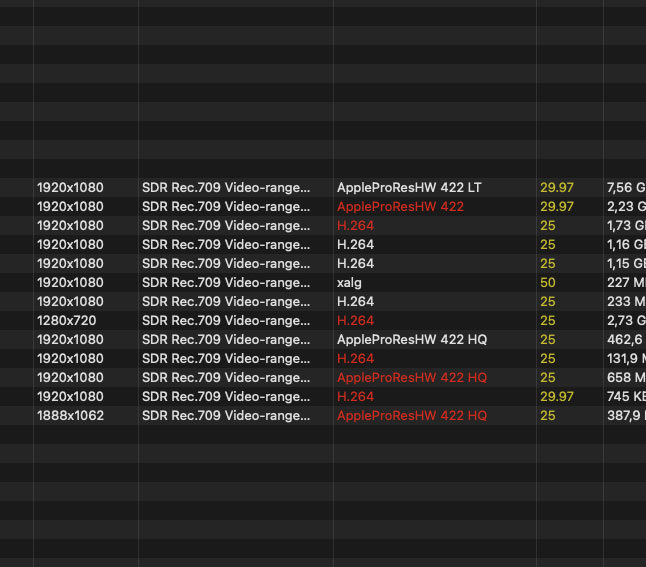
Support for SD, HD, UHD playout with qualified codecs and containers. Full SDR/HDR Playout support.
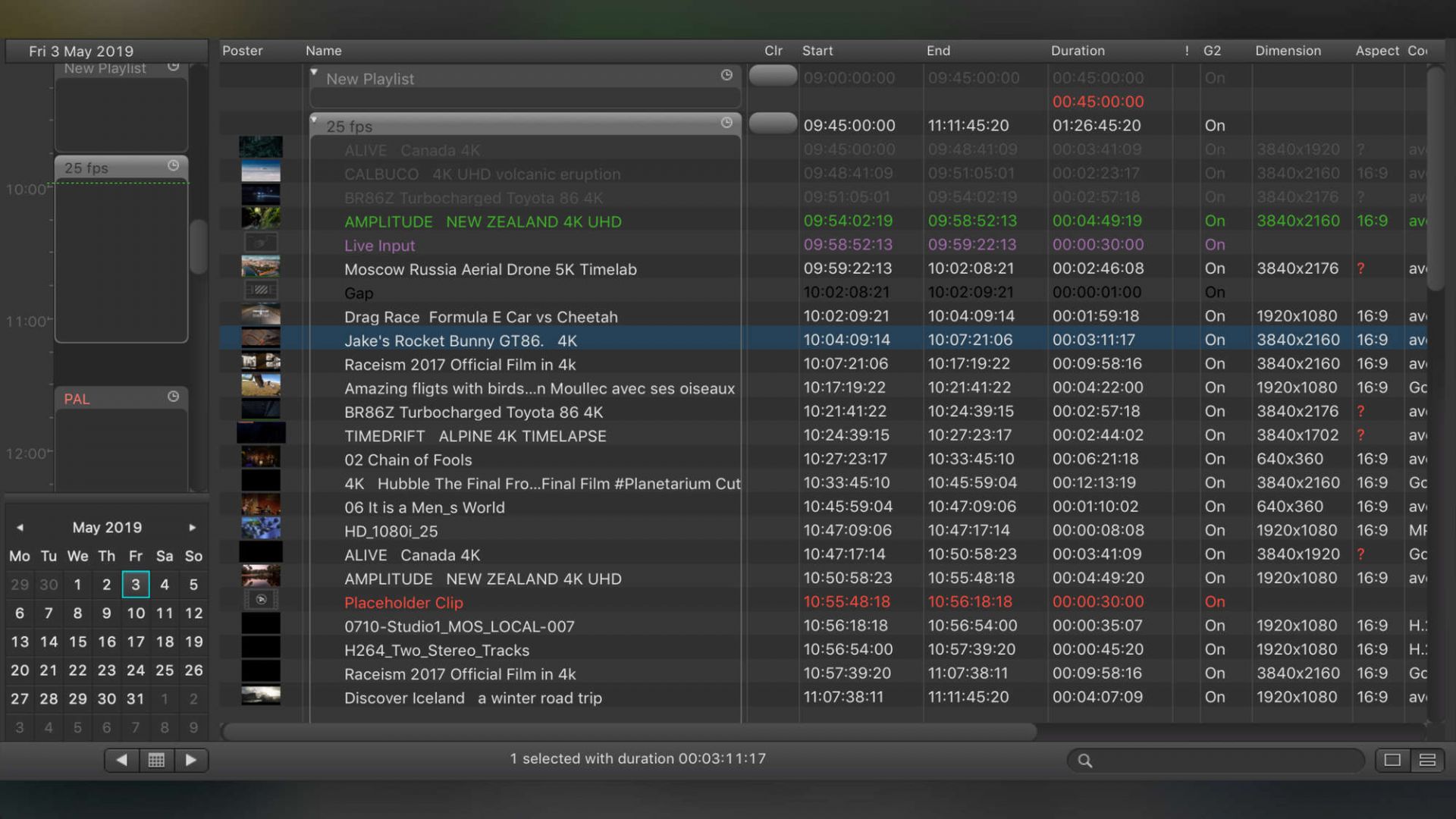
just:play pro 2026 supports SD, HD, and UHD file playout with a wide range of qualified codecs and containers, plus full SDR and HDR playout. Different formats can be mixed within the same playlist—and the playout engine automatically handles up/downscaling and framerate conversion. This ensures seamless Master Control playback of any file in any format.
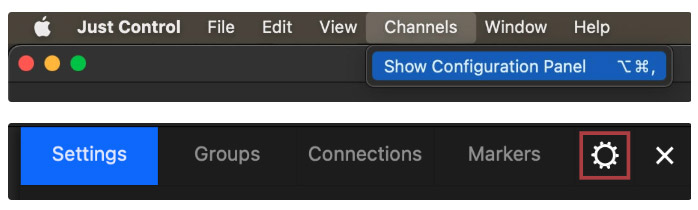
Channel Configuration and Operation done via versatile macOS User Interface, namely Just Control.
The Just Control application manages single or multiple playout channels, as well as just:in mac pro 2026 recording channels—all from one versatile macOS user interface. Channel configuration and daily operation are streamlined into a single, powerful control hub. Additionally, Just Control requires no license and can be installed on multiple machines, allowing several operators to work simultaneously on the same system.
Online License Activation Process
One of the biggest benefits of the online license activation method is its flexibility for multi-location companies. Whether operating across different offices, production sites, or live event locations worldwide, organizations can dynamically allocate their recording licenses as needed, ensuring optimal utilization of resources. Additionally, in the event of unexpected hardware failure, a license can be quickly reassigned to a replacement system, minimizing downtime and keeping critical workflows running—without the need for external support or manual intervention.
NDI® Formats include NDI® VANC Data Support
NDI enables systems to identify and communicate over IP and to encode, transmit, and receive many streams of high-quality, low latency, frame-accurate video and audio, and exchange metadata in realtime. NDI operates bi-directionally and its encoding algorithm is resolution and frame-rate-independent, supporting 4K resolutions and beyond, along with custom metadata
This release bridges the compatibility gap between ToolsOnAir playout and capture, specifically in the realm of VANC data transport via NDI. Therefore, ToolsOnAir has fully implemented the new NDI VANC Metadata Standard for CEA-708 and SCTE-104 into all capture and playout solutions for macOS.
HTTP REST API
In addition to TCP/IP and XML-based communication, all playout channels now automatically publish an HTTP REST API. This also includes a new WebSocket endpoint, allowing for bidirectional asynchronous messaging and notifications. Through our Configuration window, you can access Swagger-based documentation, providing all the necessary information to control a playout channel or receive notifications.
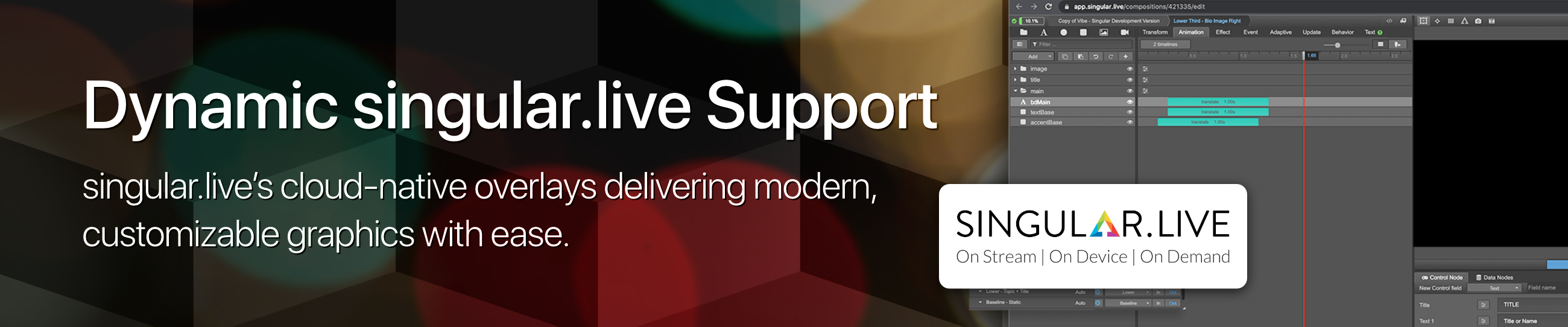
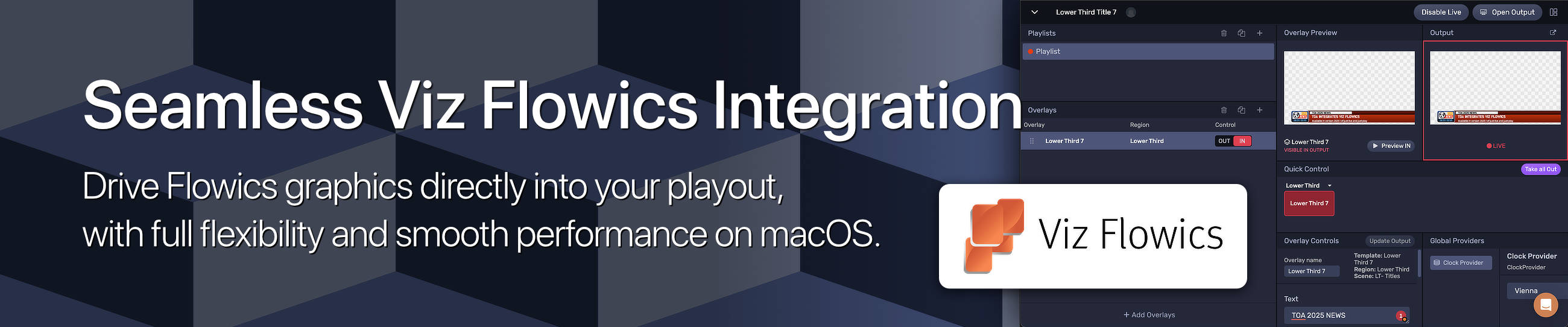
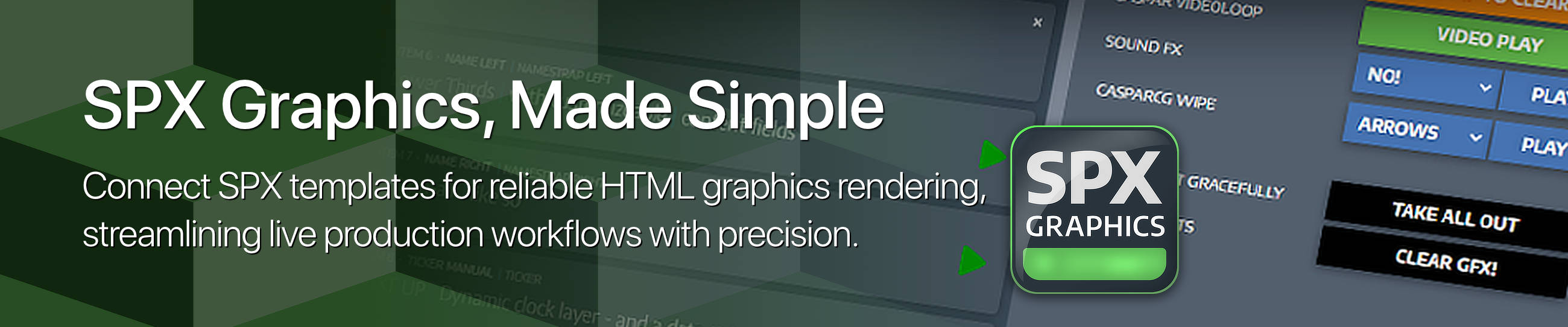
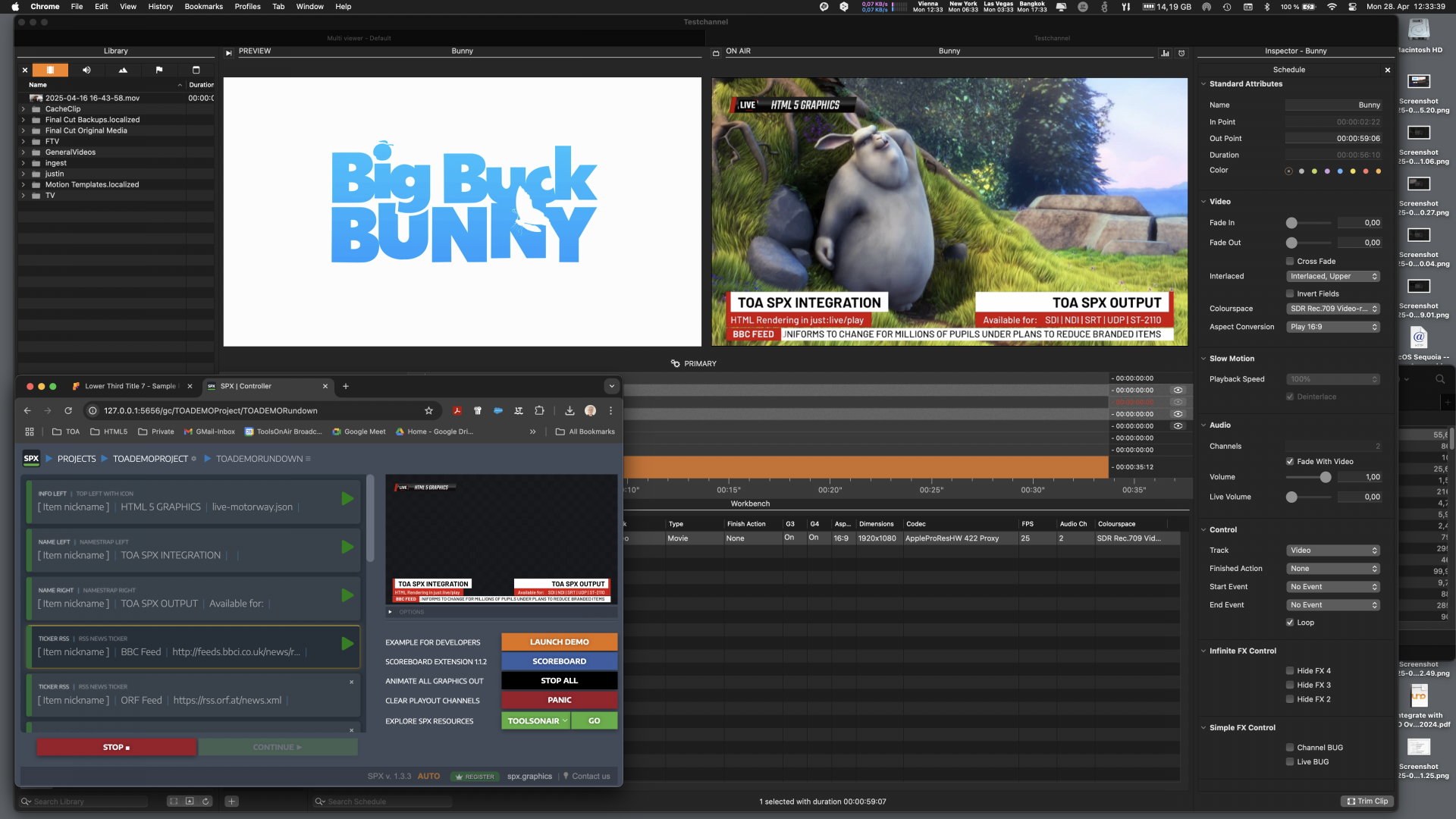
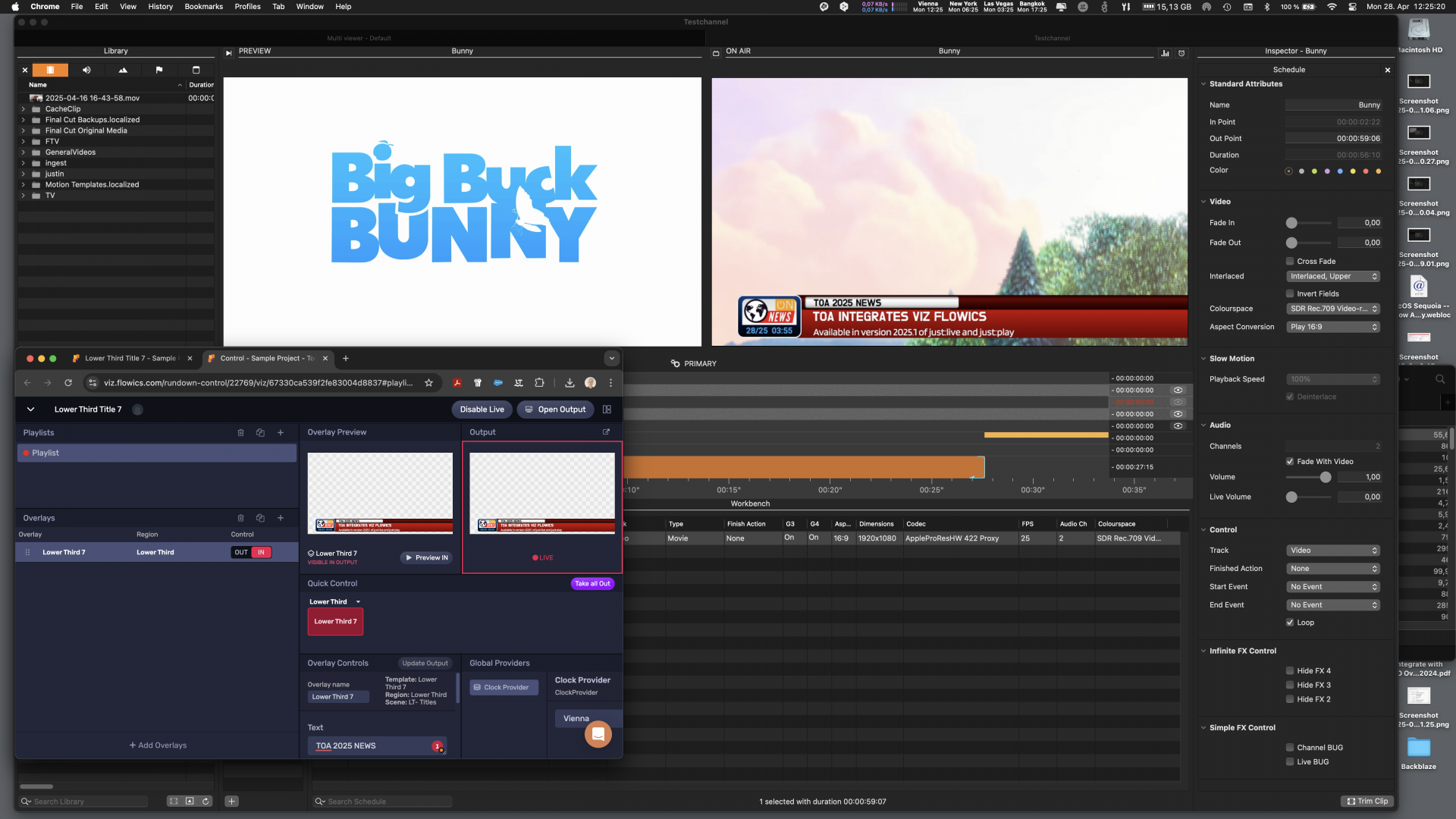
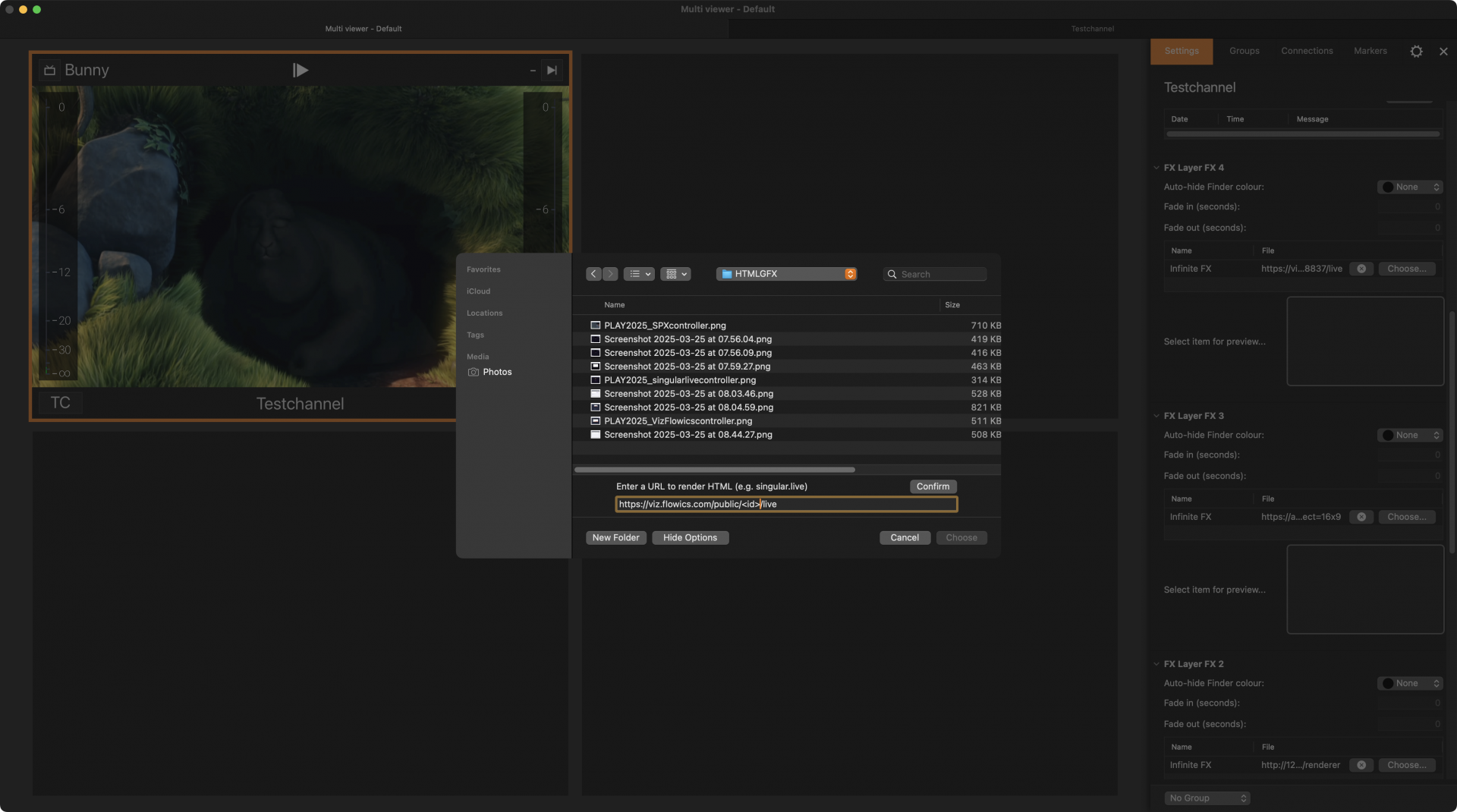
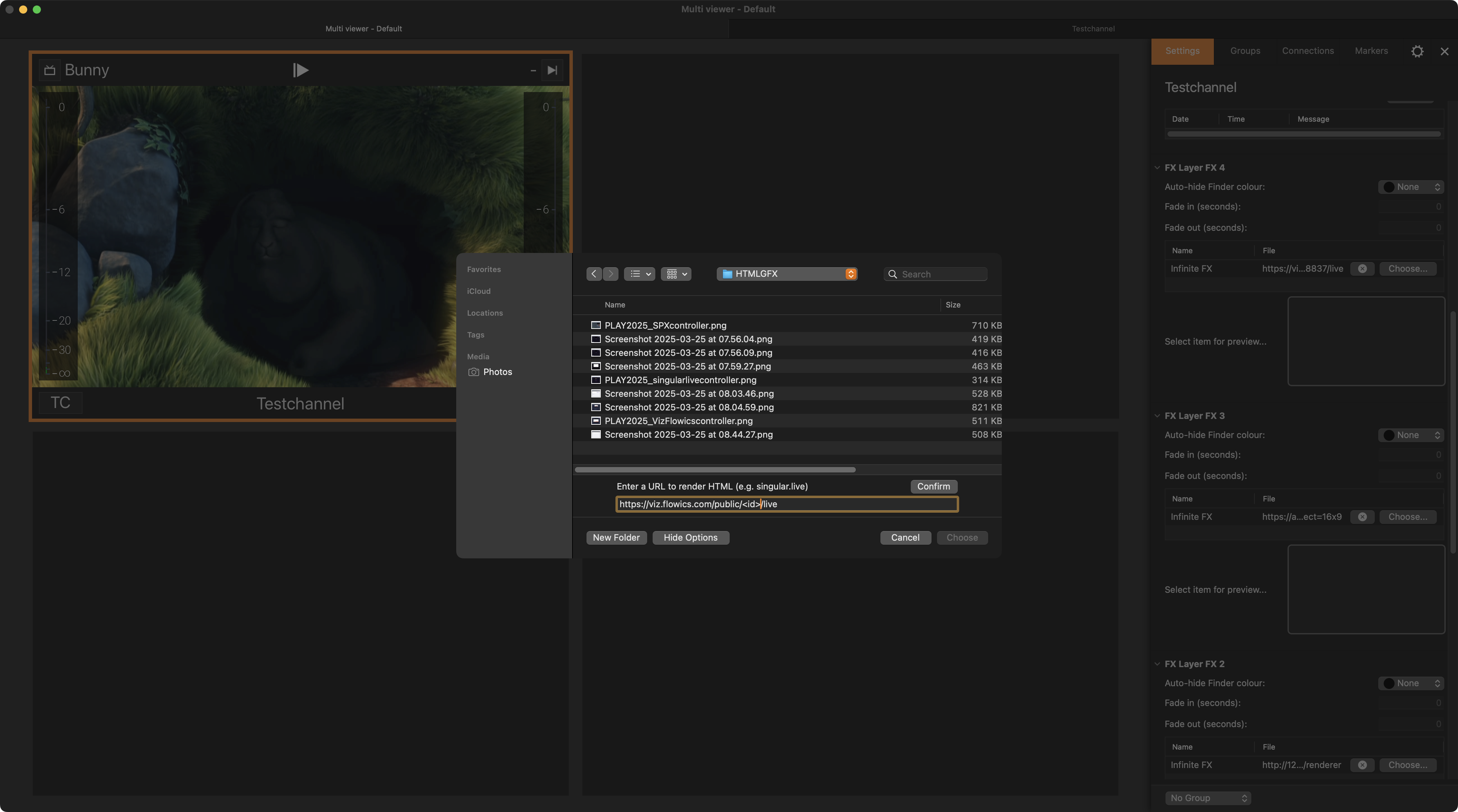
HTML Graphics support for singular.live, Viz Flowics, SPX and MXMZ templates
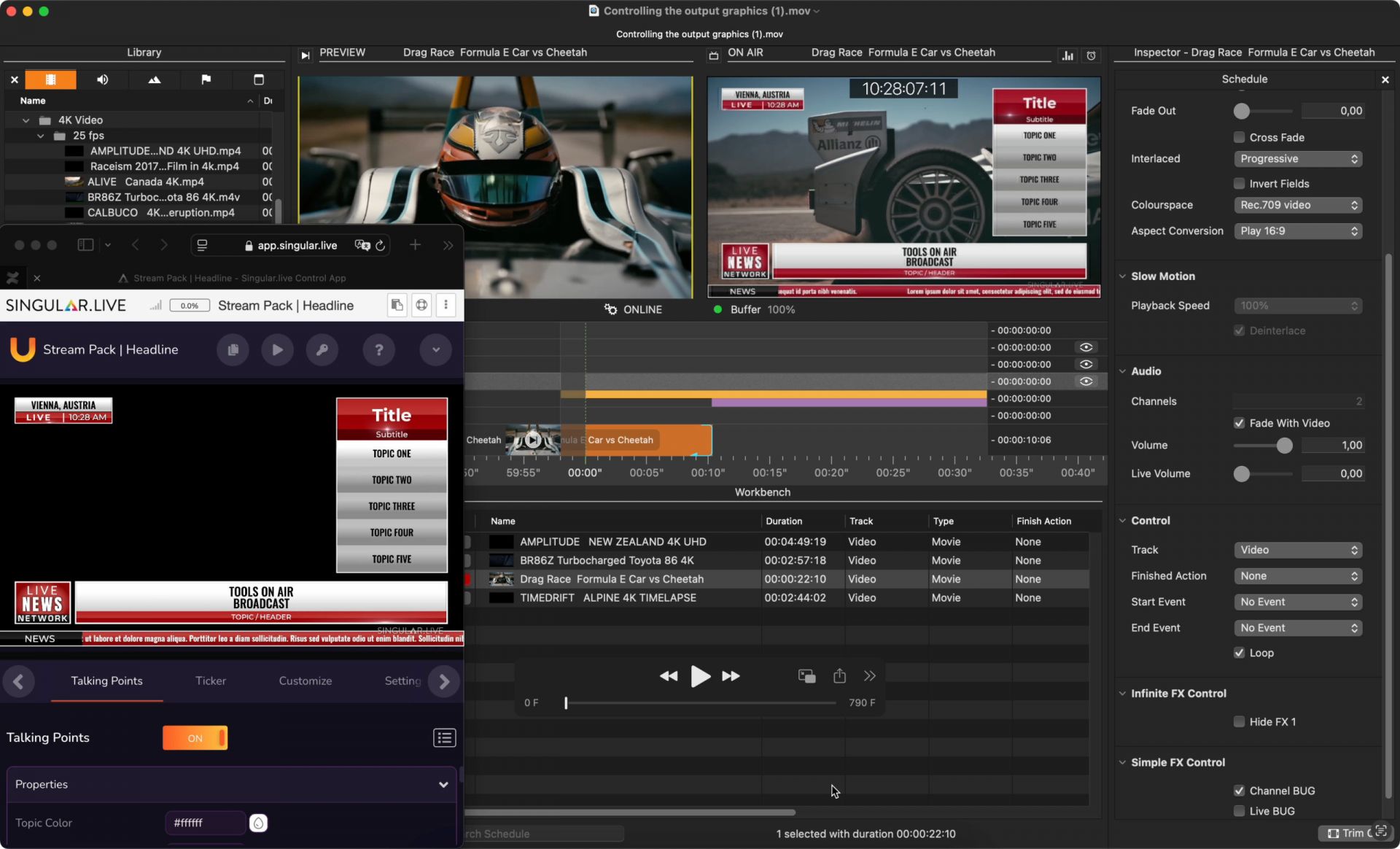
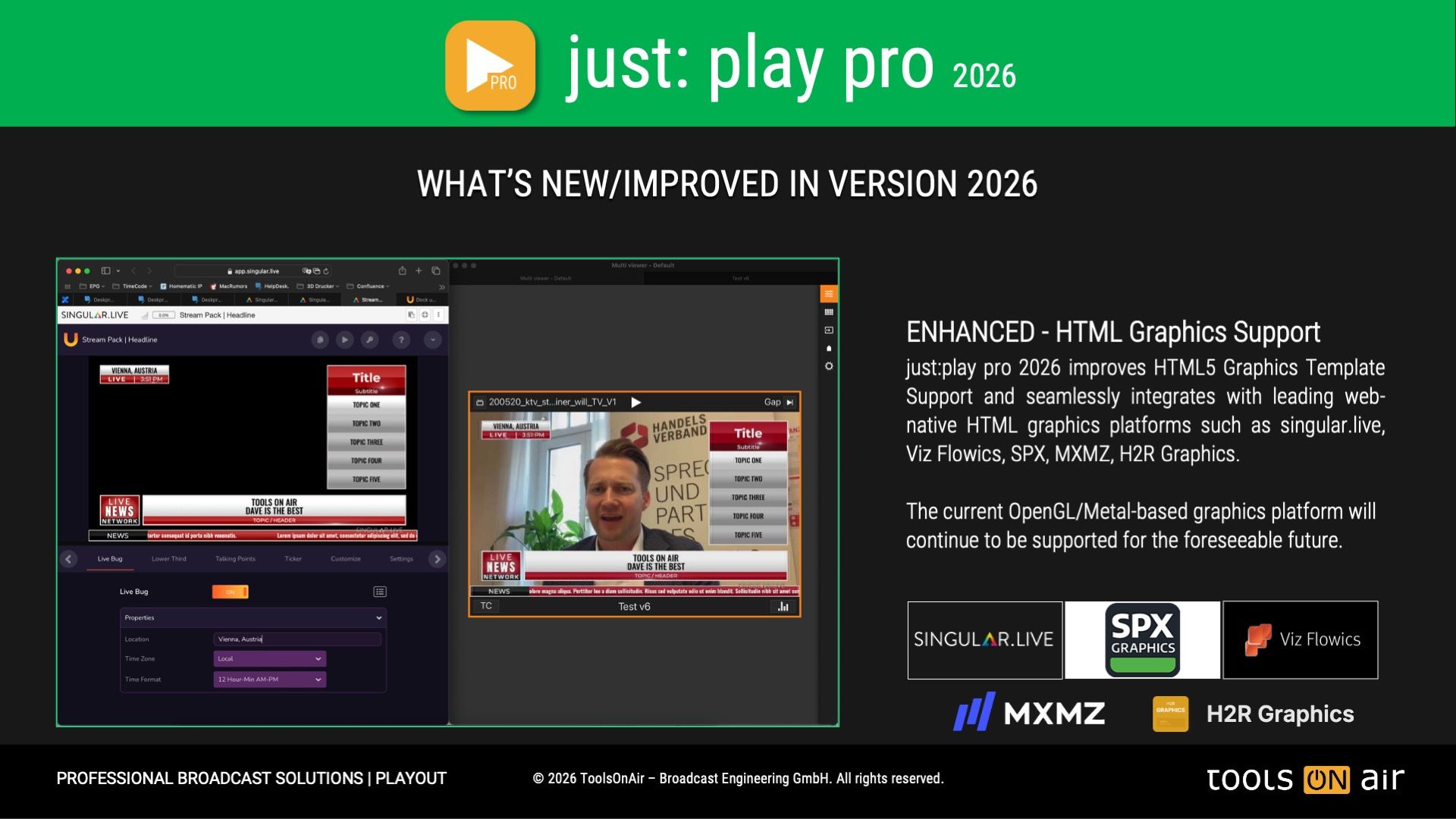
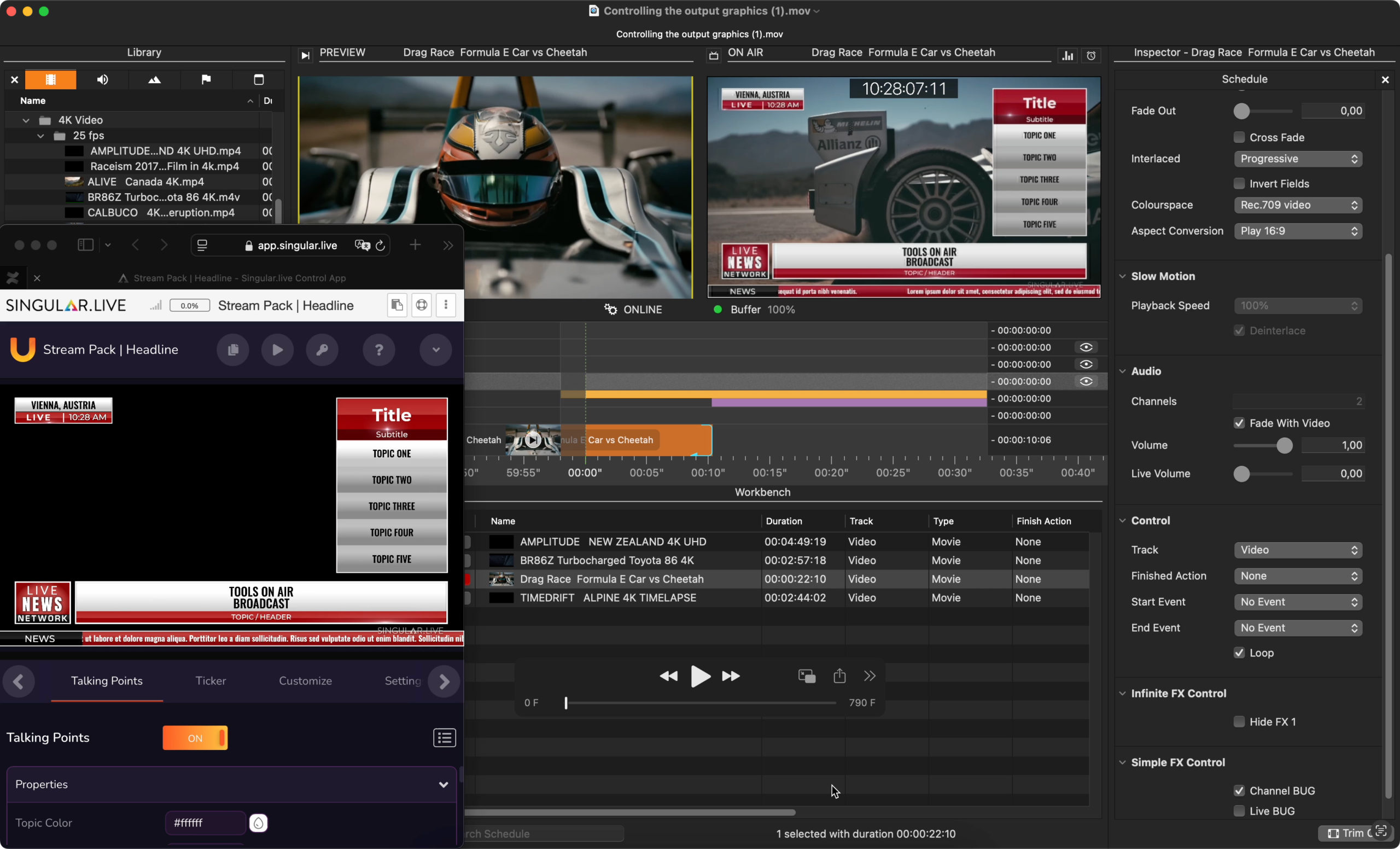
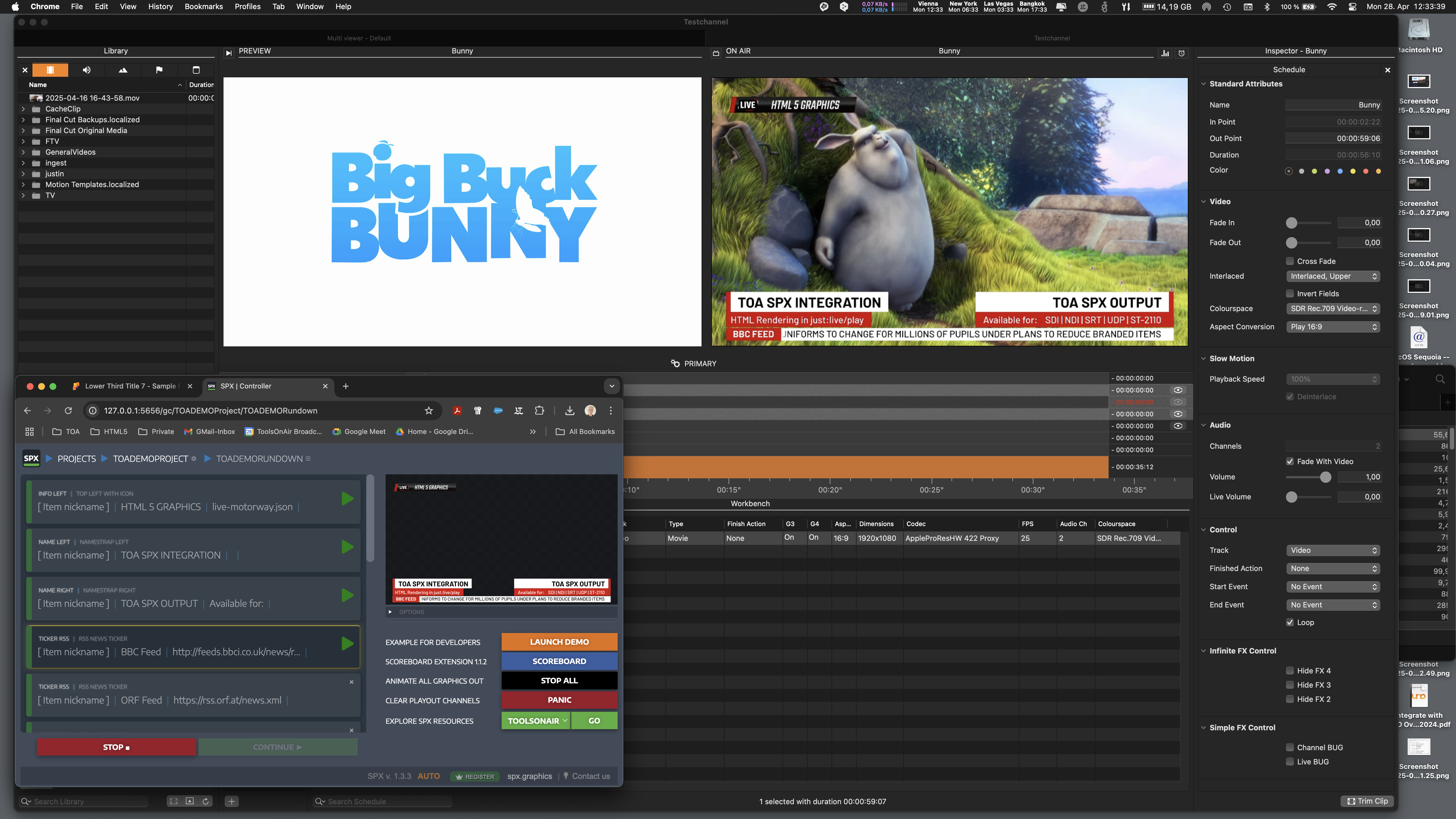
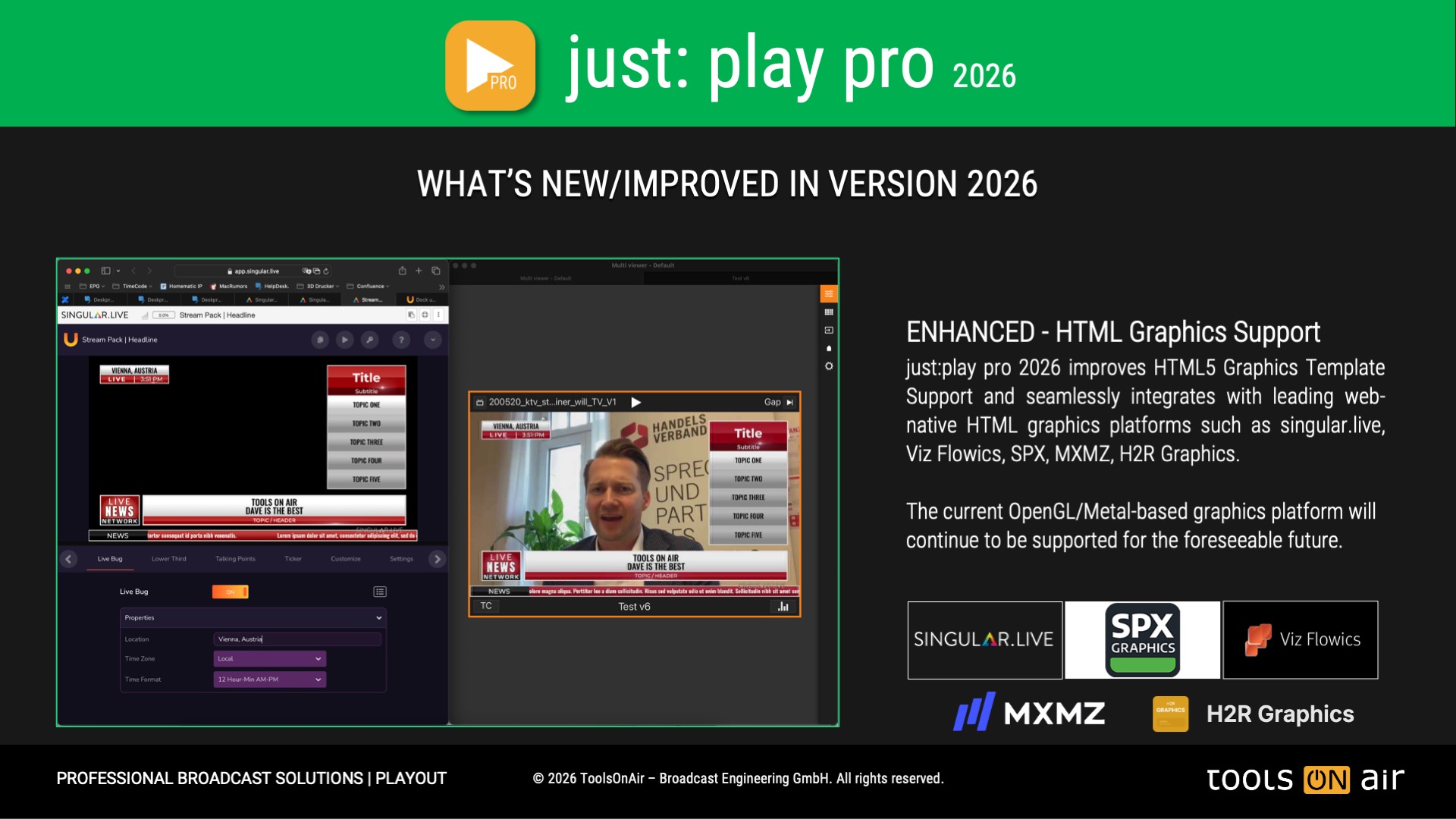
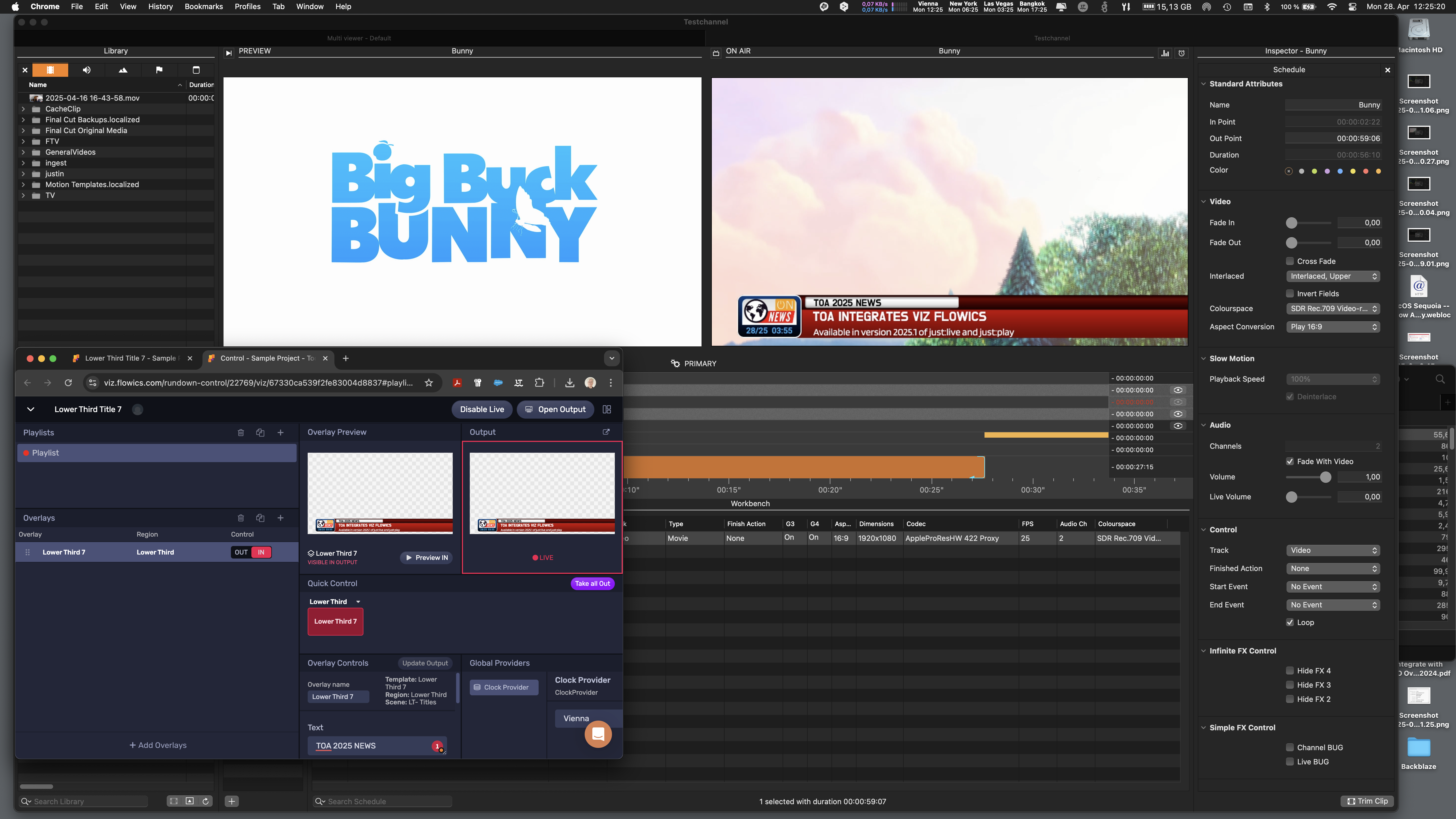
Version 2026 of just:live pro and just:play pro is set to modernize on-air graphics on macOS, with the support of dynamic HTML Graphics Template Rendering. This new capability seamlessly integrates with leading web-native platforms such as singular.live, Viz Flowics, SPX, MXMZ and others, providing broadcasters and live event producers with greater flexibility and creative control over graphics playout than ever before.
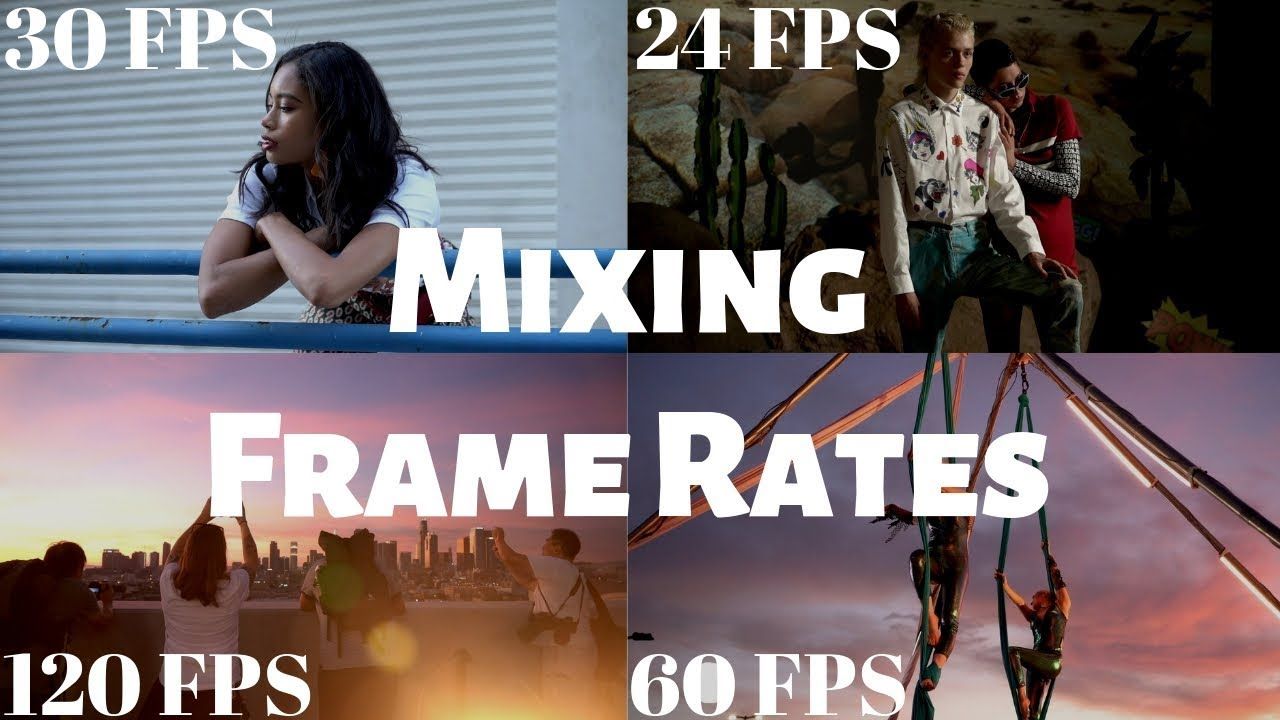
Mixed frame rate support
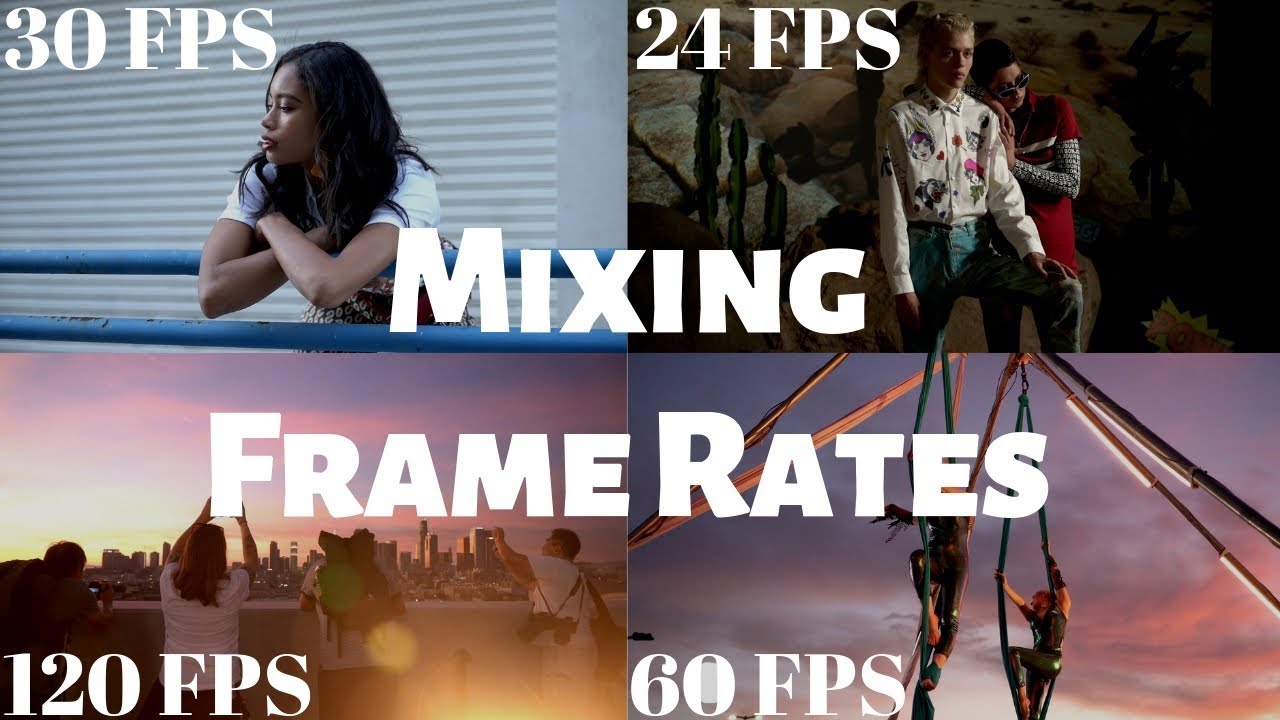
The restriction on mixing clips with different timebases has been fully lifted, meaning that any video encoded with a “standard” broadcast timebase can be played on any channel. Frames are processed to match the channel’s timebase accordingly.
Channel Format related color space and HDR support availability
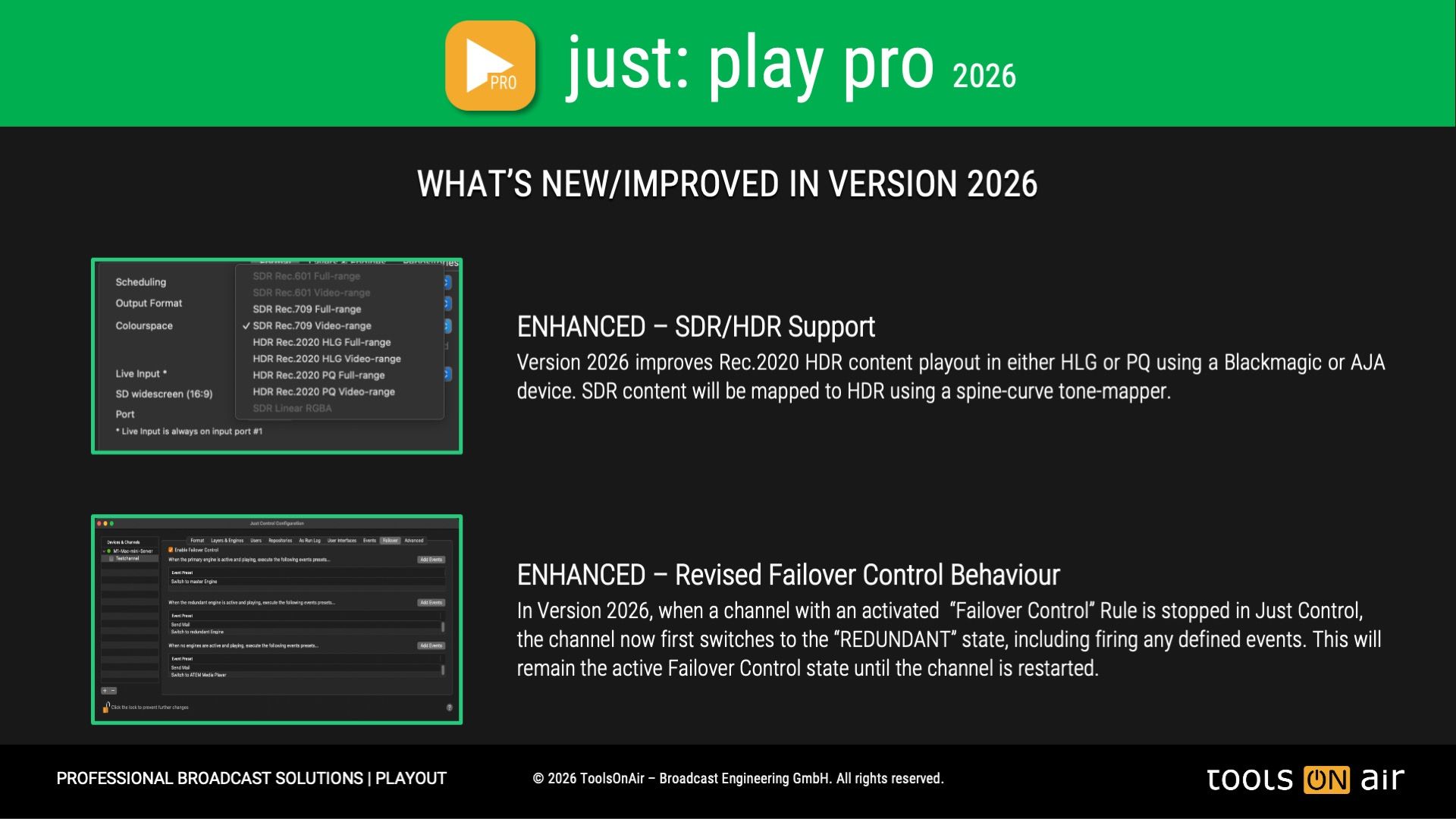
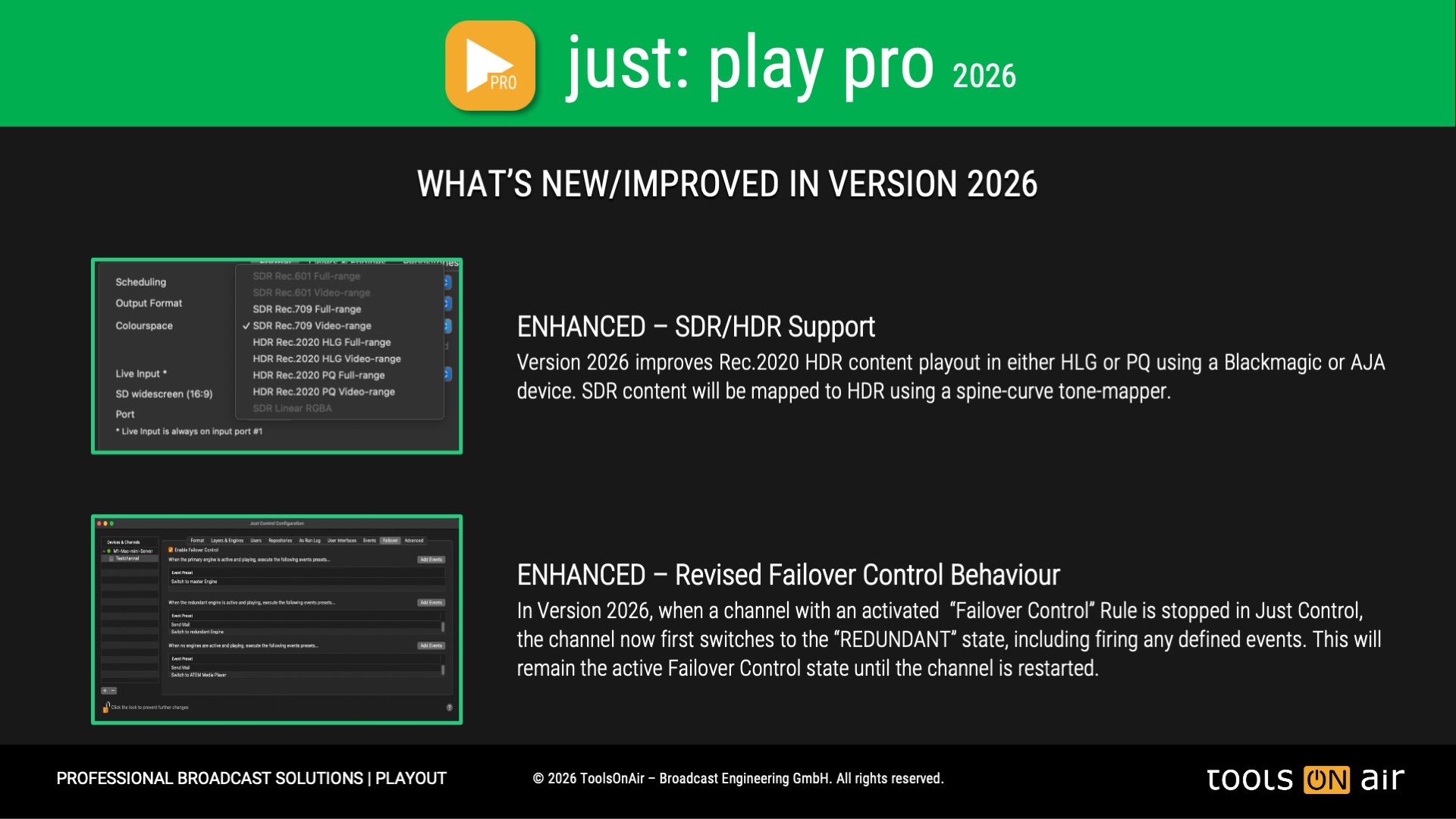
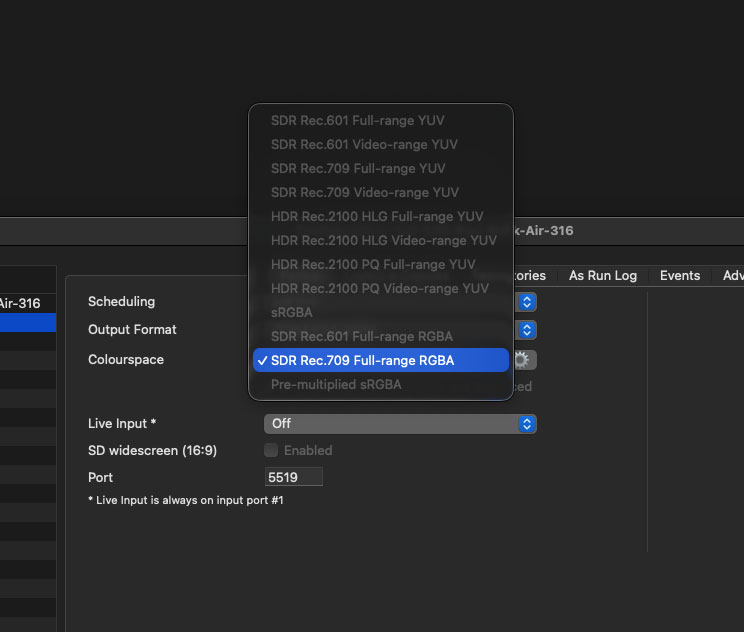
With version 2026, full support has been introduced for Rec.601, Rec.709, and Rec.2020 color spaces, depending on the selected channel output format. Only the valid color spaces for the chosen format are enabled, with the default color space for that format automatically applied. With HDR-capable hardware and a selected UHD 10-bit format, it is now possible to play out in HDR HLG or HDR PQ, thus supporting Rec.2100 as well.
Support for VANC Data - SCTE-104 and CEA-608/708 and OP-47
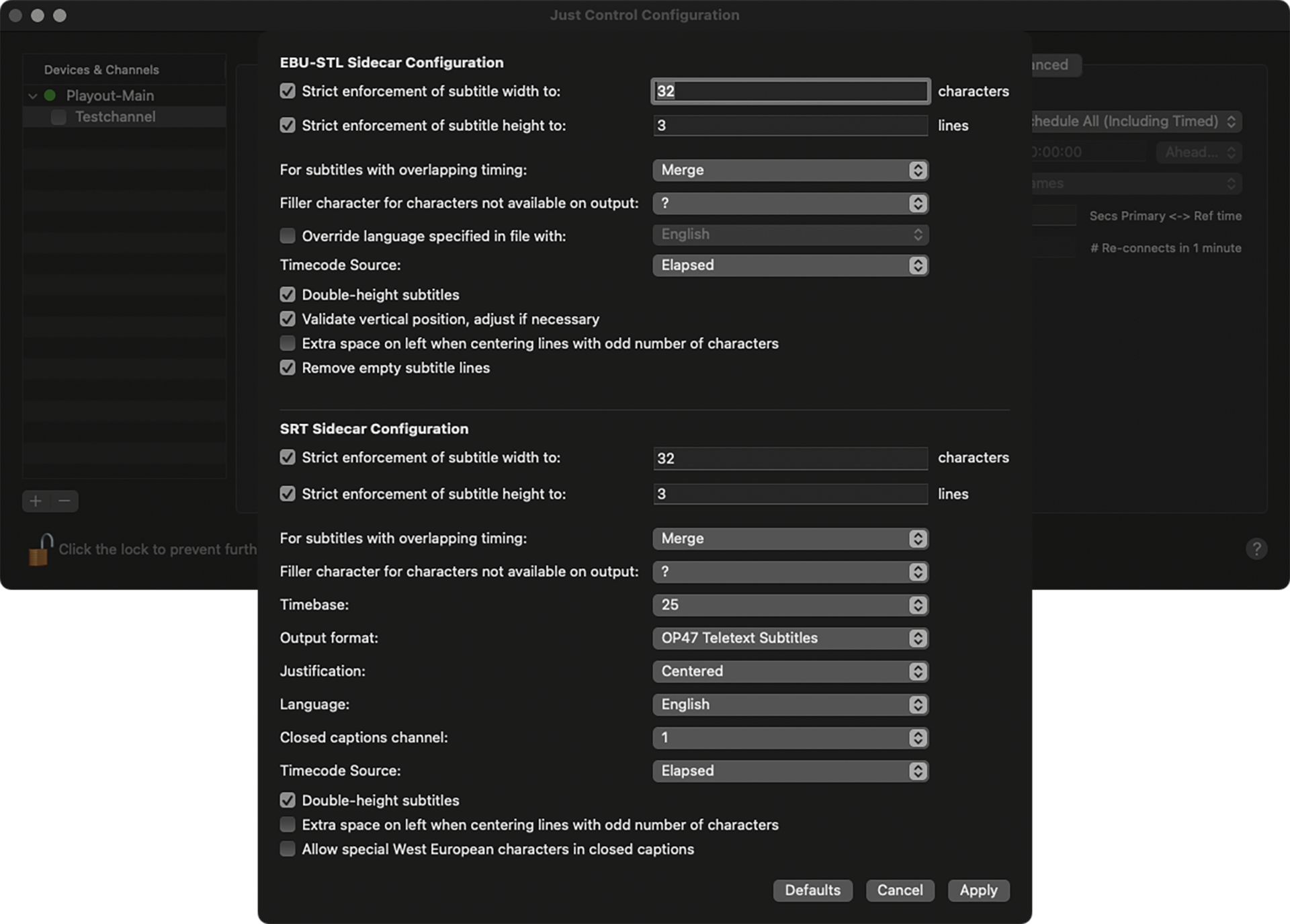
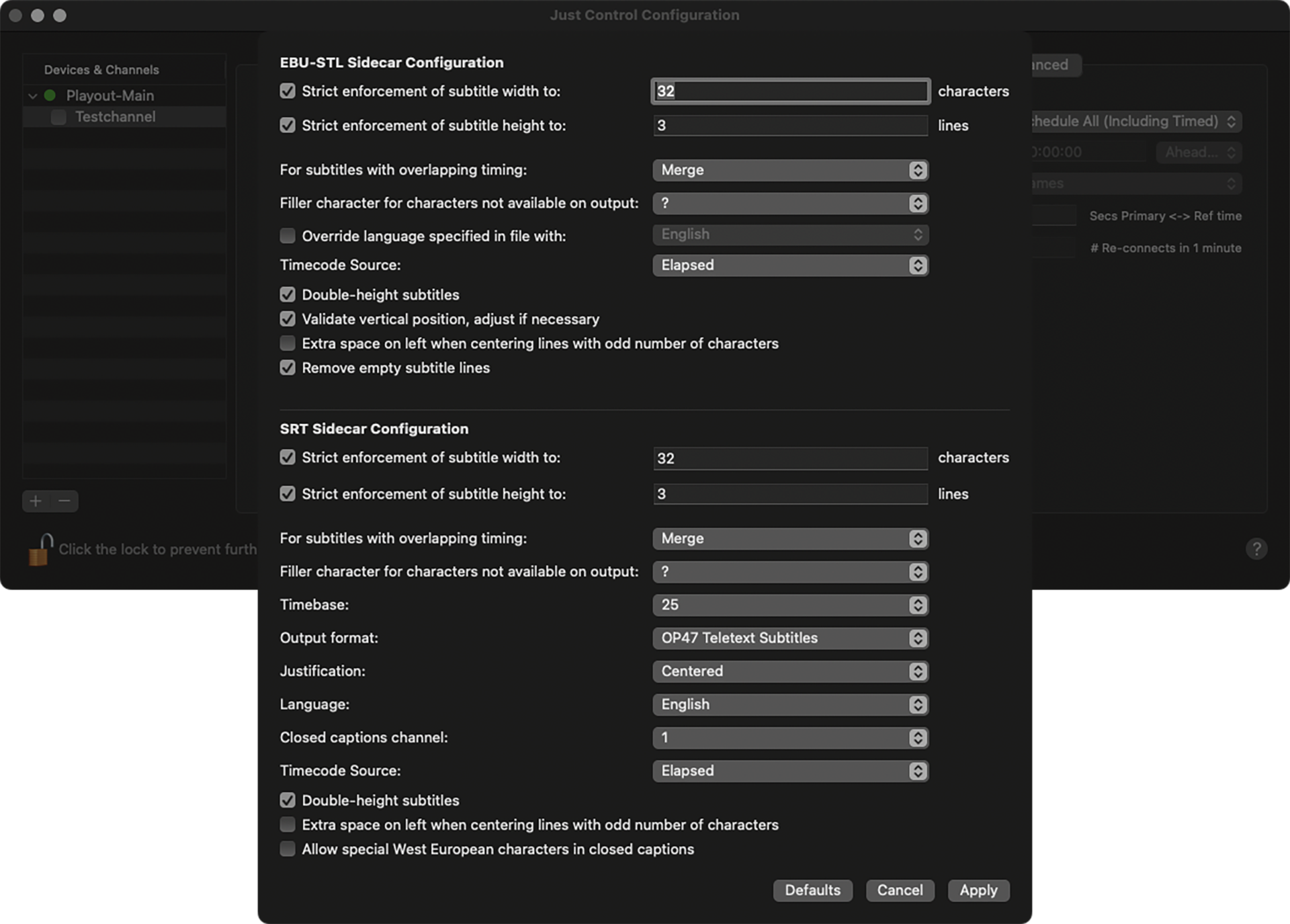
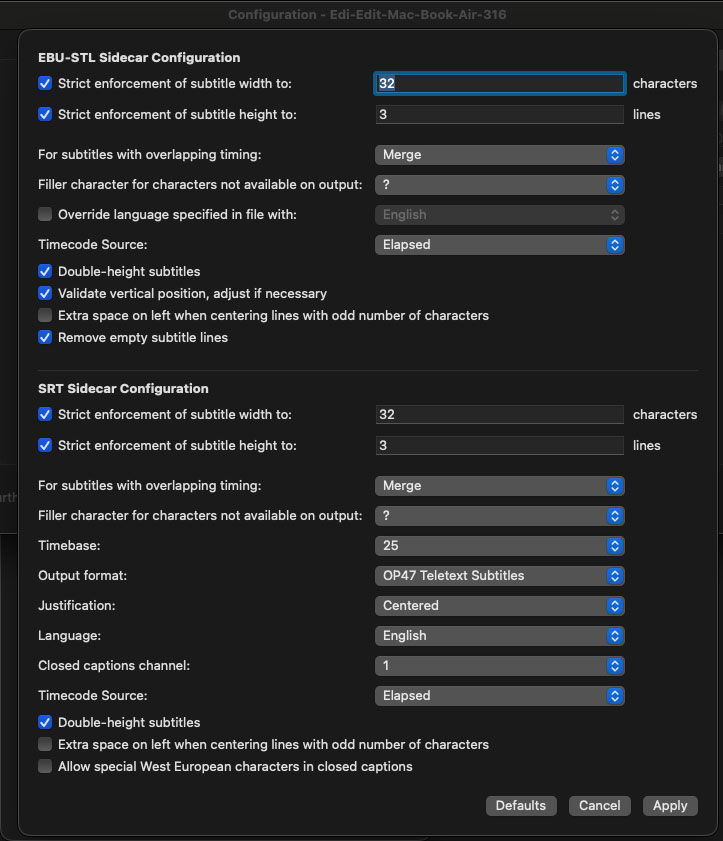
just:play pro 2026 fully supports VANC data handling, including SCTE-104 triggers for ad insertion, CEA-608/708 closed captions, and OP-47 subtitling. This ensures compliance with broadcast standards and enables seamless delivery of captions, subtitles, and signaling data within your playout workflow. Built to meet regional and global requirements, it provides broadcasters with the tools to deliver accessible and monetizable content without compromise.
Back-to-back playout of mixed container formats, including Gap List handling.
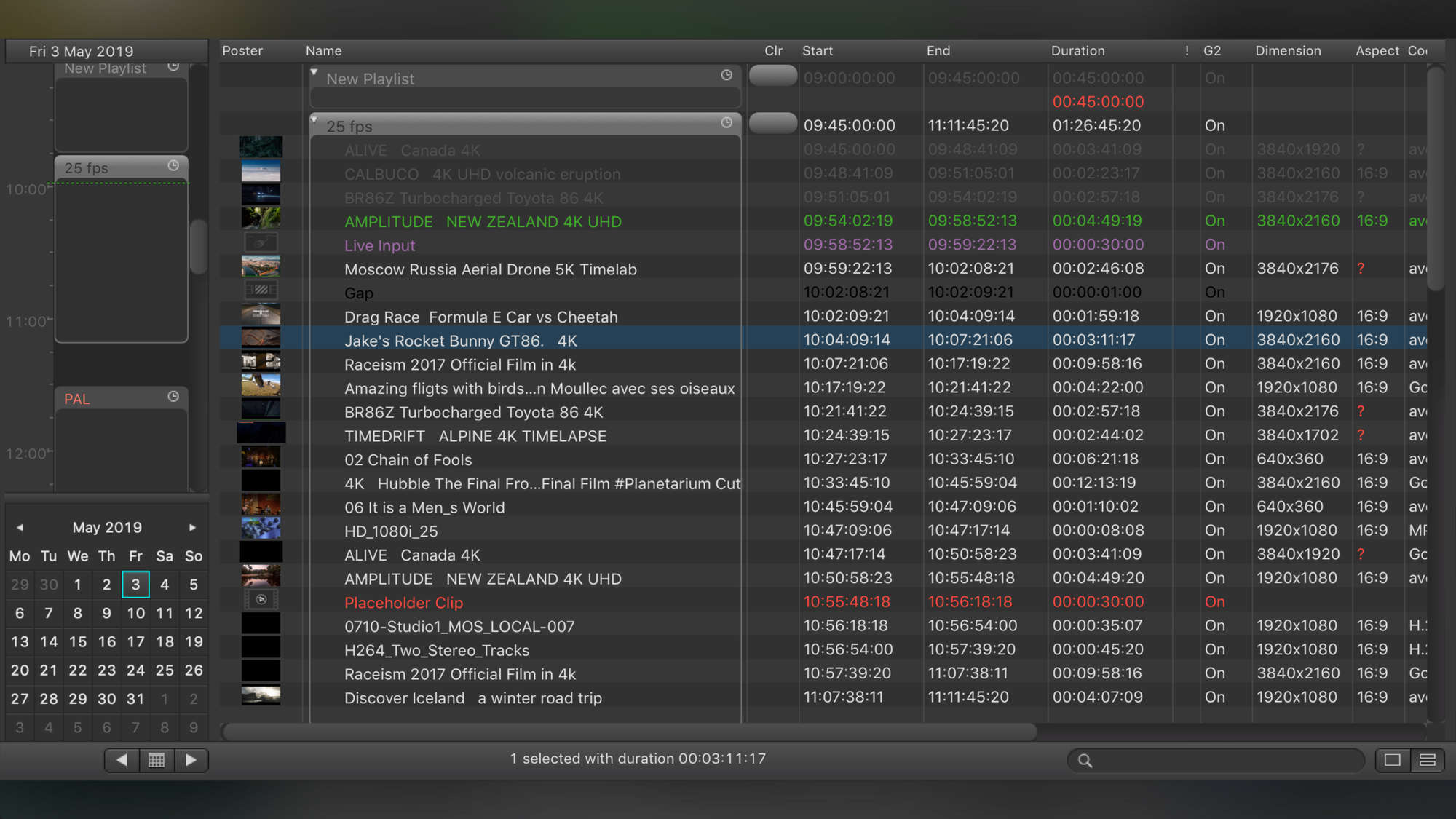
just:play pro 2026 allows true back-to-back playout of mixed container formats, eliminating the need for tedious file conversions. With integrated Gap List handling, the system automatically manages empty slots in the playlist, ensuring smooth transitions and uninterrupted channel operation. In addition, just:play pro makes it effortless to switch from file playout to live input and back again—giving operators the flexibility to react instantly during any production while maintaining broadcast-grade precision.
Schedule Repeating Events using flexible time-based Rules.
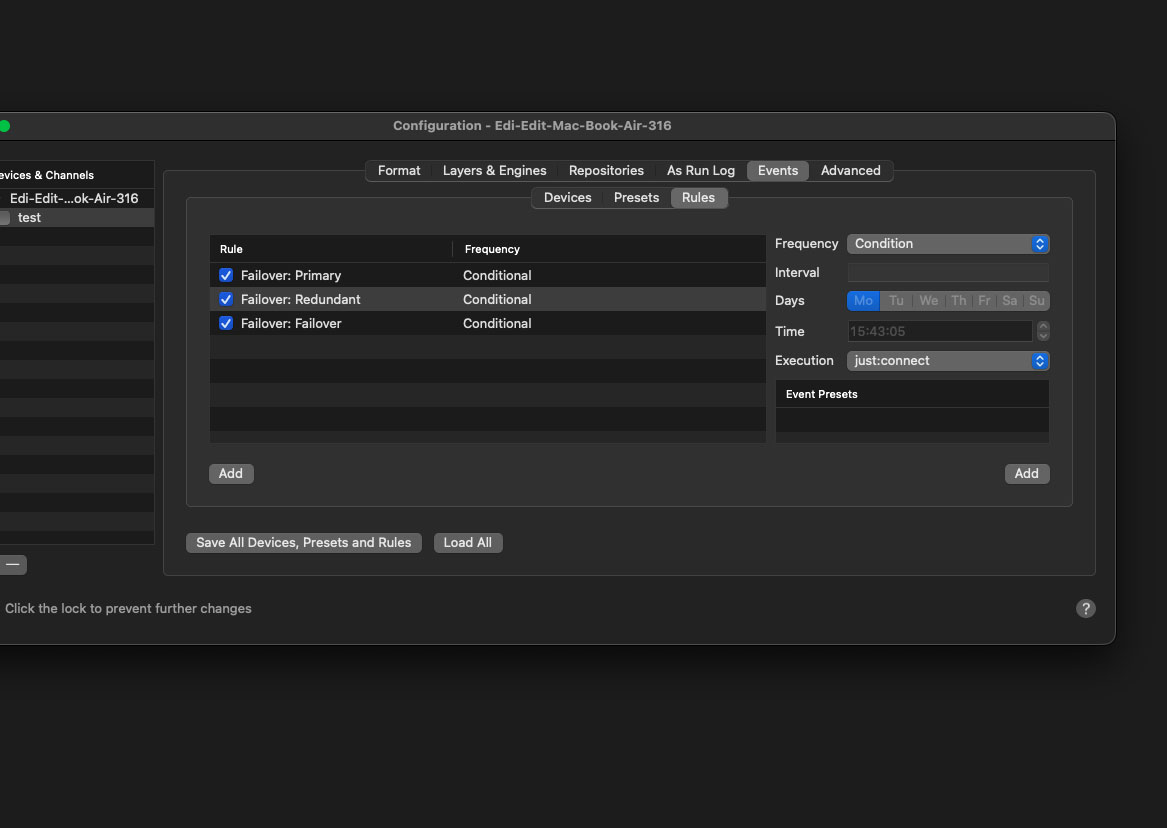
This feature adds a new method to execute events called “Rules”. Rules allow an unlimited number of events to be executed based on time (per day, hour, minute or second) so that there is no need to schedule repeating events in the timeline anymore. A specific use of the Rules mechanism is Automated Failover Control, which monitors the playout engine for health issues and executes frame accurate events such as switching to a redundant engine, a router port, or sending an email notification, to mitigate the impacts in case of an on-air engine fail or the necessity to perform channel maintenance tasks.
The Composition Builder application for macOS empowers TV stations, live event producers, and educators to design high-quality real-time graphic templates with ease. These templates can then be played out seamlessly in our just:play and just:live products—whether you’re using the Lite or Pro editions.
To get you started right away, we include a free template package in our Playout Installers with a selection of ready-to-use designs such as lower-thirds, station IDs, clocks, and more. This ensures you have professional graphics at hand from day one, while also giving you a solid foundation to customize and expand upon.
Best of all, Composition Builder requires no license, making it an ideal tool for schools, universities, training facilities, and creative teams. From education and experimentation to professional productions, anyone can design and refine templates without extra costs—encouraging learning, collaboration, and innovation across all environments.
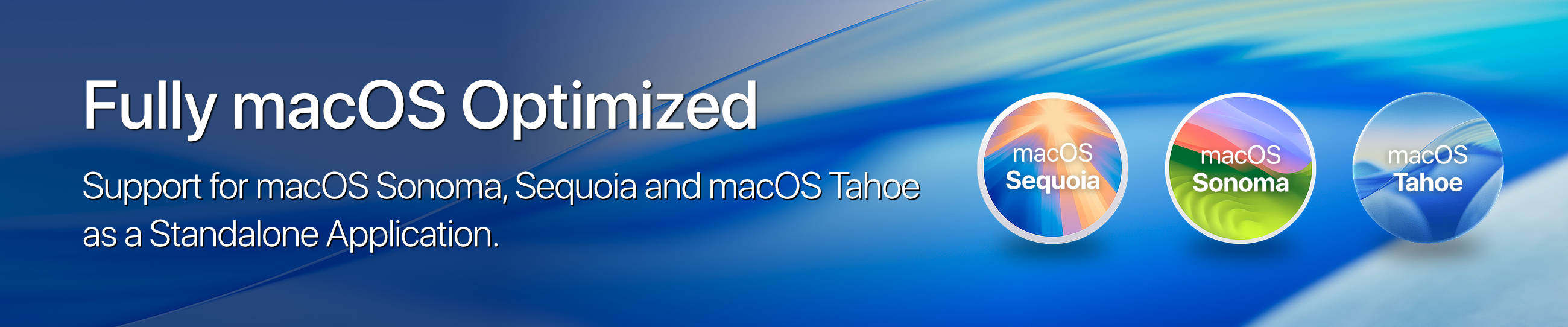
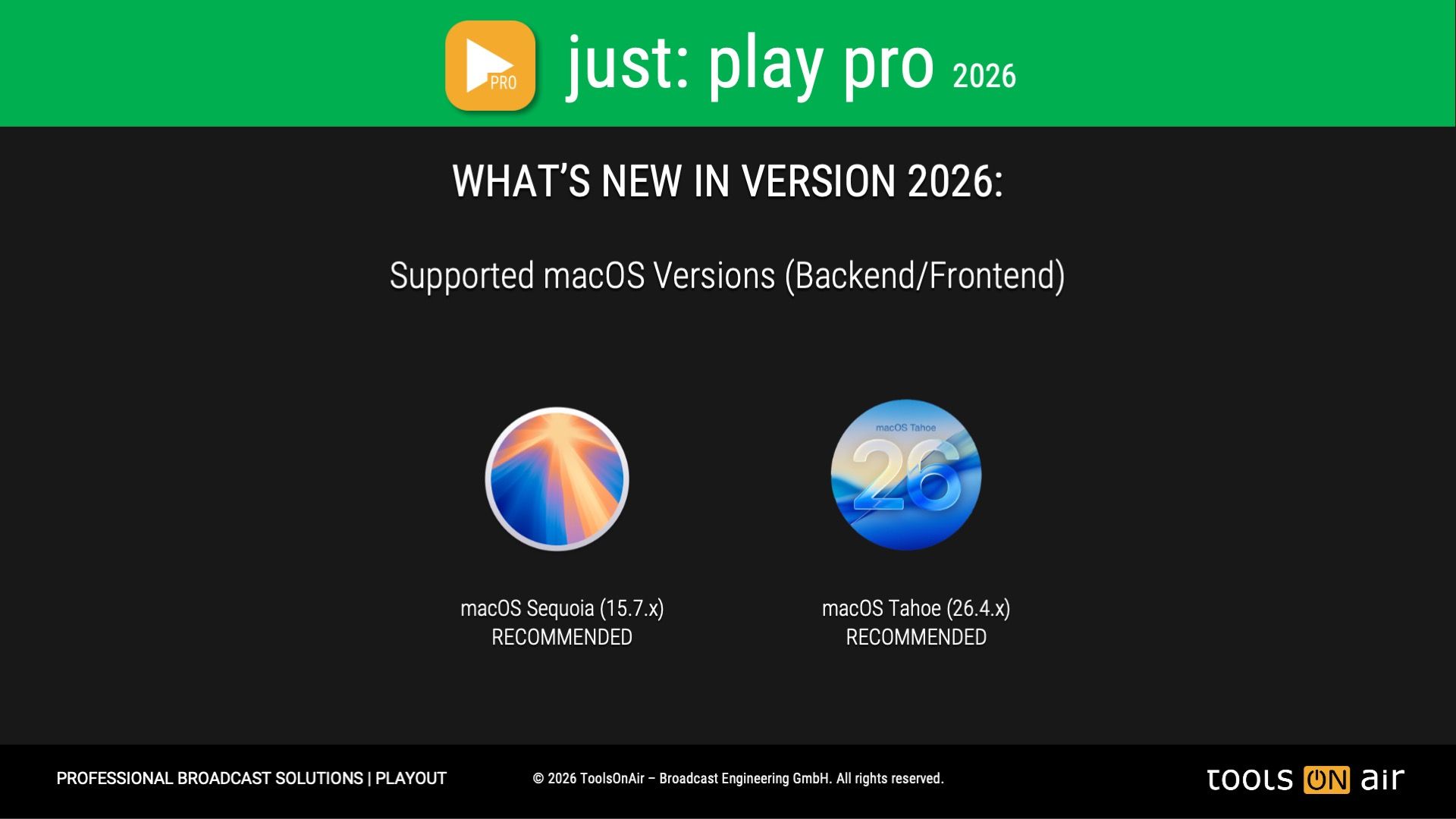
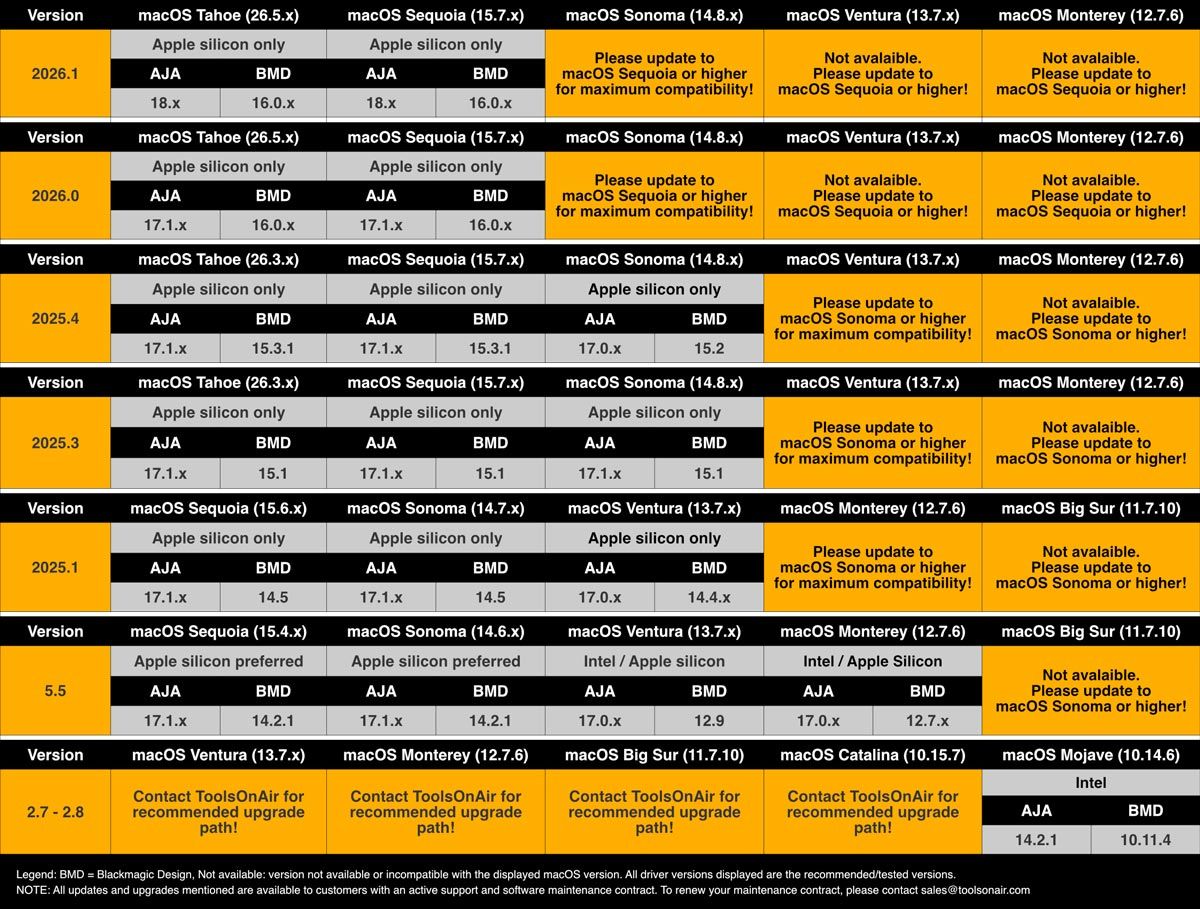
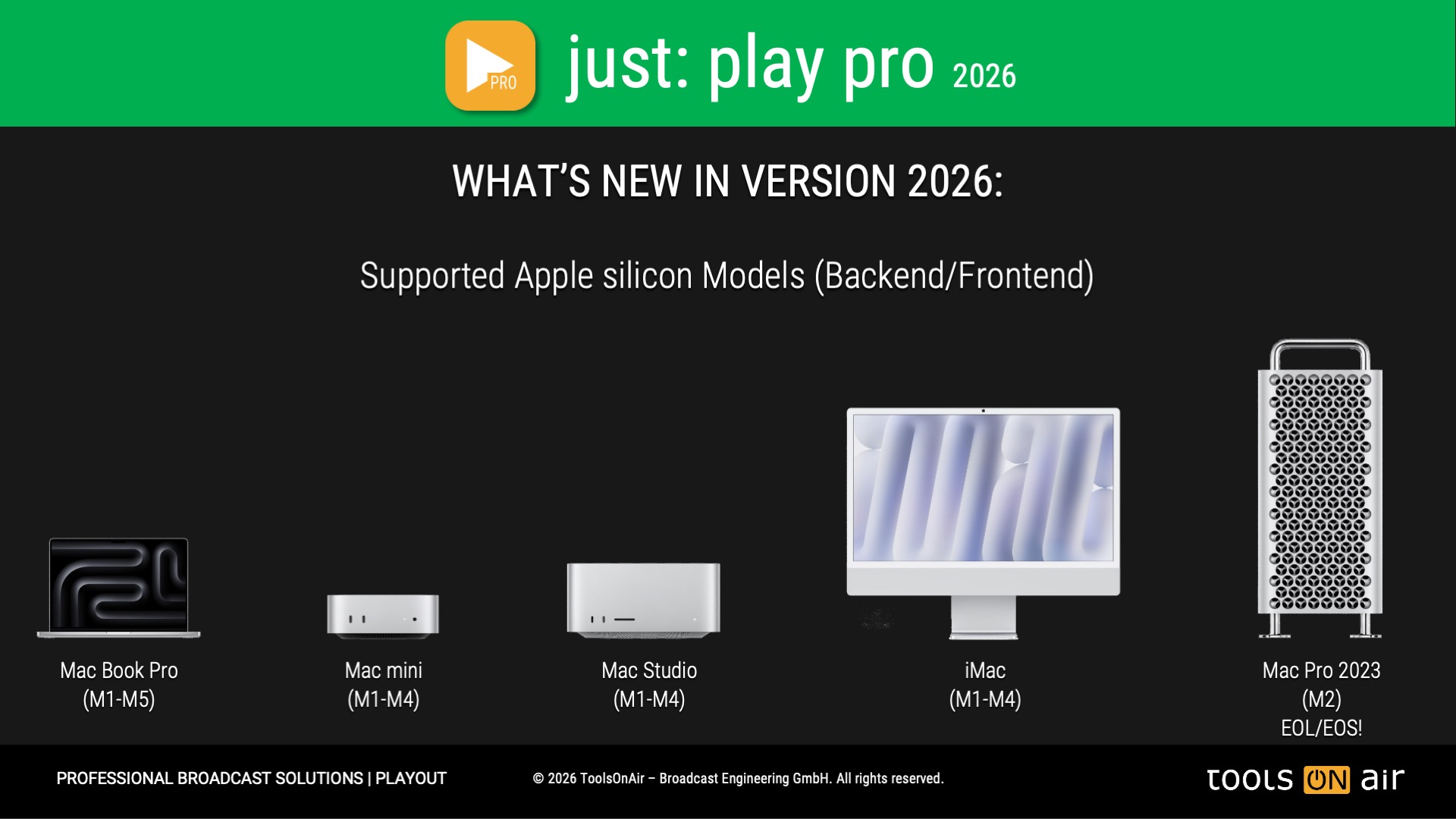
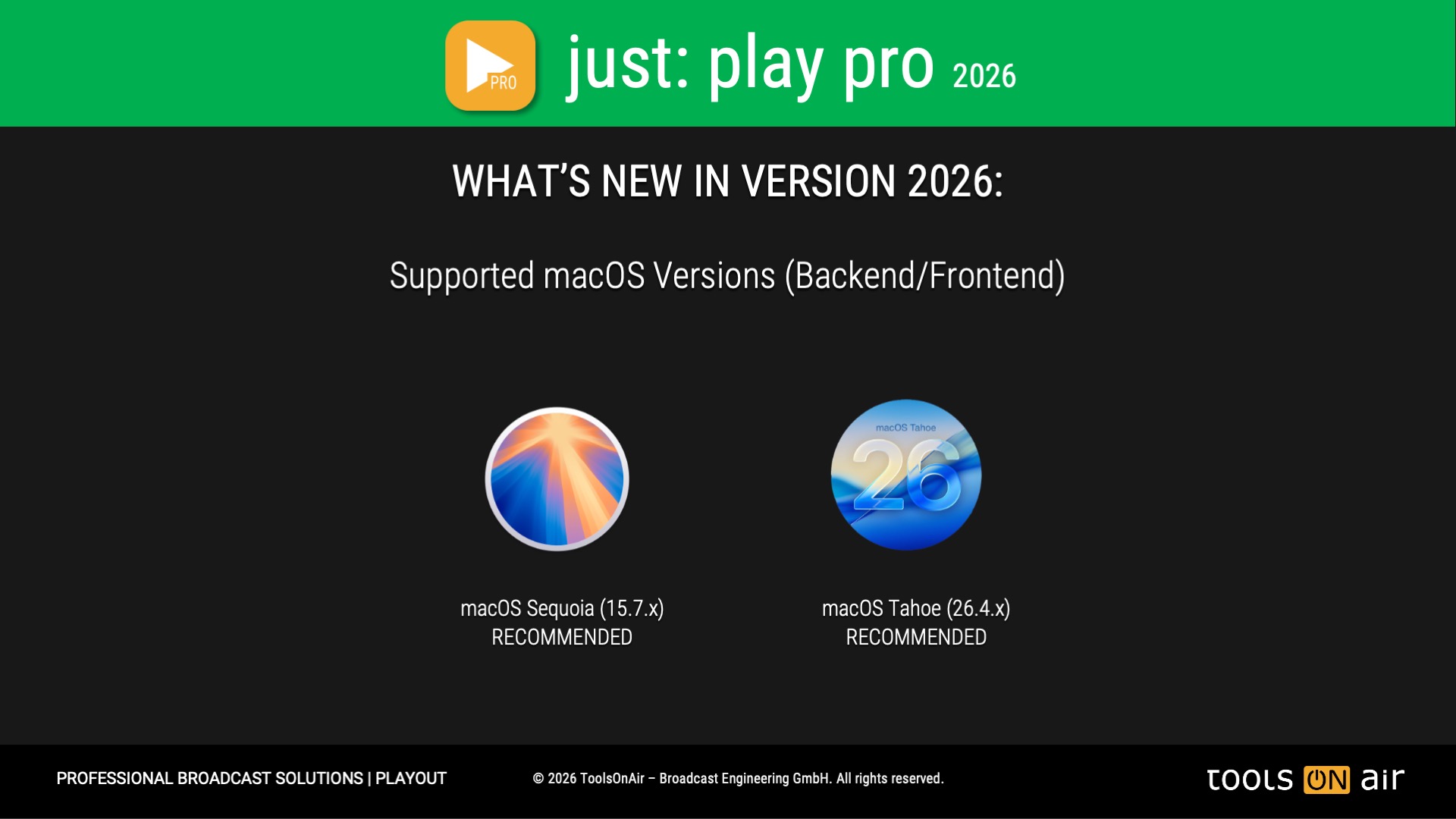
*Legend: 26.4.x = macOS Tahoe, 15.7.x = macOS Sequoia, 14.8.x = macOS Sonoma. macOS Sequoia and macOS Tahoe are the recommended OS versions for daily operations!
**Please verify that the available Media Engines in all Apple silicon based models meet your recording requirements, before buying a just:play pro 2025 license. You can test the full feature enabled just:play pro 2025 application for free by downloading the trial version from the related solution page. The trial version will add a ToolsOnAir watermark to the playout output. By licensing just:play pro 2025 the watermark will automatically be removed. All supported Mac models: min. of 16 GB of RAM highly recommended!
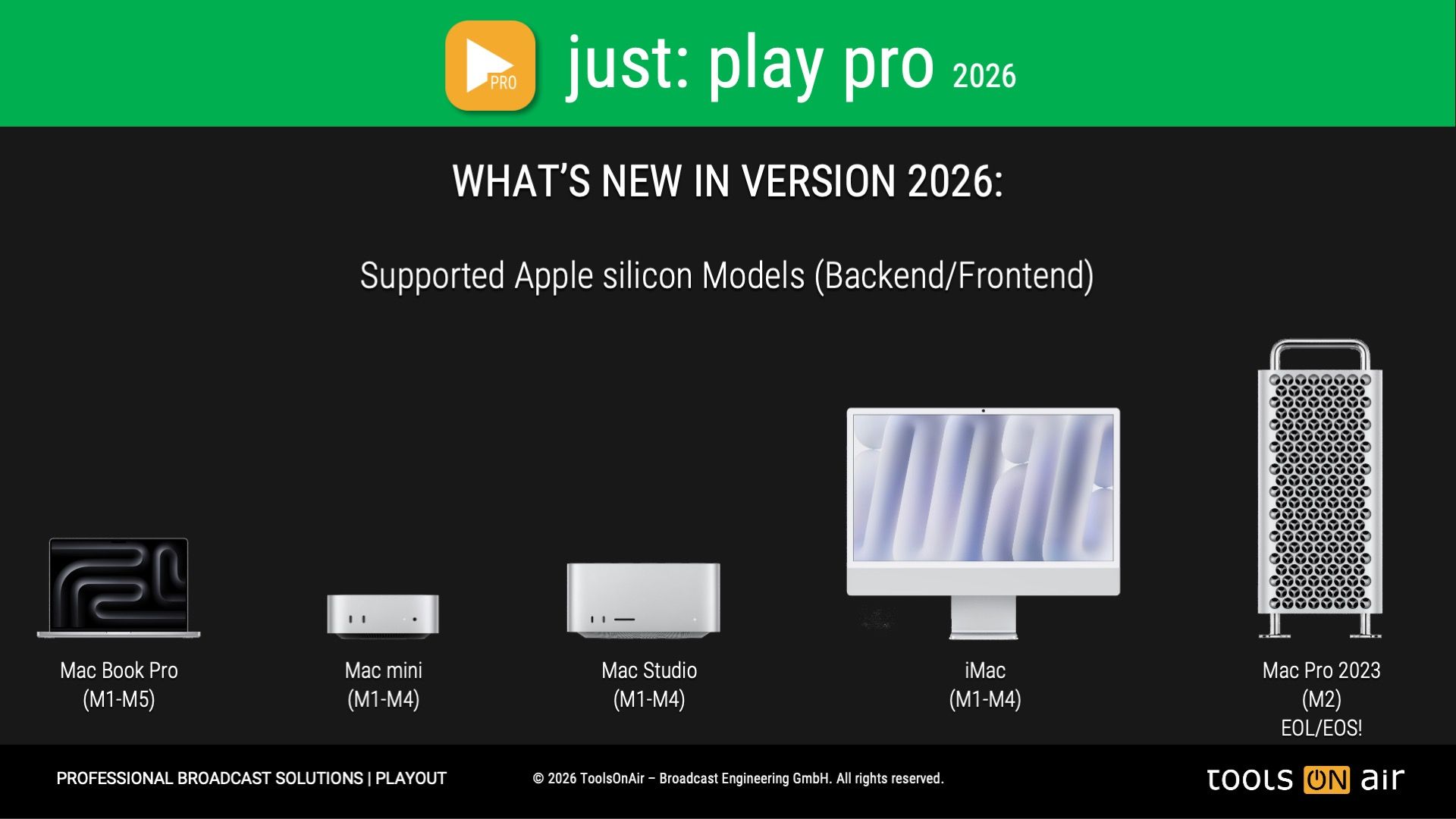
Mac Model
Model Identifier
macOS*
Mac Pro (2023) - End-of-Life/End-of-Sale
Mac14,8
14.8.x, 15.7.x, 26.4.x
Mac Studio M2 Max
Mac14,13
14.8.x, 15.7.x, 26.4.x
Mac Studio M2 Ultra
Mac14,14
14.8.x, 15.7.x, 26.4.x
Mac mini (M2, 2023)
Mac14,3
14.8.x, 15.7.x, 26.4.x
Mac mini (M2 Pro, 2023)
Mac14,12
14.8.x, 15.7.x, 26.4.x
MacBook Air (13”, M2, 2022)**
Mac14,2
14.8.x, 15.7.x, 26.4.x
MacBook Air (15”, M2, 2023)**
Mac14,15
14.8.x, 15.7.x, 26.4.x
MacBook Pro (13”, M2, 2022)**
Mac14,7
14.8.x, 15.7.x, 26.4.x
MacBook Pro (14”, M2 Pro, 2023)**
Mac14,9
14.8.x, 15.7.x, 26.4.x
MacBook Pro (14”, M2 Max, 2023)**
Mac14,5
14.8.x, 15.7.x, 26.4.x
MacBook Pro (16”, M2 Pro, 2023)**
Mac14,10
14.8.x, 15.7.x, 26.4.x
MacBook Pro (16”, M2 Max, 2023)**
Mac14,6
14.8.x, 15.7.x, 26.4.x
*Legend: 26.4.x = macOS Tahoe, 15.7.x = macOS Sequoia, 14.8.x = macOS Sonoma. macOS Sequoia and macOS Tahoe are the recommended OS versions for daily operations!
**Please verify that the available Media Engines in all Apple silicon based models meet your recording requirements, before buying a just:play pro 2025 license. You can test the full feature enabled just:play pro 2025 application for free by downloading the trial version from the related solution page. The trial version will add a ToolsOnAir watermark to the playout output. By licensing just:play pro 2025 the watermark will automatically be removed. All supported Mac models: min. of 16 GB of RAM highly recommended!
Mac Model
Model Identifier
macOS*
Mac Studio M3 Ultra**
Mac15,14
macOS*
iMac (24”, M3, 2-4 Ports, 2023**)
Mac15,4, Mac15,5
15.7.x, 26.4.x
iMac (24”, M3, 2-4 Ports, 2023**)
Mac15,4, Mac15,5
14.8.x, 15.7.x, 26.4.x
MacBook Air (13", M3, 2024**)
Mac15,12
14.8.x, 15.7.x, 26.4.x
MacBook Air (15", M3, 2024**)
Mac15,13
14.8.x, 15.7.x, 26.4.x
MacBook Pro (14", M3, 2023**)
Mac15,3
14.8.x, 15.7.x, 26.4.x
MacBook Pro (14", M3 Pro, 2023**)
Mac15,6
14.8.x, 15.7.x, 26.4.x
MacBook Pro (14", M3 Max, 2023**)
Mac15,10, Mac15.8
14.8.x, 15.7.x, 26.4.x
MacBook Pro (16", M3 Pro, 2023**)
Mac15,7
14.8.x, 15.7.x, 26.4.x
MacBook Pro (16", M3 Max, 2023**)
Mac15,11, Mac15.9
14.8.x, 15.7.x, 26.4.x
*Legend: 26.4.x = macOS Tahoe, 15.7.x = macOS Sequoia, 14.8.x = macOS Sonoma. macOS Sequoia and macOS Tahoe are the recommended OS versions for daily operations!
**Please verify that the available Media Engines in all Apple silicon based models meet your recording requirements, before buying a just:play pro 2025 license. You can test the full feature enabled just:play pro 2025 for free by downloading the trial version from the related solution page. The trial version will add a ToolsOnAir watermark to the playout output. By licensing just:play pro 2025 the watermark will automatically be removed. All supported Mac models: min. of 16 GB of RAM highly recommended!
Mac Model
Model Identifier
macOS*
Mac Studio M4 Max**
Mac16,9
15.7.x, 26.4.x
Mac mini (M4, 2024**)
Mac16,10
15.7.x, 26.4.x
Mac mini (M4 Pro, 2024**)
Mac16,11
15.7.x, 26.4.x
iMac (24”, M4, 2-4 Ports, 2023**)
Mac16,2, Mac16,3
15.7.x, 26.4.x
MacBook Pro (14", M4, 2024**)
Mac16,1
15.7.x, 26.4.x
MacBook Pro (14”, M4 Pro, 2024**)
Mac16,8
15.7.x, 26.4.x
MacBook Pro (14”, M4 Max, 2024**)
Mac16,6
15.7.x, 26.4.x
MacBook Pro (16”, M4 Pro, 2024**)
Mac16,7
15.7.x, 26.4.x
MacBook Pro (16”, M4 Max, 2024**)
Mac16,5
15.7.x, 26.4.x
*Legend: 26.4.x = macOS Tahoe, 15.7.x = macOS Sequoia. macOS Sequoia and macOS Tahoe are the recommended OS versions for daily operations!
**Please verify that the available Media Engines in all Apple silicon based models meet your recording requirements, before buying a just:play pro 2025 license. You can test the full feature enabled just:play pro 2025 application for free by downloading the trial version from the related solution page. The trial version will add a ToolsOnAir watermark to the playout output. By licensing just:play pro 2025 the watermark will automatically be removed. All supported Mac models: min. of 16 GB of RAM highly recommended!
Mac Model
Model Identifier
macOS*
MacBook Pro (14”, M5, 2025)
Mac17,2
26.4.x
MacBook Pro (14”, M5 Pro/Max, 2026)
Mac17,9, Mac17,7
26.4.x
MacBook Pro (16”, M5 Pro/Max, 2026)
Mac17,8, Mac17,6
26.4.x
*Legend: 26.4.x = macOS Tahoe. macOS Tahoe is the recommended OS version for daily operations!
**Please verify that the available Media Engines in all Apple silicon based models meet your recording requirements, before buying a just:play pro 2025 license. You can test the full feature enabled just:play pro 2025 application for free by downloading the trial version from the related solution page. The trial version will add a ToolsOnAir watermark to the playout output. By licensing just:play pro 2025 the watermark will automatically be removed. All supported Mac models: min. of 16 GB of RAM highly recommended!
Supported Video Devices
KONA 5 (AJA v17 driver only)
KONA 4 (AJA v17 driver only)
KONA 1 (AJA v17 driver only)
KONA HDMI (AJA v17 driver only)
KONA LHi (AJA v17 driver only)
KONA LHe Plus* (AJA v17 driver only)
Corvid 88
Corvid 44 12G & 12G BNC
Corvid 44 & 44 BNC
Io 4K Plus
Io X3
KONA IP25*
ToolsOnAir tests the most common AJA video devices. Devices with an “*” are currently under verification. If video devices are not listed, please contact us for compatibility.
ToolsOnAir tests the most common Blackmagic Design video devices. Devices with an “*” are currently under verification. If video devices are not listed, please contact us for compatibility.
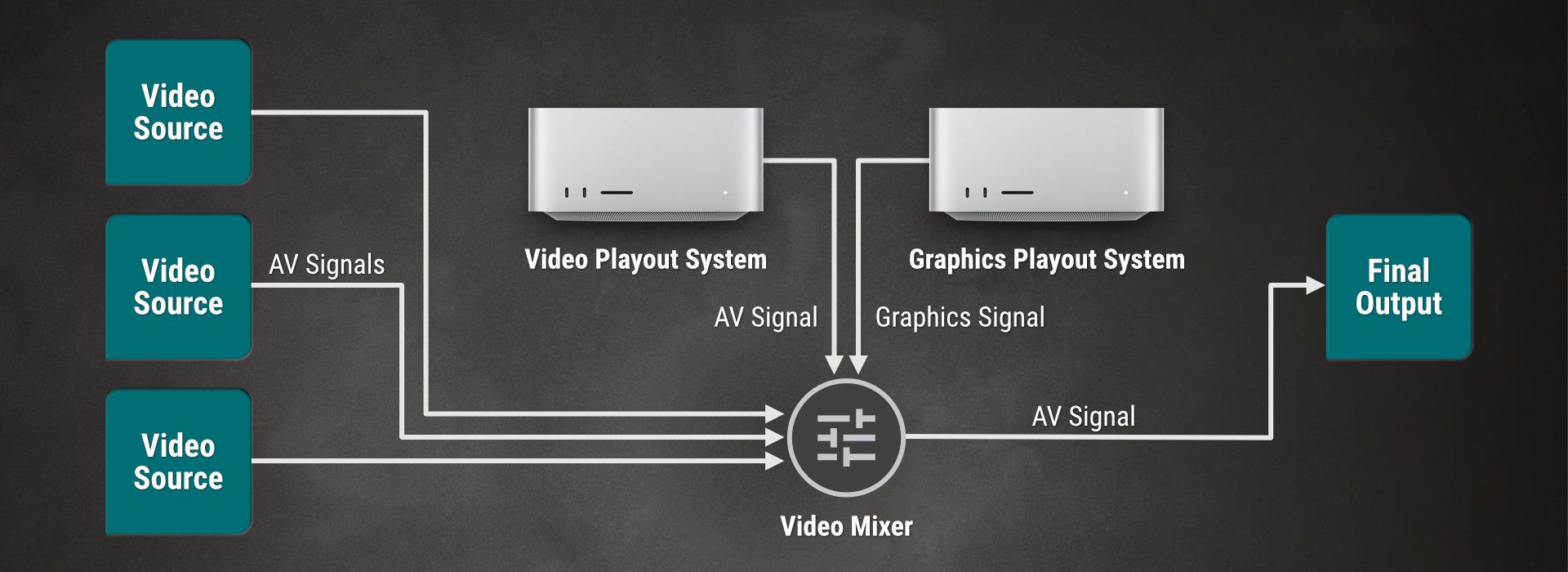
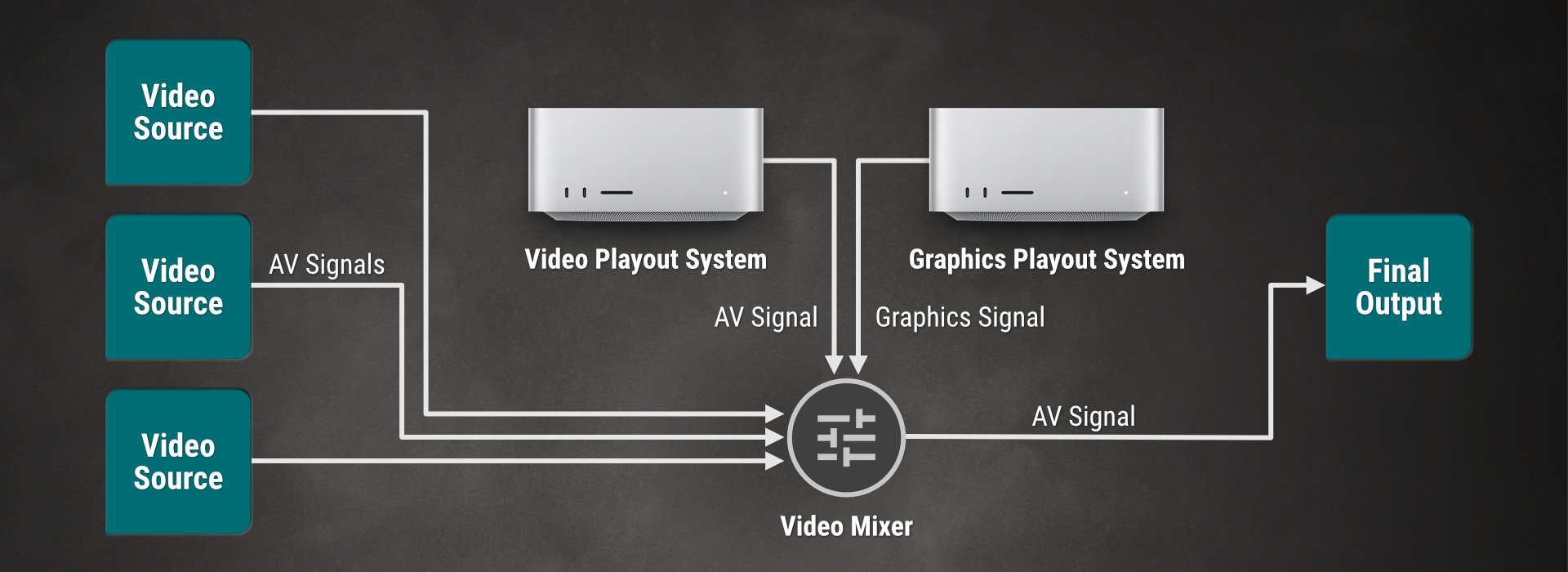
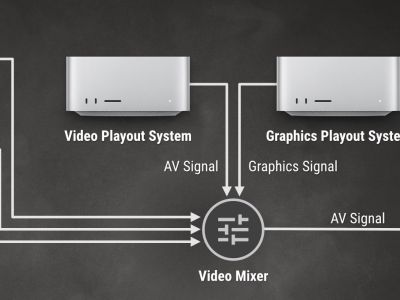
Besides playing Videos and Graphics, our playout solutions also allow you to manage live input signals such as live studio signals or satellite feeds, and send them to the SDI (or any supported streaming) output.
While it is possible to install Just Out, Just Connect and Just Control on a single machine, there's also the possibility to distribute the playout components to multiple machines. This chapter covers different setup variants.
just:play pro 2026 fully supports VANC data handling, including SCTE-104 triggers for ad insertion, CEA-608/708 closed captions, and OP-47 subtitling. This
You are welcome to download a demo version of our latest just:play pro 2026.2.0.GM.1561 release, by clicking on the “Download” button below.
The trial version of just:play pro 2026 is fully feature enabled, but will apply a watermark to the recording(s) at a given interval.
Please fill out the form fields below to receive your requested download link by separate email.
HOW TO BUY
If you are interested in purchasing a just:play pro 2026 license, we encourage you to get in touch with us. Our team will gladly discuss your specific requirements, provide a personalized demo, or arrange a proof-of-concept (POC) if needed. Once we fully understand your setup and workflow needs, we – together with our local reseller – will prepare a tailored quote to ensure a smooth integration into your environment.
Every purchase of just:play pro 2026 also includes a 30-minute free onboarding session, helping you and your team get up and running quickly and confidently.
Short Pricing Overview of just:play pro 2026
Single Video Playout include SimpleFX
EUR/USD2,900/perpetual
Includes first year of software support and maintenance
just:play pro - Video Base Layer
Includes Composition Builder, template creator.
Includes CEA-607/CEA-708, OP-47
Output: SDI, NDI®,SRT, UDP, RTMP(S), HLS or ST-2110 I/O, selectively.
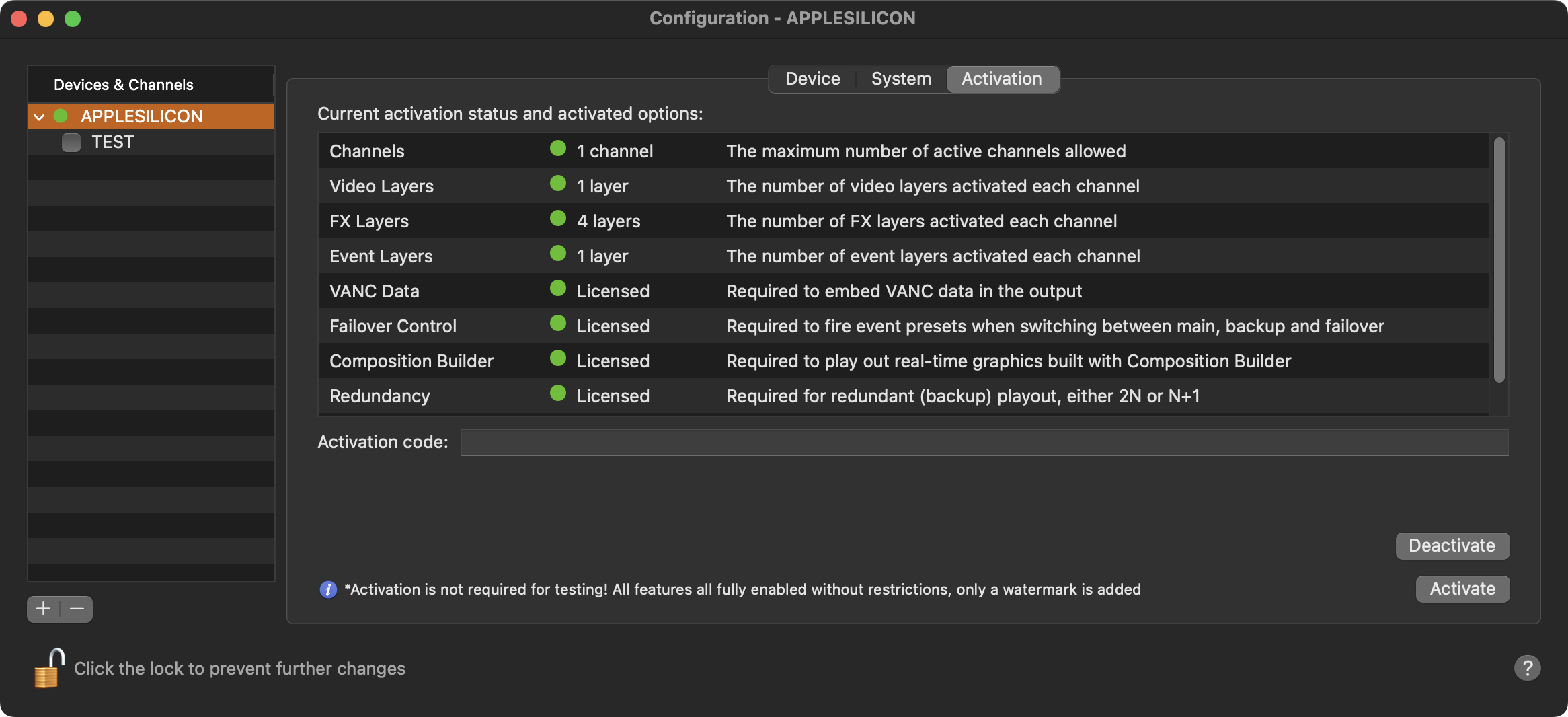
just:play pro 2026 introduces the online license activation process to ease the deployment and license transfer.
One of the biggest benefits of this new online license activation method is its flexibility for multi-location companies. Whether operating across different offices, production sites, or live event locations worldwide, organizations can dynamically allocate their recording licenses as needed, ensuring optimal utilization of resources. Additionally, in the event of unexpected hardware failure, a license can be quickly reassigned to a replacement system, minimizing downtime and keeping critical workflows running—without the need for external support or manual intervention.
With this addition, just:play pro 2026 empowers broadcast production professionals with a modern, hassle-free licensing solution that keeps operations agile, secure, and always ready for the next challenge. The process is straightforward, requiring just an internet connection and a valid license key upon the first activation.
just:play pro 2026 is always fully featured but is not activated by default, and therefore a ToolOnAir generated watermark will be added to all Recordings. As soon as you purchase a just:play pro 2026 license, you will receive an activation code to remove the watermark.
Please note that an activation is not required to test the just:play pro 2026 solution.
Should you need to transfer your license to another machine, then click on the “Deactivate” button. This will release the license for the hardware and allow the license transfer to another machine.
Priority Support includes Free Software Maintenance
At ToolsOnAir ("TOA"), we understand that broadcast and production businesses are mission-critical operations. To ensure seamless performance and peace of mind, each Professional Broadcast (Pro) software license includes a comprehensive support and upgrade contract for the first year upon intial purchase. This Support and Software Maintenance agreement can be extended to continue receiving top-tier Support and Software Maintenance Services. For customers who prefer to focus exclusively on Software Maintenance—including minor updates and major version upgrades—without additional support services, we also offer flexible software maintenance-only options tailored to individual requirements.
The TOA Software Support & and Software Maintenance Services ("SLA") agreement for the above mentioned software licenses provides you with Standard (Business hours) or Premium (24x7) support services from our TOA support staff. For the quickest response, please create a support ticket and attach a TOA System profile.
Standard Support Services (Business hours):
TOA guarantees an initial response time of two (2) hours for Critical/Blocking issues and four (4) hours for Normal issues between 08:30 AM (08:30h) and 6:00 PM (18:00h) CET/CEST Monday-Friday (excluding Austrian holidays).
Premium Support Services (24x7):
TOA guarantees an initial response time of one (1) hour for Critical/Blocking issues and two (2) hours for Normal issues, 24 hours a day, 7 days a week (24x7).
We use cookies to improve your browsing experience, analyze site traffic, and personalize content. By continuing to use our site, you agree to our use of cookies.