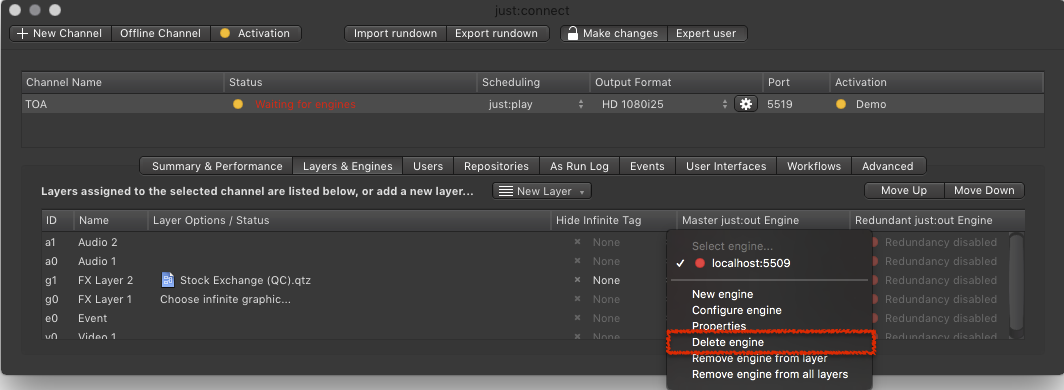
Quitting an Engine
Quitting an engine will stop the current playout.
To be able to quit an engine, the engine must be started.
It is possible to quit an engine even when the engine is running on another machine. This can be useful in situations where you would like to stop a Channel for maintenance.
- To quit an engine select the Channel in the Channel View.
- Activate the Layers & Engines tab.
- Select an existing engine and choose Quit engine.
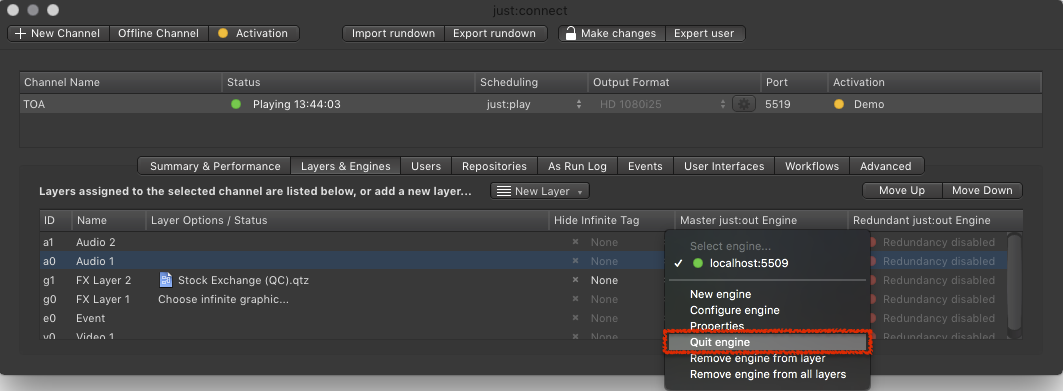
Deleting an Engine
To be able to delete an engine, the engine must be offline or shut down. Deleting the engine only deletes the entry in just:connect but not the just:out which represents the engine.
Deleting an engine is useful in situations where an existing engine will be replaced by a new engine running on another machine.
- To delete an engine permanently, select the Channel in the Channel View.
- Activate the Layers & Engines tab.
- Select an existing engine and choose Delete engine.