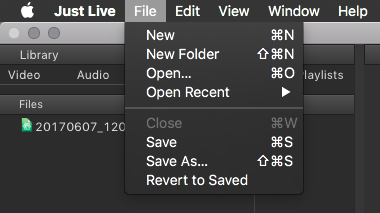
When starting the Just Live user interface, a new Show with the name Untitled is generated automatically. The status of the Workbench and the Timeline are saved in a Show and therefore can be recalled whenever needed.
- To save or open a Show, go to the File menu and select Save/Save as or Open/Open Recent.
- Changing the Show is only possible when there is no clip playing in the Timeline.
- A warning will be displayed before the current Show is closed.