Preface
You can monitor and administrate Just Store with a web browser. By default Just Store is configured for direct connections using the IP address 172.16.x.10. You need the exact IP address to connect to the web administration interface.
Following animation indicates that the user interface is waiting for data. It will disappear as soon as all data has been retrieved.

Accessing the Services
- Open a web browser. We suggest using Firefox, Safari, Edge or Chrome. Internet Explorer can cause style and function issues.
- Enter the IP address or hostname of the Just Store system you want to connect to into the address bar of your web browser.
- Press the enter key.
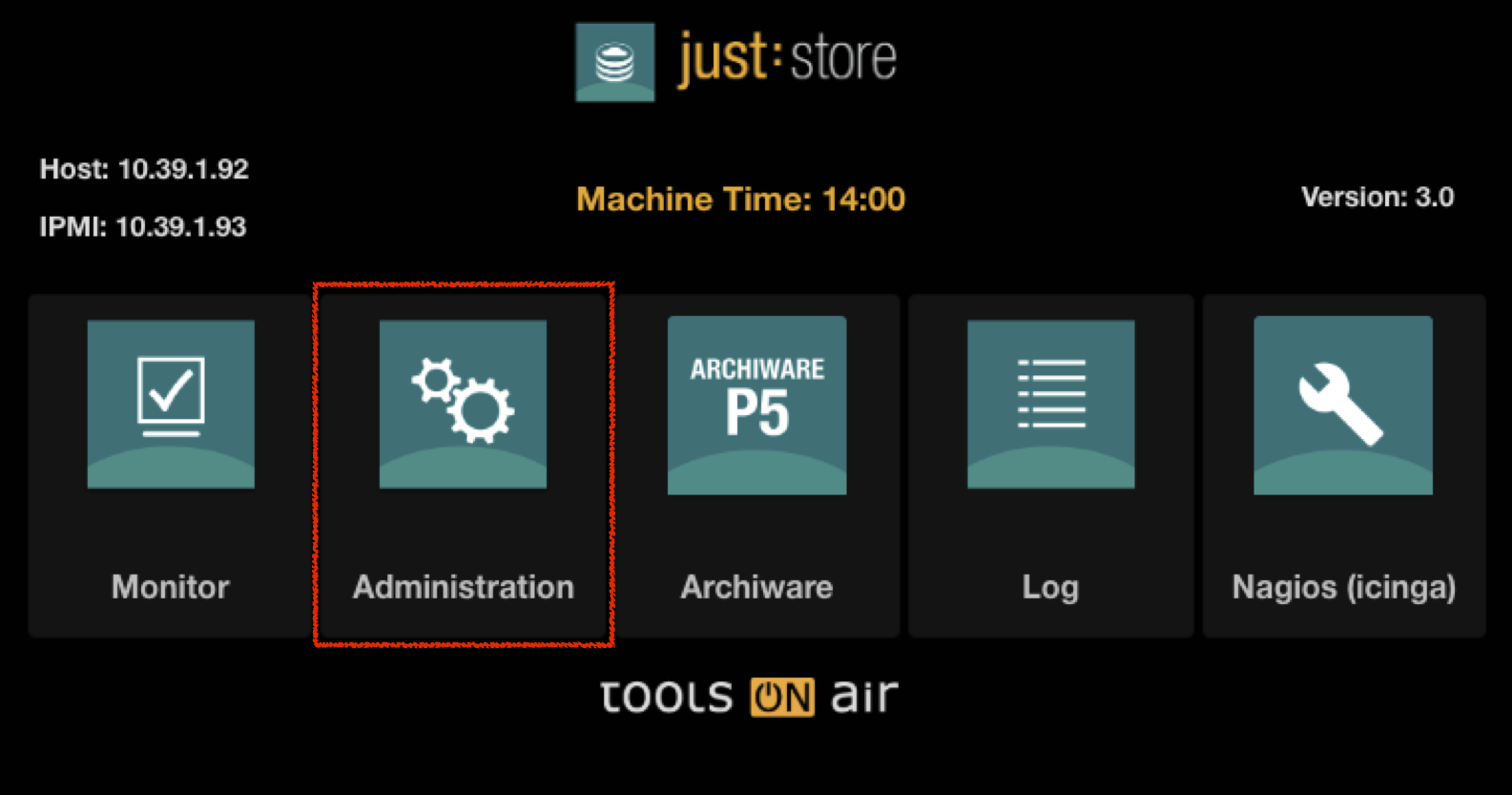
- Select Administration on the main page.
Enter your login credentials and press the Login button.
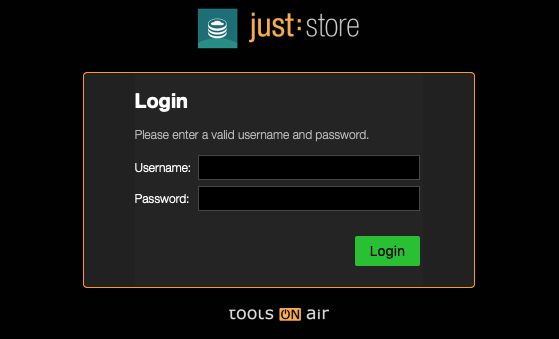
DEFAULT LOGIN
Username = Just Store
Password = Just Store
- In the upper bar click on Services.
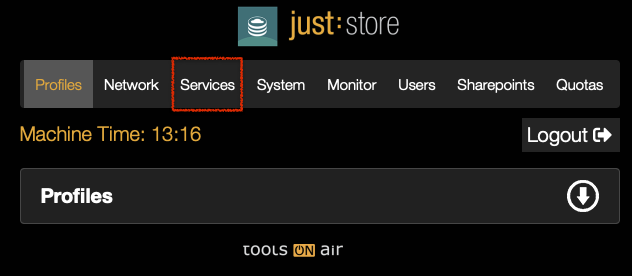
- To show or hide a section click on the respective arrow icons.

Services Overview
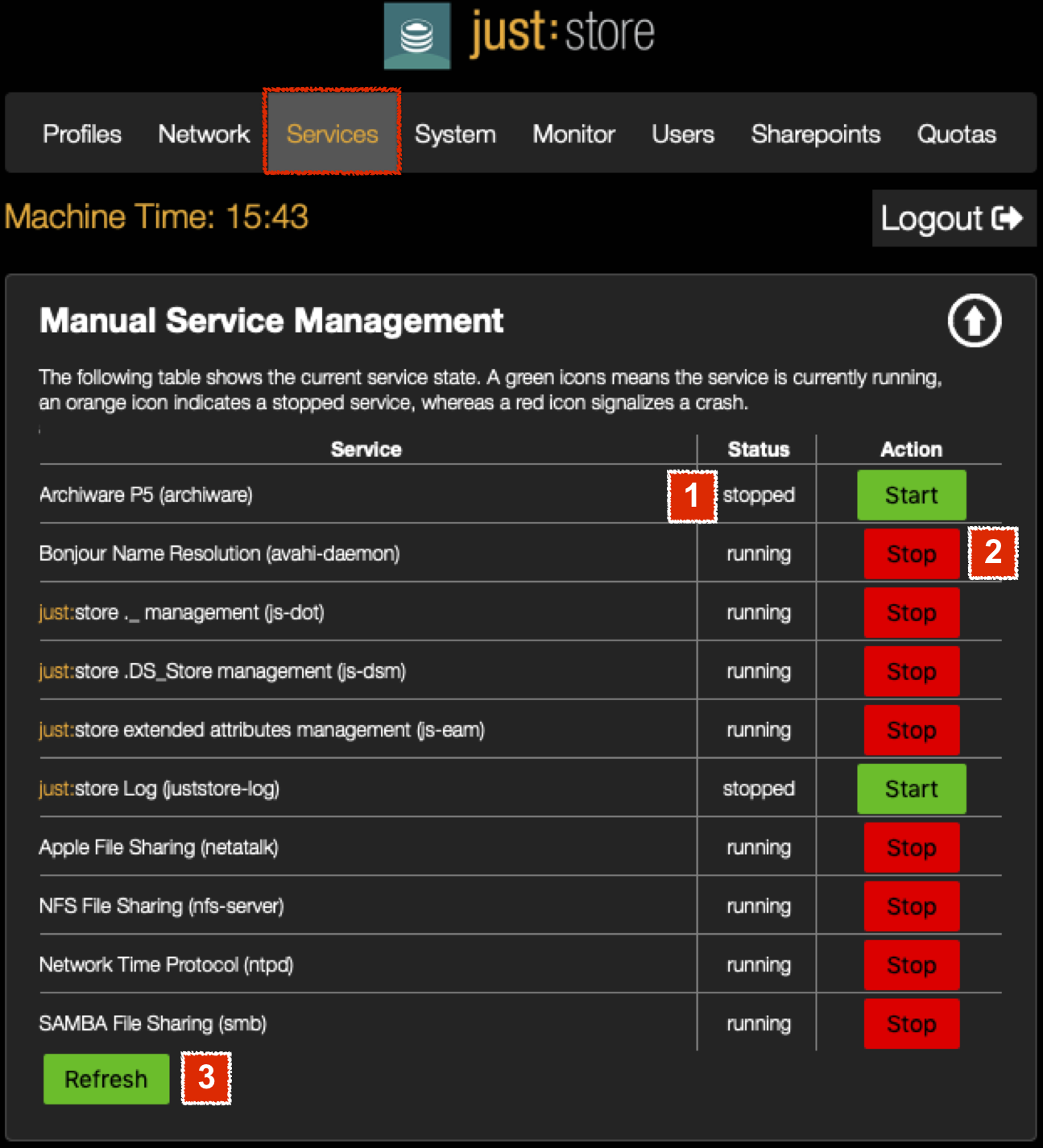
- Status: displays the current state of all Services which are installed.
- Stop/Start: you can manually stop or start a Service.
- Refresh: refreshes the status of all Services.
Using the Service Autostart Option
In the section Service Autostart you can change the startup option for each Service. On the left side you have the title of the Service and on the right side there's a dropdown menu where you can choose the Autostart option.

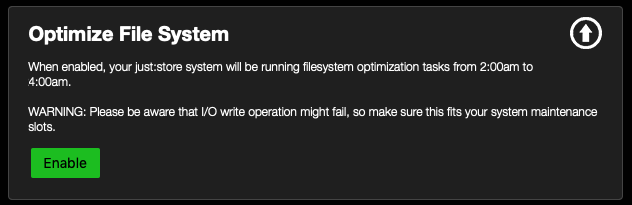
Optimizing the File System
You can enable or disable the optimization of the XFS (RAID) filesystem. The optimization process will be started at 2 am. There may be I/O errors at the time of optimization.