
Disabling a Channel
To change Channel Settings deactivate the desired Channel(s) by unchecking the corresponding checkbox(es) on the left side of the Config Panel.
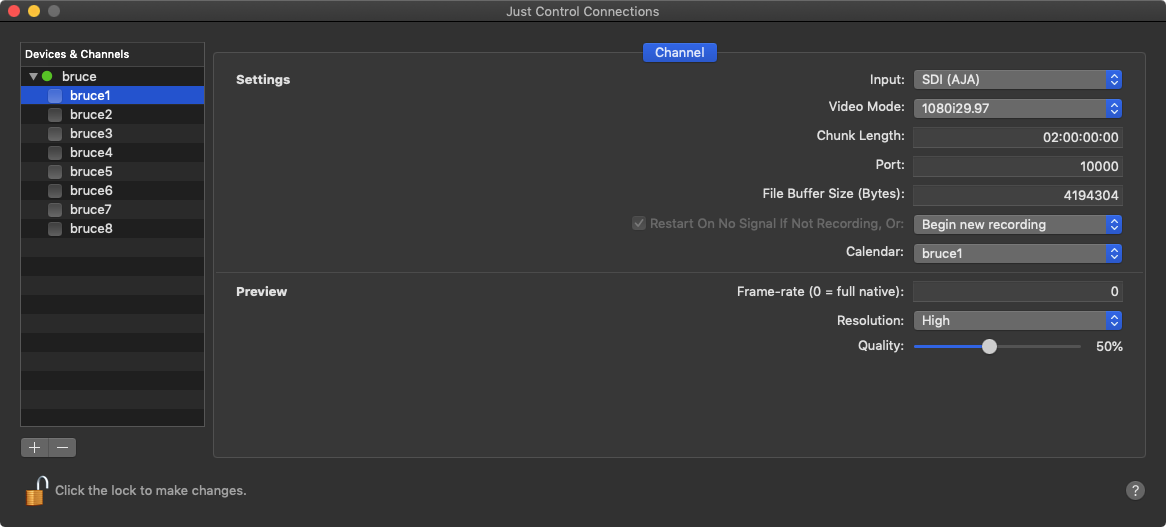
Deactivating a Channel will make it unavailable in connected Just In User Interfaces and the channel will also disappear from the Channel List within the Connection Tab in the Inspector.
Channel Settings
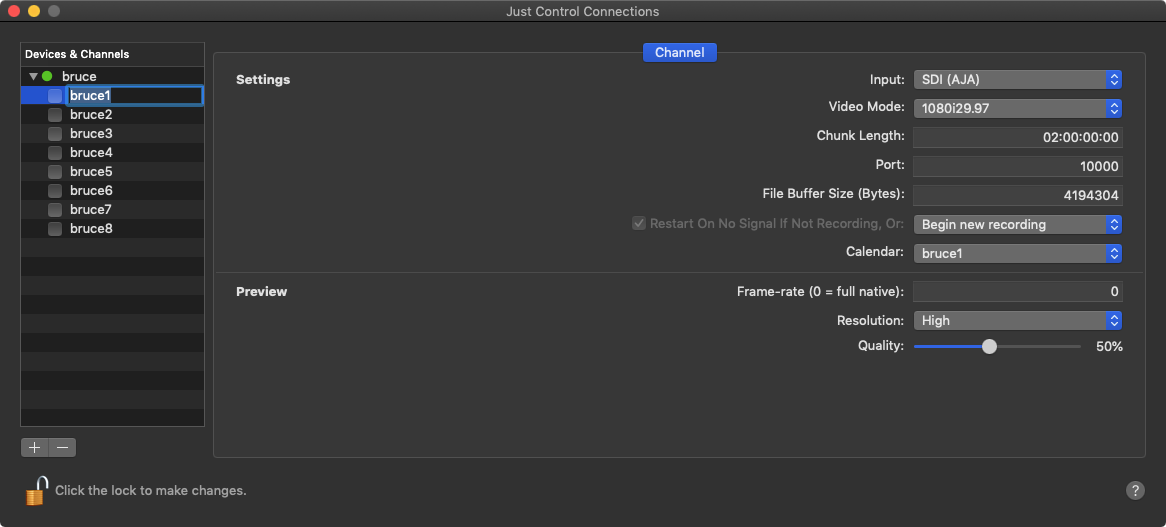
Settings
- Channel Name: edit the Channel name by double clicking the name within the Channel List.
- Input Source: select the Input Source here.
- SDI (Blackmagic Design)
- SDI (AJA)
- SDI (AJA 4x4K-Quad)
- SDI (AJA 4K-2SI)
- SDI (AJA 12G)
- Video Mode: select a Video Mode here. The modes depend on the Engine's Framerate (Device Tab) and the Video Device.
- Chunk Length: set the Chunk Length here. The maximum is 12:00:00:00. Default setting is 02:00:00:00.
- Port: edit the Channel Port here.
- File Buffer Size: Amount of Bytes (in binary) which will be written to the disk at once (Default: 4MB).
- Restart On No Signal if Not Recording: This option activated, enables the channel to restart after a signal loss, as soon as the channel recognises a valid signal again.
- Close Container, write to new: Recording container(s) will be closed and as soon as there is signal again, channel starts recording into a new file.
- Close Container and stop: Recording container(s) will be closed and channel stops recording.
- Calendar: Select the desired Calendar here, which should be used for Schedule Mode.
Preview Settings
- Resolution: two resolution options are available:
- High: 640x360px
- Low: 480x270px
- Frame rate: the preview frame rate can be changed between 0 (=native framerate) and 30 (if the channel framerate is higher then 30, then the preview will be limited to 30fps).
- Quality: can be changed between 10 and 100%.
(Re-)Enabling a Channel
After changing the settings of a Channel you need to enable it again by clicking on the corresponding checkbox. You can only activate Channels with valid Video Modes.
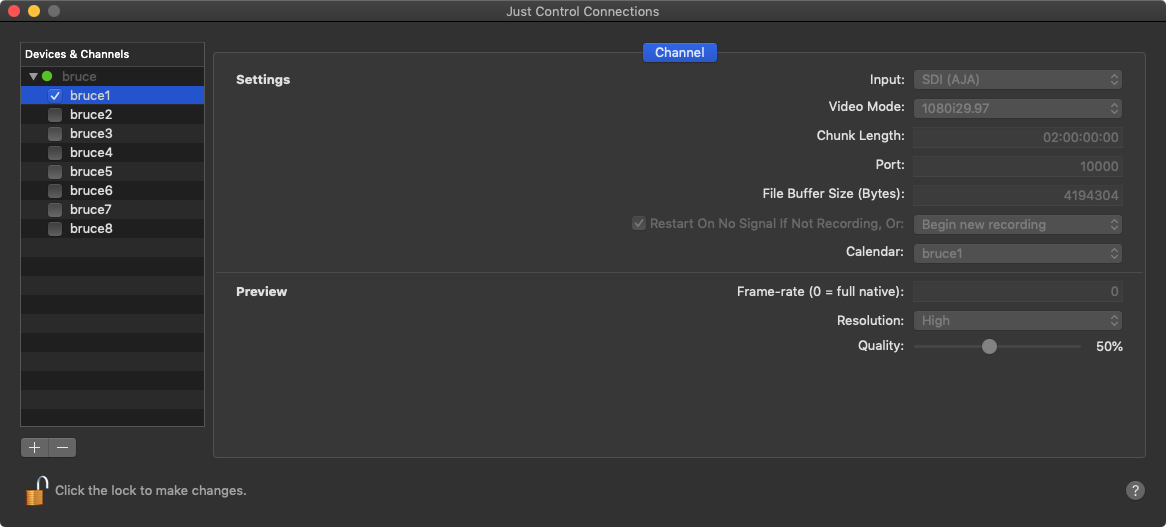
Once the channel is activated/enabled, it will be available in the Connections-Tab within the Inspector.