
When launching the Just In user interface for the first time you will be asked to select a Grid Layout. You may change this layout later at any time. It is also possible to split a Channel Viewer to more than four new areas.
Selecting a Grid Layout
Open the Just In user interface and chose a Grid Layout. Use the mouse to select the appropriate number of Channel Viewers and then single click when you're done. Here are some examples:
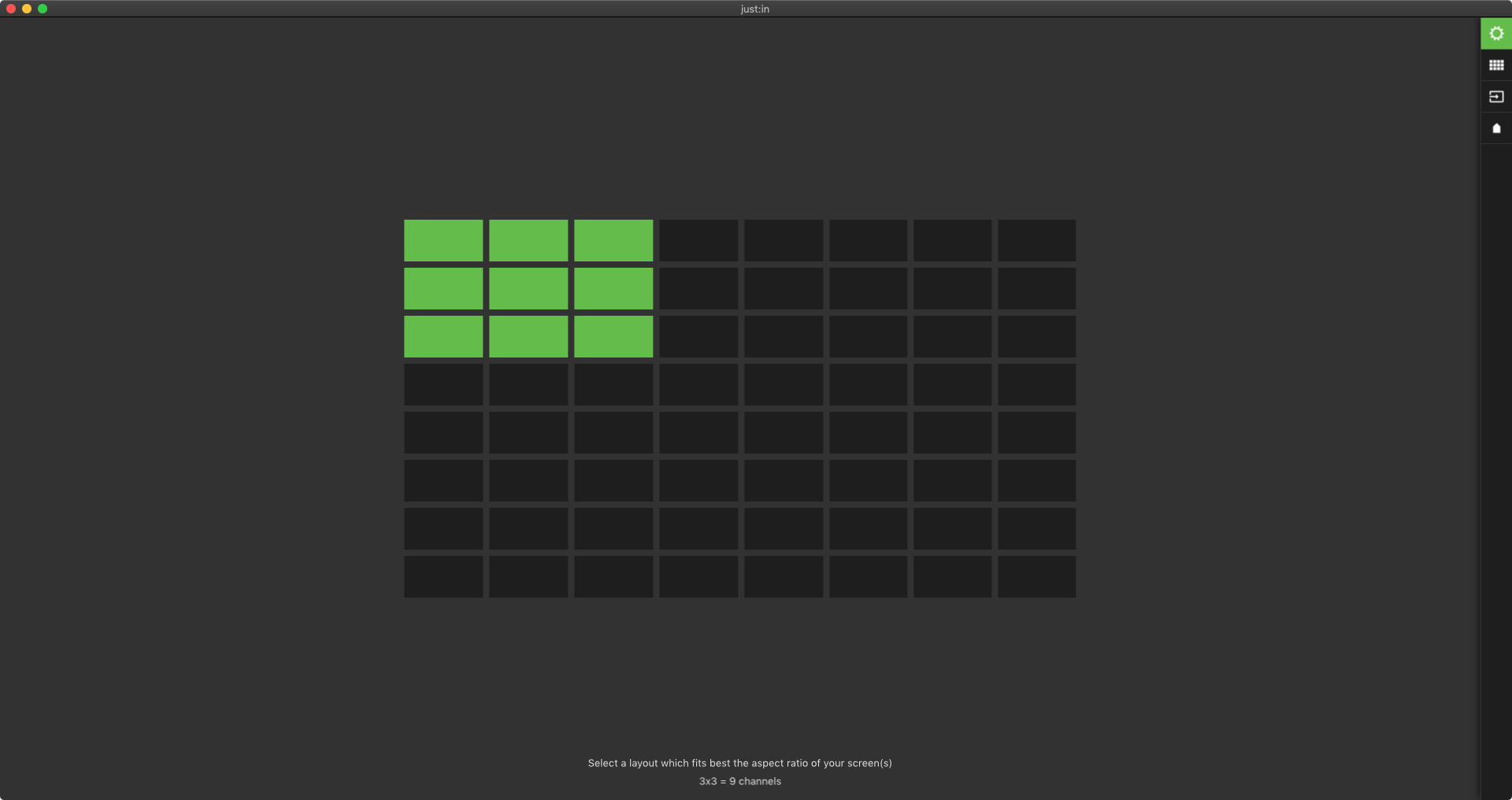


Basic 2x2 Grid Layout
In this example we use a 2x2 layout. If the connection to your engine has already been established, you may now connect Channels from the Connections tab.

Splitting and Joining
Each Channel Viewer can be further splitted or joined.
Splitting
Select a Channel Viewer and use the keyboard shortcut command + shift + s to split the selected Channel Viewer to four new Channel Viewers.
Before Splitting

After Splitting
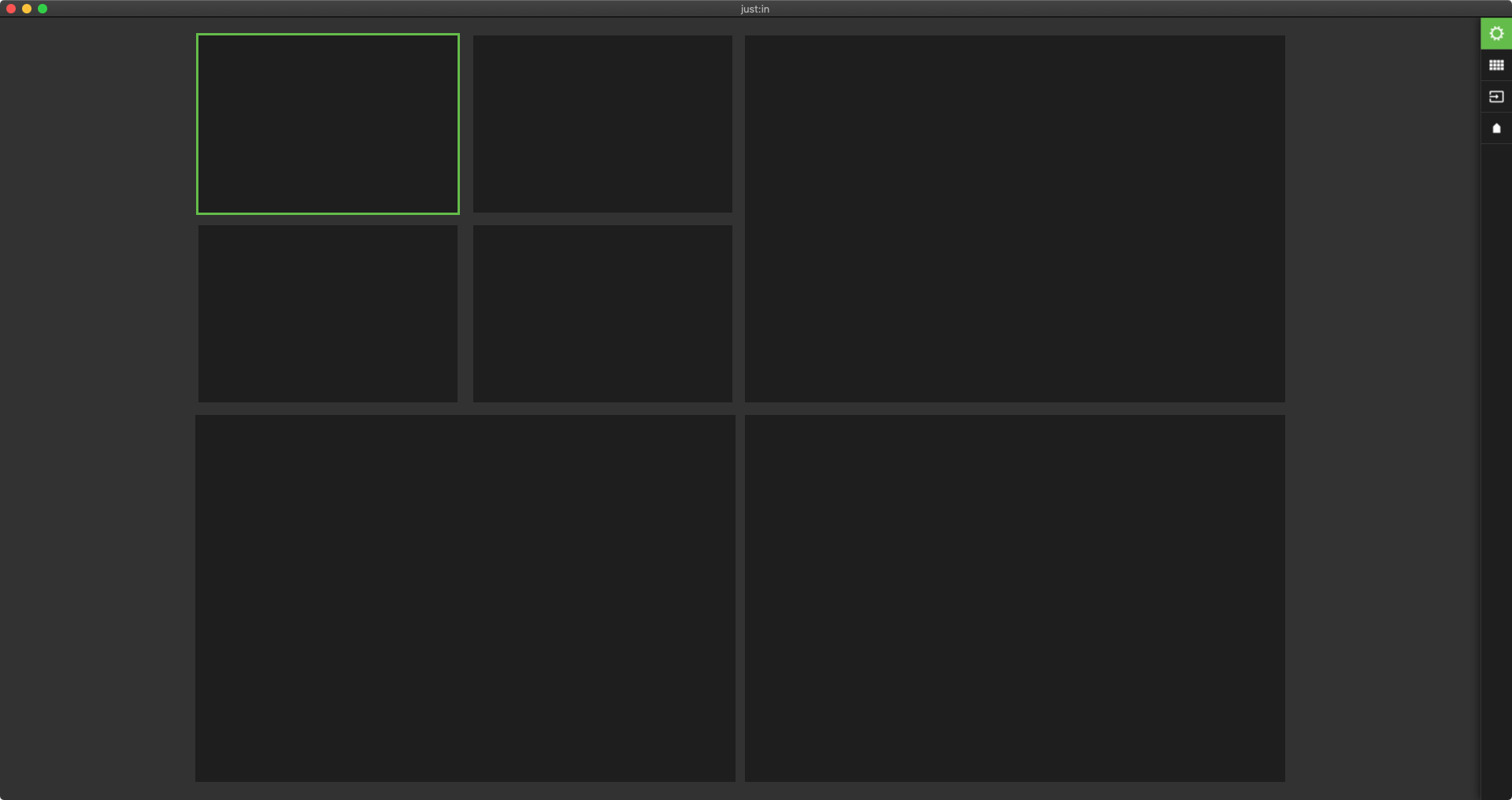
Splitting to Any
Use the keyboard shortcut command + option + shift + s to select a new Channel Layout for the currently selected Channel Viewer.


Joining
Join Channel Viewers by using the keyboard shortcut command + shift + j. Please note that joining is only possible for previously splitted Channel Viewers.
Before Joining
After Joining