
Errors while trying to create a Live Cut Project
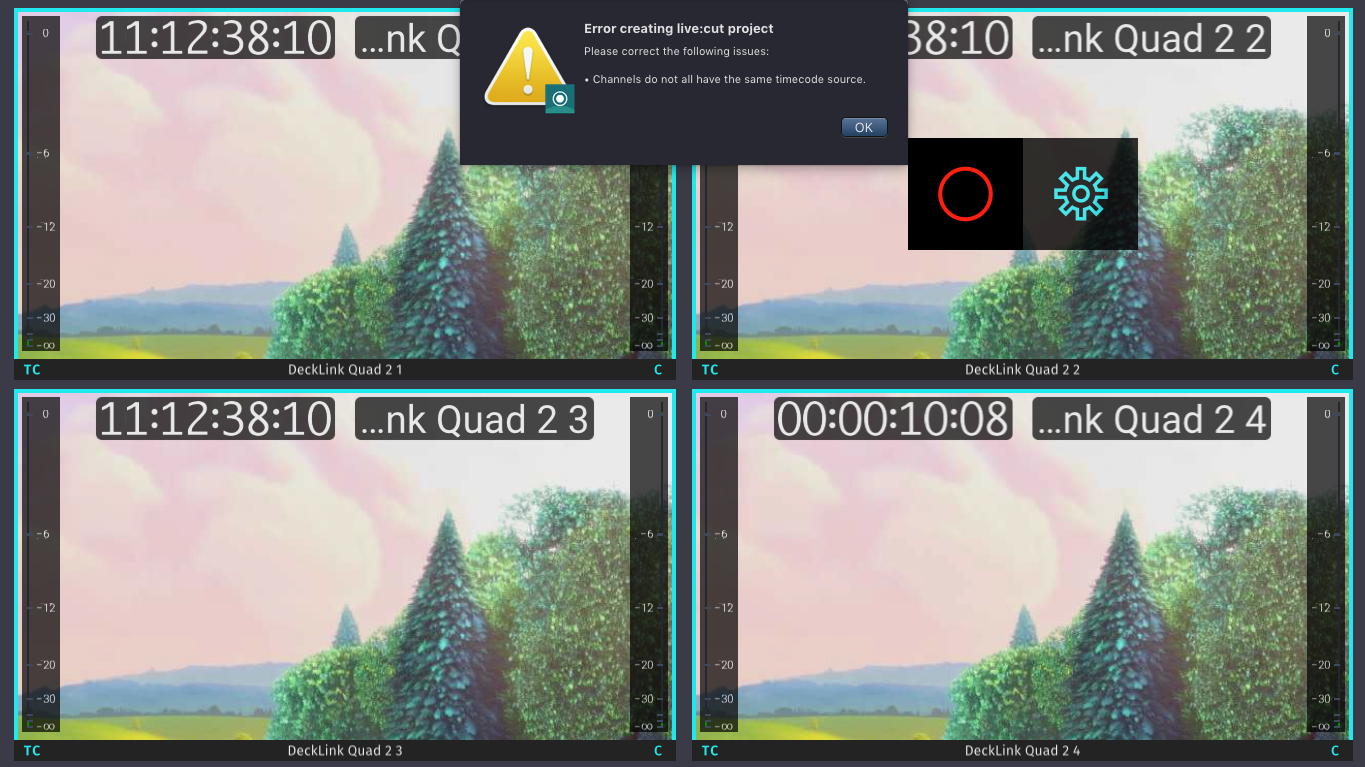
Mixed Timecode Sources
Trying to use Channels with different Timecode Sources results in an Error message. Synchronize the Timecode Source for all selected Channels and try again.
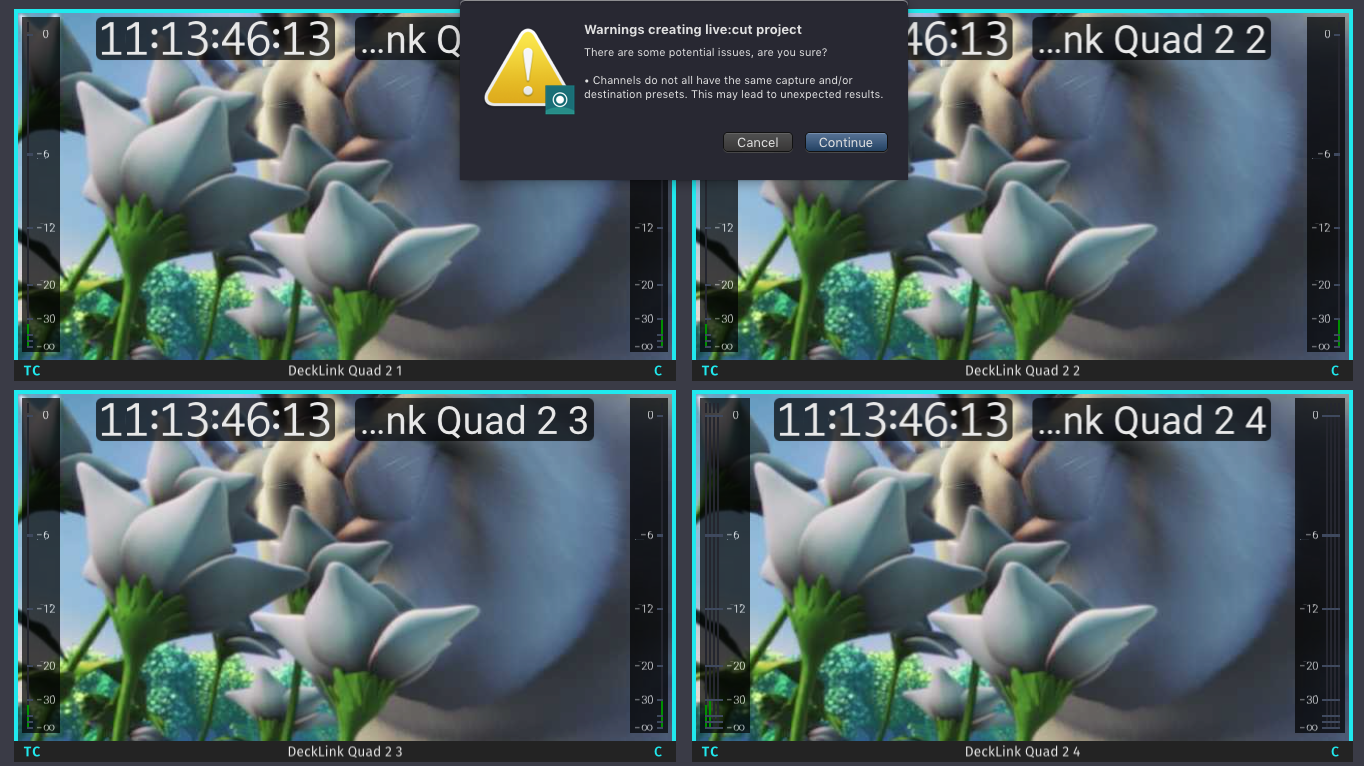
Mixed Capture/Destination Presets
Trying to use Channels with different Capture/Destination Presets results in an Error message. Synchronize the Capture- and Destination Presets for all selected Channels and try again.
Recording Impossible
This error message appears when one or multiple Channels are not able to record. Validate the Channel configuration once more and then try again. Refer to the Just In User Manuals for further information on how to configure Channels.

Errors while using a Live Cut Project
Existing File Names
If a file with the same filename as the current recording is in the destination folder you will be notified. Fix this by changing the resulting filename.

I/O Device Error when using Blackmagic ATEM
Trying to use the Blackmagic ATEM without installed ATEM driver displays this error message again and again. Follow these steps to fix it.
- Install the Blackmagic ATEM driver.
- Go to the folder /Users/<username>/Documents/LiveCut Documents/Project Templates.
- Delete the Project Template you are currently working on.
- Restart the Just In User Interface. Proceed with your live:cur Project.
