
AutoMounter allows macOS clients to easily mount Just Store sharepoints. The application is currently only available for macOS Mojave, Catalina, and Big Sur.
We assume that your Just Store appliance has been configured properly and is reachable via the network. If this is not the case, please refer to the https://toolsonair.atlassian.net/wiki/pages/resumedraft.action?draftId=2036858988
Installing AutoMounter
Each client need a valid license to install AutoMounter. Please contact us at sales@toolsonair.com to discuss further.
Download AutoMounter from the AutoMounter website by pressing the Download button at the end of the page.
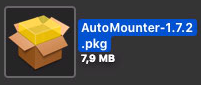
Open the downloaded installation package.
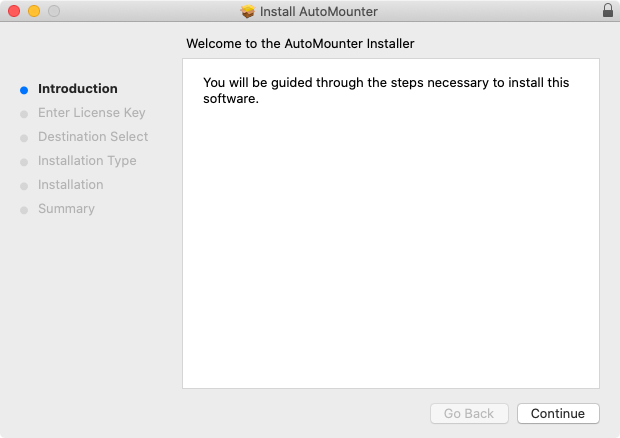
Follow the installation instructions.
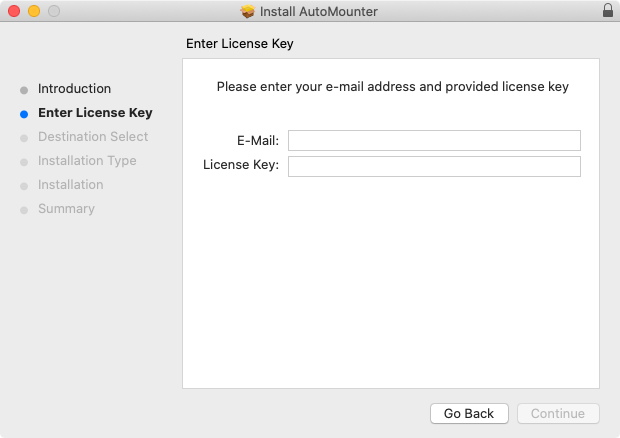
Enter the licensing information and press the Continue button.
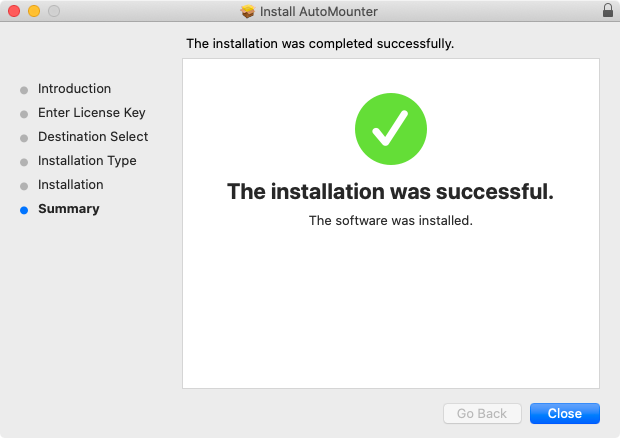
Continue the installation process and close it when you’re done.
AutoMounter is now located in your /Applications folder.
Continue with chapter Using AutoMounter (AutoMounter v1.0).
Need Help?
Create a helpdesk support ticket at support.toolsonair.com.
Install the latest version of TeamViewer on your computer by using this link https://get.teamviewer.com/6wpdz2x
Provide the TeamViewer ID and Password in the helpdesk ticket.