
Table of Contents
Preface
Performance Profiles can be used to optimise Just Store’s data throughput for certain applications like ingest, playout or video editing.
Changing the Performance Profile
Before continuing make sure to read the article Connecting to the Just Store Web-based Administration User Interface
Click on Profiles in the sidebar.
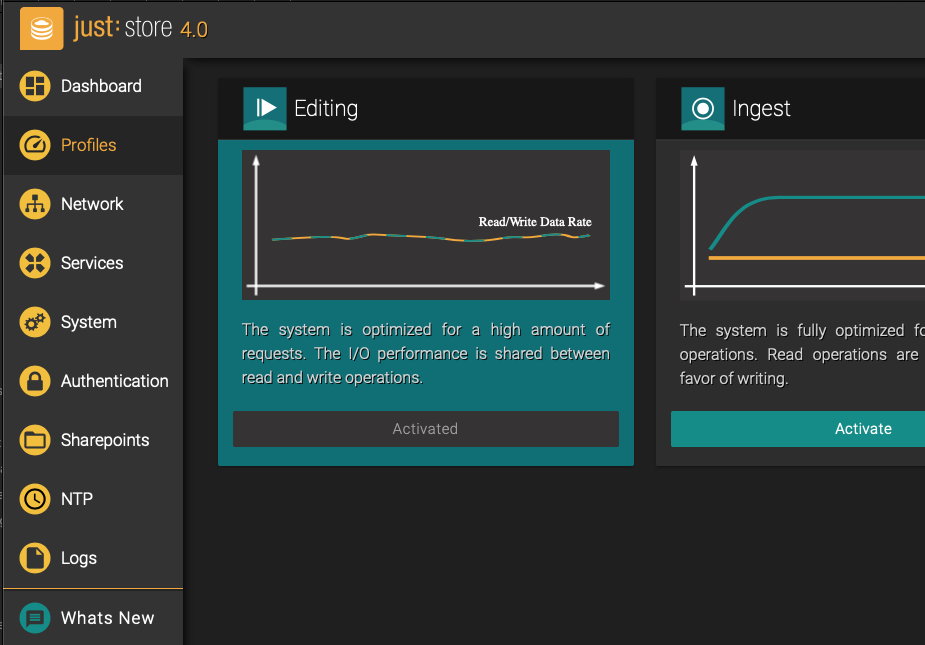
Click on the Activate button of the profile which suits your needs best.

Changing a profile is done in real-time by Just Store. Processes which are already running will not change their priority
Available Profiles
Playout

The system is fully optimised for real-time read operations. Write operations will be slower, but do not affect read operations.
Advantages | Disadvantages |
|---|---|
Better performance for read operations. | Write operations will be slower. |
Editing

The system is optimised for a high amount of read/write requests. The I/O performance is shared between read and write operations.
Advantages | Disadvantages |
|---|---|
|
|
Optimised Setting for Ingest
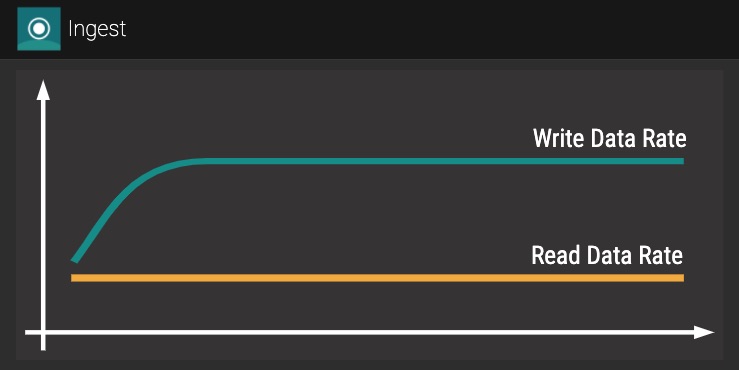
The system is fully optimised for real-time write operations. Read operations are slowed down in favor of writing.
Advantages | Disadvantages |
|---|---|
Better performance for write operations. | Read operations will be slower. |