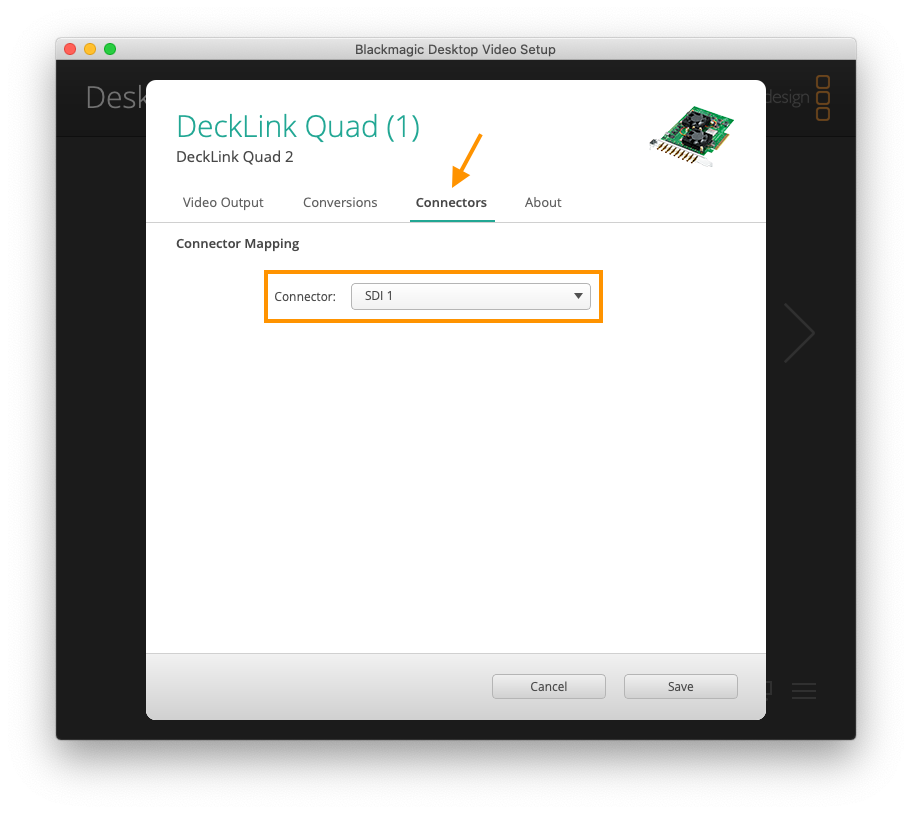
The BMD DeckLink Duo 2 and the BMD DeckLink Quad 2 require correct Connector Mapping Settings, in order to provide all available inputs (four or eight) for the Just In engine.
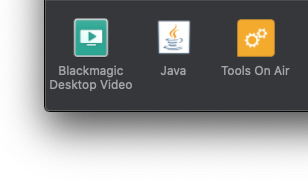
Please open the macOS System Preferences and open the Blackmagic Desktop Video Preference Pane.
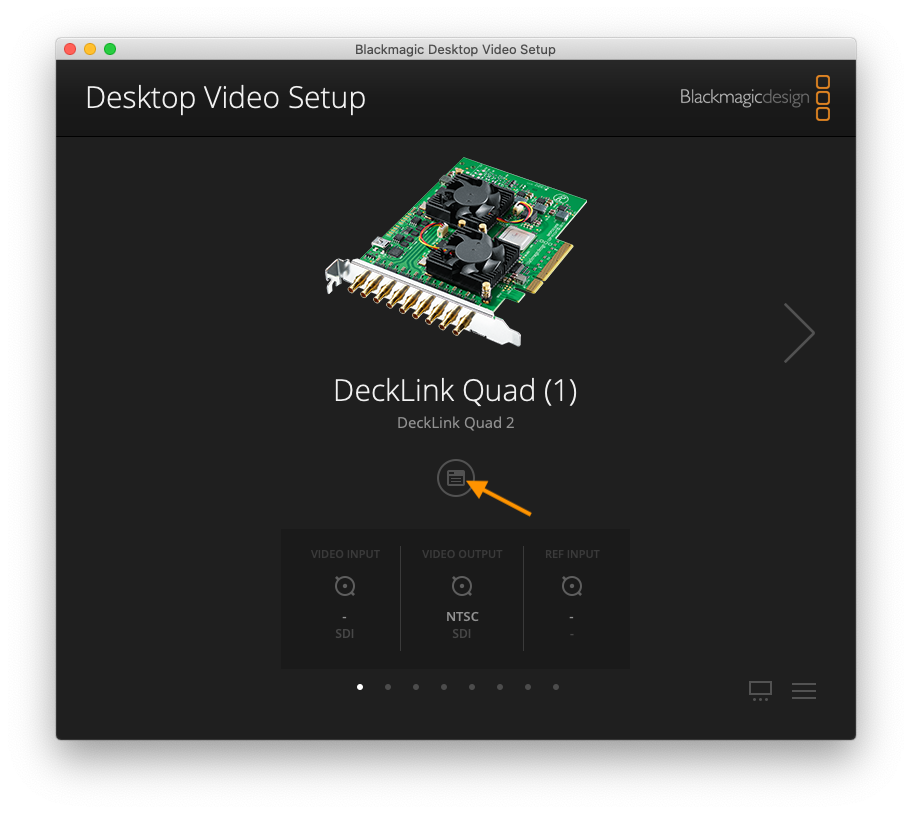
There you can see your connected BMD video devices. Click on the button in the middle of the screen to open the device settings.
Then switch to the Connectors Tab and set the Connector Mapping to SDI X, instead of SDI X & SDI Y for all available inputs.