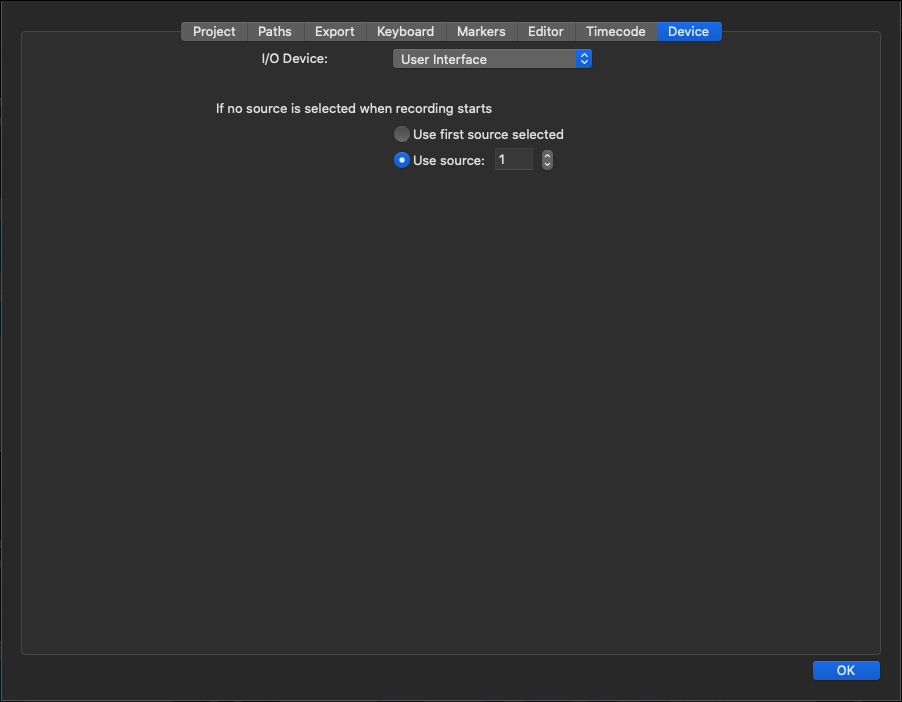
Available I/O Devices are:
User Interface
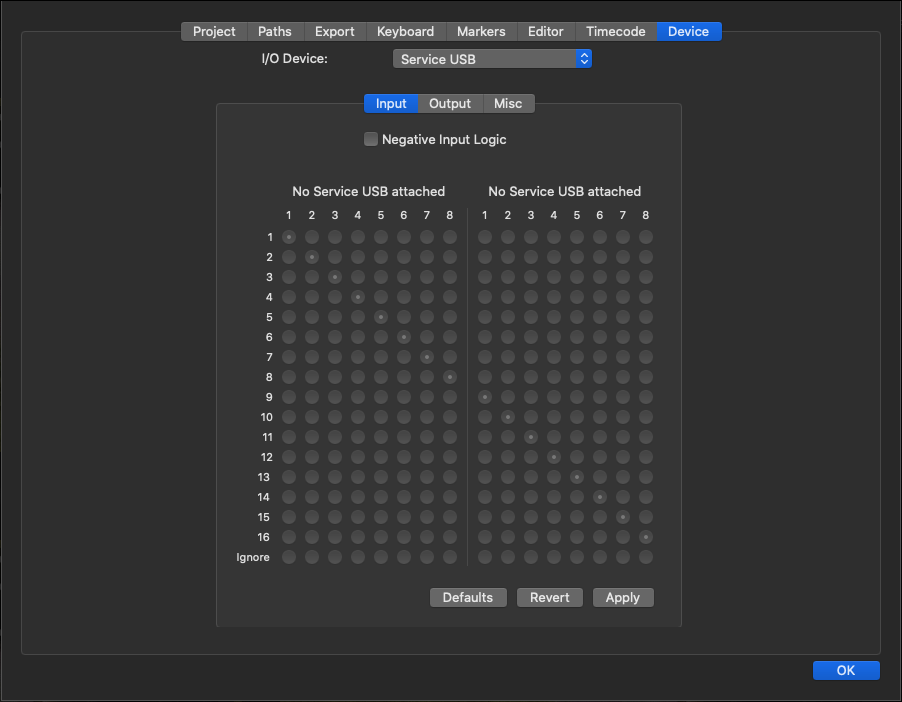
Service USB
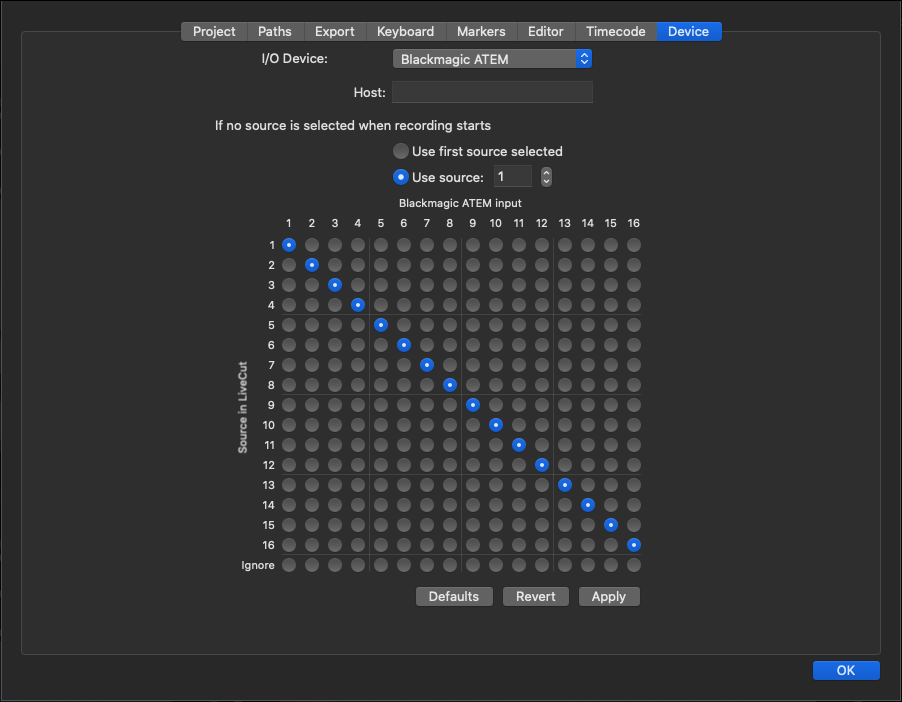
Blackmagic ATEM
ToolsOnAir GPI Box
When using the ToolsOnAir GPI Box you need to select Service USB as the I/O Device.
Make sure that the Service USB Box is connected via USB to the Live Cut machine and that the driver is installed.
Blackmagic ATEM
Before selecting this I/O device make sure the Blackmagic ATEM software is installed on the machine running Live Cut.
Enter the Host IP address of the ATEM and press the Apply button. If you're being asked to update the Project Template accept it.
User Interface
Use this option to use the Live Cut User Interface as a "vision mixer". In this mode the active camera can be changed by following means:
Clicking on the desired Channel.
Using the buttons at the very bottom of the Live Cut User Interface.
Using keyboard shortcuts (as described in the corresponding chapter).