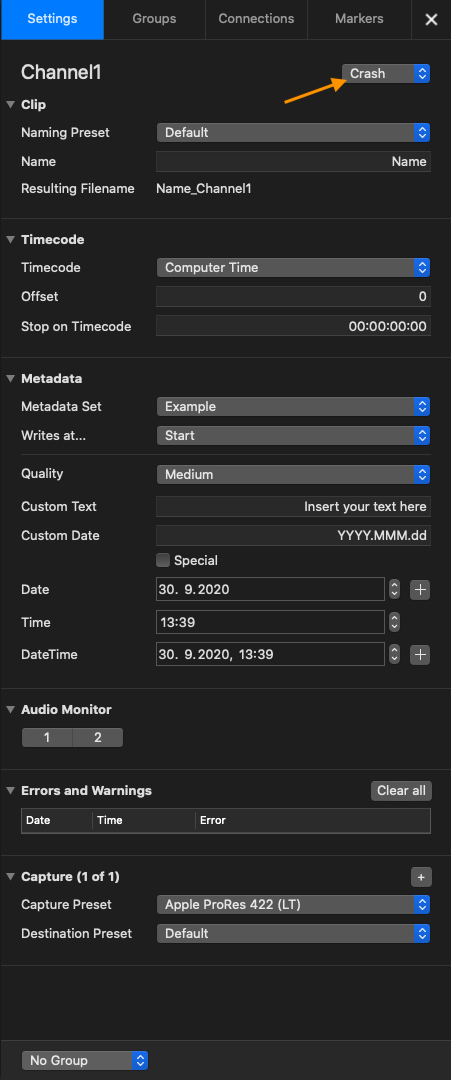
Just In has different Capture Modes:
Batch Recording (Just In Mac only): record and control Tape Machines (VTR).
Crash Recording: record on the fly (Default Mode).
Scheduled Recording: record Clips based on macOS Calendar Events.
Select a Capture Mode
Select one or more Channels in the Channel Viewer Area
Open the Inspector.
Switch to the Settings tab.
Choose between Batch, Crash and Schedule Mode by using the dropdown box next to the Channel Name.