Errors, before starting a Live Cut project
Following Error Messages can appear, before starting a Live Cut project:
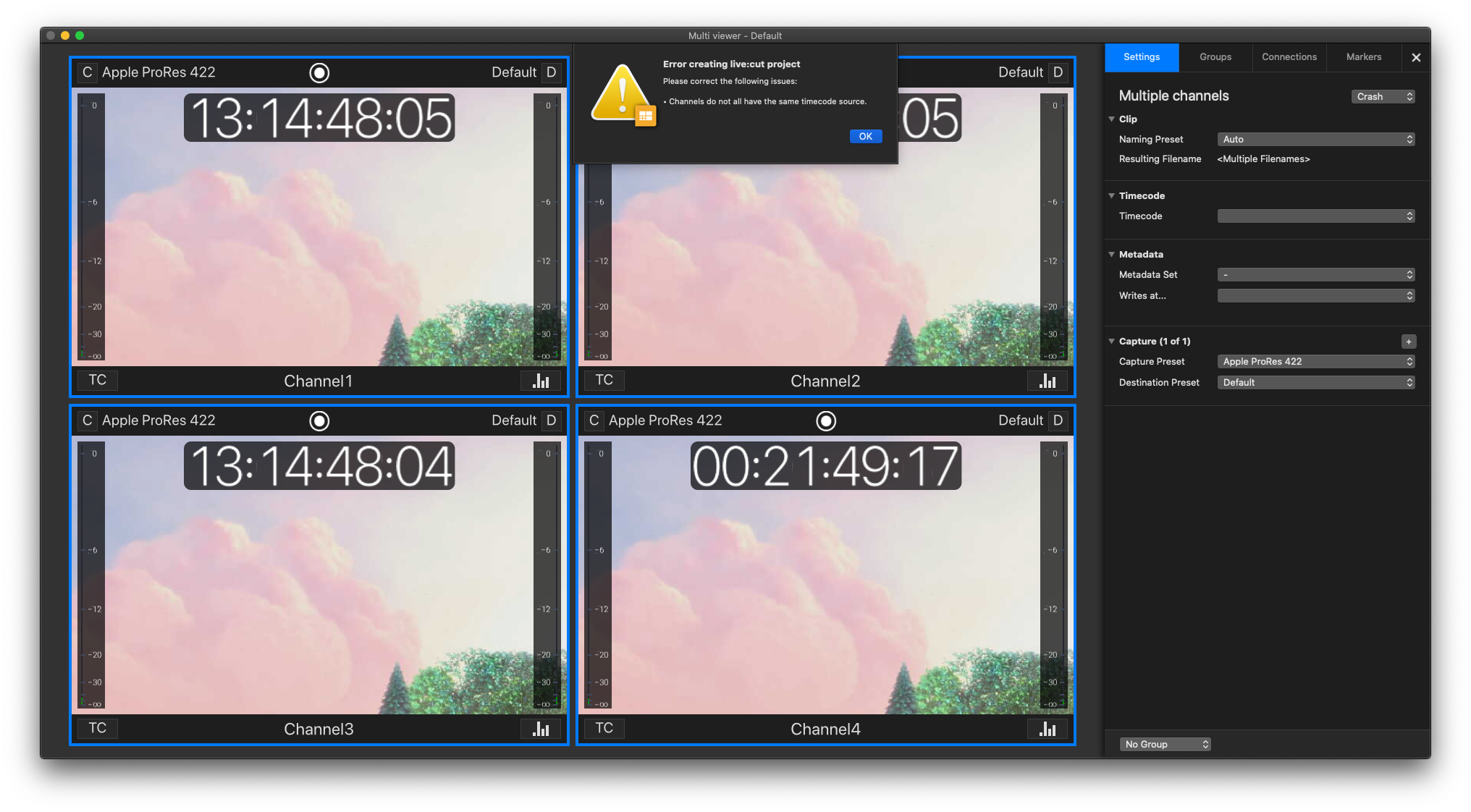
Mixed Timecode Sources
Trying to use Channels with different Timecode Sources results in an Error message. Synchronize the Timecode Source for all selected Channels and try again.
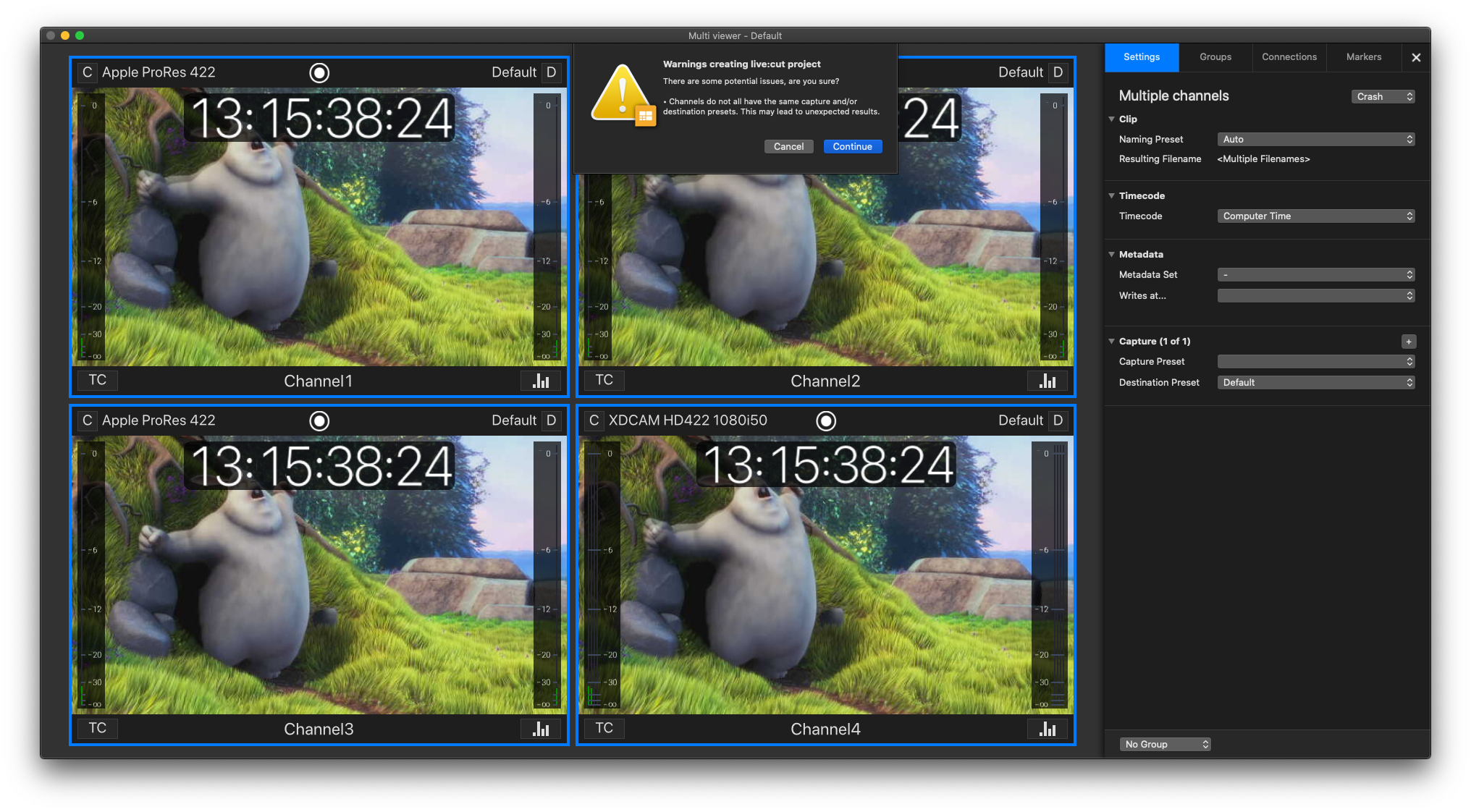
Mixed Capture- and/or Destination-Presets
Trying to use Channels with different Capture- and/or Destination-Presets result in an Error message. Synchronise the Capture- and Destination-Presets for all selected Channels and try again.
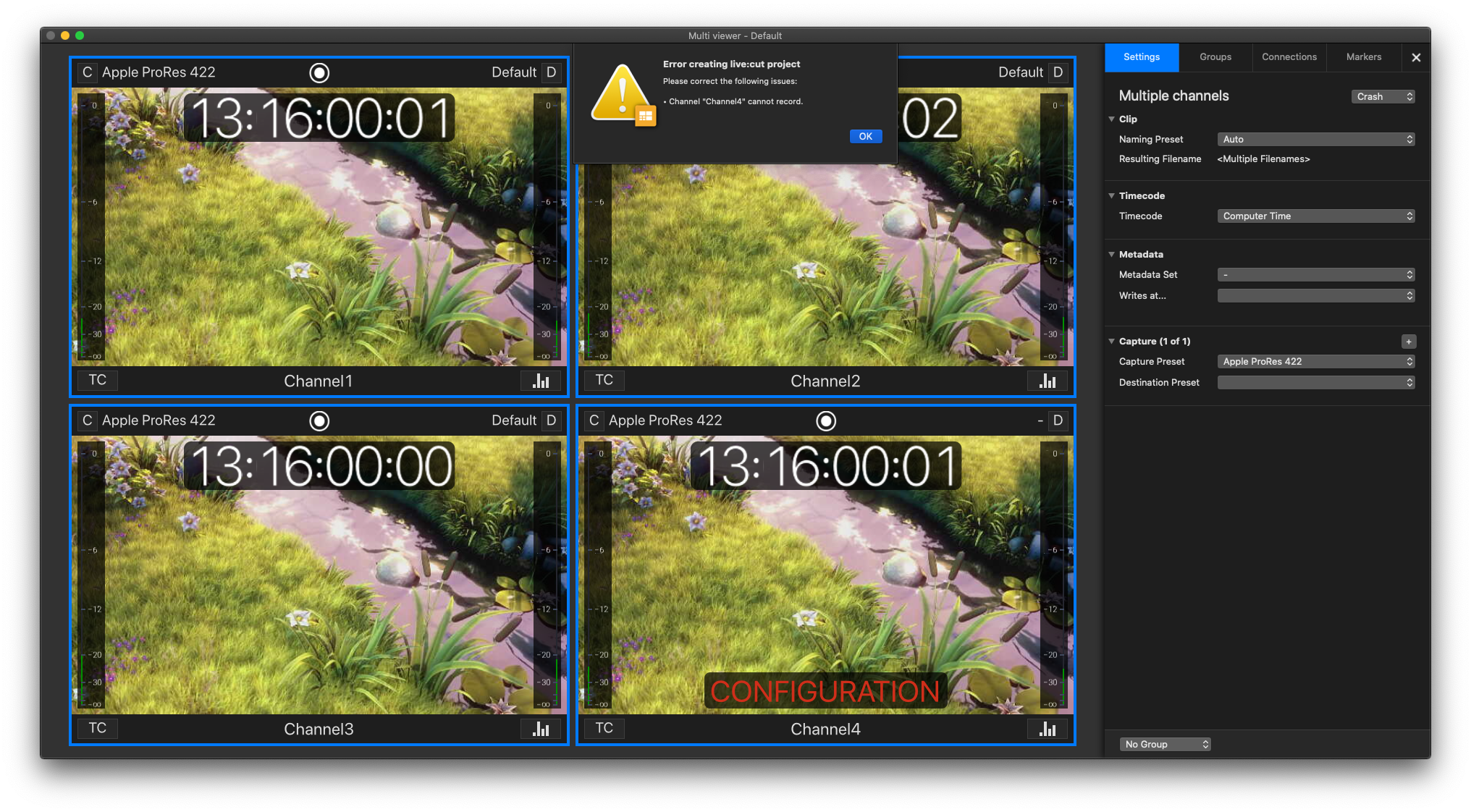
Recording not possible
This error message appears when one or multiple Channels are not able to record. Validate the Channel configuration and try again. Refer to the User Manuals for further information on how to configure Channels.
Errors, while working with a Live Cut project
Following Error Messages can appear, while working with a Live Cut project:
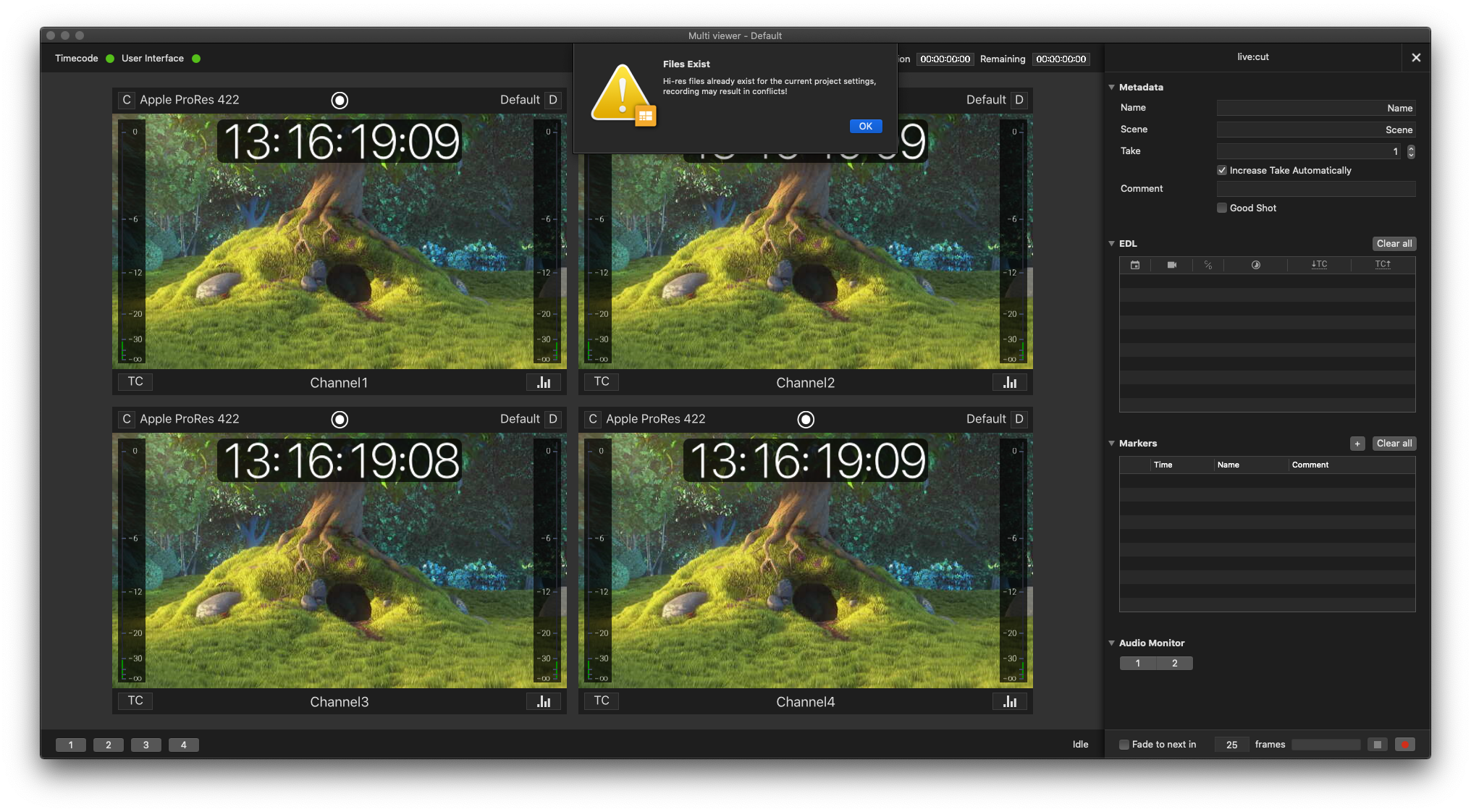
Existing File Names
You will be notified if a file with the same filename as the current Recording already exists in the destination folder. Fix this by changing the resulting filename.
Errors, while exporting a multi-cam XML
The following error cases can happen, when exporting an EDL after recording:
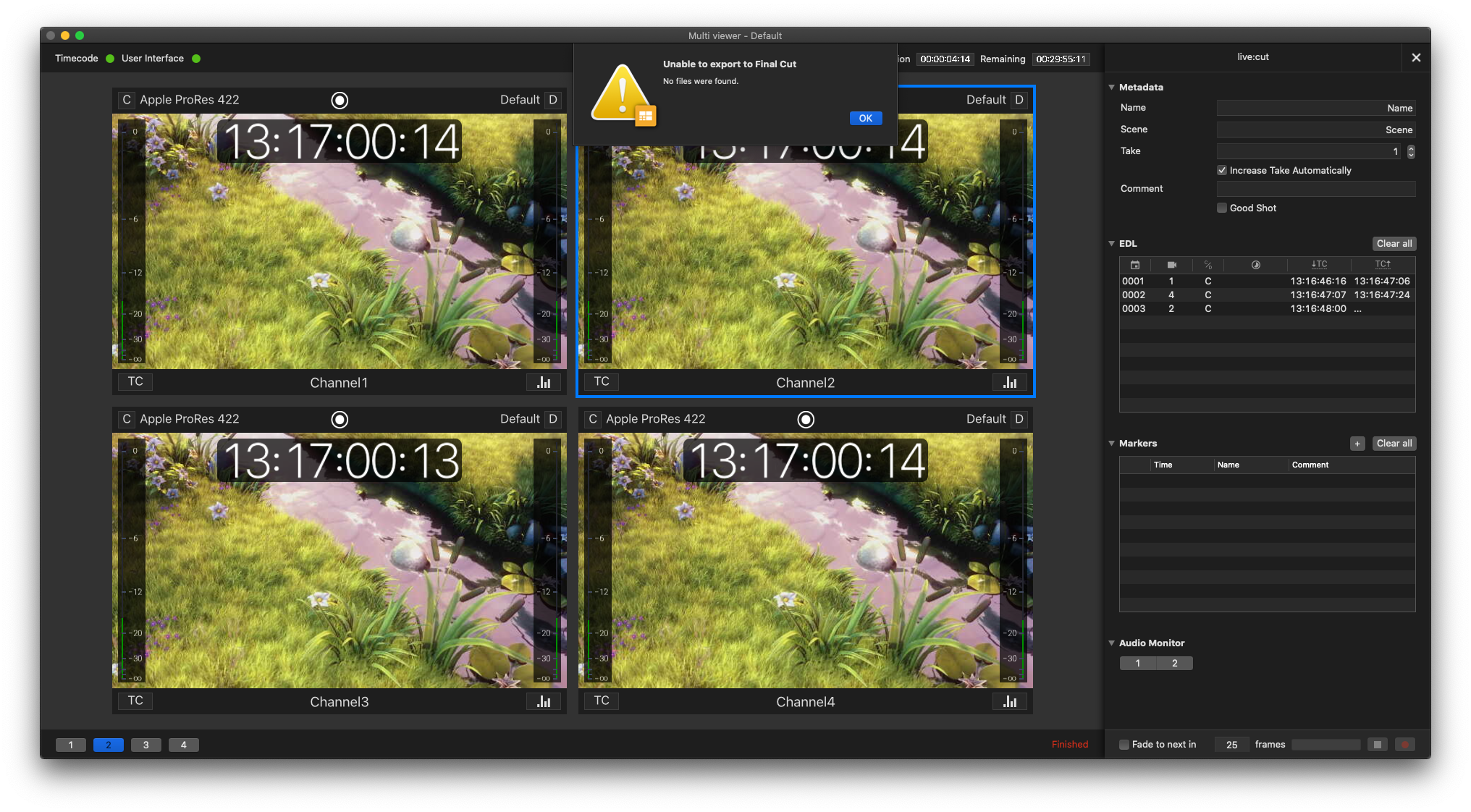
Files not found
The following error appears after recording, when trying to export the EDL. Normally the high-res path is not set correctly in the Project settings then. Check the path and re-export the EDL again.