
NOTE: Version 2026 exclusively supports Apple silicon hardware.
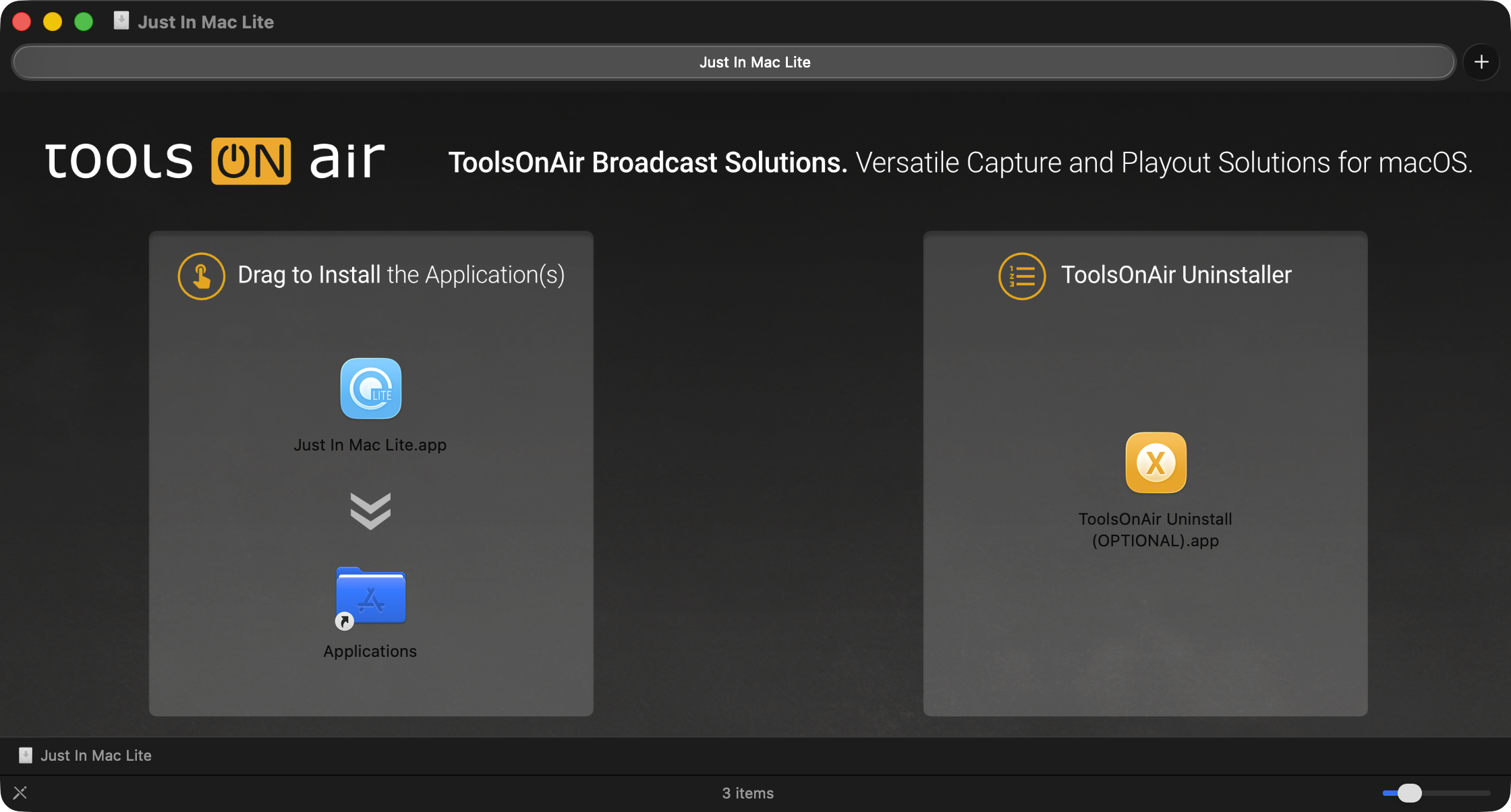
Download the Just In Mac Lite 2026 application from our website. Make sure Just In Mac Lite is quitted, then open the disk image and drag (Copy & Paste) the Just In Mac Lite application to your Applications folder.
Update Process
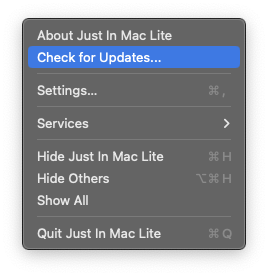
Open the “Just In Mac Lite” Menu and select “Check for Updates…”.
If you are running the last available version, then no action is required.
If there is a new version available, you can move on to the download page by pressing the “Learn More…” button.