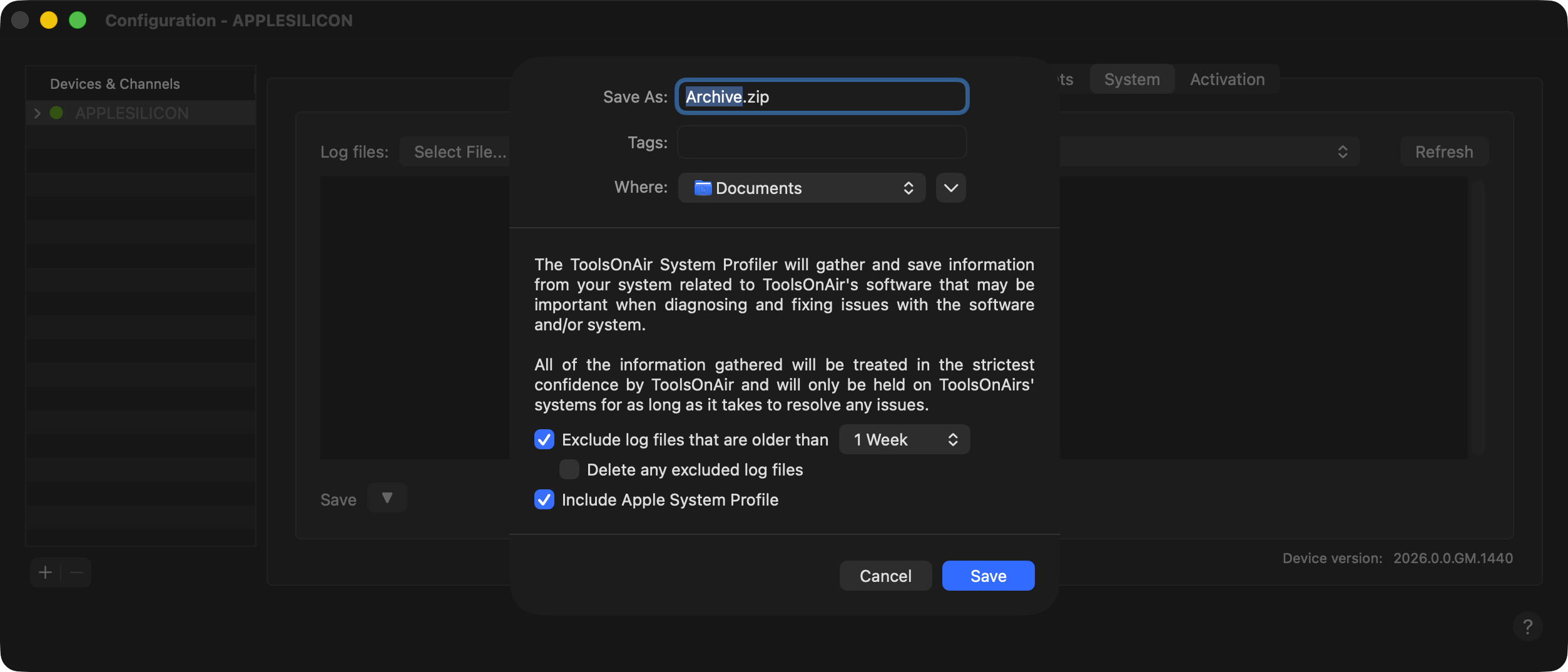
Within the “System” tab, you can perform maintenance tasks, such as saving logs or generating a “TOA System Profile”.
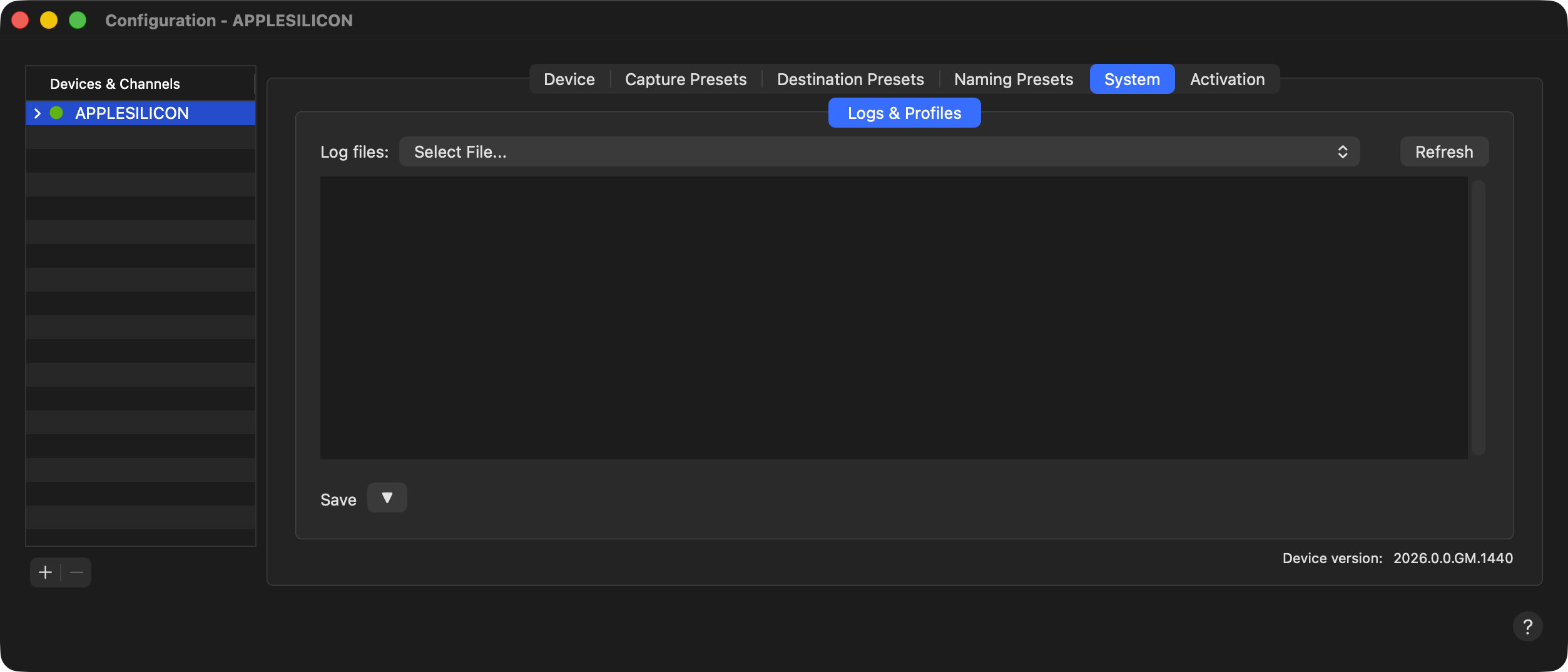
Logs & Profiles
The “System” tab is mainly used for maintenance tasks such as checking and saving log files (“TOA System Profile”).
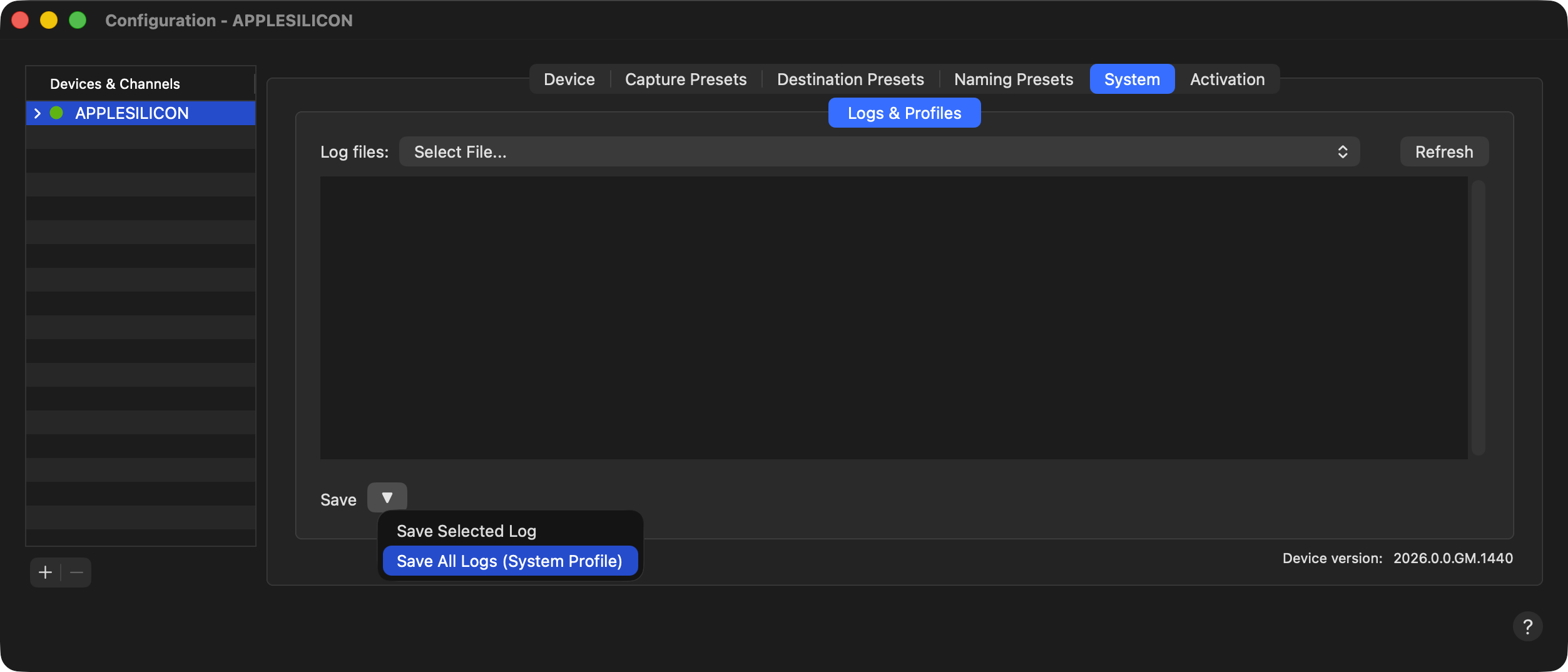
Save - Selected Log
Select one of the available log files, which will then be displayed below. Use the “Refresh” button to update the log file list.
Save - All Logs (System Profile) - Preferred
With this option, you can generate a “TOA System Profile”, which will save all needed log files from the system. For events that happened within one week, please select “Exclude log files that are older than 1 week” and “Include Apple System Profile” as this will significantly reduce the amount of collected data and therefore the size of the resulting ZIP archive.