
To make changes you must unlock just:connect. Click the "Make changes" button in the menu bar, then enter the administrator credentials of the machine.
Please be aware that a misconfiguration of just:connect may lead to unexpected results.
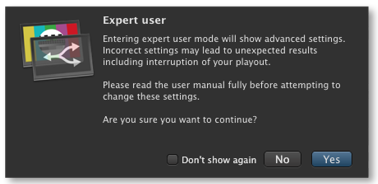
| These chapters focus on all aspects of the configuration. The following configurations will be done in "Expert User" mode. |
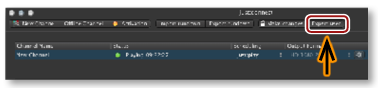
| just:connect can be switched into "Expert User" mode by clicking the "Expert User" button in the menu bar. |
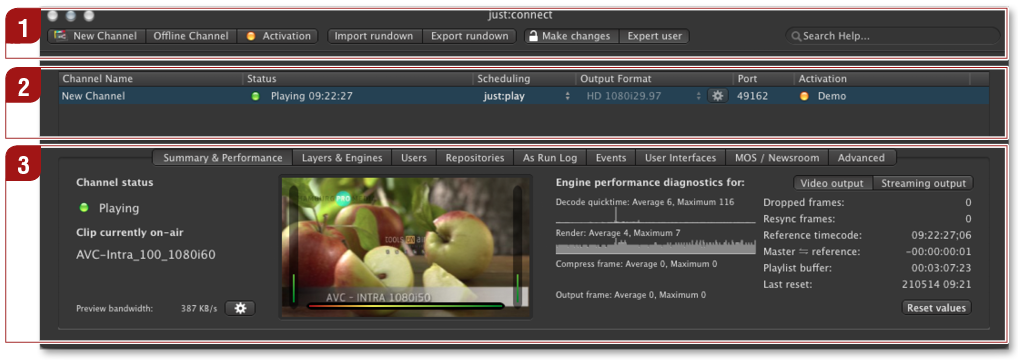
Menu Bar: Gives you direct access to the most important functions of just:connect: creating new channels, importing/exporting full day rundowns and unlocking of the user interface to make changes. If you need help in the just:connect interface, the search field offers you a direct "interactive" link to this user manual.
Channel View: Lists all channels managed by this just:connect and shows an overview of the status of each channel.
Configuration Area: Here you can change the setup of your channel including the layer assignment, the setup of the just:out engines and many other options.