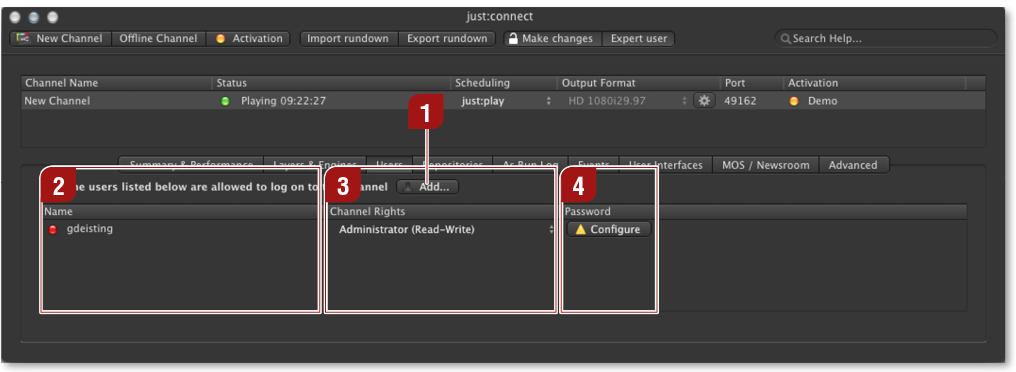
"Add User" Button: Clicking this button adds a new user to the selected channel.
Name: Lists all users which should be able to access the selected channel.
Channel Rights: Displays the rights (permissions) of each user
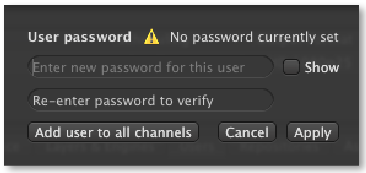
Password
| Used to set a password for a user. Clicking the "Configure" button shows a dialog to change a user's password. Clicking "Add user to all channels" adds the user to all channels administrated by this just:connect. |