Just Live & Just Play v1.8 · v.1.8 legacy documentation13.12 Changing The Name Of A Layer
To change the name of a layer select a channel first, then click the "Layers & Engines" tab. Double clicking a layer's name highlights it and allows you to define a new name. Press the enter-key to save the new name. Restart all user interf
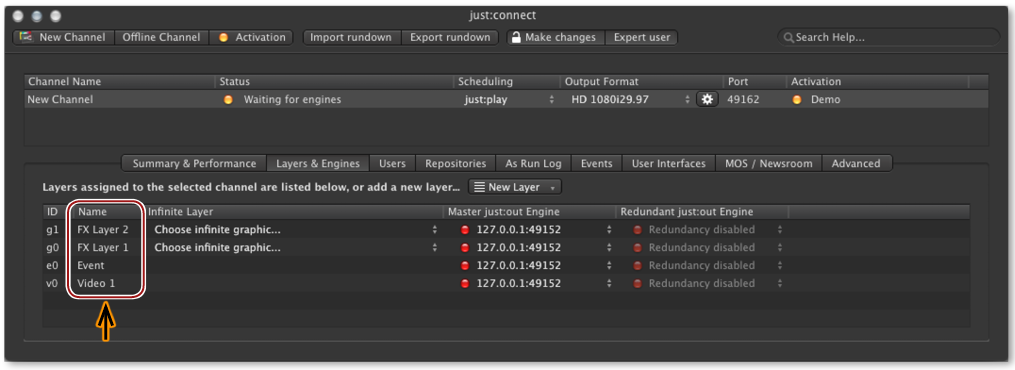
To change the name of a layer select a channel first, then click the "Layers & Engines" tab. Double clicking a layer's name highlights it and allows you to define a new name. Press the enter-key to save the new name. Restart all user interfaces which are connected to this channel to allow them to reflect the changes.