
Before using Just Live it is required to connect to a channel. After starting Just Play the first dialog prompts the user to connect to a channel.
| Choose a channel in the channels drop-down box and log in with the appropriate user/password combination. Once the Just Live user interface has been started it will gather the channel information from just:connect and present the information through the user interface to you. |
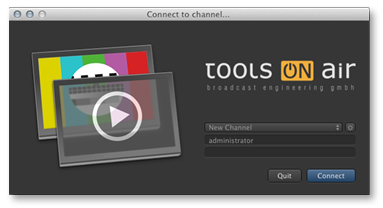
You will get a warning if access is denied. If you see a message beginning with one of the following words please contact your system administrator.
- Message 1: Sorry, User...
- Message 2: Sorry, Interface Client...
- Message 3: This channel is only for use with Just Play!