
Before proceeding, you must stop the Channel by deactivating the checkbox. Stopping the channel will also stop the playout.
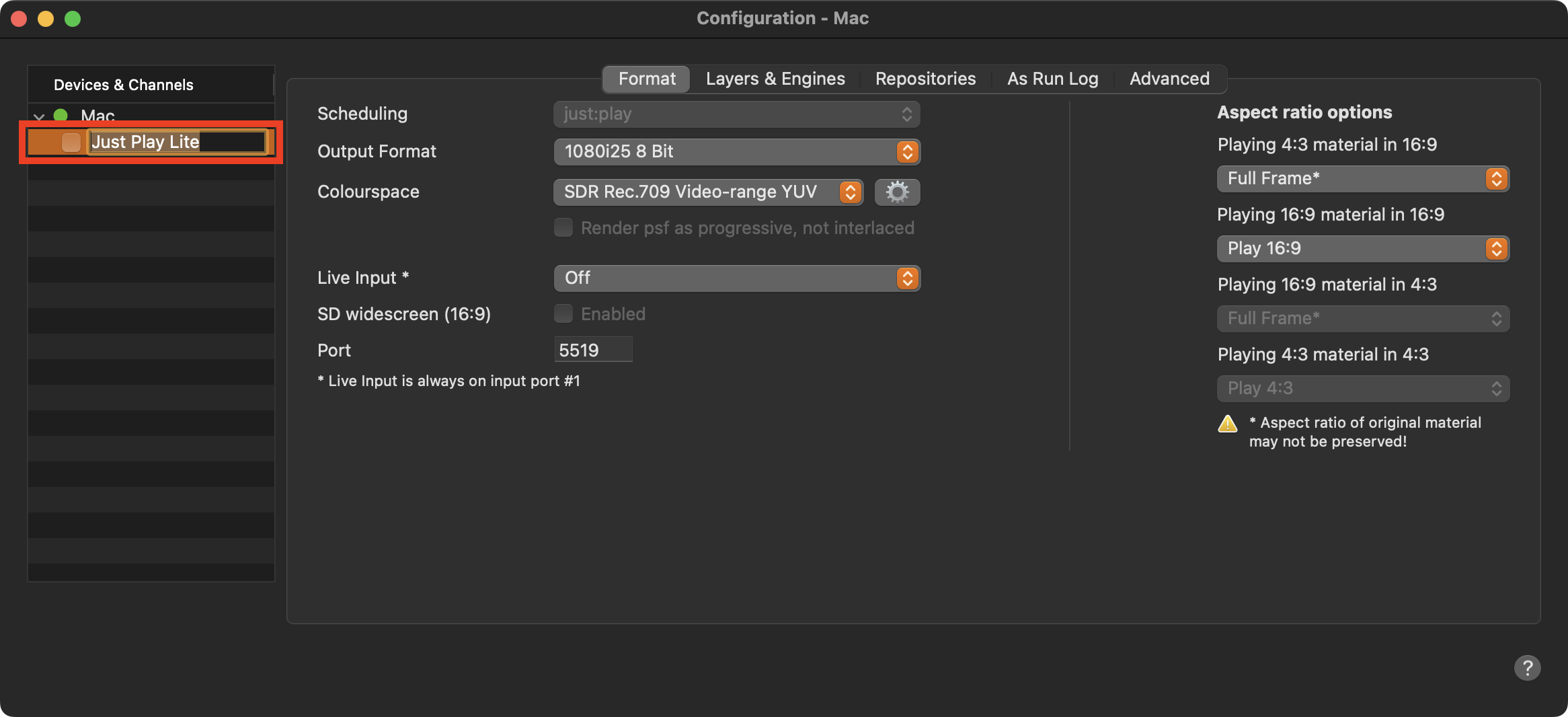
Stop the Channel by deactivating the checkbox in front of it. Stopping the Channel will also stop the playout engine and therefore the final output.
Select the Channel in the “Devices & Channels” list.
Click on the Channel’s name, it should now be highlighted.
Enter the new name of the Channel.
Press the “Return” key.
Activate the checkbox in front of the Channel to start it again and to take over the changes you just made.