
Types of Captions
Two types of captions are available:
- EIA-608, SD only: it is read directly from Line 21 of the picture data (= first visible line. Note the white "blocks" in the picture – these are encoded closed captions). It is being extracted from the picture and written as a closed captioning track into the QuickTime movie.
- EIA-708, HD only: it is read from VANC Line 9, which is not a visible line. It is directly copied as a SMPTE334M packet into the closed captioning track of the QuickTime movie.
Setup
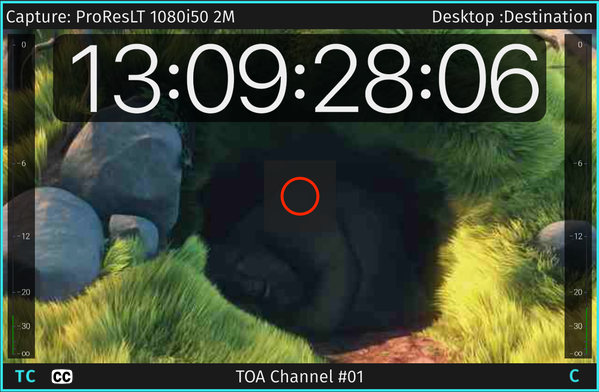
No special setup is required. If you see the CC logo in the Just In User Interface Closed Captions are being recognized and recorded into the QuickTime movie, SCC sidecar file (appropriate destination preset necessary) or into the MXF container (XDCAM HD422 only) automatically.
Supported Hardware
As for now the following configurations are supported:
- SD NTSC: AJA and Blackmagic in 8- and 10-Bit.
- HD NTSC: Blackmagic in 10-Bit only, AJA in 8- and 10-Bit.