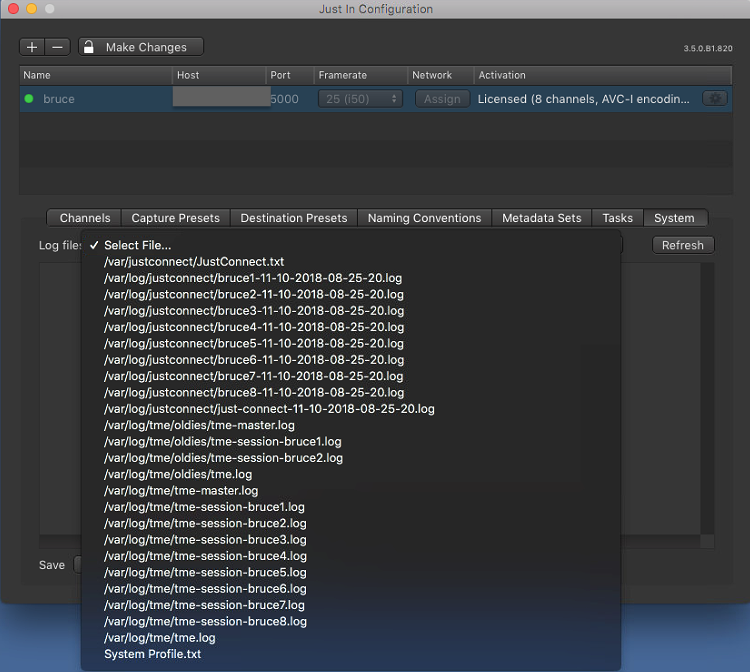
The System tab is mainly used for maintenance tasks like checking and saving log files, or restarting the Engine or just:connect remotely or to save a backup file of the just:connect settings, which can be useful for restoring older configs at some point.
Overview

- Log files: select one of the available Log files here.
- Refresh button: to update a displayed Log file you must press the Refresh button.
- Log File Display: displays the content of the selected Log.
Save Log File: saves the selected Log file to a destination of your choice. You may also save all available Log files by using the Save All button. The Just In configuration can also be saved here.
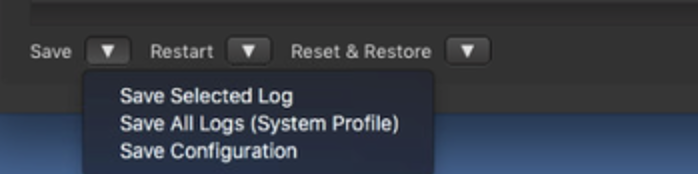
If you are encountering a problem or a ToolsOnAir support member asks you for the Logs please use the Save All button to save the Logs and attach them to a support ticket.
- Restart buttons: restarts the Engine, just:connect or both. Only use if absolutely required.
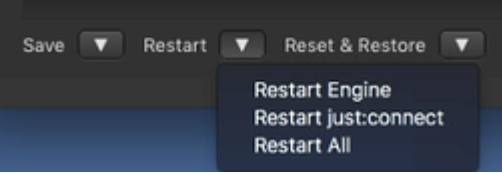
- Reset & Restore: You can reset the just:connect config here or you can restore an old config file.

Log List
Refresh the log files and then choose one of the available logs.