
Before proceeding, you must stop the Channel by deactivating the checkbox. Stopping the channel will also stop the Just Live Lite engine output.
The “As Run Log” tab allows you to configure the automatically generated As Run-Log File. It updates every time an element in the Video track has completed.
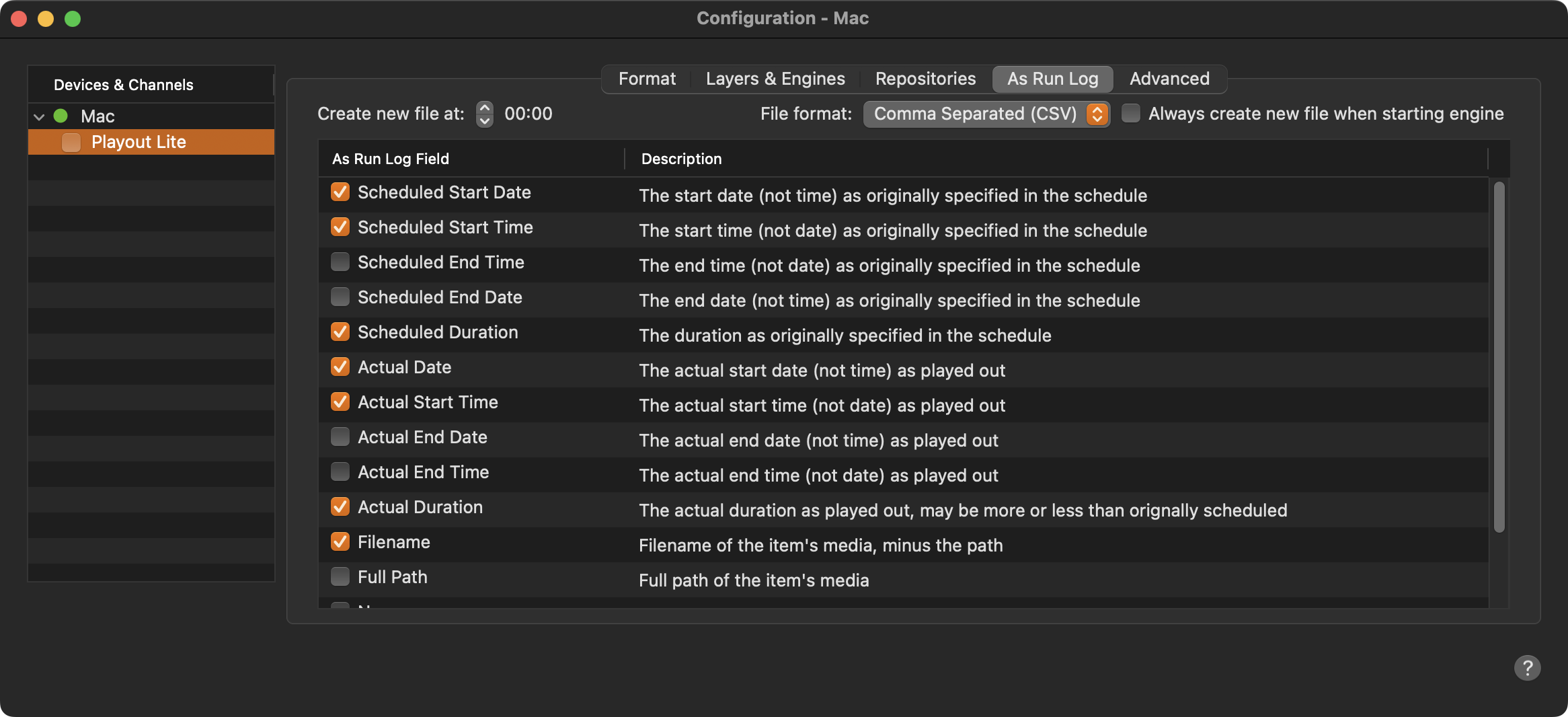
Create new file at: Defines the point of time when a new Log file is being created.
File format: By default, the log is saved as a CSV file in UTF-8 encoding. This means that all Unicode characters are logged properly. Optionally, you can also save the log file in the “Fixed Width Column” format.
Always create new file when starting engine: When enabled, a new Log file is created every time the Just Live Lite NDI application is (re)started.
As Run Log Field: Defines the data that will be stored in the As Run Log file.
The UID’s are replaced and not taken over from the existing playlist in the following cases:
Drag & drop from the Library
Copy/paste