
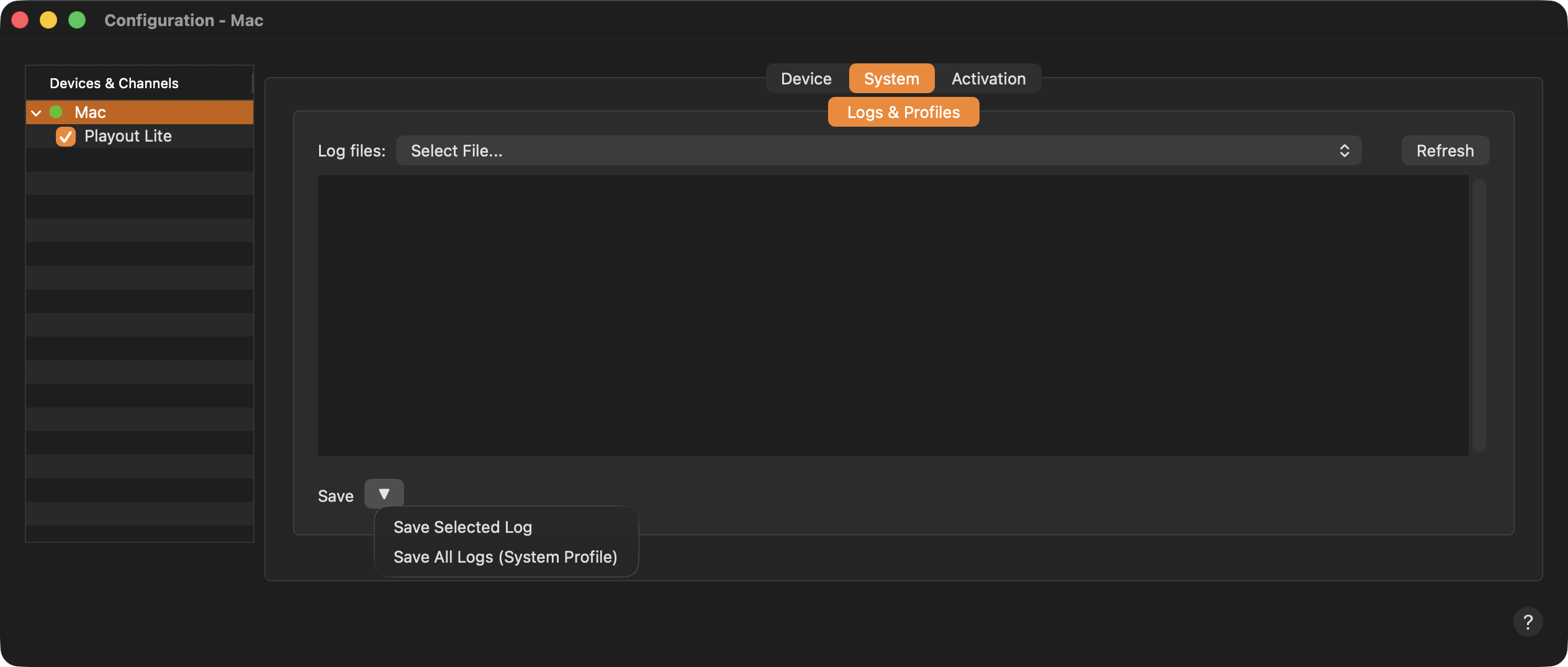
Log files: Select one of the available Log files to be displayed in the viewer below. Click the “Refresh” button to refresh the list of log files.
Log File Viewer: Shows the content of the selected Log file.
Save: Saves a Log file to a destination of your choice.
Save Selected Log: Only saves the Log which is currently selected.
Save All Logs (TOA System Profile): Saves all log files related to the selected Device.
Use the Save All Logs (System Profile) button to save the Logs and attach them to a support ticket. We treat your data confidentially and delete it after a support case has been resolved.