
Please do the following to change the name of an existing channel:
- Quit all interfaces and all engines which are connected to the channel, before changing the name of an existing channel.
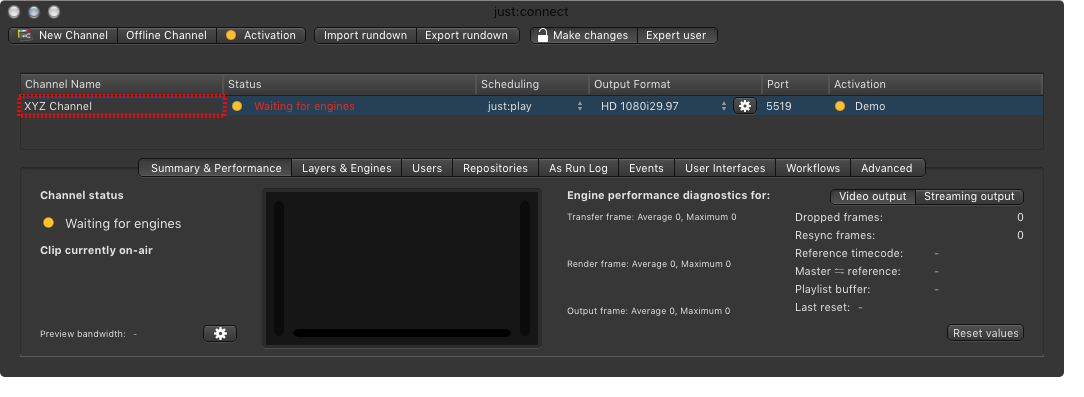
- Double click on the channel's name in the Channel View.
- When the channel's name is highlighted enter the new name of the channel and press the return-key.
Change the channel name in the log in window of the Just Play user interface, to change the channel name which is shown in the user interface.