
You can switch from one channel to another, if there has been more than one channel configured in the log in window.
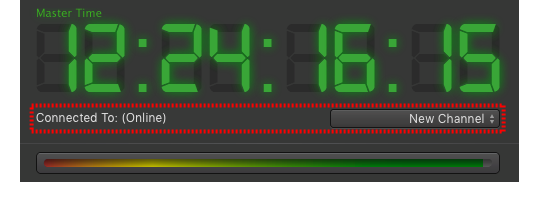
| "Connect to" channel informationIn the control area (right below the timecode) you can see the name of the channel you are currently connected to. |
| To switch to another channel:
Switching to another channel means that the whole interface will change to reflect the status of the other channel. |

If you try to connect to a channel with insufficient permissions you will get a warning. Please contact your system administrator for more information.