
To add an audio element to your schedule switch to the "Audio" tab in the library and drop an audio file on an Audio layer in the timeline. If desired change the attributes of the audio element by using the mouse (the position in "Edit Mode" only) or the inspector.
|
Audio elements can be added to a schedule by drag and drop from the Library to:
|
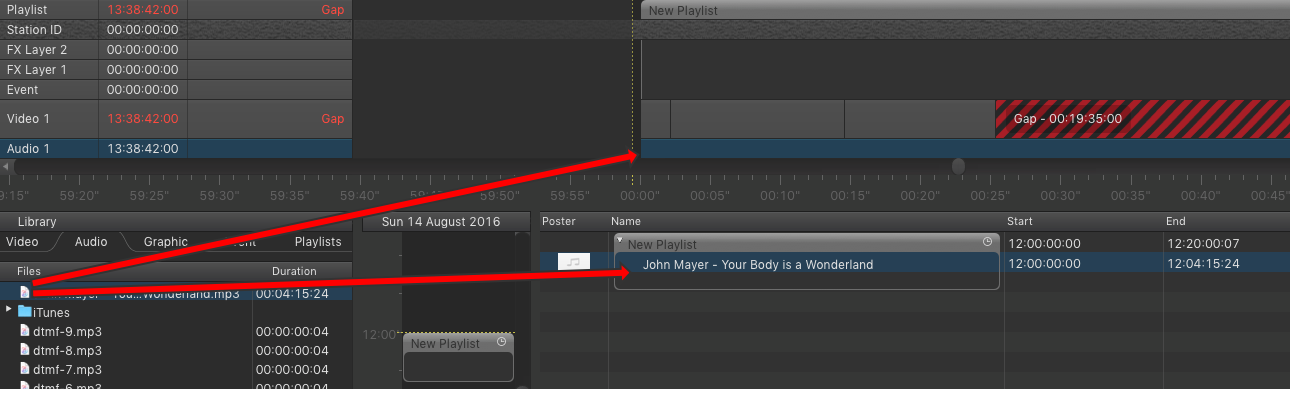
You can also drag and drop files from the Finder. In case just:out is running on another machine, the audio file files must be copied to the other machine using exactly the same path. Ask your system administrator for more informations.
It is not possible to add audio files to the rundown whose drop point is in the past. This would change the current playout and will therefore be rejected. A warning will be shown instead.