
Identifying your Mac Model
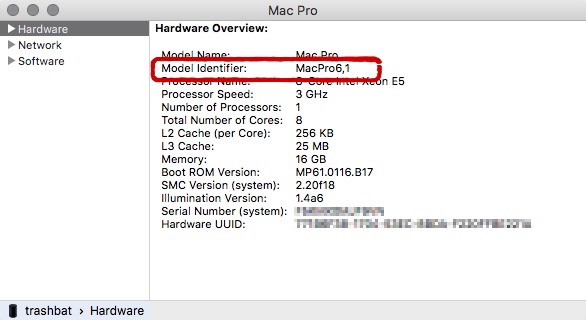
- Open the System Information application on the appropriate machine
- Locate the Model Identifier entry in the Hardware section
Supported Macs
| Testing (SD and HD) (at least 8 GB of RAM) |
|
|---|---|
| Good (SD and HD) (at least 12 GB of RAM) |
|
| Optimal (SD and HD) (at least 12 GB of RAM) |
|
| UHD Playout (at least 16 GB of RAM) |
|
The Just Live/Just Play user interface can be operated on any Mac which supports the minimum system requirements as long as the just:out engine is running on a hardware listed above.