
Make sure that Just Control is not started automatically using the “Login Items” functionality of the system preference pane “Users & Groups” or “General → Login Items”. Instead, use “Stay Alive” to start the application automatically after a restart of the Mac or a crash.
Key Features
just:control and its integrated Multi Viewer Interface can be used to setup, maintain and operate up to 64 ingest and playout channels. In addition, unused viewers can be used to show additional information like clocks and web pages but also live input previews and primary/redundant engine outputs, for a feature rich Multi Viewer experience. And thanks to the underlying client server architecture, just:control can be opened and user simultaneously on as many machines as you want, showing the same or different content.
Interface
just:control comes with several user interfaces to log in as a certain user, to generate new as well as to change the settings of existing channels, and to watch and operate ingest and playout channels.
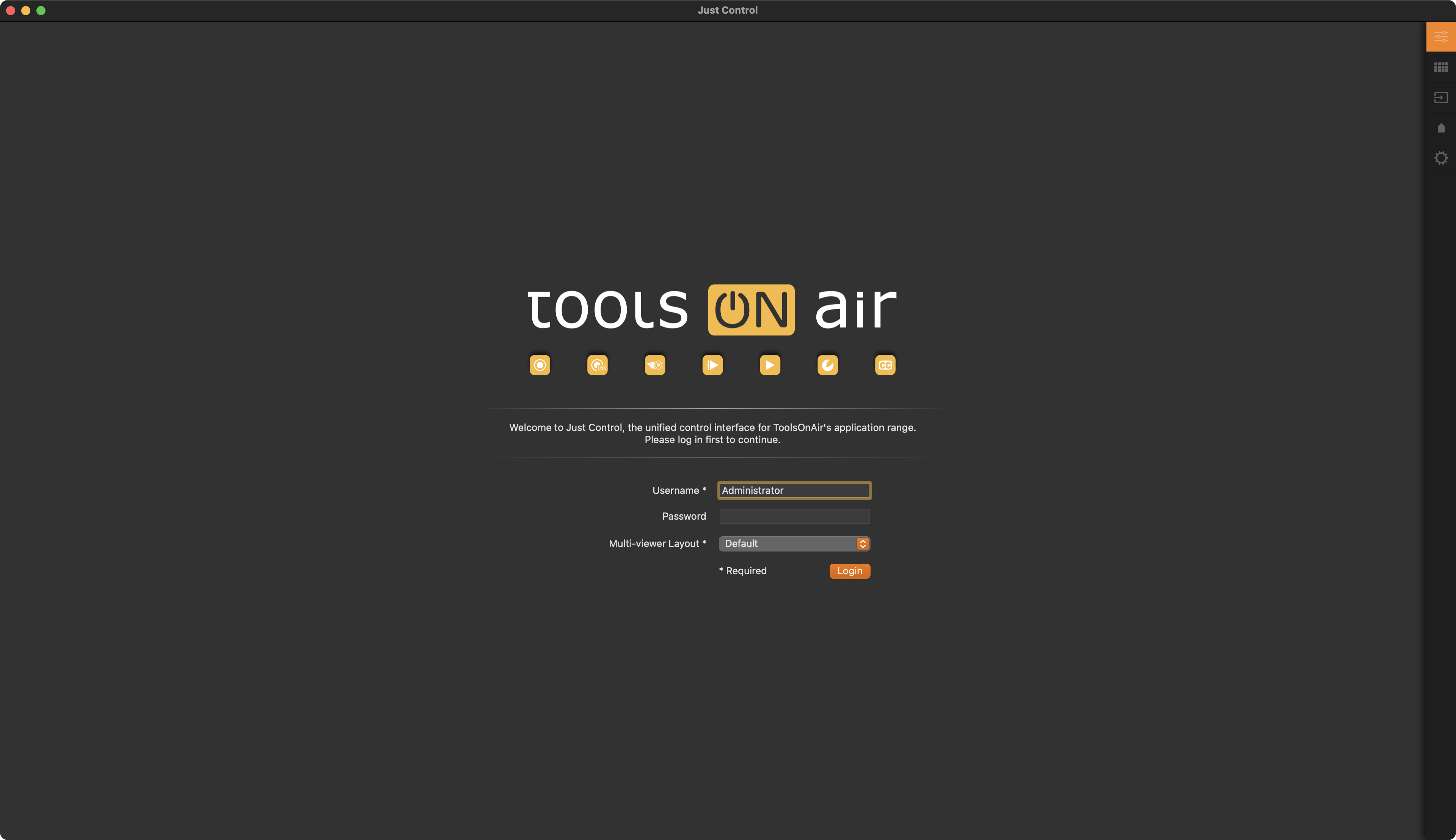 | Log In Window: The Log In window provides a user rights management based access to the Just Control user interface. It also provides the ability to choose one of the user interface layouts, which have been saved for the chosen user. |
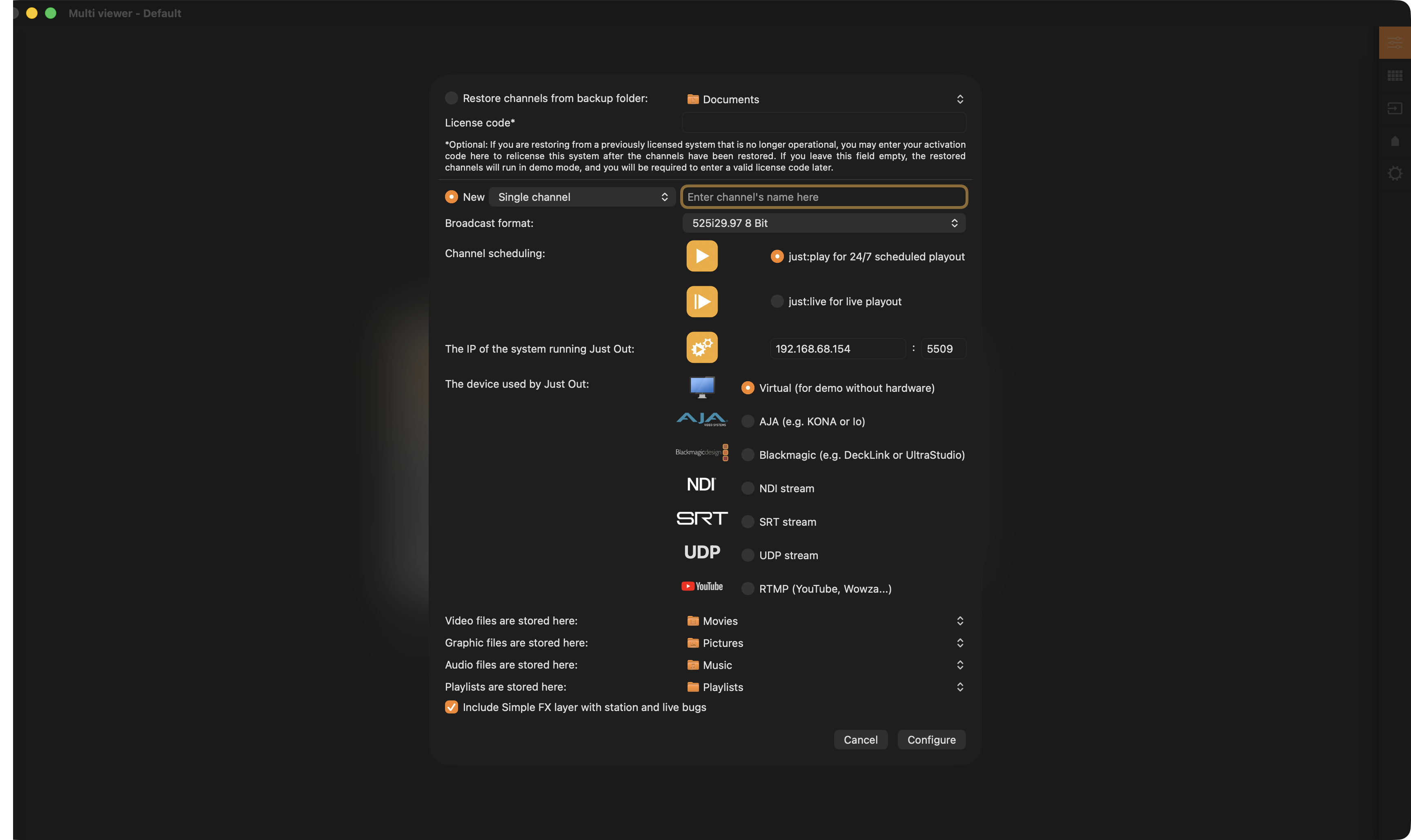 | Channel Wizard: The integrated Channel Wizard provides everything needed to restore a channel from a backup file, or to generate up to 4 new playout channels on a single Mac. Settings defined for the new channels here can later be changed in the Configuration window. |
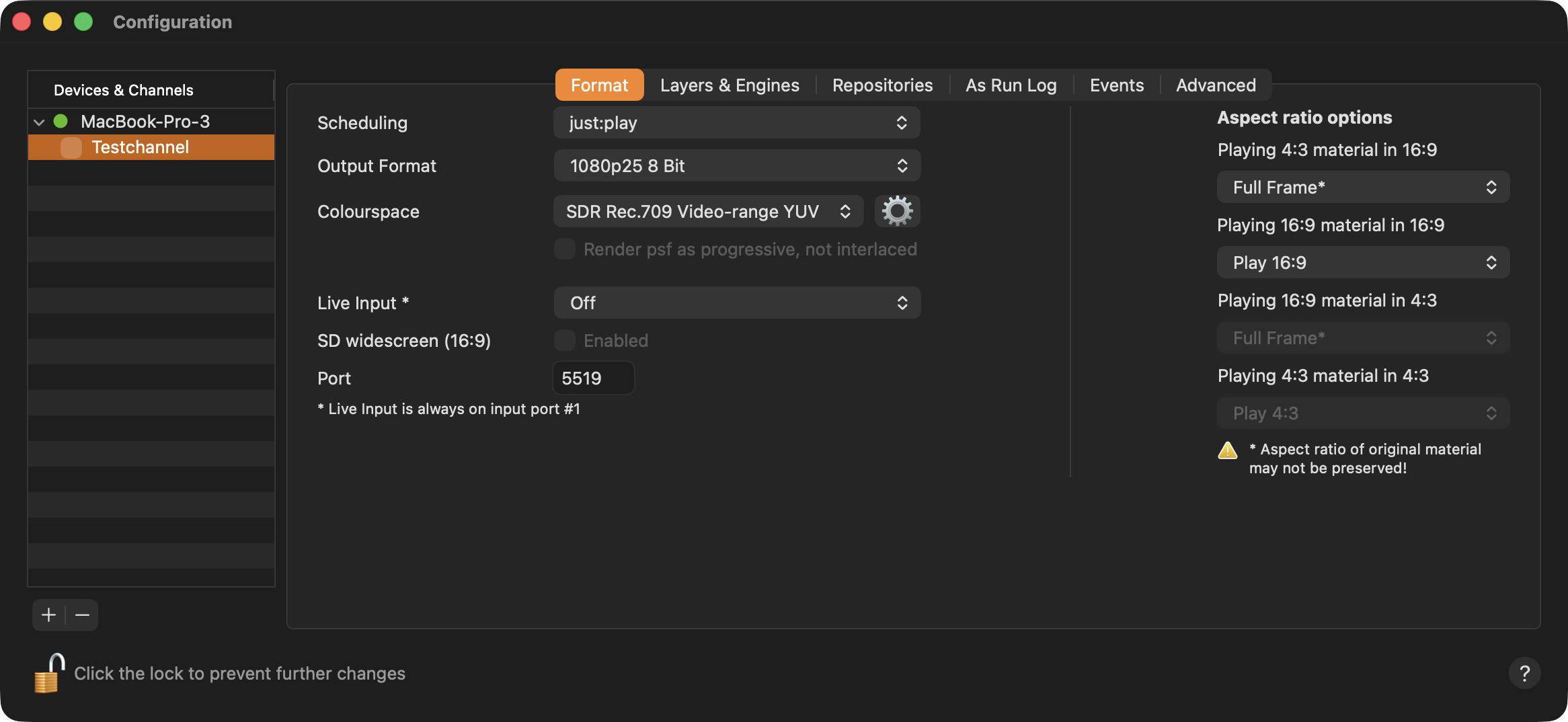 | Configuration Panel: The Configuration window allows to add more devices and offline as well as online channels, and to change the attributes of already existing ingest and playout channels. |
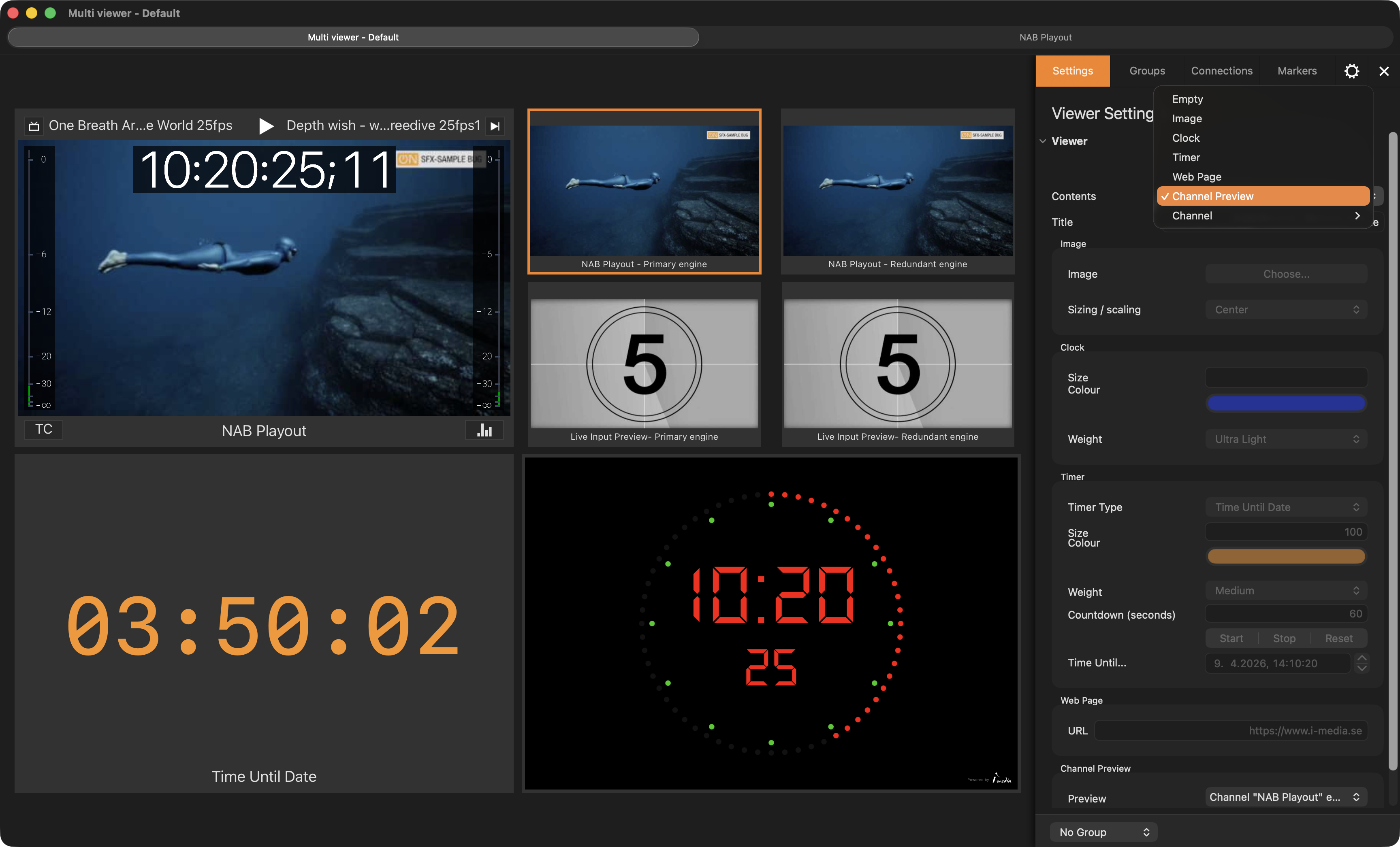 | Multi Viewer: The Multi Viewer allows to operate available ingest channels and provides access to the dedicated Just Live and Just Play playout user interfaces. Unused Viewers can be filled with useful information like counters, clocks, websites and previews. |