We have been testing SendGrid’s (https://sendgrid.com) free service, which allows you to send up to 100 emails per day.
SendGrid
Create an account and log into it.
Click on “Settings” in the sidebar.
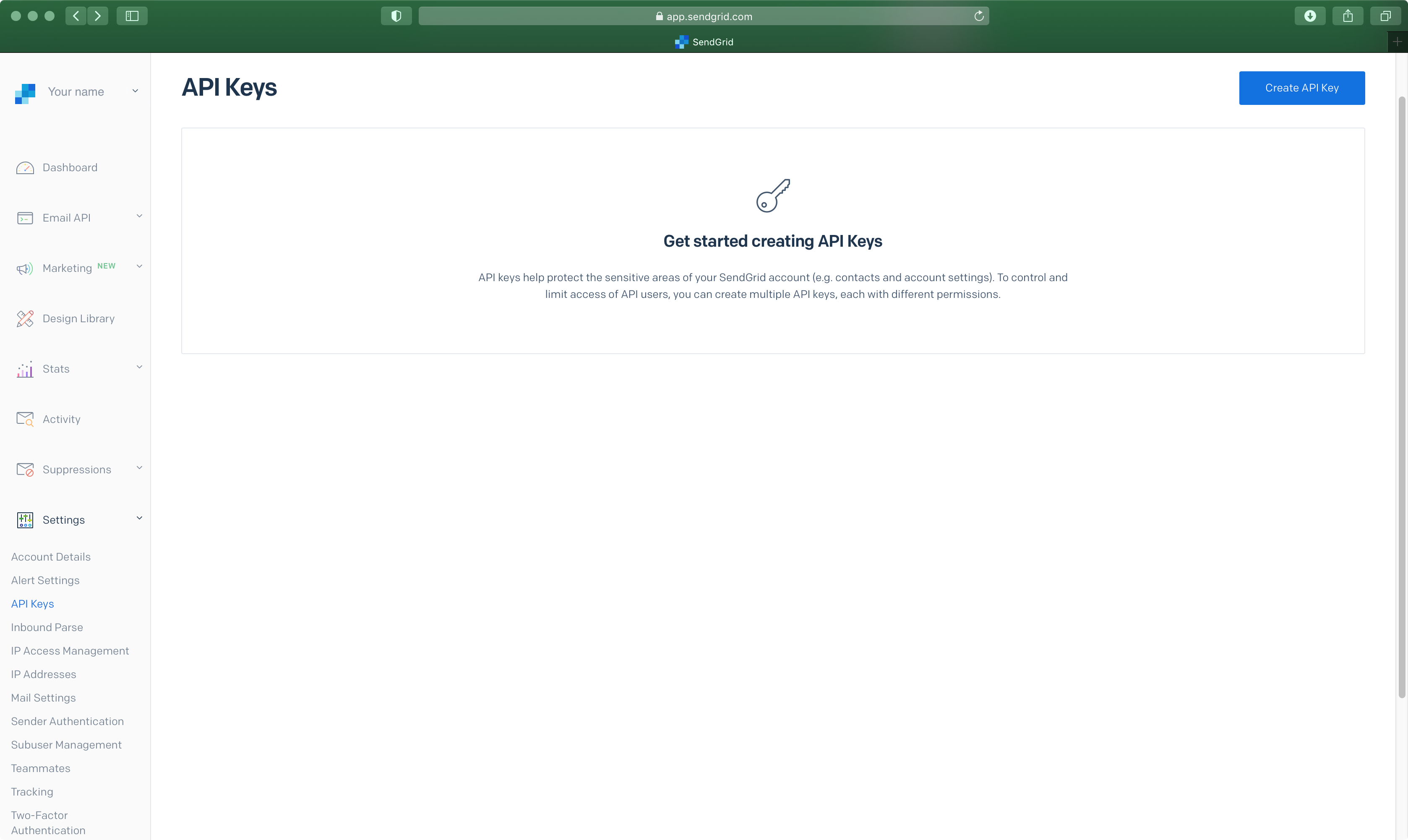
Click on “API Keys” and press the “Create API Key” button in the upper-right corner.
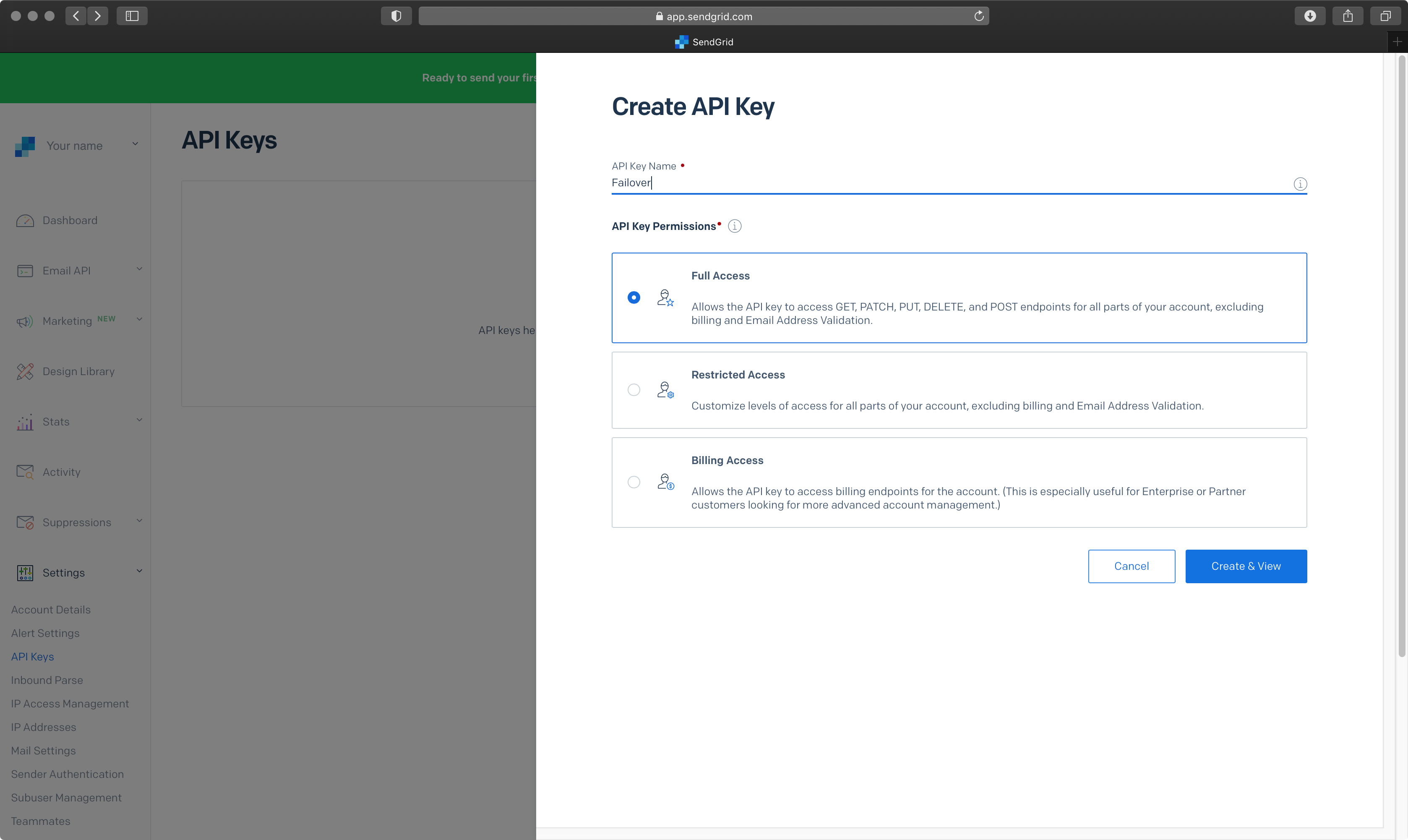
Enter the “API Key Name” and select “Full Access” for the API Key Permissions. Press the “Create & View” button afterwards.
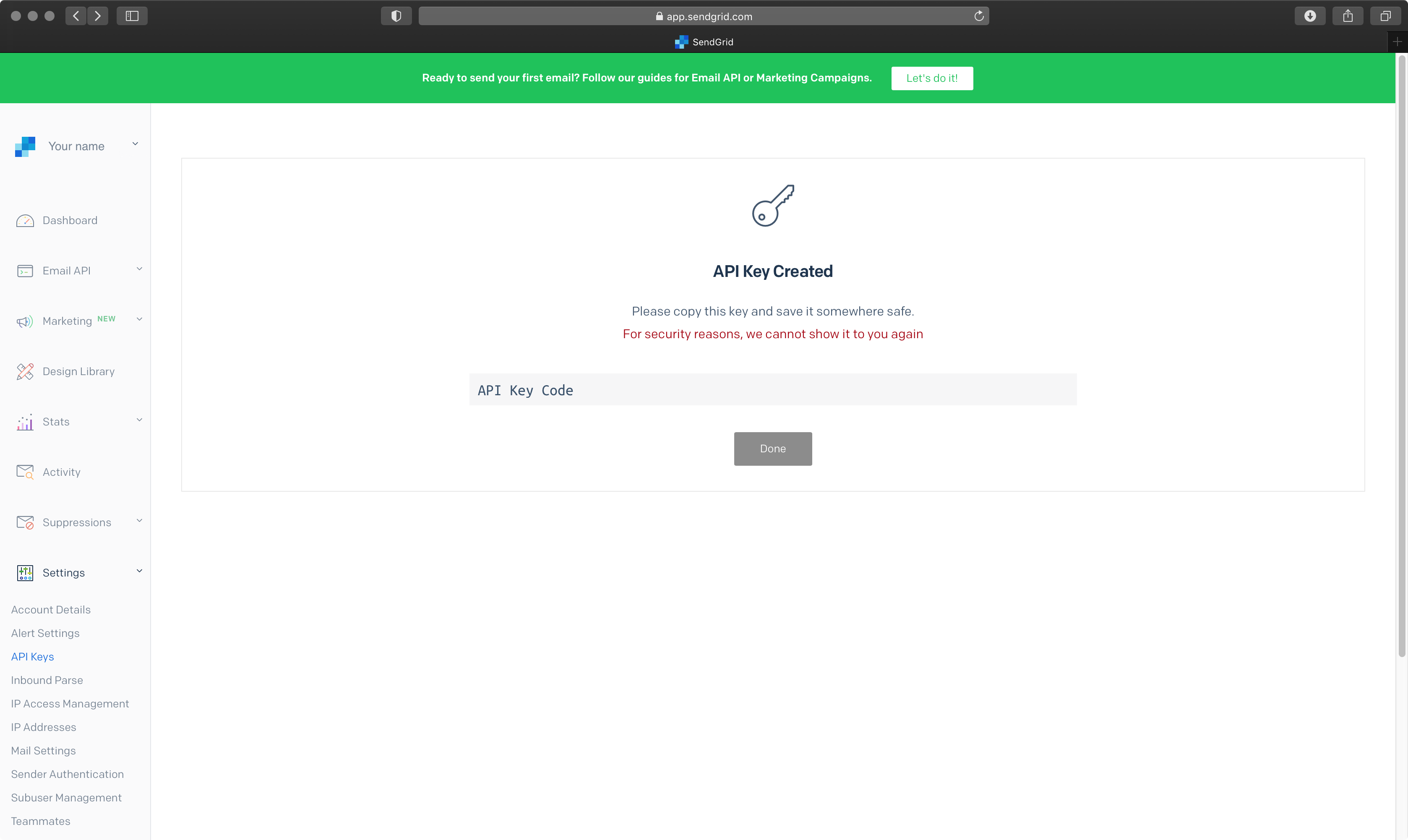
The “API Key” has now been generated and is shown in the gray area. Copy and save it for later use, as it cannot be retrieved again later on.
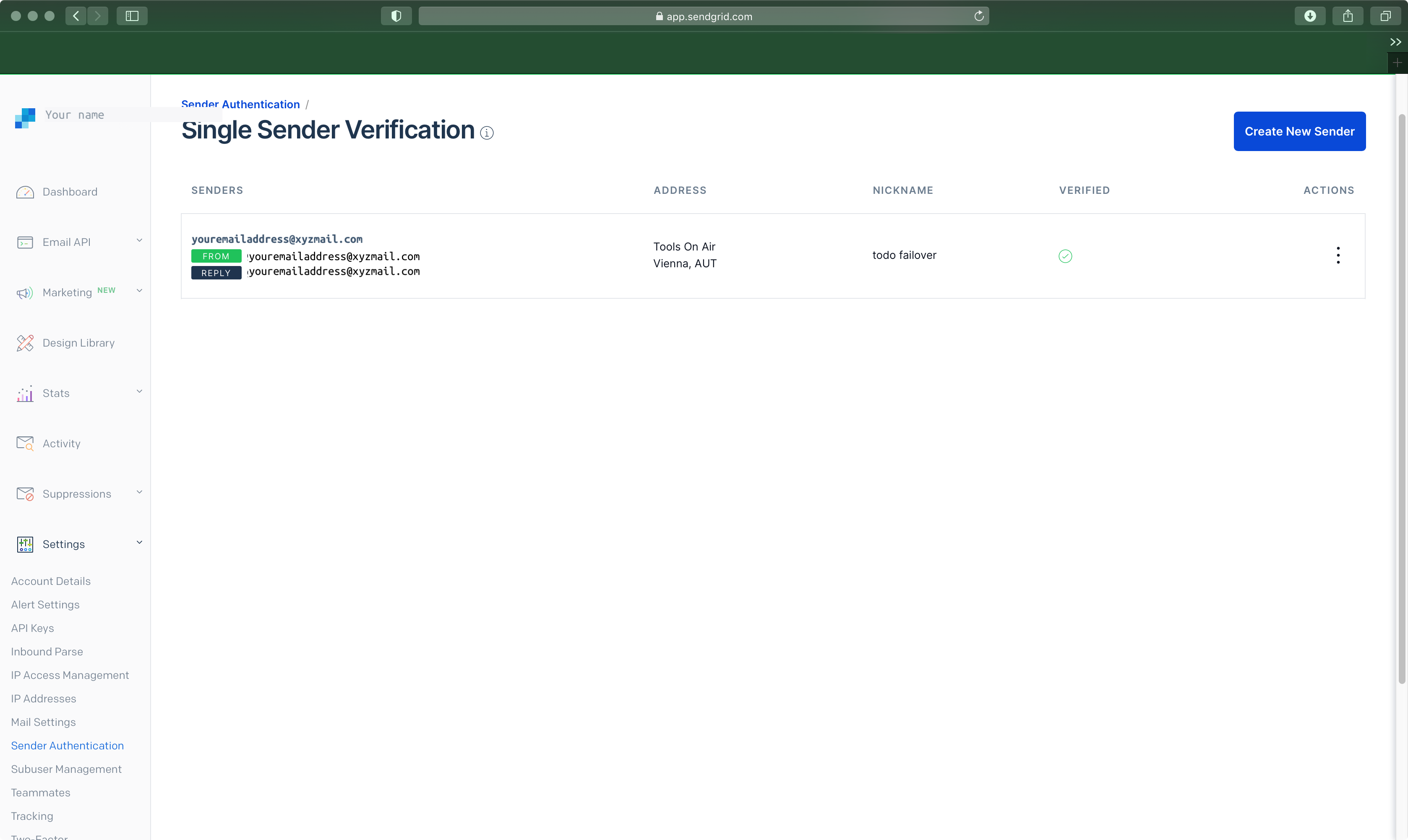
In the sidebar, click on Sender Authentication and make sure your account is verified.
ToolsOnAir Just Control Configuration
To add a mail notification, open the Events tab of the Just Control Configuration window, as described here: [COPY] 12.8 Channel - Events Tab (v.2025.x)
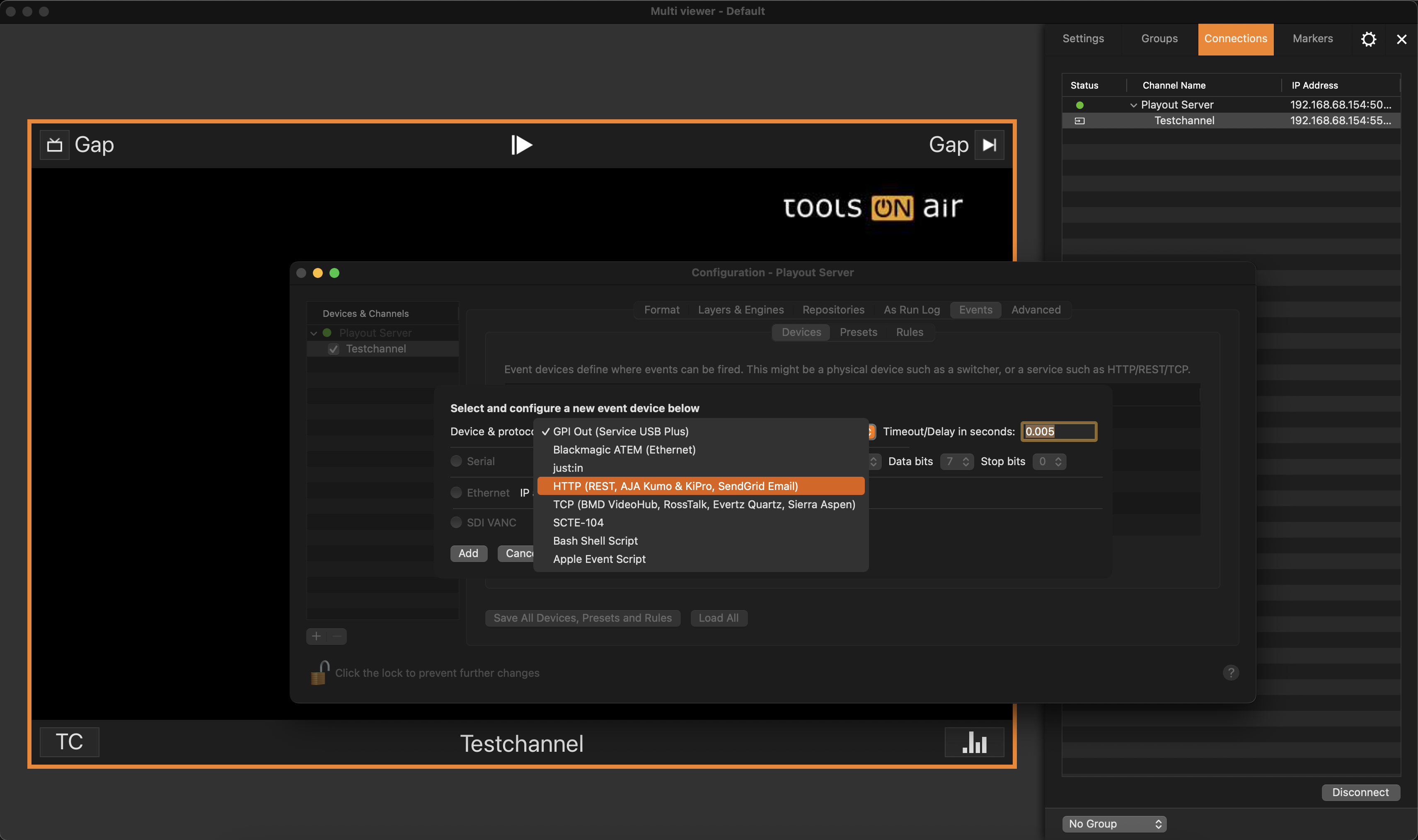
Under “Device and protocol” select “HTTP (Rest, AJA KUMO, SendGrid Email)” and click on the “Add” button.
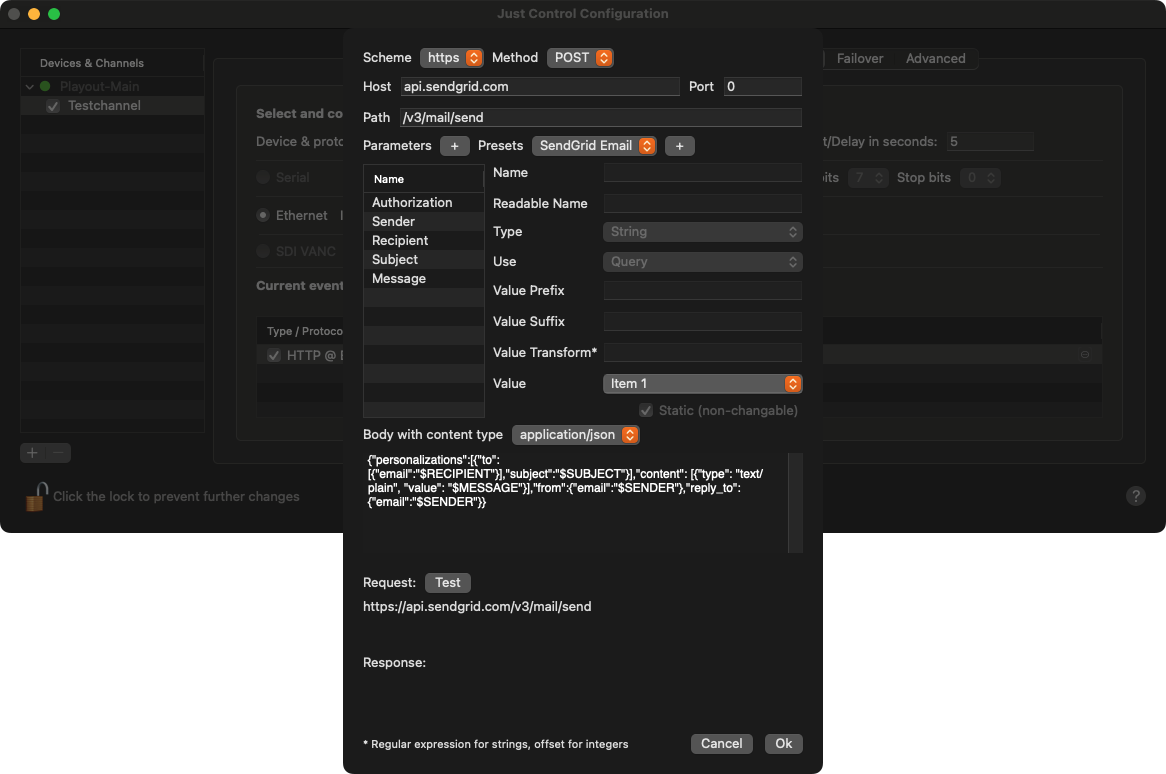
The configuration window opens. Select “SendGrid Email” under “Presets” and click on the “Plus (“+”)” button.
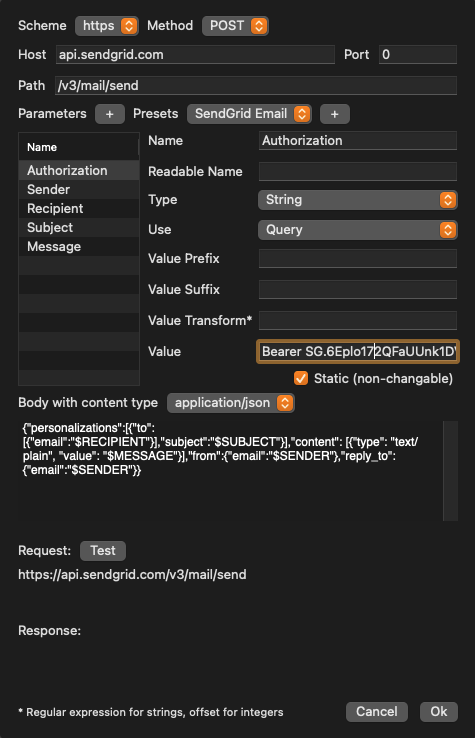
Select “Authorization” and paste the previously created “API key” into the “Value” field.
Select “Sender” and enter the sender’s email address of the sender into the “Value” field.
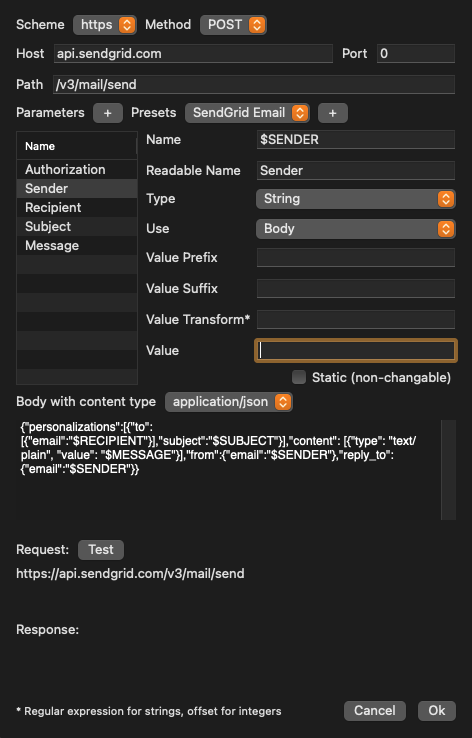
Select “Recipient” and enter the recipient’s email address into the “Value” field.
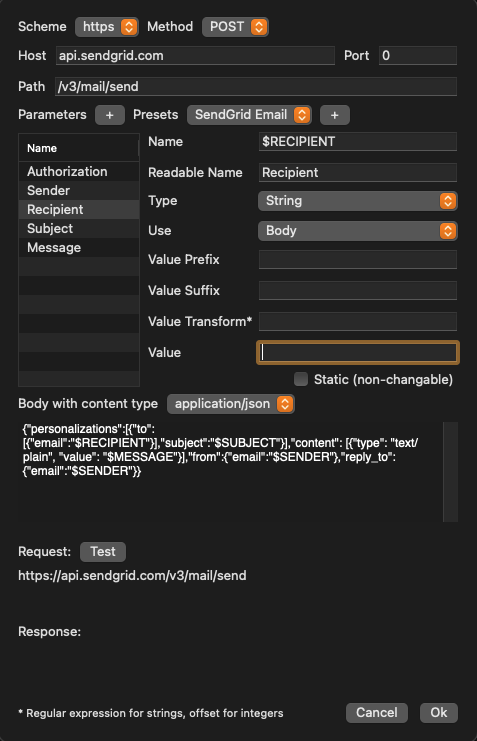
Select “Subject” and enter the subject text into the “Value” field.
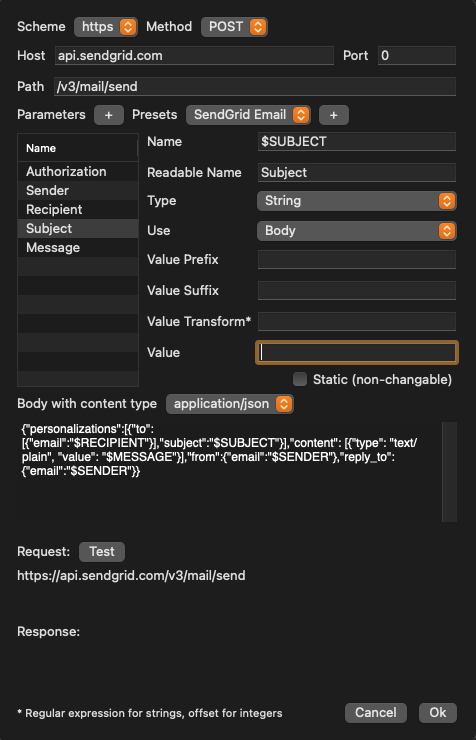
Select “Message” and enter the email text into the “Value” field.
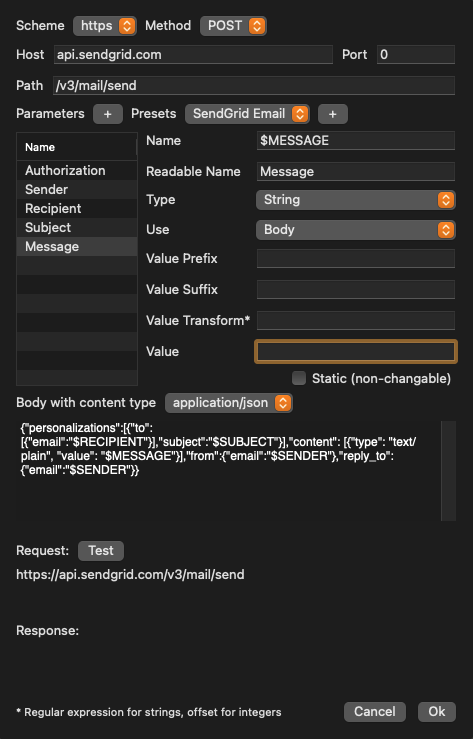
8. Press the “Test” button to verify the connection to the SendGrid server. If positive, press the “OK” button.
9. Click on Preset and add a Preset according to your needs
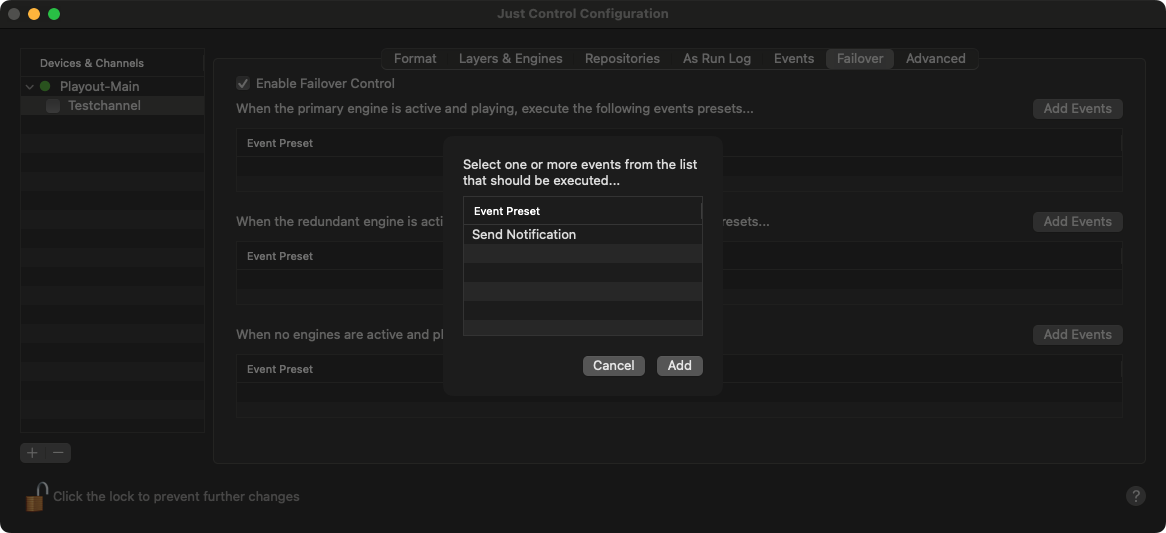
9. You can now use the event as part of the Automated Failover Control option.