
You must unlock the Configuration panel first to perform any changes.
Before proceeding, you must stop the Channel by deactivating the checkbox. Stopping the channel will also stop the Just Out Primary engine output, unless there is a Redundant engine available.
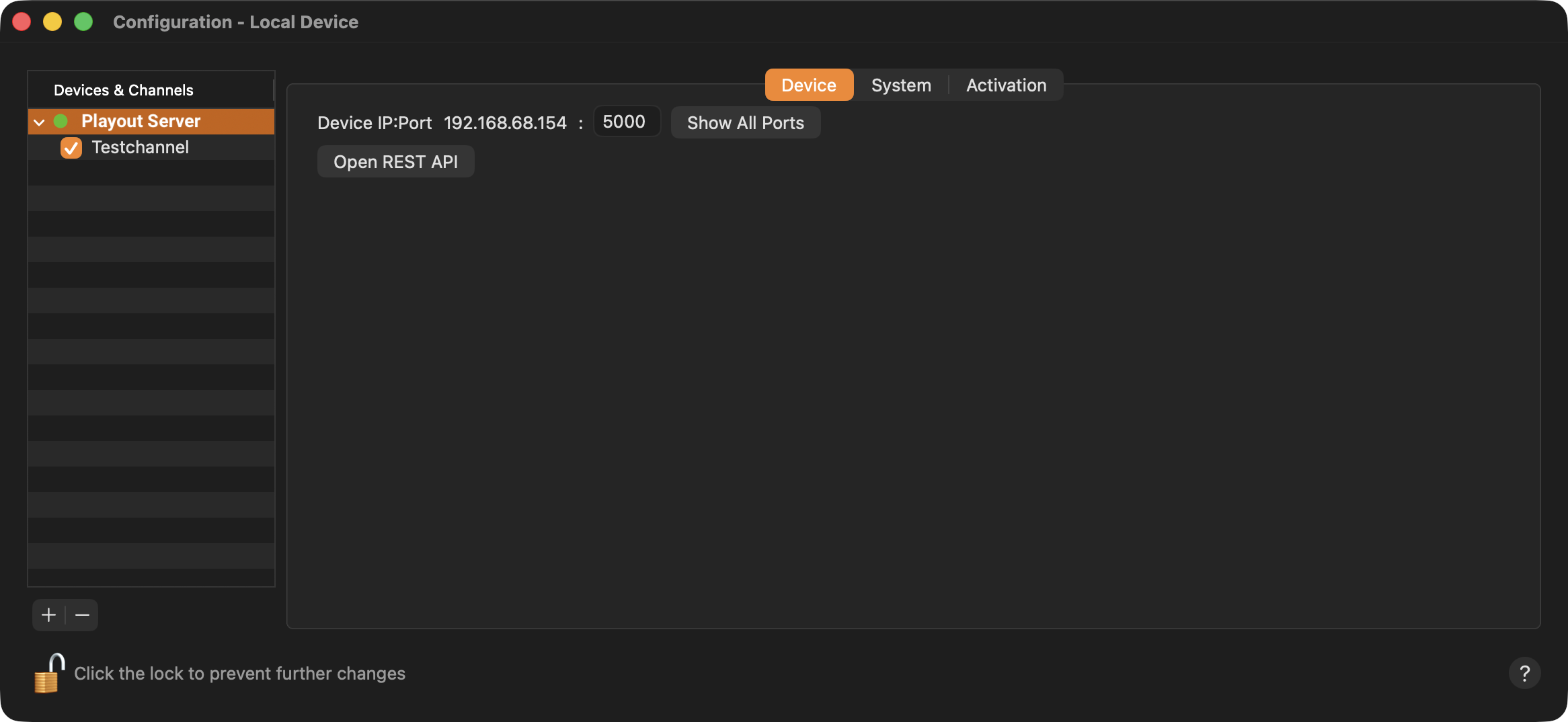
Device IP:Port: Allows you to change the Port of the selected Device. This can be useful in case the Port defined for this Device is already used on this Mac and therefore needs to be changed.
Show All Ports: Click the button to open a new window which shows all the ports used by the selected device.
Open REST API: Click the button to open a Swagger page in your local web browser, which shows all REST API calls available to control ToolsOnAir playout products.