It is possible to check the properties of a Just Out engine, even when the engine is running on another machine. This is useful in situations where you would like to know more about the hardware an engine is running on.
You must unlock the Configuration panel first to perform any changes.
Before proceeding, you must stop the Channel by deactivating the checkbox. Stopping the channel will also stop the Just Out Primary engine output, unless there is a Redundant engine available.
Select the Channel in the “Devices & Channels” list.
Click on the “Layers & Engines” tab.
Select an existing engine and choose “Properties”.
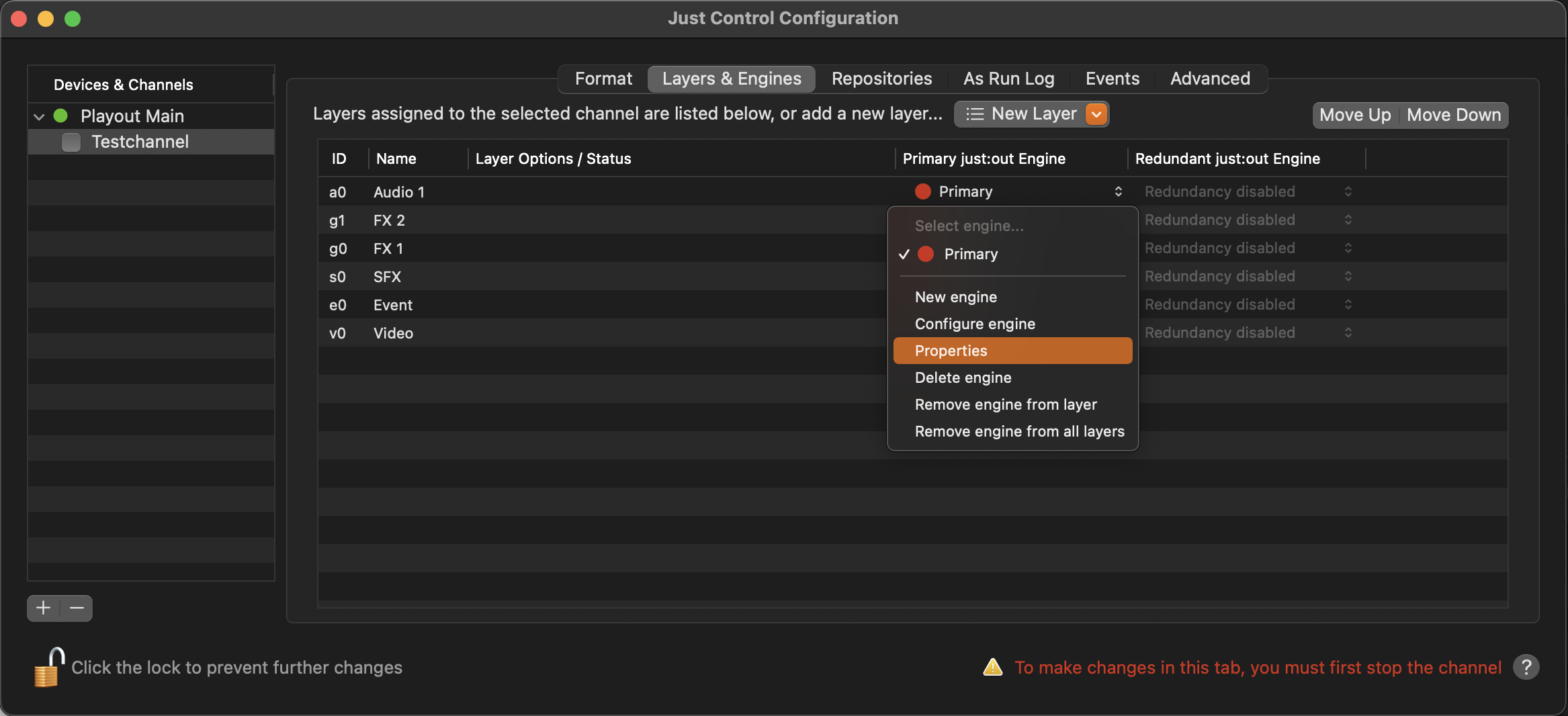
A window appears showing you all the available details of the machine and the video device that is used by the Just Out engine.
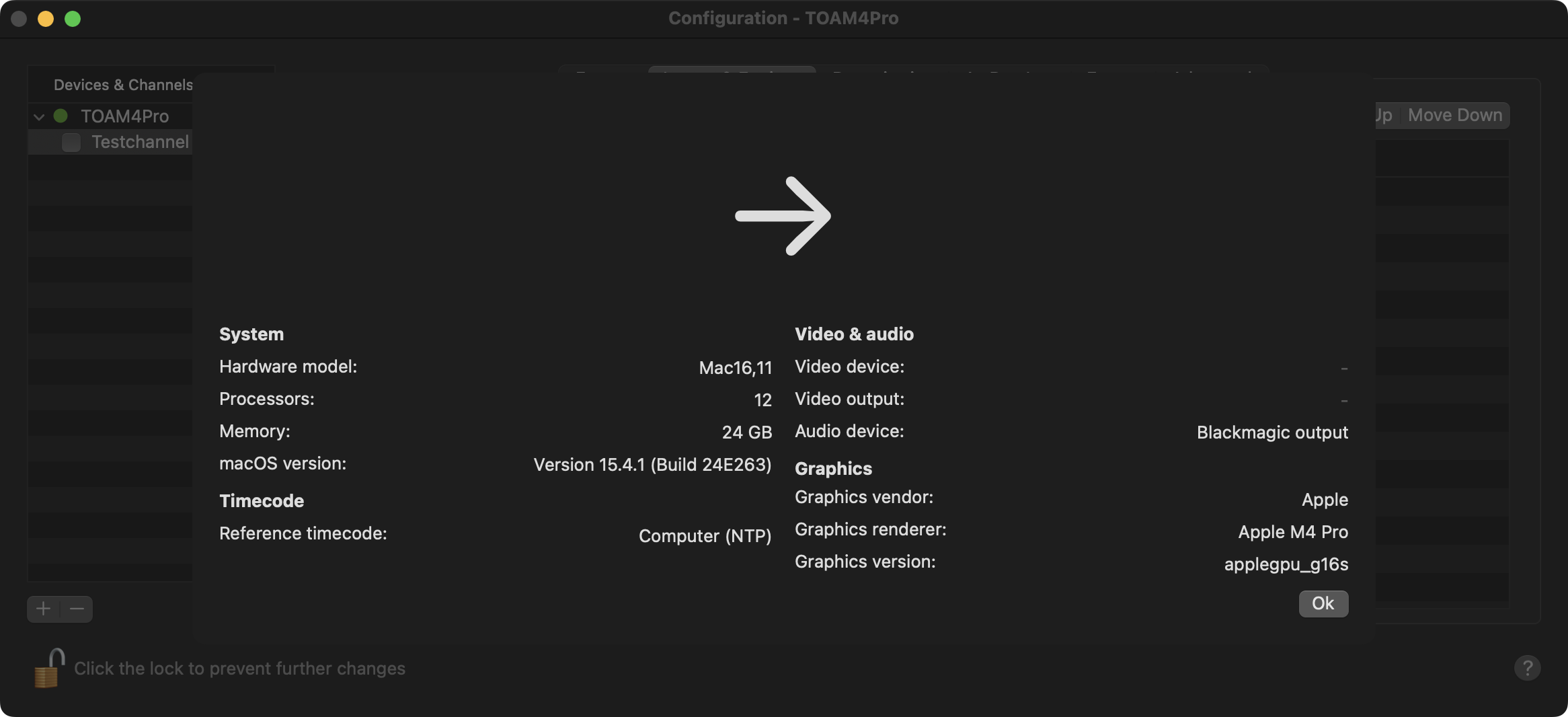
Close the window when you’re done.
Activate the checkbox in front of the Channel to start it again and to take over the changes you made.
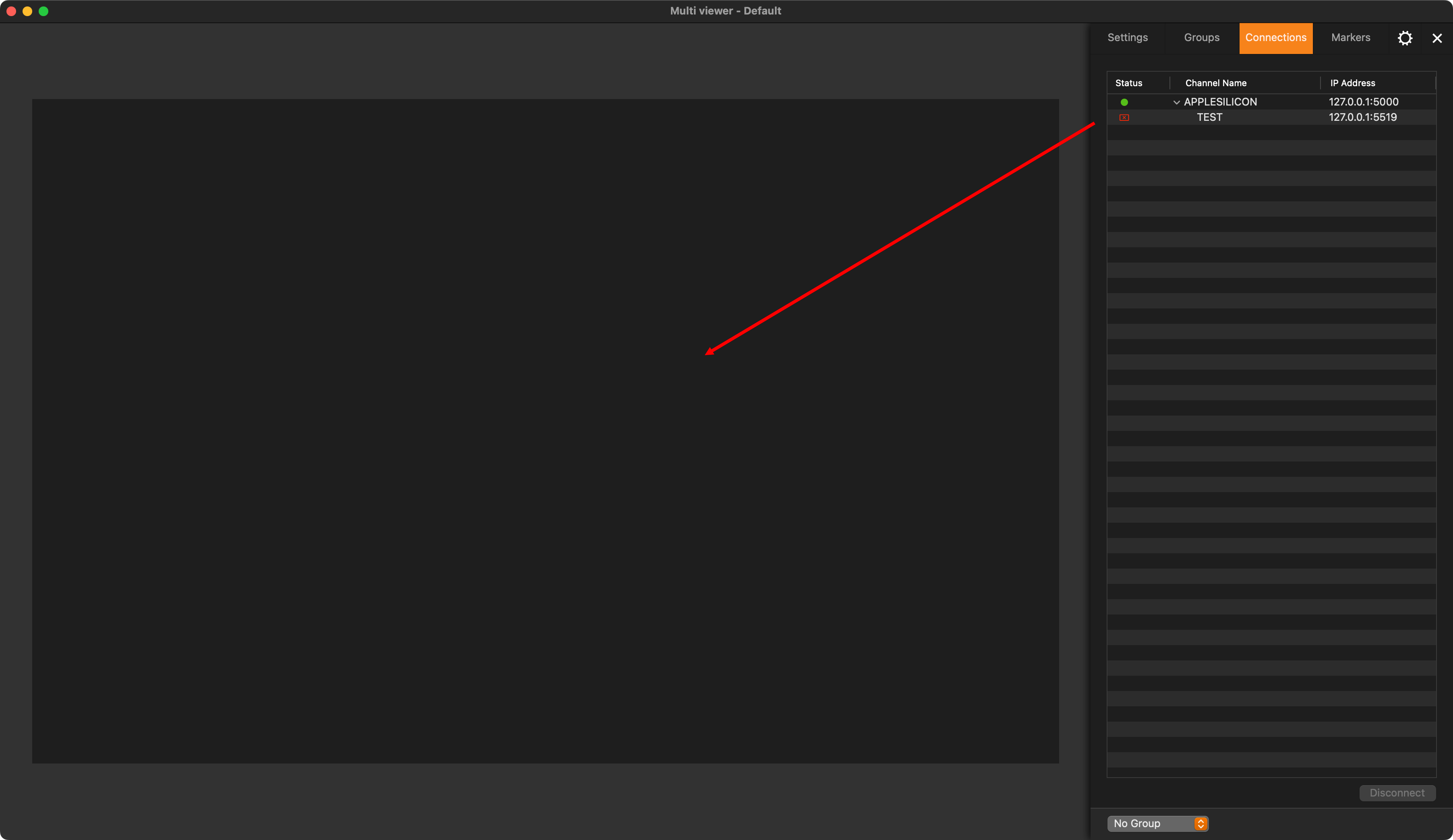
Close the Just Control Configuration window and drag the Channel from the “Connections” tab to the Multi viewer area.